





Handheld vs. Fixed-Mount Barcode Scanners: A Practical Selection Guide Based on Your Workstation
At first glance, a barcode scanner is just a device that "reads codes." But choose the wrong form factor, and you'll pay for it every day — a production line held back by manual scanning, or a warehouse that needs mobility but gets a fixed-station setup instead.
Handheld and fixed-mount scanners aren't "budget vs. premium" options. They represent two fundamentally different operational models. Handhelds are about bringing scanning capability wherever people go. Fixed-mount readers are about reading codes automatically as items pass by. Understanding your workstation's nature matters far more than comparing pixel counts or price tags.
1. Handheld Barcode Scanners — Built for Mobile Roles
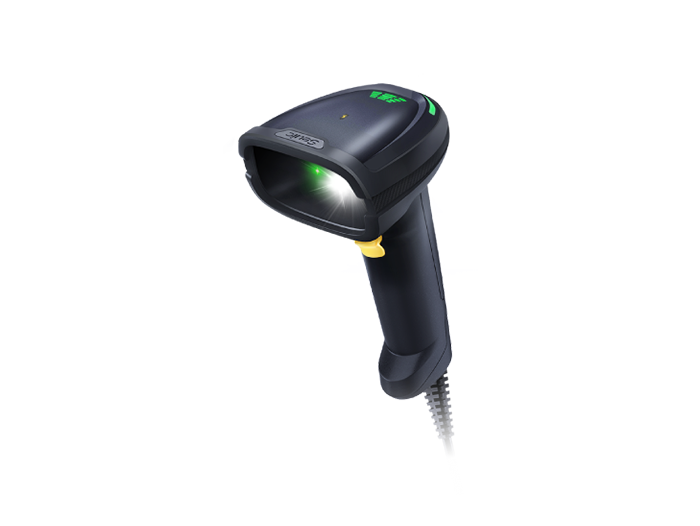
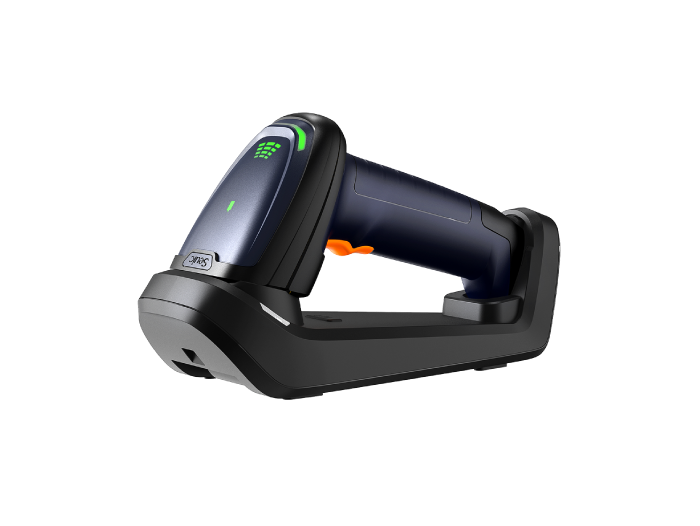
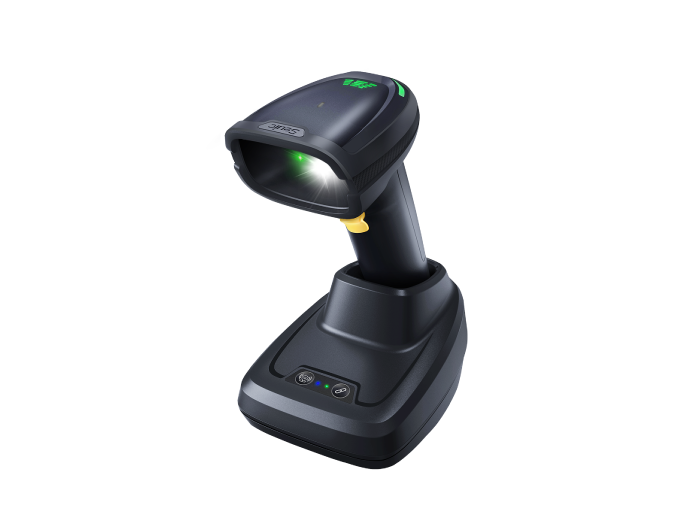
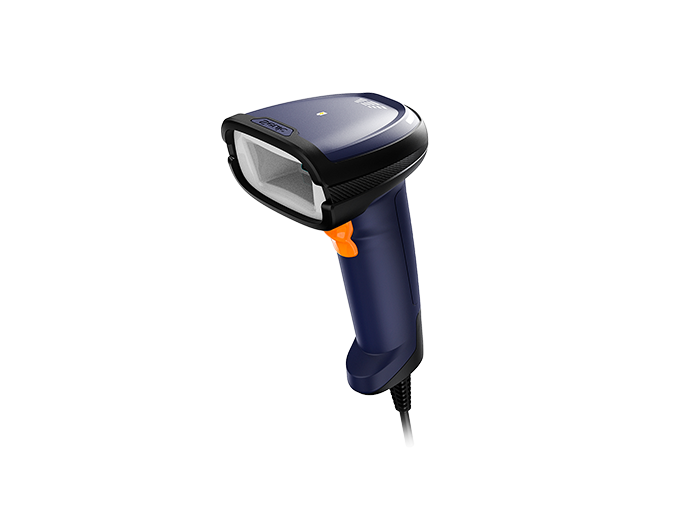
The core value of a handheld scanner is that it puts scanning power in the hands of the worker. Whenever workstations are not fixed, travel paths are long, or targets are scattered, handhelds are irreplaceable.
Typical scenarios include:
Warehouse picking and inventory: High shelves, misplaced items, spot checks — scanning happens at different coordinates across the floor.
Retail stores and supermarkets: Cashiering, price label verification, stock巡查 — scanning on the move.
Logistics and last-mile delivery: Pickup, sorting, delivery — mixed indoor and outdoor environments.
Healthcare and pharmacy: Bedside verification, medication inventory, sample tracking — mobile with identity authentication requirements.
Utility field inspections: Water, electric, and gas meters, outdoor enforcement — harsh environments with unstable networks.
Three signals that a handheld is the right choice:
The workstation is not fixed — workers move to where the goods or equipment are.
Scanning frequency is moderate — not dozens of reads per second.
The device needs to combine scanning with other tasks — checking inventory, taking photos, signing electronic documents, and syncing data back to the system.
In these roles, a handheld is rarely "just a scanner." It's a mobile computing terminal that integrates system login, task dispatch, data caching, and on-site interaction.
2. Fixed-Mount Barcode Scanners — Efficiency Engines for Stationary Workstations
A fixed-mount barcode reader's defining advantage is that it removes the human trigger from the process. Installed on production lines, conveyor belts, gantries, or self-service kiosks, it is triggered automatically by photoelectric sensors, encoders, or system signals. Objects passing through its field of view are read instantly.
Its main battlegrounds are clear:
Manufacturing production traceability: Component assembly, laser-marked DPM codes, PCB engraved codes — continuous reading at line speed.
Pharmaceutical and food packaging lines: Serialization, batch tracing, error-proofing — requiring 24/7 reliability.
High-speed logistics sorting: Packages moving at meters per second — far beyond human capability.
Self-service kiosks and turnstiles: Checkout counters, ticket machines, access gates — frictionless identification.
Three hard requirements for fixed-mount readers:
Cycle time match: Read time must be shorter than the production line cycle time.
No manual intervention: Triggering, illumination, and decoding are fully automatic.
Direct system integration: Data flows straight into MES, PLC, or WMS — no intermediate steps or manual entry.
On high-speed, repetitive, position-fixed workstations, a fixed-mount reader doesn't just scan faster — it eliminates the human variable entirely.
3. Core Differences and Selection Decision Tree
| Dimension | Handheld | Fixed-Mount |
| Operating mode | Worker moves, triggers on demand | Object passes, triggers automatically |
| Reading rhythm | Low to medium frequency, relies on aiming | High-frequency continuous, embedded in cycle |
| Hands occupied | Yes | Hands-free |
| Typical scenarios | Picking, inventory, delivery, inspection, checkout | Production line, sorting, packaging, gantry |
| System integration | Via terminal, oriented toward business operations | Direct to MES/PLC, oriented toward data infrastructure |
| Per-unit investment | Lower, but scales with headcount | Higher, but covers an entire workstation segment |
| Hidden costs | Labor, drop damage, battery, missed scans | Installation, changeover configuration, maintenance |
The decision tree boils down to two questions:
Workstation is fixed + scanning is the bottleneck → Prioritize fixed-mount
Workpoints are dispersed + worker needs to move → Prioritize handheld
In practice, it's often not a binary choice. The smartest setups use fixed-mount readers on the main line and handheld terminals to cover rework stations, spot-check points, and offline locations.
4. Don't Buy on Specs Alone — Validate by Workstation with PoC
Spec sheets always look good. The truth comes out on site. Professional buyers always run a Proof of Concept (PoC) before purchasing. Follow these steps:
4.1 Build a barcode sample library
Collect 30–50 samples from your actual production line or warehouse. Include normal codes, dirty codes, reflective codes, low-contrast codes, wrinkled codes, and DPM engraved codes. Don't just test the "cleanest one."
4.2 Capture site baselines
Record lighting (lux), temperature, humidity, vibration, and network signal strength. Cold storage, outdoor yards, metal workshops, and regular offices are completely different environments for devices.
4.3 Set read rate thresholds
Critical industrial workstations: First-pass read rate ≥ 99.5%, core traceability points target 99.9%
Logistics sorting: ≥ 98%
Retail checkout: ≥ 95%
Test each candidate device at the same workstation for at least 10,000 reads. Document first-pass rate, second-attempt rate, and failure types.
4.4 Stress-test stability
Run continuously for 8–24 hours. Monitor for overheating, frame loss, and degradation over time. For wireless devices, also test roaming handoff and packet loss under weak signal.
4.5 Calculate TCO, not unit price
TCO = Device cost + Annual maintenance × Years + (Daily scans × (1 – First-pass rate) × Cost per re-scan × Working days × Years)
The money you save on a cheaper device may not cover ten minutes of production line downtime.
5. Putting It Into Practice — Once You Know Your Workstation, Look at the Hardware
By now, the question of "handheld or fixed-mount" should be clear. Back in your real environment, the challenge is often not knowing the direction — it's finding a device that can actually survive your conditions.
Real pain points for mobile roles
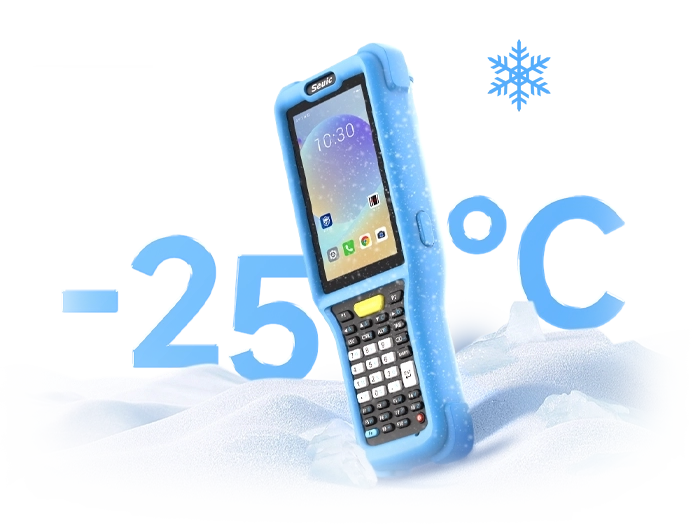
Batteries dying in freezing warehouses, touchscreens failing in rain, terminals unlocked by anyone during shift handoffs, data not syncing in coverage dead zones... These roles don't just need "a scanner." They need a rugged body, long battery life, system-level identity authentication, and offline data caching.
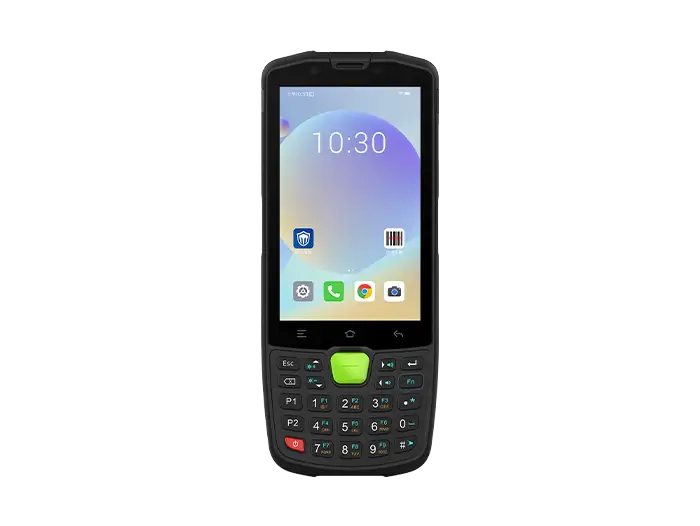
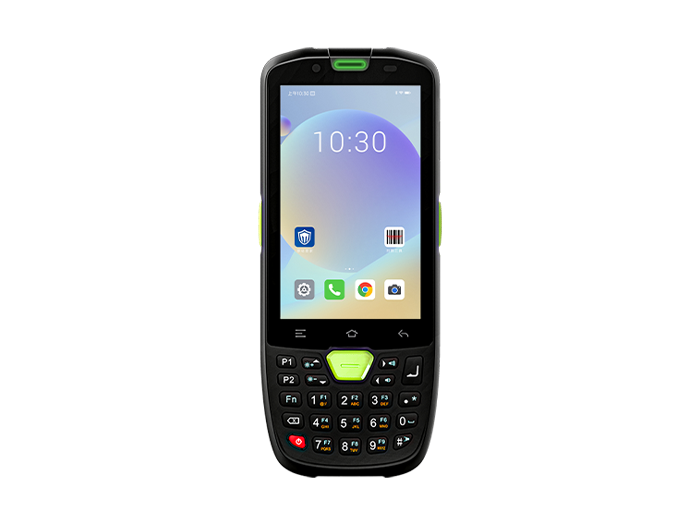
When evaluating handheld terminals, focus on three things:
Protection and ergonomics: IP68 dust/water rating, drop survival, gloved/wet-hand operation, sunlight-readable display.
Scanning and connectivity: Professional scan engine (not a phone camera substitute), NFC/fingerprint for access control, 5G/Wi-Fi 6 for low latency.
Non-stop uptime: Large-capacity hot-swappable battery — swap without shutdown, built for shift work.
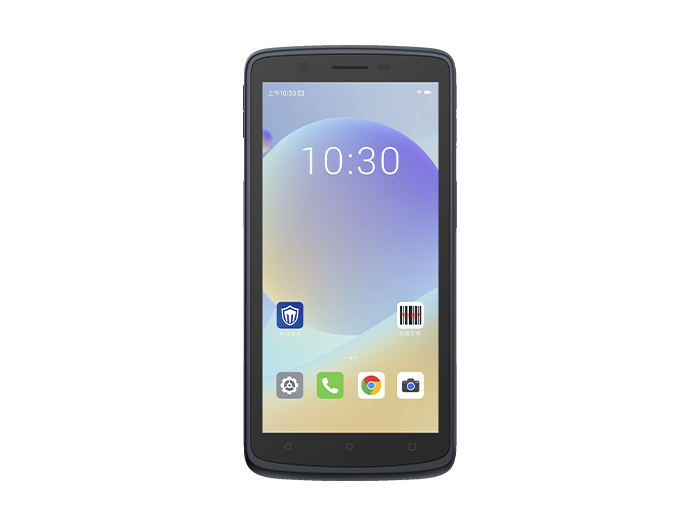
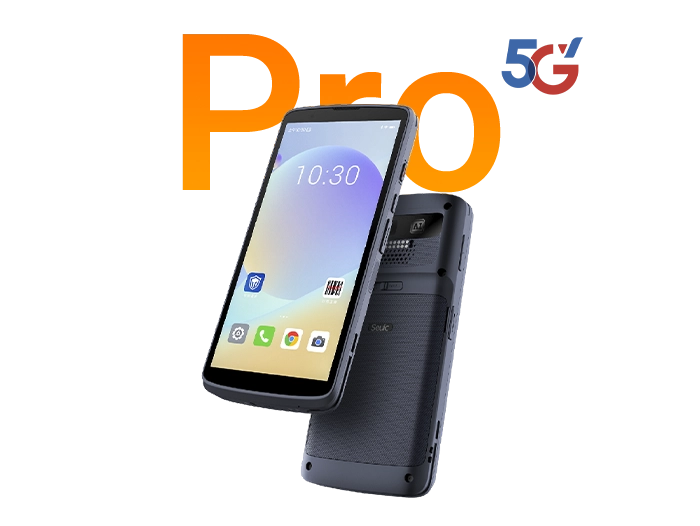
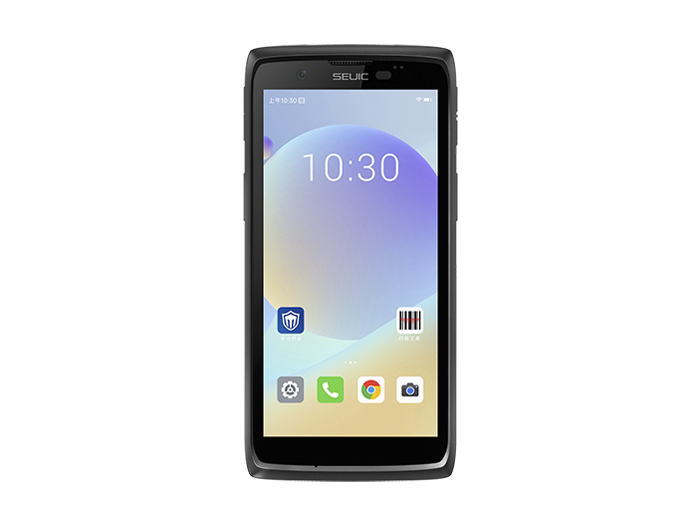
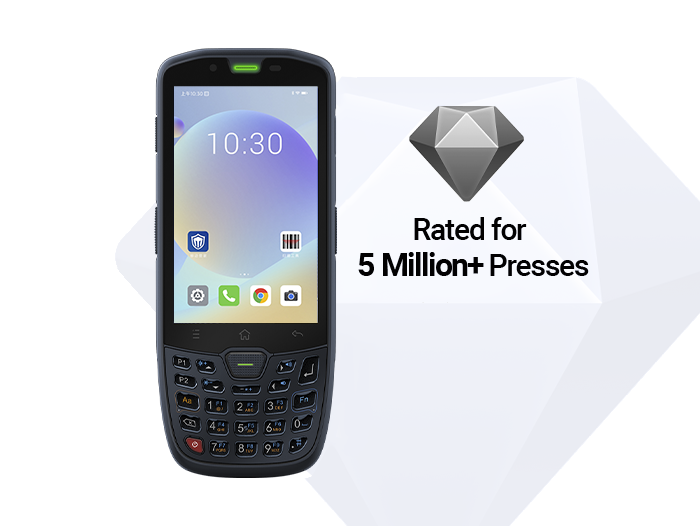
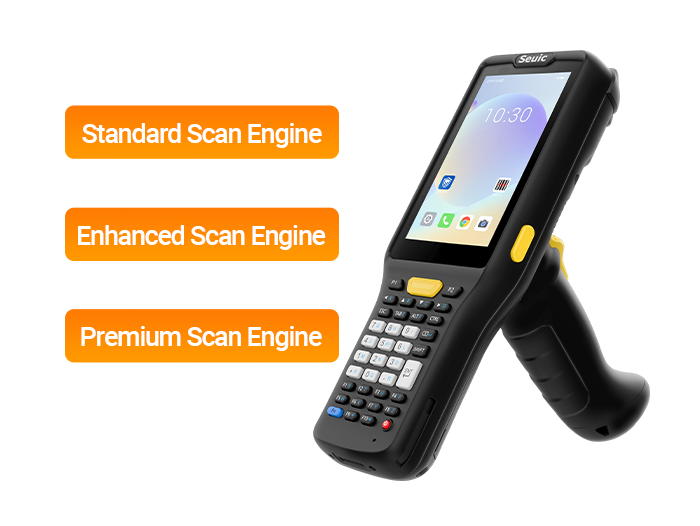
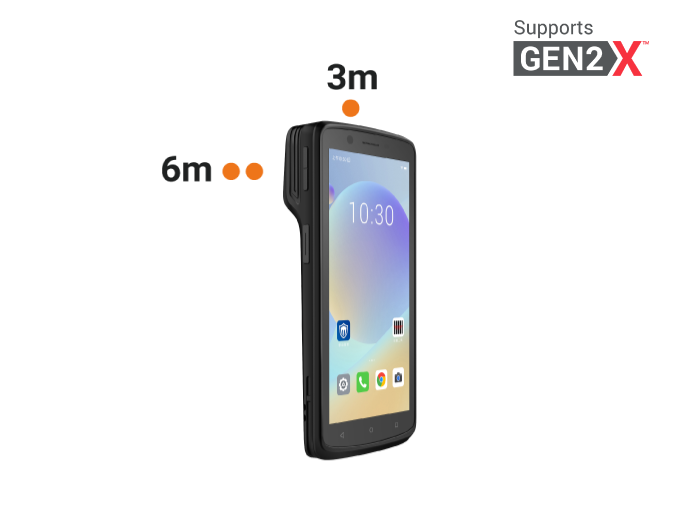
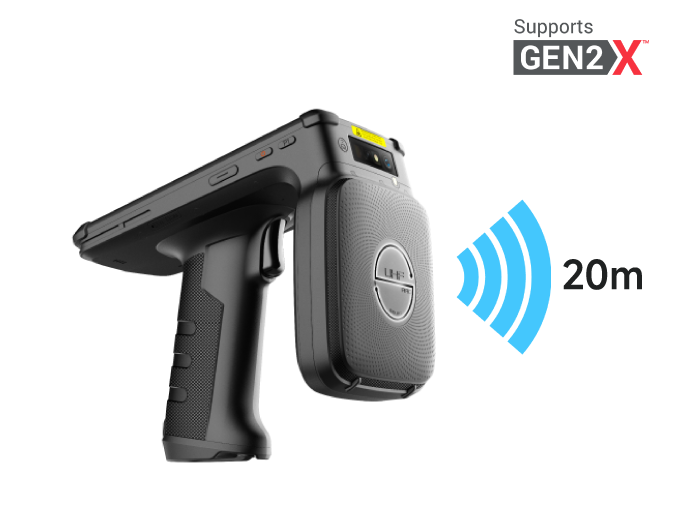
Following these criteria, the SEUIC CRUISE2 rugged mobile computer is a strong candidate for your PoC shortlist: IP68 protection, 1.5m drop resistance, 5.5-inch gloved/wet-hand touchscreen, octa-core platform, professional 2D scan engine, fingerprint + NFC, 5000mAh hot-swappable battery, Android 14. Covers warehouse, retail, logistics, healthcare, and utility inspection scenarios.
Real pain points for fixed workstations
Reflective aluminum laser-etched codes that won't read, low-contrast yin-yang codes requiring manual re-scan, full-day parameter recalibration after each changeover, missed reads at high speed breaking the traceability chain... These stations don't just need "a camera." They need AI-powered auto-tuning, anti-glare capability, dynamic reading, and second-level deployment.
When evaluating fixed-mount readers, watch for three hard indicators:
Decoding intelligence: Can it auto-adjust exposure and gain to handle blurry, distorted, or low-contrast codes (down to 10%)?
Dynamic capability: Global shutter + high frame rate, no motion blur at 3 m/s.
Integration cost: Compact body, IP67, standard industrial communications — plug and read, minimal setup time.
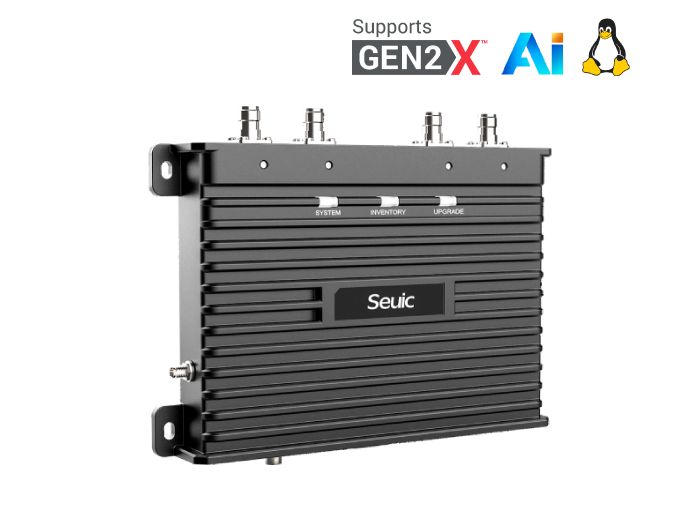
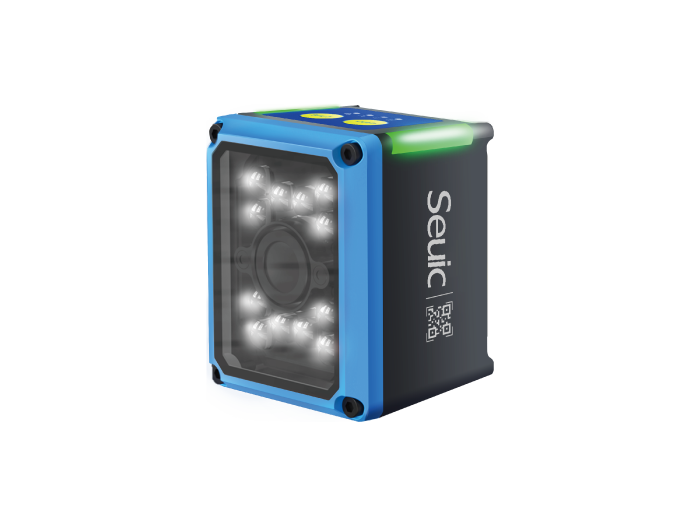
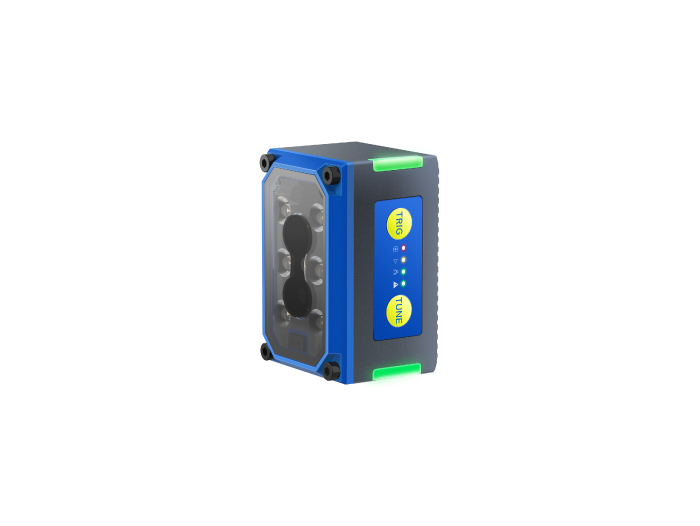
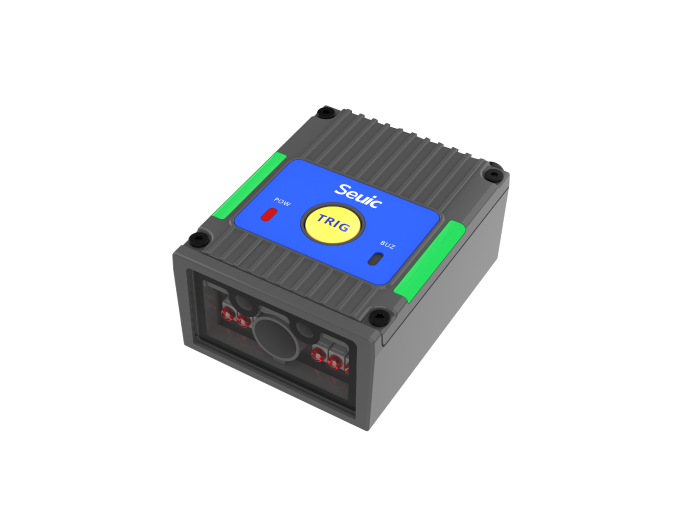
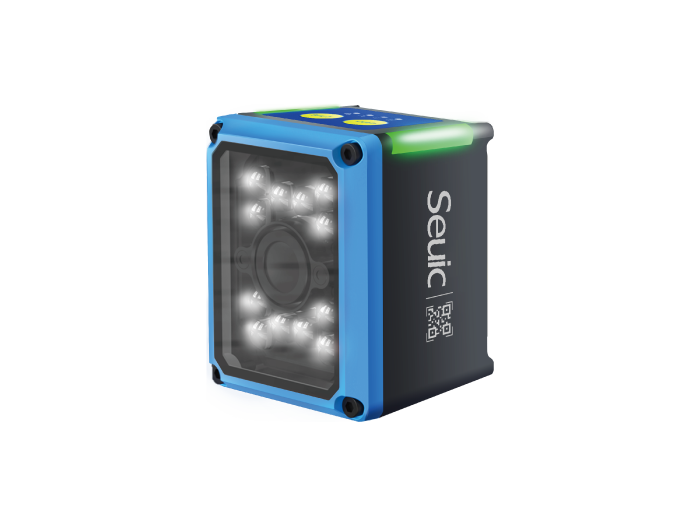
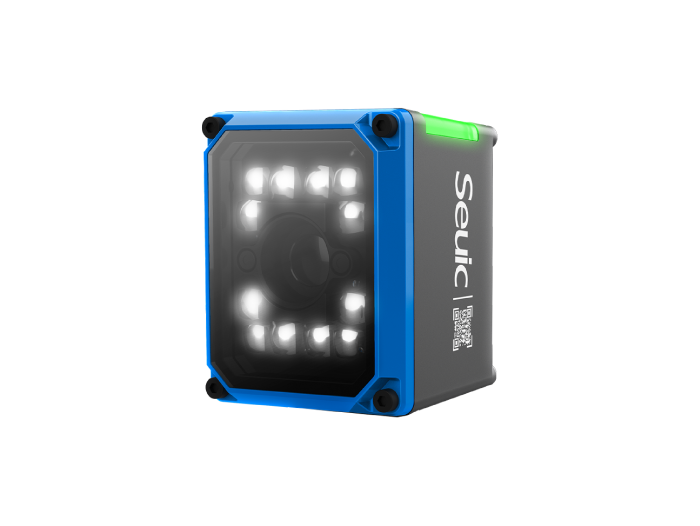
Along these lines, the SEUIC X4 AI fixed-mount industrial barcode reader is worth putting on your PoC list for production line upgrades: 1.3MP global shutter, AI chip for auto parameter tuning, semi-polarized lens for high-gloss surfaces, supports 3 m/s dynamic codes, IP67. Typical applications include lithium battery, 3C electronics, PCB laser engraving, and food/beverage production lines.
Recommended approach: Get 1–2 demo units of both handheld and fixed-mount models. Run them on your actual workstation for a week. Let frontline operators use them. Let MES engineers review the data. Let the equipment manager calculate TCO. Only when all three parties sign off should you move to volume procurement.
Handhelds solve "mobile collection." Fixed-mount readers solve "frictionless collection within the process." First, draw the boundary based on whether the workstation is fixed and whether scanning is the bottleneck. Then, lock down read rates, stability, and TCO through PoC. Only then select a specific model.
Get it right, and barcodes will transform from a manual action into an automated data stream — the true starting point of a digital production line and an intelligent warehouse.
The selection framework is clear. Now you can move forward to implementation. And as always, feel free to contact SEUIC. We'll arrange one-on-one expert consultation and a free demo unit for testing.
Related News
-

RFID Manufacturer Selection: China vs India Sourcing Decision Guide
Product Updates | 2026.11.04Learn More
-
Industrial RFID Company Selection: 5 Vendors Scenario Comparison Guide
Product Updates | 2026.11.04Learn More
-

RFID Asset Tracking: Non-Stop 20-Meter Remote Inventory for Retail Stores
Product Updates | 2026.11.04Learn More
-
Warehouse PDA for Peak Season: CRUISE2 5G + Wi-Fi 6E Stability Practice
Product Updates | 2026.11.03Learn More