




Industrial Tablet for MES Workstations: Selection & Deployment Guide
The value of a Manufacturing Execution System (MES) isn't measured by how many dashboards it has in the back office. It's measured by whether every work order report, every barcode scan, and every quality inspection photo at the workstation is real-time, accurate, and traceable. Yet this is exactly where many factories struggle: work orders are still on paper, exceptions are entered after the shift ends, and material batches rely on memory. The shop floor doesn't just need a system — it needs a field data entry point that can survive oil, dust, drops, and shift rotations. That's exactly what an industrial tabletbrings to the MES workstation.
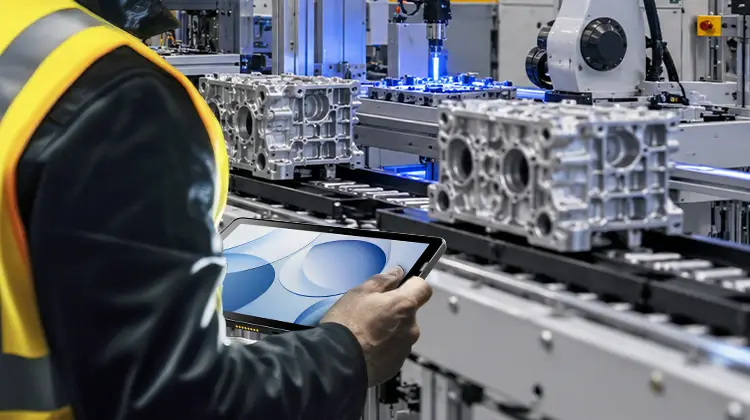
1. The Role of the Industrial Tablet in MES Workstations
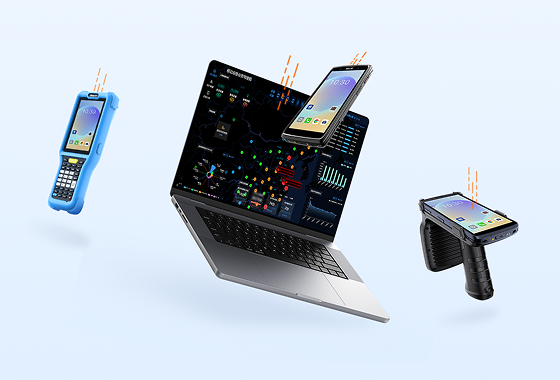
In a production line digitization architecture, the industrial tablet is not a "replacement for the industrial PC." It's a mobile Human-Machine Interface (HMI) and data capture terminal that extends the MES system to the operator's hands.
It typically handles six types of actions:
Work order execution: Scan to start/finish a job, write back process status in real time
Material binding: Link batches, suppliers, and traceability numbers via barcode, QR code, or RFID
Quality data collection: Select defect codes, photograph defects, attach first-article/inspection records
Equipment inspection: Checklist-based inspection items, one-click escalation of anomalies triggering work orders
Process delivery: Push SOPs, 3D assembly drawings, and parameter thresholds directly to the workstation screen
Collaborative closure: Confirm material shortages, line stoppages, and rework on the terminal — not by word of mouth
Essentially, it structures the on-site signals of "man, machine, material, method, and environment" into real-time data streams that the MES can consume.
2. Why MES Workstations Are Better Suited to "Tablets" Rather Than Pure PDAs or Fixed Industrial PCs
These three terminal types don't replace each other — they have different roles:
| Dimension | PDA | Fixed Industrial PC | Industrial Tablet |
| Screen size | 3.5–5 inches | 15–21 inches | 8–12 inches |
| Primary interaction | Scan trigger + keypad | Mouse + keyboard | Touch + scan trigger + stylus |
| Mobility | High (one-handed) | None (fixed mount) | Medium (carried between stations) |
| Info density | Single-field display | Full-page dashboards | Drawings + forms + photos |
| Best fit | High-frequency scan-only stations | Control room / fixed HMI | Composite stations: scan + view + photograph |
The core logic: For workstations that require "reading drawings + filling forms + taking photos + scanning codes" all at once, a pure PDA screen is too small and a fixed PC limits mobility. The industrial tablet sits right in the middle — large enough to view drawings, portable enough to carry between stations, and rugged enough to survive the shop floor.
3. Nine RFQ Criteria for Industrial Tablet Selection
When issuing an RFQ for industrial tablets for MES workstations, don't just look at "CPU cores and screen resolution." Structure your requirements around these nine dimensions:
Screen readability: ≥600 nits brightness, anti-glare treatment, wet-hand and glove touch support
Scan capability: Industrial-grade scan engine supporting damaged codes, oil-stained codes, reflective codes, and DPM codes
Ruggedness: IP65/IP67 minimum, 1.2m+ drop resistance, -20°C to 50°C operating range
Battery & power: ≥8000mAh or hot-swappable; fixed workstations should support battery-free direct power supply
Connectivity: Wi-Fi 6/6E/7 seamless roaming + 5G/4G failover; no packet loss during cross-AP handoffs
Peripheral ecosystem: Support for docking stations, printers, scan handles, RFID modules, NFC
OS & lifecycle: Android Enterprise with 5–8 year update commitment, or Windows for legacy app compatibility
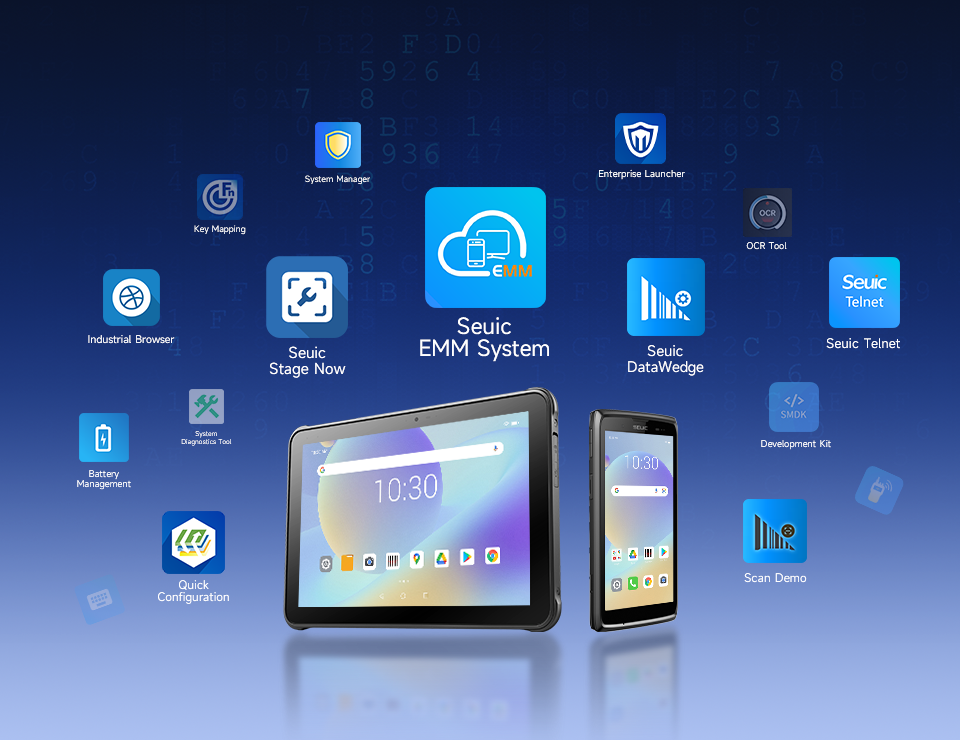
Manageability: EMM/MDM support for zero-touch provisioning, kiosk lockdown, remote wipe, batch configuration
Form factor & weight: ≤800g for handheld comfort; VESA/magnetic mount options for fixed stations
4. Per-Station Configuration Strategy: Not One Size Fits All
Different workstations have different needs. Classify them into 3–4 types rather than buying the same device for everyone:
Assembly workstation: Needs to view drawings + scan barcodes + report work completion → 10–11" Android tablet with scan engine
Quality inspection workstation: Needs to view inspection standards + photograph defects + fill forms → large-screen tablet with high-res camera + stylus
Line-side material workstation: Needs to scan material barcodes/RFID + view picking lists → lightweight tablet with RFID module
Equipment inspection workstation: Needs to fill checklists + view history + one-click escalation → rugged tablet with NFC + glove touch
5. Two Recommended Configurations for Mixed Workstation Matrices
When you lay out all these scenarios, the device answer emerges naturally.
Think about a real factory: one production line has both fixed assembly stations for viewing process drawings and roving team leaders walking between stations. Some devices need to run stably in metal dust environments, others need seamless cross-AP roaming. Some stations scan dirty barcodes, others batch-read RFID material carts. Today it runs an Android collection app, tomorrow it might need to run a Windows MES client.
To serve this "mixed workstation matrix," a terminal needs several characteristics: large screen but not bulky, rugged but not closed, rock-solid wireless, comprehensive data capture, and an 8-year manageable lifecycle.
By this standard, two form factors are worth serious evaluation:
Recommendation 1: 11" Industrial Tablet for Mobile + Intelligent Data Collection
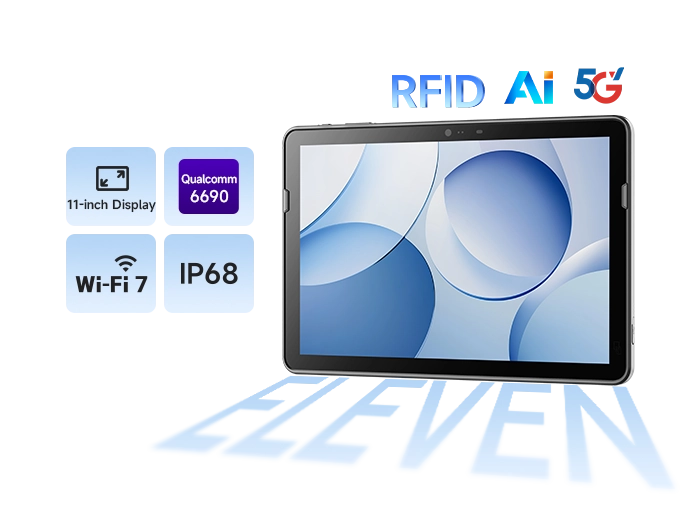
Take the SEUIC AUTOID Pad Air 11 Industrial Tablet as an example. It's designed around real MES workstation needs:
11" large screen + Qualcomm 6690 platform: On the MES workstation, process drawings, full-page work orders, and large inspection photos are viewed in one glance without constant zooming. The 8-core 2.9GHz CPU with 6 TOPS AI compute powers barcode recognition, image preprocessing, and local lightweight inference — ideal for composite workstations that combine "viewing drawings + photographing defects + real-time anomaly detection."
Wi-Fi 7 + 5G dual-channel low-latency backhaul: Theoretical peak of 30 Gbps, average latency <3ms, MLO tri-band aggregation. Cross-AP roaming with no dropped connections. 3D assembly drawings and inspection photos upload to MES in seconds — eliminating the "scanned the code but didn't write back" false collection problem.
UHF RFID + barcode scanning + image capture all-in-one: Work order barcodes, material RFID tags, DPM direct part marks, and defect photos are all captured on the same terminal. Material carts passing by trigger batch tag reads; process routing automatically binds batches.
IP68 + 1.2m drop resistance + -20~50°C + 10,000mAh hot-swappable battery: Survives oil, dust, forklift vibration, and cold storage edge conditions. The removable battery supports hot-swap without shutdown. Fixed workstations can remove the battery and run on direct power, reducing swelling-related maintenance costs.
8-year lifecycle + EMM unified management: Continuous system updates, offline device location, batch configuration, and remote wipe — suitable for scaling from one production line to tens of thousands of devices across the entire plant.
Recommendation 2: Core Workstation Tablet for Windows MES Clients
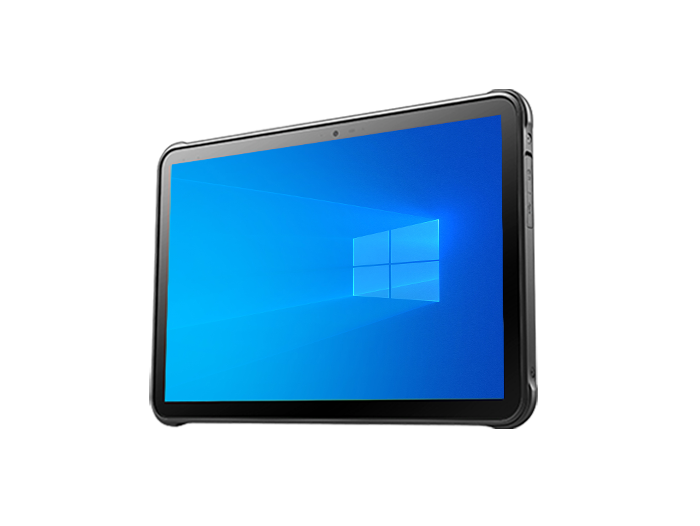
If the workstation must run existing Windows applications, PLC tools, or enterprise custom clients, consider the SEUIC AUTOID Pad Air-(Win):
10.1" slim body + native Windows compatibility: At approximately 690g, it's comfortable in a fixed cradle or held by hand. Runs existing MES Win32 clients directly — no application re-architecture needed.
Professional scan engine + high decode rate on oil-stained/curved barcodes: Stably reads bubble bags, oil-stained labels, and curved surface labels. Scanning validates component information, significantly reducing quality inspection error rates.
IP65 + 1.2m drop resistance + 8-hour battery life: Suitable for production line quality inspection, retail warehousing, and public utility field operations. PD fast charging + long battery life supports continuous shift operations.
Peripheral and ecosystem expansion: Connects to docking stations, printers, and scan accessories. NFC supports personnel authentication. Ideal for "fixed HMI + occasional mobility" core workstations.
The combination strategy: Android large-screen models cover mobile data collection and intelligent recognition; Windows models hold the line for core client compatibility. Mix and match by workstation matrix — not a one-size-fits-all approach.
6. Deployment in 5 Steps: From One Line to the Entire Plant
Select a pilot line: Choose a line with clear takt time and frequent exceptions (e.g., assembly + quality inspection). Start with work order reporting and traceability closure.
Define workstation templates: Create 3–4 configuration types based on the "assembly / quality inspection / line-side / equipment inspection" categories above. Don't buy the same device for everyone.
Connect to MES front-end: Access via browser or dedicated app. Map scan fields directly to work orders. Attach photos to quality inspection records.
Network and management instrumentation: Optimize Wi-Fi roaming, register with EMM, set offline caching policies, and define permission levels.
Scale and measure: Use "work order reporting timeliness, first-pass scan rate, and paper record elimination rate" as KPIs. Roll out line by line.
During the pilot phase, allow a 2-week observation window. Focus on whether workers want to use the device — being able to use it doesn't mean they actually will. True adoption is what closes the data loop.
An industrial tablet is not simply "a larger screen." It must solve three things simultaneously: survive the environment, reach the data, and transmit it back. Choose the right form factor, layer by workstation type, and deploy smoothly in 5 steps — only then can MES evolve from a "back-end system" into the "nervous system of the shop floor." When every process action is recorded in real time, accurately, and traceably, smart manufacturing truly lands on the ground.
Working on an MES terminal RFQ or production line pilot? Contact SEUIC to request a free demo unit for testing.
Related News
-
Rugged Mobile Computer for Field Service: Selection & Deployment Guide
Product Updates | 2026.11.17Learn More
-

MES Workstation Data Capture: Industrial Handheld PDA Selection & Deployment Guide
Product Updates | 2026.11.17Learn More
-
Swappable Battery PDA: SEUIC AUTOID Q9 Pro Sortation Power Solution
Product Updates | 2026.11.17Learn More
-

Real-Time WIP Tracking: SEUIC CRUISE2 5G Solution
Product Updates | 2026.11.17Learn More