




Rugged Mobile Computer for Field Service: Selection & Deployment Guide
For electric power, water, gas, municipal patrol, and equipment maintenance teams, the real job site rarely has stable Wi-Fi, shade, or a charging outlet. What it does have is wind and rain, work gloves, metal ladders, and signal dead zones. A pen and paper ticket means data arrives back at the office at least a day late. A regular smartphone breaks after two drops or one rainstorm. A rugged mobile computer for field service isn't just "a tougher phone." It's a purpose-built field terminal that packs work orders, GPS, forms, photos, data upload, and remote management into one device that can run a full shift.
1. Map Out a Workday First, Then Talk Specs
Don't start selecting a device by comparing "octa-core processors" or "IP68 ratings." First, break down a typical day for a field technician or inspector:
Before dispatch: Scheduling system pushes today's work orders, asset lists, inspection templates, and hazard area alerts
En route: Navigation to the site, bumpy roads — device must stay connected and powered
Arrival: Scan barcode / RFID to identify equipment assets, pull up historical maintenance records
During inspection: Fill in digital forms (pressure, temperature, meter readings, defect severity), take before/after photos, record voice notes
Offline zones: Basements, tunnels, mountainous areas, substations — forms must not be lost, photos must not freeze
Exception handling: Gas leak, water leak, flooding detected — trigger work order escalation, notify back office and supervisor
Signature & closure: Customer or site supervisor electronic signature, completion timestamp + GPS stamp
Back online: Local data auto-reconciliation, conflict records flagged gray for manual review, ERP/CMMS auto-updated
As you can see, specs are just the chassis supporting this "workday." Choose the wrong device, and the problem isn't low benchmark scores — it's a dead battery at noon, a lost hazard record in the basement, or IT having to remotely reflash devices at midnight.
2. Scenario Breakdown: Field Service vs. Utility Inspection
These two types of field work have very different device priorities.
2.1 Field Service (Equipment Maintenance / On-Site Repair)
Heavy reliance on: Work order systems, digital forms, photo evidence, customer signatures, barcode/NFC asset identification
Pain points: Switching between multiple systems, long hours in the field, traceable evidence chain required
Device preference: One-handed operation, fast scanning, sunlight-readable screen, battery lasting a full shift
2.2 Utility Inspection (Water / Electric / Gas / Municipal Patrol)
Heavy reliance on: GNSS location tagging, offline caching, long-cycle asset registers, photo + coordinate binding
Pain points: Weak signals, dispersed inspection points, strict compliance audits, shared devices across rotating shifts
Device preference: Stable positioning, no data loss offline, hot-swappable battery, MDM centralized management
When sourcing, ask "which scenario does this device primarily serve?" before comparing benchmarks.
3. GNSS: First Ask "Navigation or Surveying?"
Positioning modules are the most commonly mis-sold spec.
Just need to find the site and walk to the door: Standard multi-constellation GNSS (GPS + BeiDou + GLONASS + Galileo) is sufficient. Focus on cold-start speed and stability in urban canyons / under tree cover.
Need asset geotagging, pipeline mapping, patrol route tracking: Higher accuracy required. Look for dual-frequency / multi-frequency, optional RTK, CORS/NTRIP support.
Buying RTK for pure navigation: Waste of money, higher power draw, no real benefit.
Buying single-point positioning for GIS data collection: Later data is unusable, rework costs more.
In your RFQ, don't just write "supports GPS." Specify: positioning purpose, required accuracy (meter-level or centimeter-level), whether differential correction is needed, and whether CORS is used.
4. Digital Forms: Write Offline, Reconcile Online
What field workers fear most isn't no signal — it's "app spinning when offline, and half a page of data just disappeared."
A qualified field forms system should be offline-first:
Save to local database first, push to sync queue (outbox), each record with a unique ID
Run all day in airplane mode: readings, photos, signatures, notes — all stored locally
Upon reconnecting, silently upload in background; server deduplicates by ID, retries without creating duplicates
Conflict rules predefined: status fields "last write wins," numeric fields "keep both marked gray for manual review"
Interface always shows: "3 unsynced records / Last sync 14:02"
Forms support conditional logic: select "Defect Found" → auto-expand photo + severity + deadline; select "Normal" → skip. Less typing for field staff, structured data for the back office — not a mess of free text.
5. Remote Access & Fleet Management: IT Controls Without Touching Devices
When devices grow from 10 to 300, the real cost is in operations, not hardware unit price.
Zero-touch enrollment: Device auto-registers, installs business apps, downloads certificates on first boot
Kiosk / multi-app whitelist: Lock out social media and settings, leaving only work order + forms + camera
Remote diagnostics: View battery, storage, last online time; remotely restart frozen apps
Security fallback: Lost device can be remotely locked, enterprise data wiped, personal partition retained (shared device scenarios)
OTA policy: Push system patches overnight — no disruption to daytime shifts
Geofencing: Trigger alert when device leaves patrol zone — balances asset security and personnel compliance
For IT, the ideal state is: the device is underground, in a suburb, or in a third-shift worker's hands — but everything is controllable from the console.
6. Hardware Baseline (Include in Your RFQ)
Before sending requirements to suppliers, solidify this baseline:
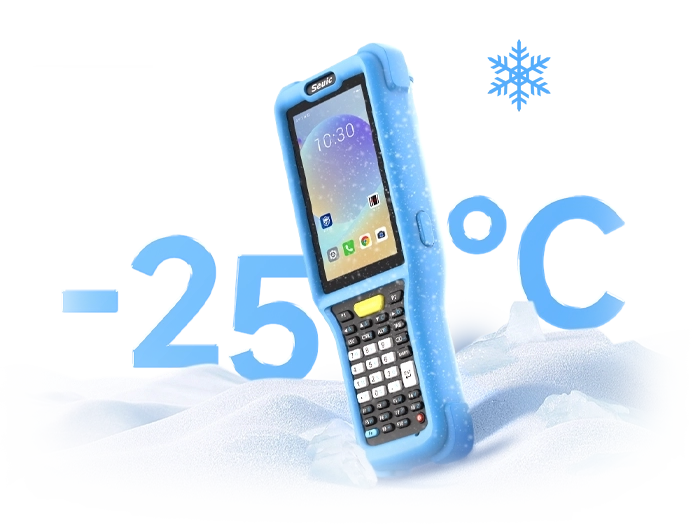
Protection: IP68 dust/water resistance, MIL-STD-810H drop/vibration/extreme temperature
Display: ≥700 nits brightness, anti-glare, wet-hand + glove touch support
Connectivity: 5G/4G + Wi-Fi 6/6E + Bluetooth
Power: ≥5000mAh, hot-swappable battery or vehicle dock charging support
Data capture: Industrial 1D/2D scanner, NFC, front/rear cameras (with timestamp/location embedding)
Authentication: Fingerprint / face / badge login — suitable for shared shift devices
OS: Android Enterprise, with 3–5 years of security updates commitment
Management: Compatible with major MDM (Intune / Jamf / Workspace ONE / custom)
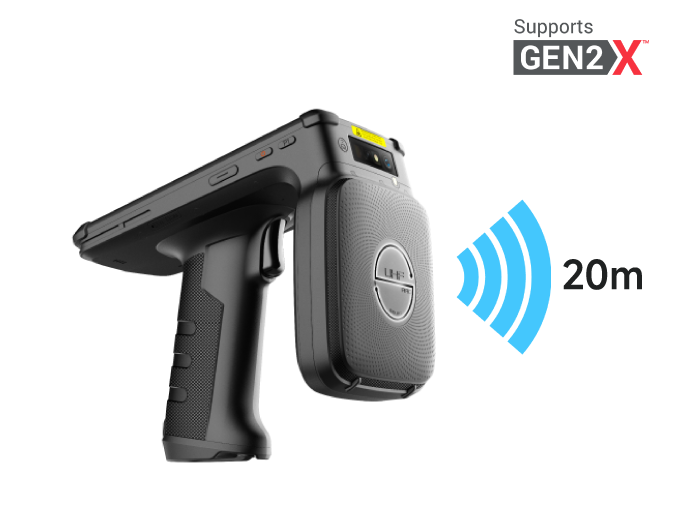
Ports: USB-C / pogo pin expansion — supports vehicle mount, peripherals, scan handle
Lifecycle: Spare battery ratio, repair turnaround, 5-year spare parts guarantee in contract
7. From Scenario Back to Device: A Field Terminal Worth Stress-Testing
Running through the "workday" described earlier puts a combined set of demands on the hardware: readable outdoors, responsive with gloves, capable of offline form filling in tunnels, and manageable by IT for hundreds of devices.
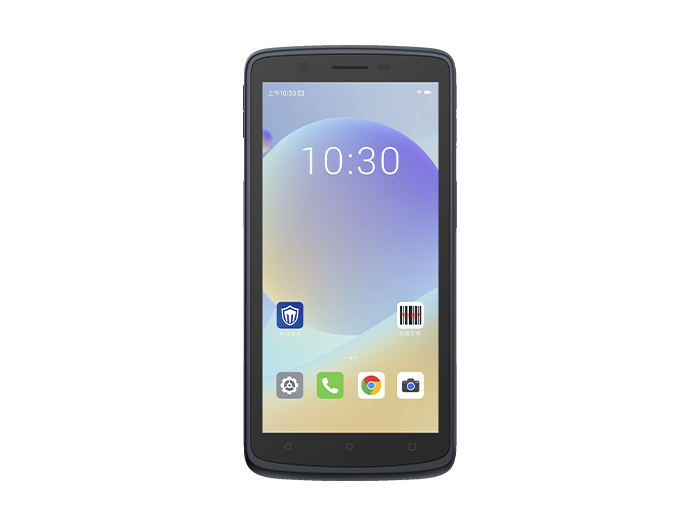
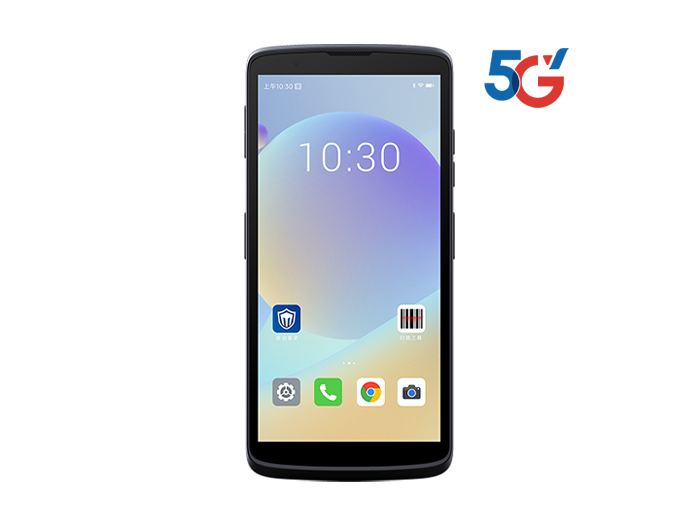
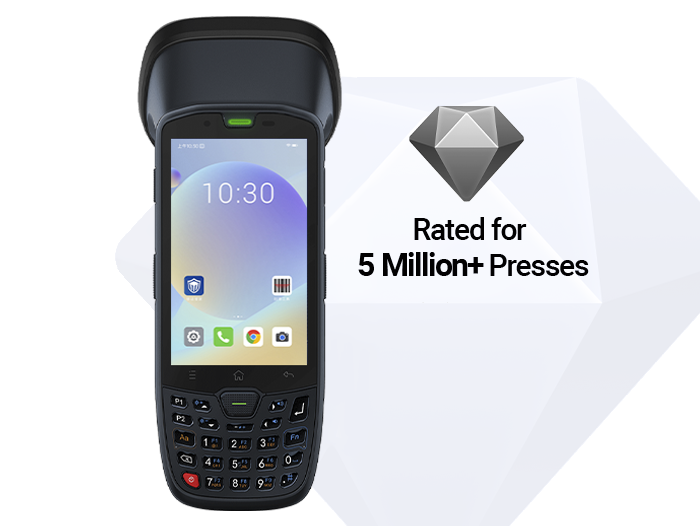
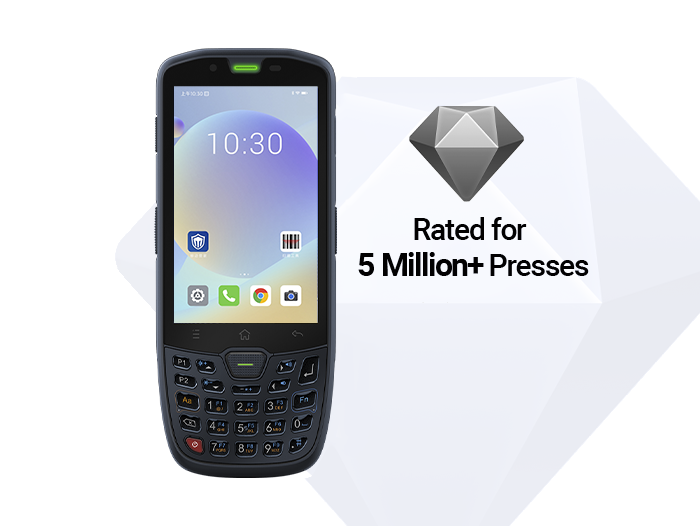
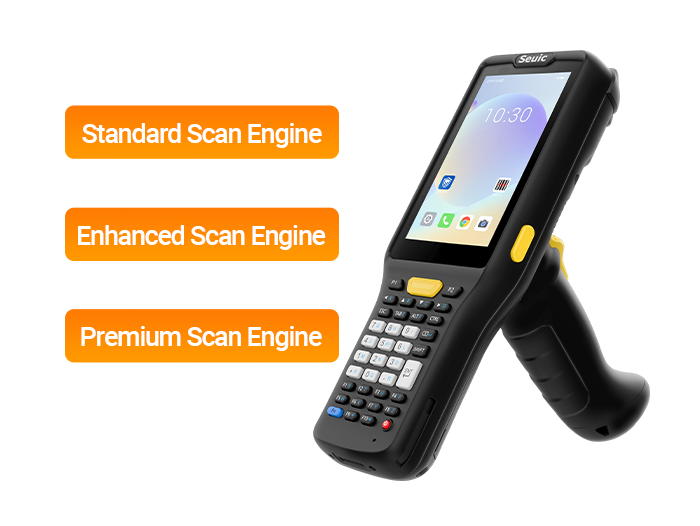
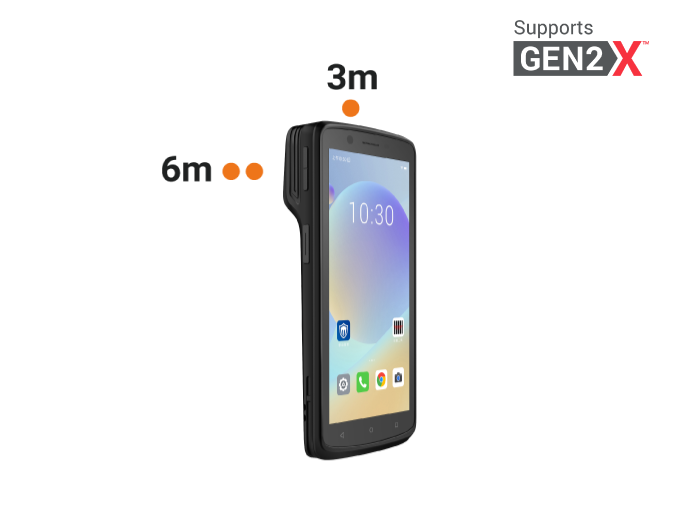
Applying these field constraints to a concrete device, consider the design philosophy behind the SEUIC CRUISE2 class of industrial handheld terminals. It doesn't stack specs — it breaks real field pain points into layered capabilities:
7.1 All-Weather Outdoor Interactive Base
5.5-inch high-brightness touchscreen with glove/wet-hand support. For field service, winter insulated gloves won't cause mis-taps on work orders. For utility inspection, rainy tunnel meter readings and defect severity selection stay smooth. IP68 protection + drop-resistant construction solves the "device retires before the worker does" replacement cost problem.
7.2 Unified Asset Anchoring: Scan + Identify + NFC
Built-in professional scan engine reads 1D/2D damaged codes, wrinkled labels, and long-distance barcodes quickly. During inspection, scan equipment nameplate to pull up history; during maintenance, scan spare part code to deduct inventory. NFC supports shift handover check-in and asset proximity verification — binding "person-machine-part" into a trusted chain.
7.3 Offline Form Resilience + Hot-Swappable Battery
5000mAh hot-swappable battery — swap without shutdown, covering 8–12 hours of continuous field work. Combined with offline form logic, continue writing records and capturing evidence in basements/substations with no signal; auto-sync upon return. Fingerprint unlock + enterprise-grade encryption ensures shared devices don't mix data.
7.4 Fleet-Ready Remote Manageability
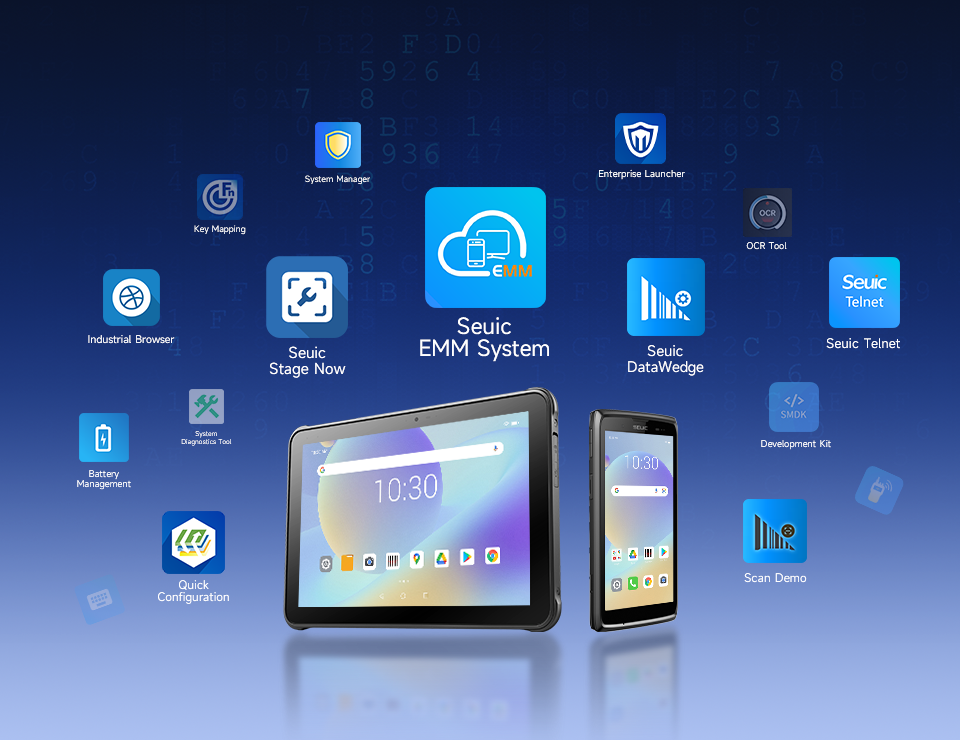
Based on the Android Enterprise ecosystem, integrates with MDM for zero-touch provisioning, kiosk lockdown, remote wipe, and certificate rotation. For gas, water, and power companies with hundreds or thousands of field terminals, this means "field staff don't need to understand IT, and IT doesn't need to visit the field."
In summary, what matters is not a specific model number, but aligning with the RFQ baseline above. The value of the CRUISE2 is that it consolidates four things — navigation, forms, offline capability, and fleet management — into a single handheld device, making it a strong candidate for a PoC unit.
8. PoC: Run a Complete Workday
Pick 5 real inspectors, give them 5 devices for 2 weeks:
08:30 Dispatch 12 work orders, navigate to 3 zones
10:00 At a pump station, scan to pull asset file, record abnormal pressure, take 3 photos, cache offline
11:20 Enter underground valve pit, test 40 minutes in airplane mode — forms continue writing locally
12:30 Swap battery without shutdown, continue through lunch
14:00 Return to surface, auto-sync — backend receives 12 records + 36 photos, 0 lost
15:10 Gas leak detected, form triggers escalation work order — supervisor sees it in real time
16:40 Customer electronic signature closes the loop — CMMS status flips to "Completed"
17:00 IT remotely clears cache and pushes certificates from backend — no need to recall devices
Validation metrics focus on four things: work order completion rate, offline upload success rate, device online rate, and average data entry time per work order. Once the data flows cleanly, then discuss scale deployment.
The procurement logic for rugged mobile computers for field service and utility inspection has never been about comparing spec sheets. It's about whether the device stumbles during the "workday": Can GPS find the point? Can forms be filled offline? Can data reconcile cleanly upon return? Can IT manage the fleet? Design GPS, digital forms, and remote access as workflows, then stress-test the sample against the RFQ baseline — that's how field digitization truly lands.
Are you evaluating field terminals? We recommend running a PoC based on the workday outlined in this article before deciding on brand and batch configuration. Feel free to contact SEUIC for a free demo unit for testing.
Related News
-
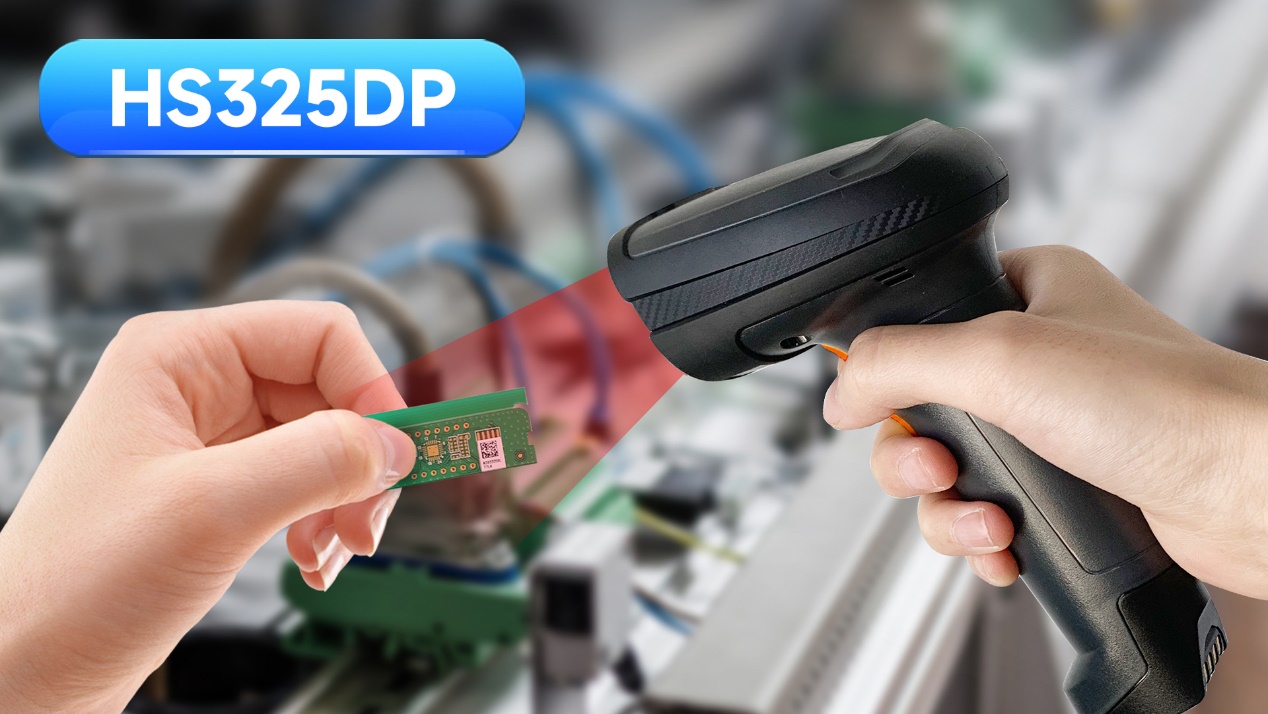
Handheld DPM Scanner vs Fixed Barcode Reader: Production Line Guide
Product Updates | 2026.11.17Learn More
-

MES Workstation Data Capture: Industrial Handheld PDA Selection & Deployment Guide
Product Updates | 2026.11.17Learn More
-
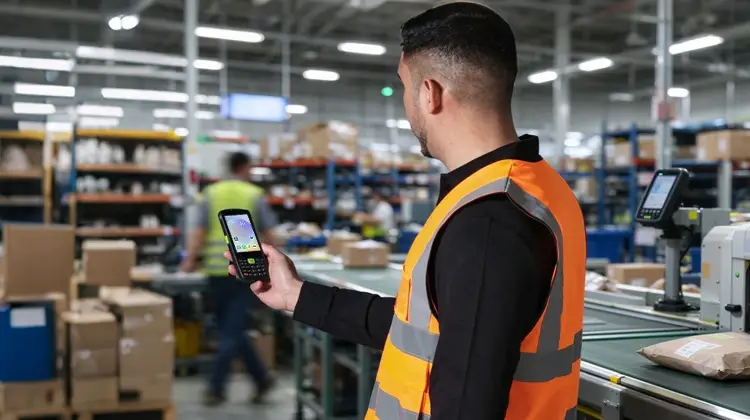
Swappable Battery PDA: SEUIC AUTOID Q9 Pro Sortation Power Solution
Product Updates | 2026.11.17Learn More
-
Real-Time WIP Tracking: SEUIC CRUISE2 5G Solution
Product Updates | 2026.11.17Learn More