




MES Workstation Data Capture: Industrial Handheld PDA Selection & Deployment Guide
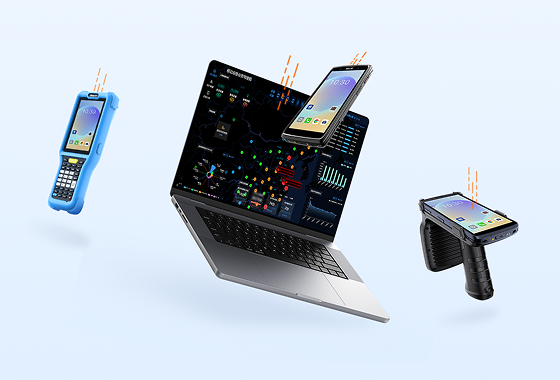
On the smart manufacturing shop floor, the value of MES doesn't lie in "how advanced the system is." It lies in whether every workstation's data is captured correctly and in real time. When work completion is reported on paper and routing transfers rely on verbal handoffs, production progress falls behind and quality traceability breaks. Putting a data capture terminal in the worker's hands — so that every scan writes directly to the MES — is the first step toward a digital shop floor.

1. Six Typical Data Collection Points on the MES Workstation
A complete manufacturing execution chain typically generates critical data at these six points:
Incoming Material Receiving: Supplier batch numbers, material barcodes, and quality inspection status are bound together to prevent incorrect materials from entering the line.
Material Loading & Kitting: Work orders are linked to material batches, recording "who loaded which batch onto which machine at what time."
Work Completion Reporting: After finishing a process step, the operator scans to confirm — writing back labor hours, quantities, and process status in real time.
In-Process Quality Inspection (IPQC): Non-conforming items are scanned and frozen, recording defect type, responsible workstation, and re-inspection results.
Routing Transfer: Semi-finished goods move between production lines. The operator scans the tote or carrier code, and the system automatically verifies whether the item is allowed to proceed to the next process.
Finished Goods Putaway & Traceability: Finished products are assigned unique codes, linked to equipment, personnel, and batches — forming a quality record that can be traced forward and backward.
These six points form the "data backbone" of MES. If any node is missed, the OEE, yield rate, and WIP dashboards in the backend will be distorted.
2. Why "Mobile Handheld" Instead of "Fixed Station" for MES Workstations
Fixed-mount workstation readers work well for static assembly benches. But in a real workshop, worker movement is far more complex than a fixed point:
Workers move: Material retrieval, patrol inspections, routing transfers, and rework all happen in different locations. Fixed terminals force workers to walk back and forth.
Collection points are scattered: Barcodes may be on bins, machines, trolleys, PCB edges, or metal surfaces — not necessarily aligned with the workbench.
Real-time response is required: Scan to report work completion — the system immediately verifies "previous process not finished = cannot receive." Paper-based methods can't do this.
Exceptions must be handled on site: When QC finds a defect, the operator needs to photograph, freeze, and create a corrective action ticket right there — faster than going back to the office.
Multi-shift continuous operation: Devices must withstand drops, oil, and gloved operation — not "office tablets with a rugged case."
So the logic of MES front-end data capture should be: put computing power in the backend, and put data capture in the worker's hands.
3. Eight Selection Criteria for MES Handheld PDAs
When purchasing industrial Android handheld PDAs, don't just look at "cores and screen size." Focus on these eight factors:
Scan Engine Suitability: Can it read dirty codes, wrinkled codes, low-contrast codes, and metal DPM laser codes?
System Maintainability: Does it support Android Enterprise? Can it be centrally managed via MDM? Is there a 3–5 year upgrade path?
Protection Rating: Minimum IP67 dust/water resistance, at least 1.5m drop resistance, ESD anti-static protection.
Battery Architecture: Removable / hot-swappable battery covering 12-hour shifts — no downtime for charging.
Connectivity Stability: Seamless Wi-Fi roaming with no packet loss, 4G/5G backup, Bluetooth for smart tool connections.
Interaction Adaptability: Glove touch, wet-hand operation, physical scan buttons — usable even with cotton work gloves.
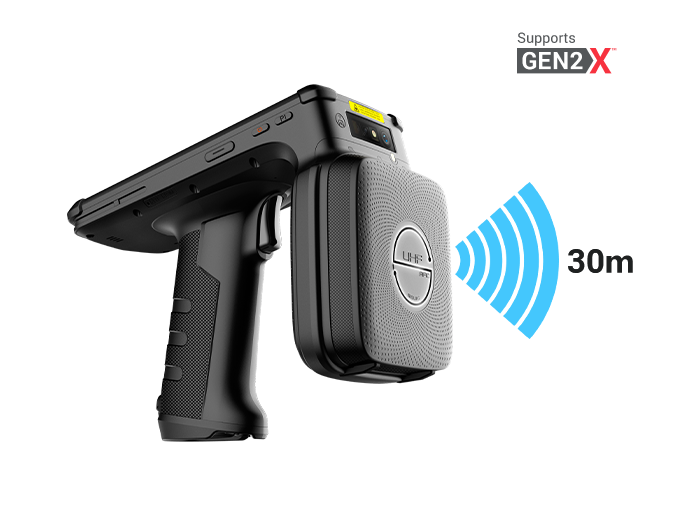
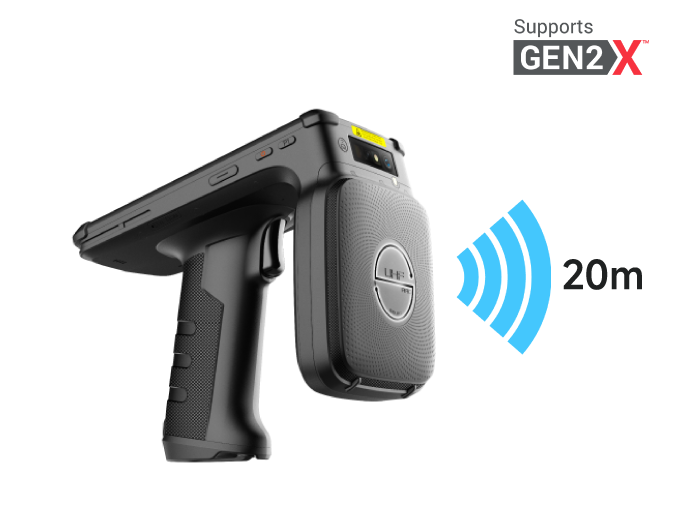
Ports & Expansion: USB-C, NFC, optional RFID, camera for defect photos, SDK for MES/WMS integration.
Total Cost of Ownership (TCO): Not the lowest unit price, but the combination of failure rate, battery life, after-sales support, and spare device strategy.
4. Lightweight Handheld vs. Large-Screen Terminal — Choosing by Workstation
Not every workstation needs the same device:
Lightweight Handheld PDA: Best for scan-intensive, one-handed tasks — material loading, work reporting, inventory, routing transfer, courier-style sorting.
Large-Screen Industrial Terminal / Tablet: Best for roles that need to view drawings, BOMs, make selections, or annotate photos — QC inspection, repair guidance, digital SOP, equipment checklists.
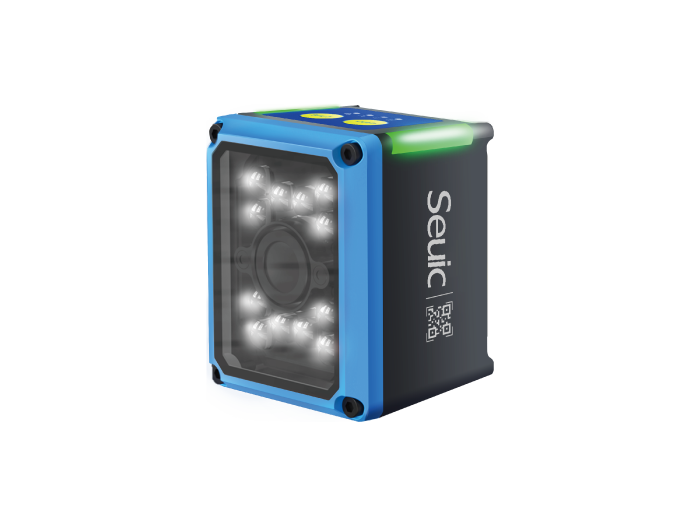
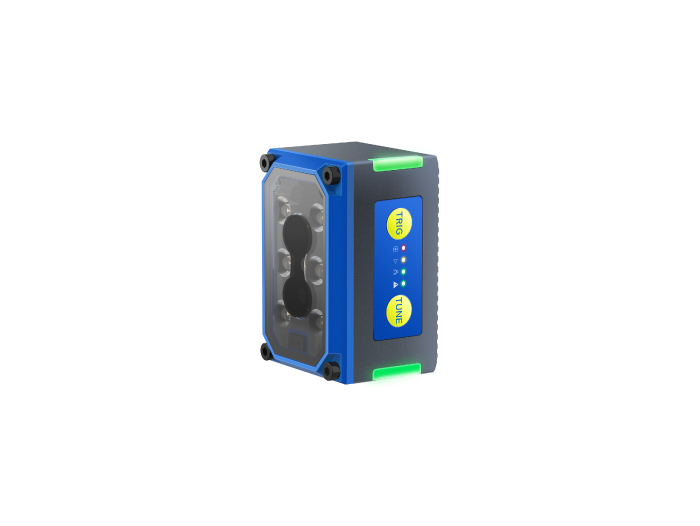
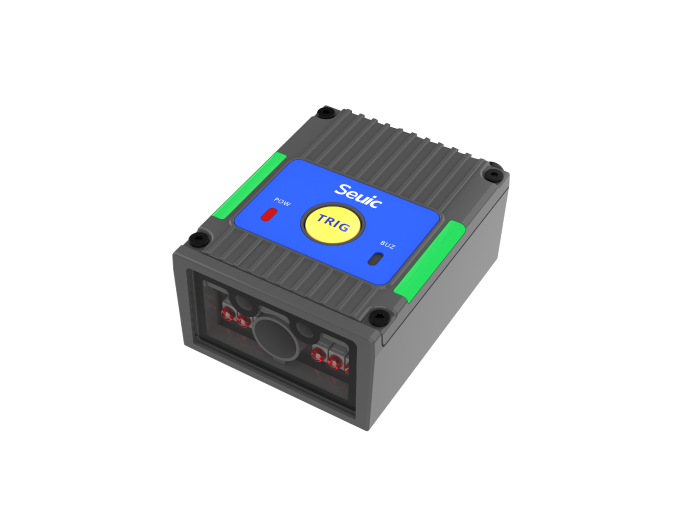
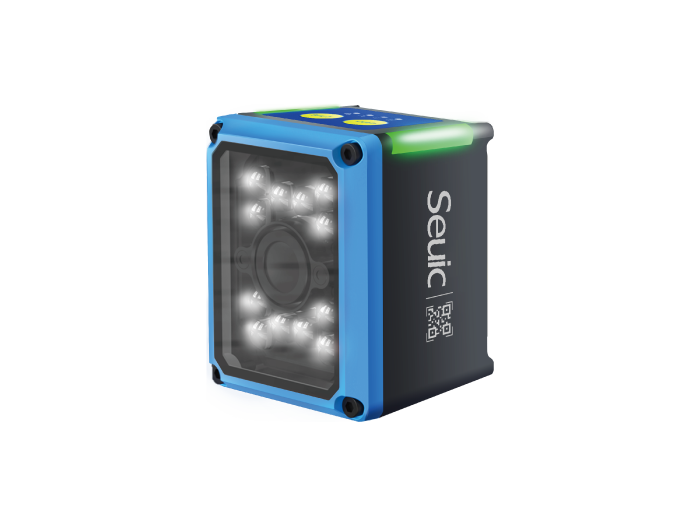
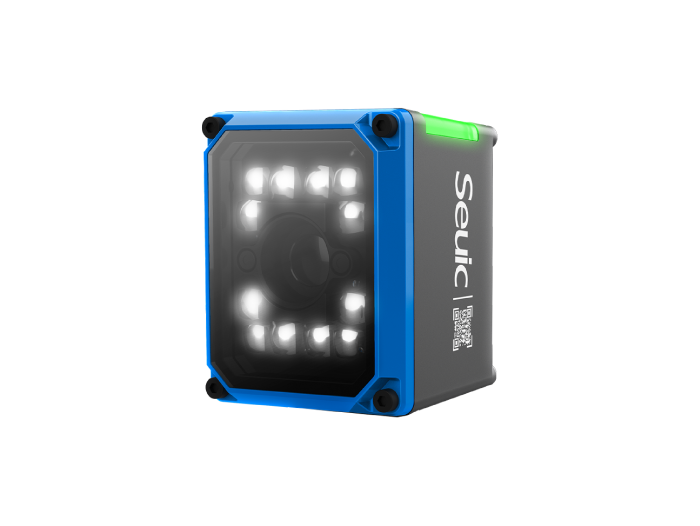
Fixed-Mount Workstation Reader: Best for stationary scenarios like automated conveyor line reading, weigh-and-label combos, or packaging re-inspection.
Mixed Configuration: Use lightweight PDAs on the main line for speed; give large-screen terminals to inspectors and team leads for decision-making.
Core principle: High-frequency scan positions prioritize speed and lightness; judgment-oriented positions prioritize information density.
5. From Scenario Back to Device: An Industrial Handheld Worth Putting on the MES Workstation
Going back to the real pain points mentioned earlier — oily environments requiring gloved scanning, routing codes on reflective metal surfaces, two-shift operations with no chance to charge mid-shift, MES errors needing immediate freeze — we realize: the shop floor doesn't need a "consumer phone with nice specs." It needs an industrial Android handheld purpose-built for on-site data capture.
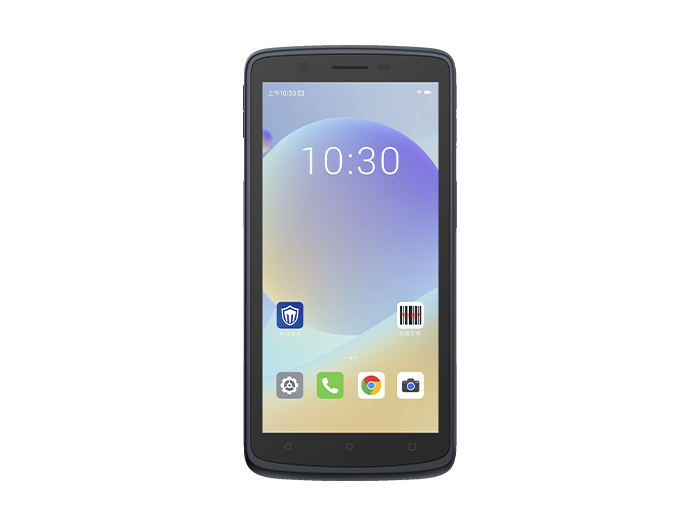
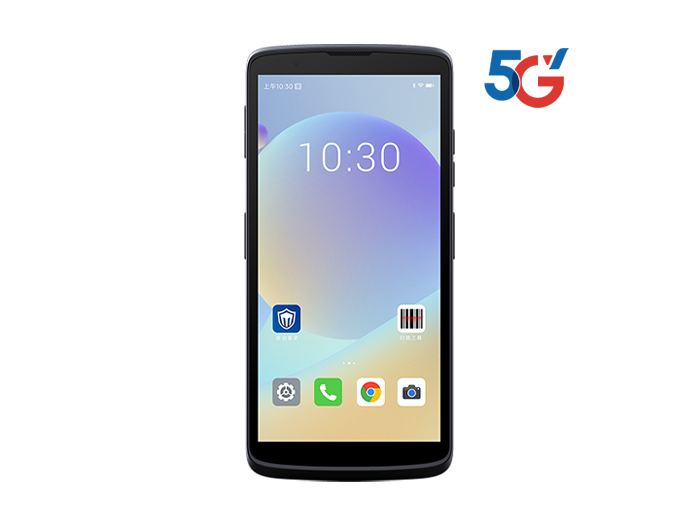
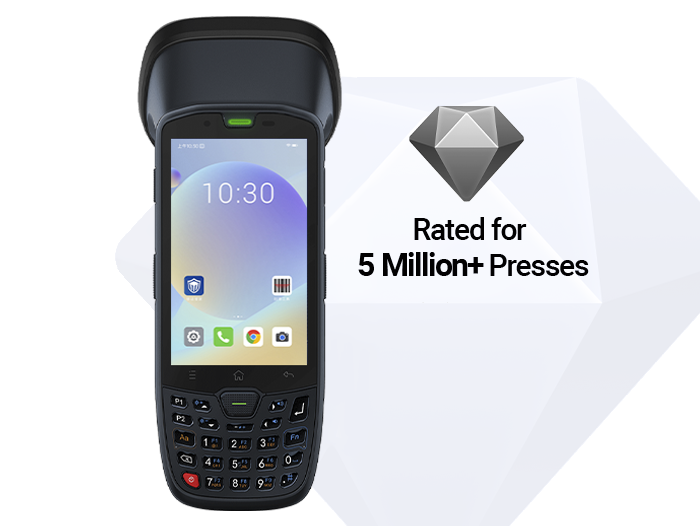
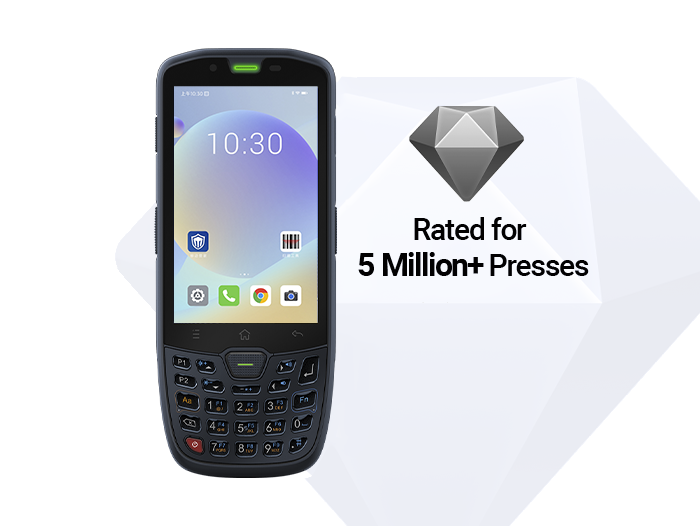
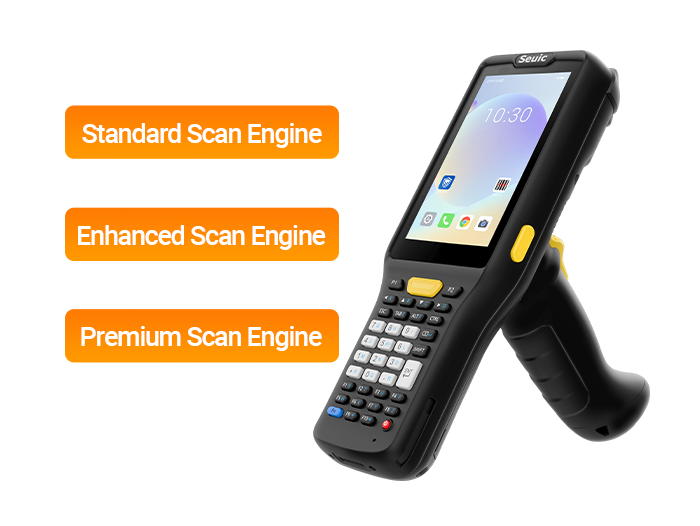
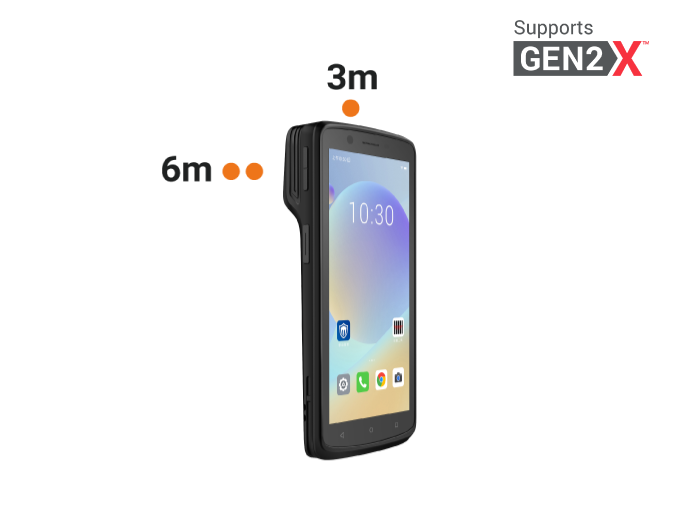
That's why, in production line digitization projects, more and more factories are switching critical workstations to professional-grade mobile data terminals. Take the SEUIC AUTOID Q9 Pro Industrial-Grade Handheld Terminal as an example. It's not just a phone made more drop-resistant — it's designed around the high-frequency actions of MES workstations:
Multi-tier scan engine + difficult code adaptation
Optional X3P (SR/HD/MR) and MX6 (FR) 1D/2D scan engines. In MES scenarios, this means bin codes, tote codes, PCB edge codes, and even reflective metal DPM codes can be read in one shot — eliminating the chain of "scan fails → manual typing → data delay."
Octa-core performance + long-lifecycle Android system
MTK 8788 octa-core 2.0GHz, Android 10 upgradable to 13, 4GB+64GB configuration. Runs MES client, scan service, and photo upload simultaneously without lag — no queuing for work reporting during peak hours.
IP67 protection + 1.8m drop resistance + glove touch
Handles common workshop conditions: oil, dust, accidental drops, gloved operation. The 4-inch bright display supports wet-hand and glove touch — suitable for injection molding, machining, and electronics assembly environments.
Removable 5200mAh battery + dual scan buttons
Two-shift operations without stopping to charge; battery swap doesn't interrupt applications. Physical scan buttons on both sides let workers compress the "report work" action into a single trigger pull.
Enterprise-grade connectivity and integrability
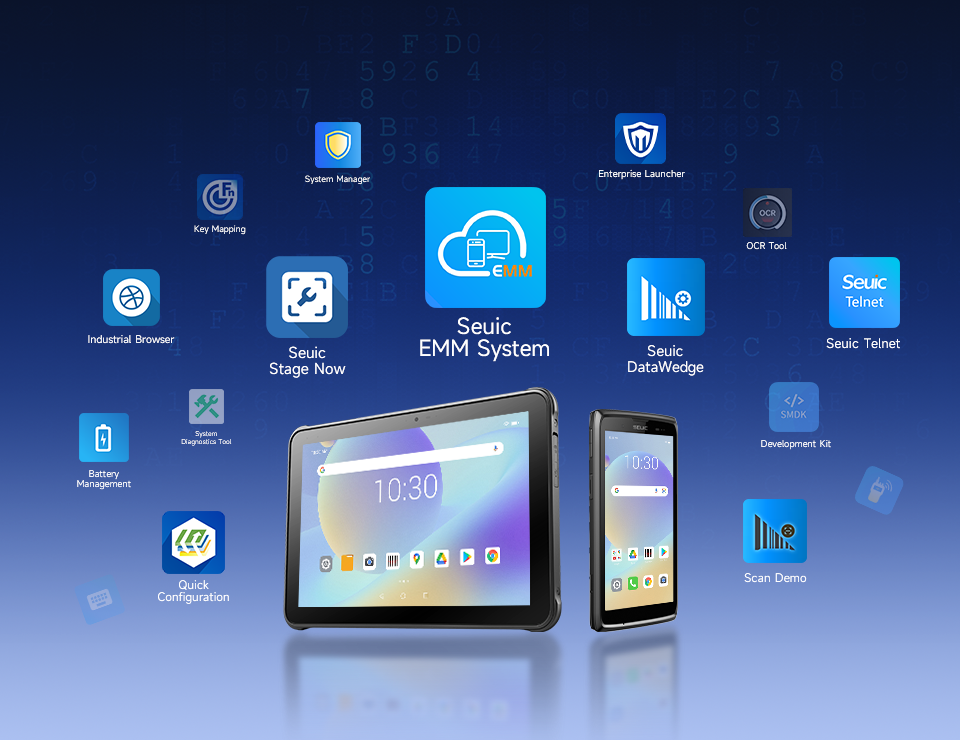
4G WWAN + Wi-Fi + Bluetooth, plus waterproof USB-C, NFC, camera, and open SDK — easy to interface with existing MES/WMS/ERP systems and centrally manage via MDM.
For plant managers, the value of such a device isn't "one more piece of hardware." It's compressing the capture → verification → write-back loop into 2–3 seconds, making MES truly live on the production line.
6. Five-Step Deployment: From One Line to the Whole Factory
Select a pilot line: Choose a line with clear takt time and obvious pain points (missed work reporting, batch mixing, chaotic routing transfers).
Map collection points: Align the six data nodes to specific workstations, defining "what code to scan and what fields to write."
Configure devices & MDM: Lock down application whitelist, scan button mapping, Wi-Fi roaming, and permission policies.
Integrate with MES interface: Connect work order issuance, work completion write-back, exception freezing, and traceability queries.
Review KPIs and scale: Monitor scan success rate, work reporting latency, and data completeness. Once stable, roll out to the entire plant.
MES accuracy depends on that very first scan at the front line. Choose the right rugged mobile computer for MES, and turn every workstation into a real-time data node — only then can production progress, quality traceability, and inventory transparency truly land. Mobile data capture is not a nice-to-have; it's the foundation of smart manufacturing.
If you're evaluating a PDA replacement for your production line, we recommend starting with a 2-week trial on one line: see if workers adopt it, if the system integrates smoothly, and if night shift holds up without issues.
Want to see how the AUTOID Q9 Pro performs on your shop floor? Contact SEUIC to request a free demo unit for testing.
Related News
-
Handheld DPM Scanner vs Fixed Barcode Reader: Production Line Guide
Product Updates | 2026.11.17Learn More
-
Rugged Mobile Computer for Field Service: Selection & Deployment Guide
Product Updates | 2026.11.17Learn More
-
Swappable Battery PDA: SEUIC AUTOID Q9 Pro Sortation Power Solution
Product Updates | 2026.11.17Learn More
-

Real-Time WIP Tracking: SEUIC CRUISE2 5G Solution
Product Updates | 2026.11.17Learn More