


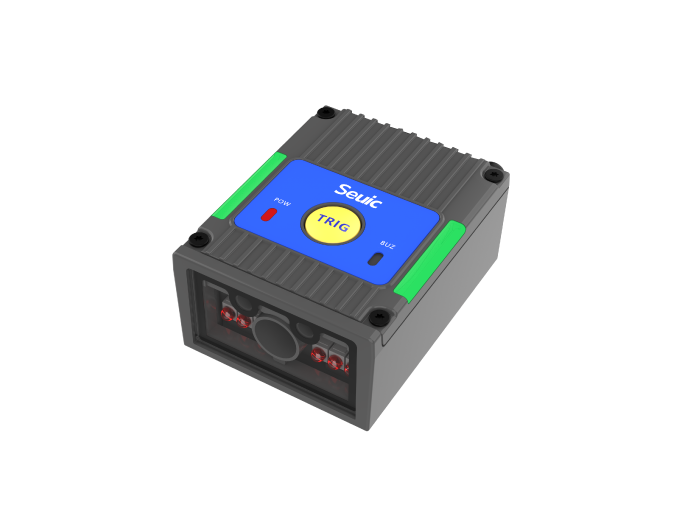
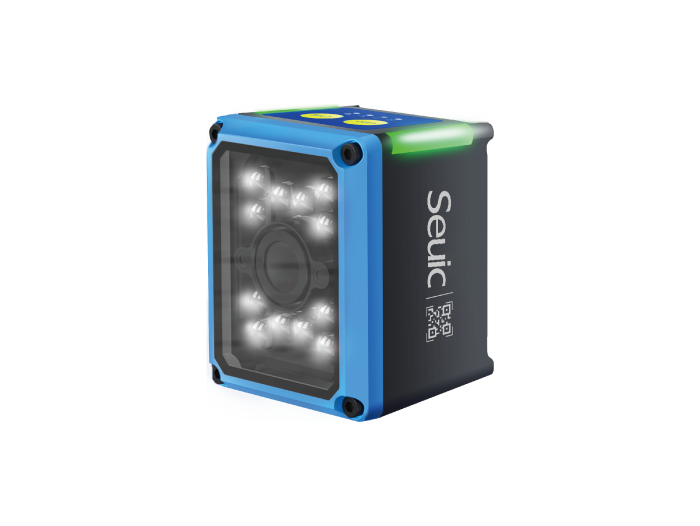
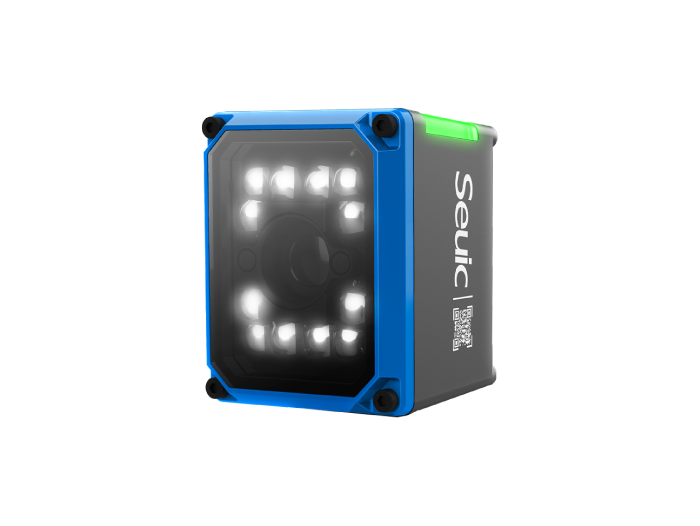
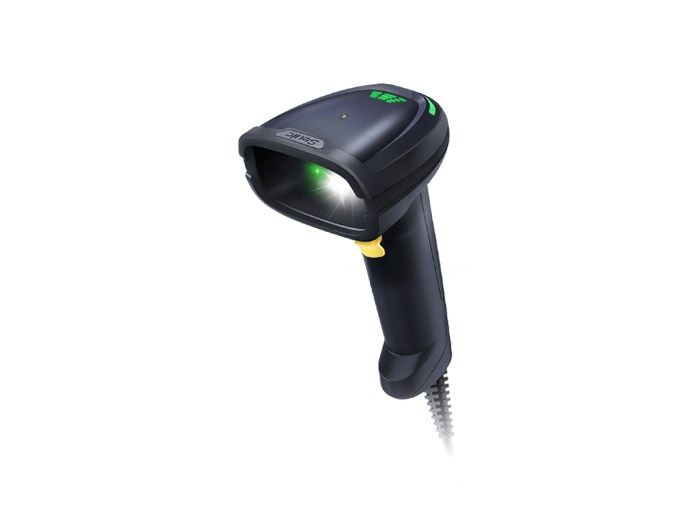


2D Barcode Scanner for Retail Checkout: One Device for Payment Codes & Product Barcodes
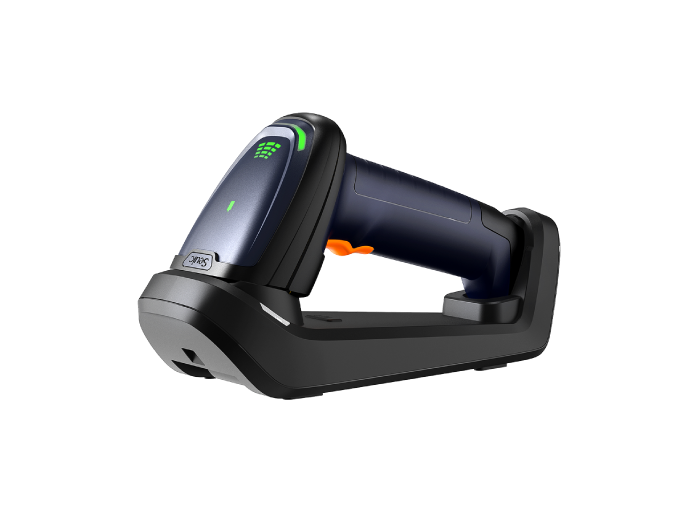
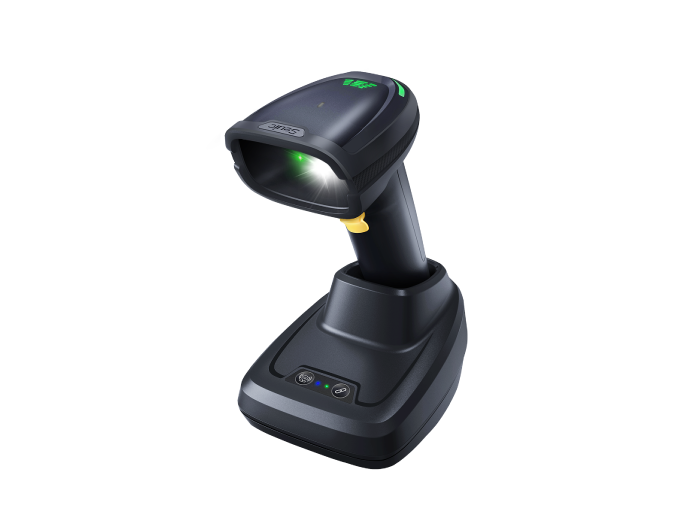
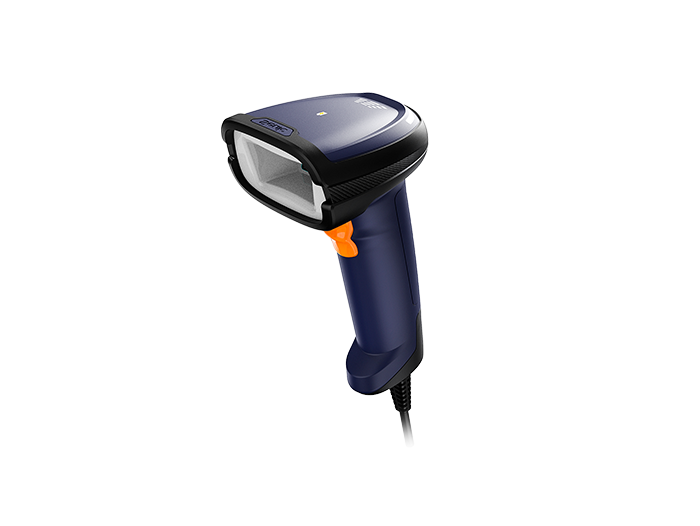
Today's checkout counter has to handle more than just product barcodes. There are also mobile payment codes, membership cards, and digital coupons. Old-school laser scanners can't read QR codes, and they often struggle with on-screen codes — causing long queues and frustrated customers during peak hours. Switching to a 2D imager scanner that handles every code type in a single device is the right fix for modern retail checkout.
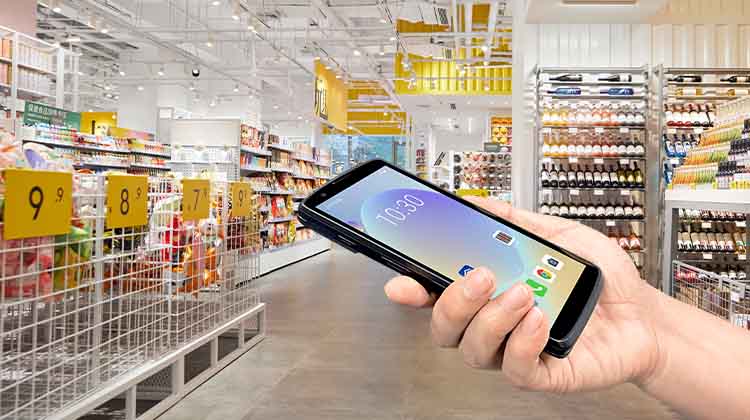
1. Why a 2D Scanner Is Now Essential
A few years ago, all a checkout counter needed was a "beep" to scan 1D product barcodes. But today, cashiers deal with not only product barcodes but also mobile payment codes, membership cards, e-coupon codes, and return/exchange validation codes.
Traditional 1D laser scanners simply cannot read QR codes by design, and their first-pass read rate on phone screens is poor. Once a store adopts mobile payments and loyalty programs, the laser gun isn't just "slow" — it's "can't read."
A 2D barcode scanner (imager-based) solves this:
Reads 1D product barcodes, QR codes, and Data Matrix codes — all in one device
Captures dim phone screen codes and codes under reflective screen protectors on the first try
Higher tolerance for damaged, wrinkled, or laminated price tags
Can be shared between checkout, coupon validation, and mobile inventory tasks
For retail stores, a 2D scanner is no longer an upgrade — it's the baseline for any checkout counter.
2. Common Pain Points in Retail Checkout
In real stores, failed scans are rarely because "the gun is broken." More often, it's a mismatch between the scenario and the device's capability:
Payment codes won't scan
A customer holds up Alipay, WeChat Pay, or a bank QR code — the laser gun does nothing. The cashier either switches to another device or types it in manually. During rush hour, each extra second adds up, and queues grow fast.
Damaged product barcodes
Condensation from refrigerated cases, grease stains, promotional stickers covering the original code, crushed cartons, or reflective hang tags — laser guns often beep but output nothing.
Self-checkout is even more sensitive
Self-service kiosks don't have a cashier to help customers find the right angle. If the scanner has a narrow field of view or weak decoding, customers who place items slightly off-center will fail to scan and end up calling for assistance.
Performance degrades during peak hours
Cheaper scanners accumulate dust on the window and heat up after continuous use, slowing down recognition speed — right when lunch and dinner rushes hit.
Separate devices for checkout and inventory
A fixed scanner at the front counter for sales, plus a separate PDA for backroom inventory — duplicate hardware, incompatible systems, and extra training overhead.
These problems add up to: customers waiting, cashiers frustrated, and inventory accuracy suffering.
3. Recommended Solution: SEUIC CRUISE2
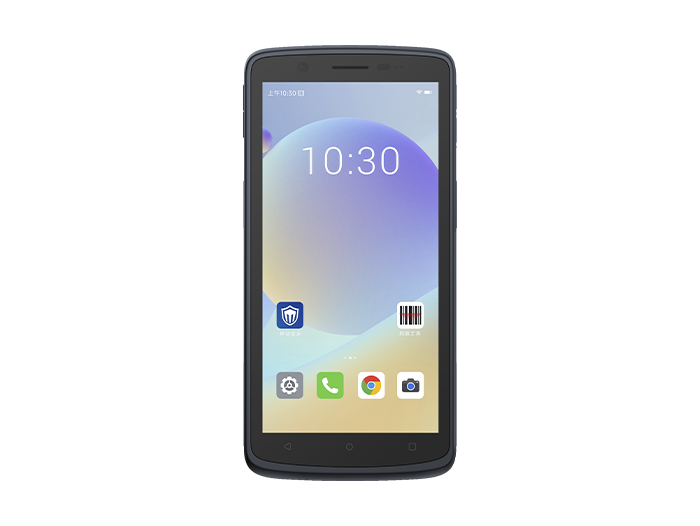
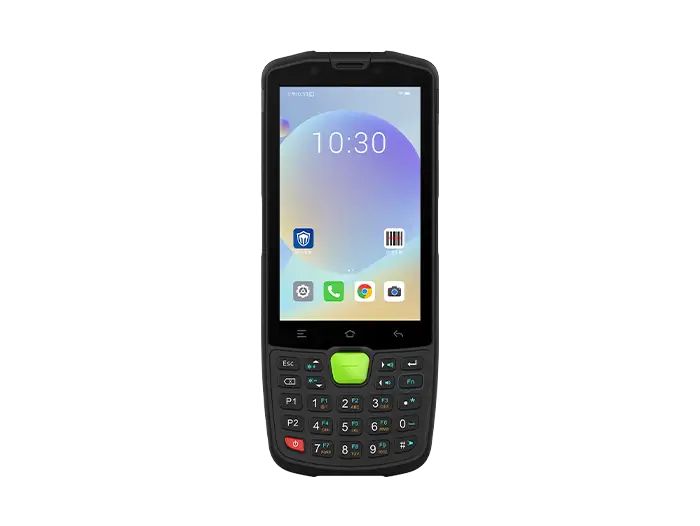
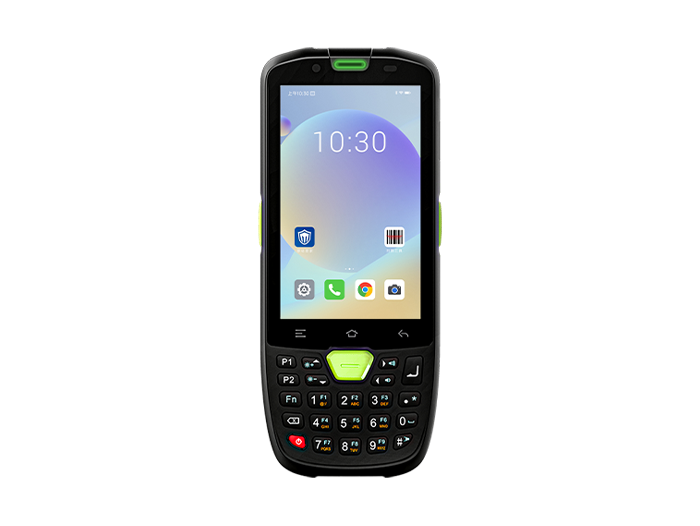
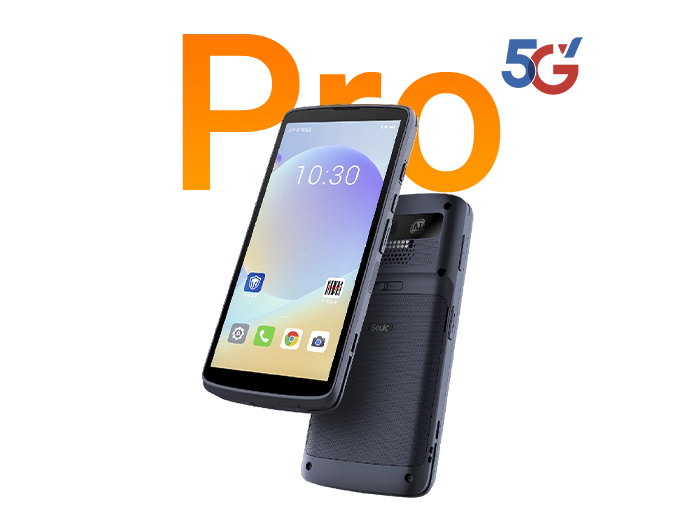
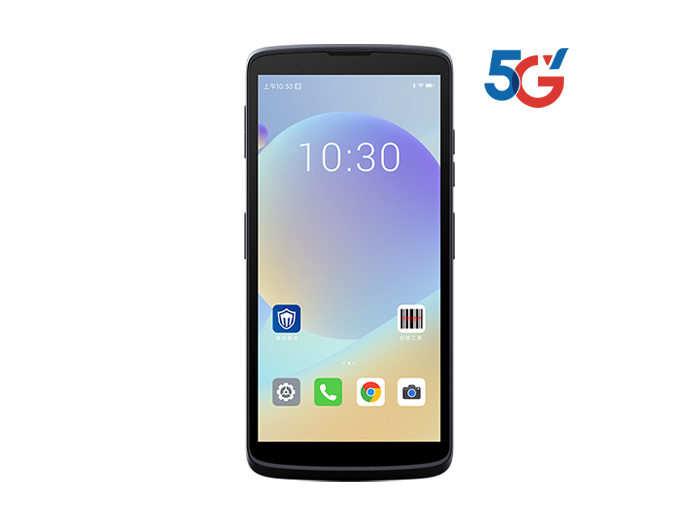
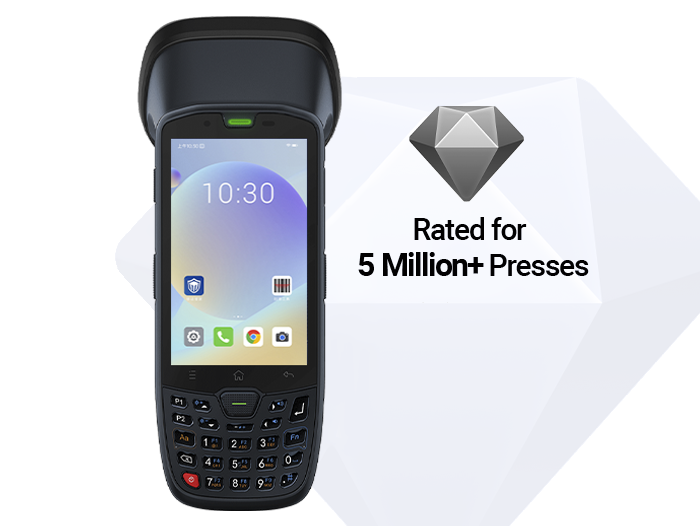
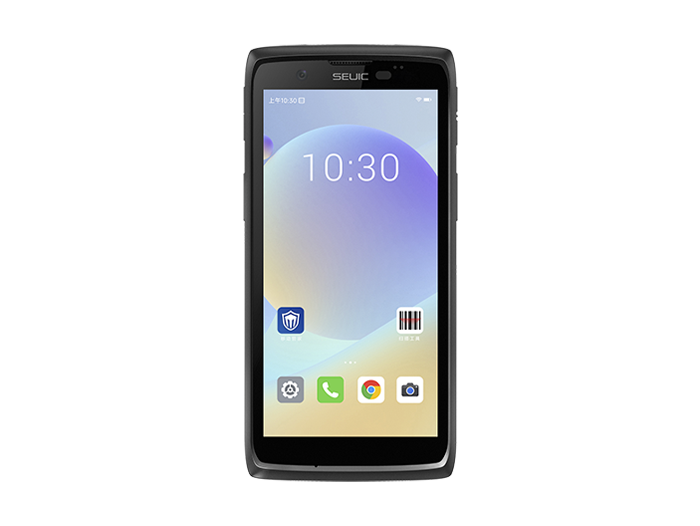
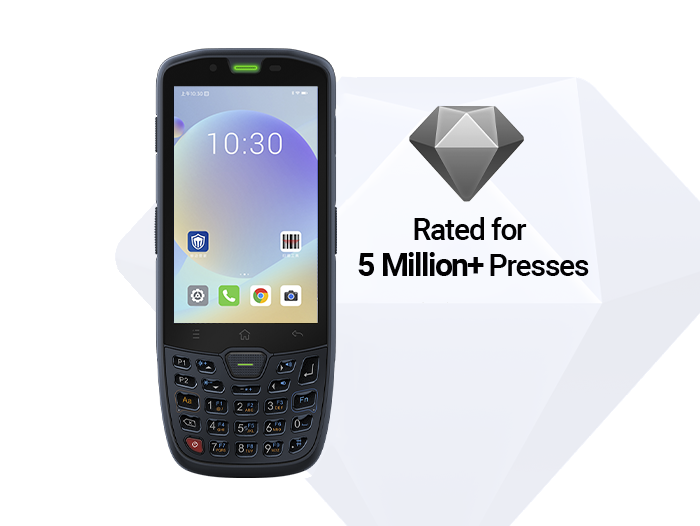
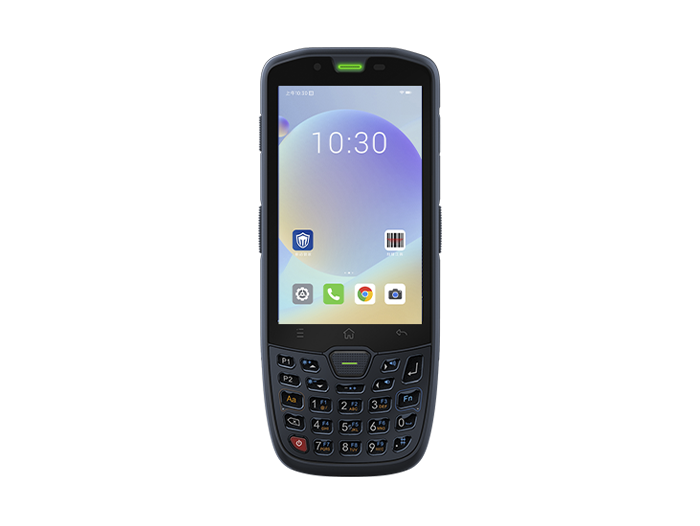
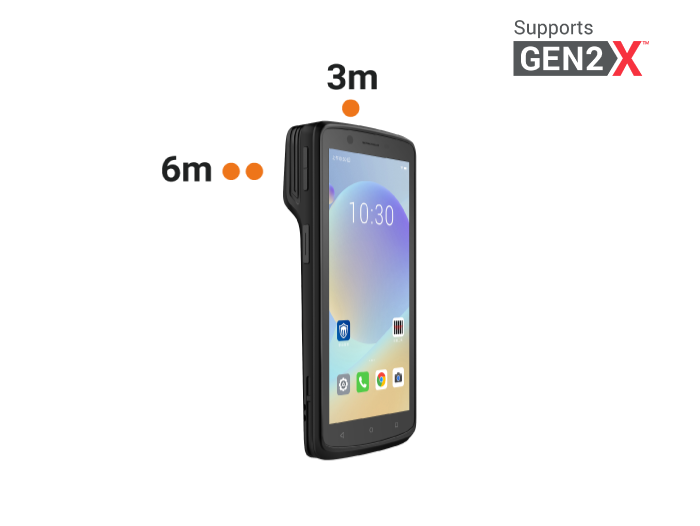
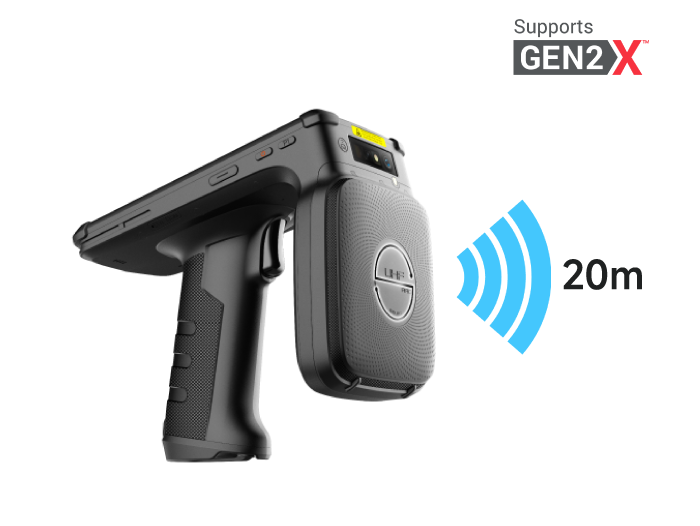
If your store needs more than fixed-point checkout — such as mobile checkout, floor inventory, front-of-store replenishment, or multi-location chain management — a standalone desktop scanner won't cut it. You need a handheld 2D terminal. The SEUIC CRUISE2 is an industrial-grade handheld built for mobile workflows.
Why it fits retail checkout:
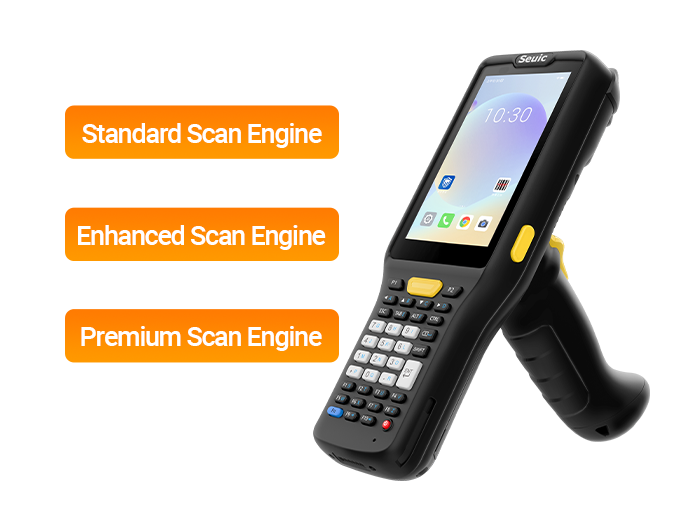
Imager-based 2D scanning, not just product codes
Equipped with a professional scan engine that handles damaged, greasy, wrinkled, and on-screen codes. Both 1D product barcodes and payment QR codes are processed by the same device.
Screen code optimized for mobile payments
Customers' mobile payment codes, membership cards, and e-coupons scan directly — no need for a separate payment scan box.
IP68 + 1.5m drop resistance
Coffee spills on the counter, the device gets knocked off the table, or wet hands in the fresh-food section — it keeps working.
5.5" glove/wet-touch display
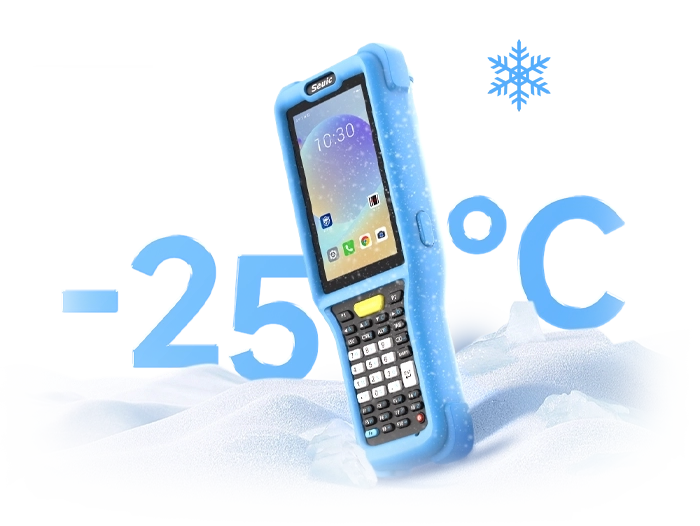
Works in cold-chain front areas, produce weighing stations, and delivery-integrated stores.
5000mAh hot-swappable battery
Swap batteries between shifts without rebooting. Optional 6000mAh for longer shifts.
Octa-core + Android, checkout and inventory in one
Run POS apps on the same device at the front counter, then switch to inventory, receiving, or price-check apps after closing — no need for a separate PDA.
Typical usage:
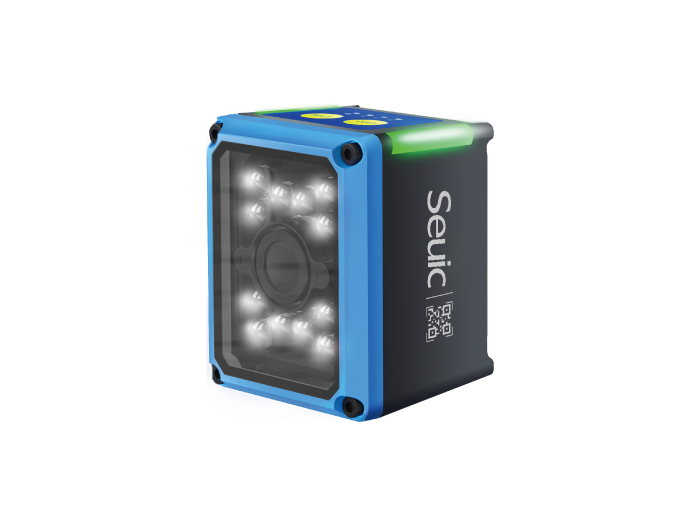
Main checkout counter: Fixed 2D platform scanner for products
Mobile checkout: Use CRUISE2 to scan customer payment codes directly
Large items / shopping carts: Handheld supplemental scan without moving heavy loads
After-hours inventory: Same device switches to inventory app
For supermarkets, convenience stores, clothing chains, and fresh-food retailers, the value isn't just "scanning faster" — it's closing the loop between checkout, coupon validation, and inventory on a single device.
Retail checkout has evolved from "scanning product barcodes" to "product codes + payment codes + membership codes" all coexisting. Laser guns are retiring for a simple reason: they fundamentally can't read QR codes or screen codes.
Your selection logic boils down to three rules:
Must be imager-based 2D, capable of reading phone screen codes
First-pass read rate on damaged and reflective codes must be reliable
If your store also needs mobile checkout or inventory, prioritize a handheld terminal over a fixed scanner alone
If you run a retail chain, a store-with-warehouse model, or want to unify checkout and inventory on one device, feel free to contact SEUIC for a free product trial.
Related News
-
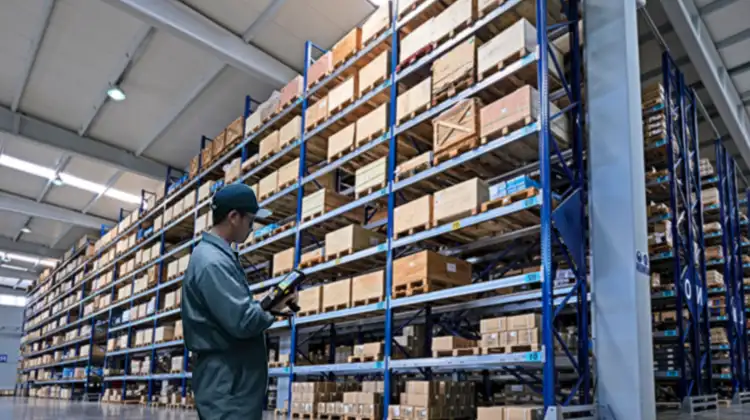
2D Barcode Scanner Selection Guide for Warehouse: Receiving & Cycle Count
Product Updates | 2026.10.22Learn More
-
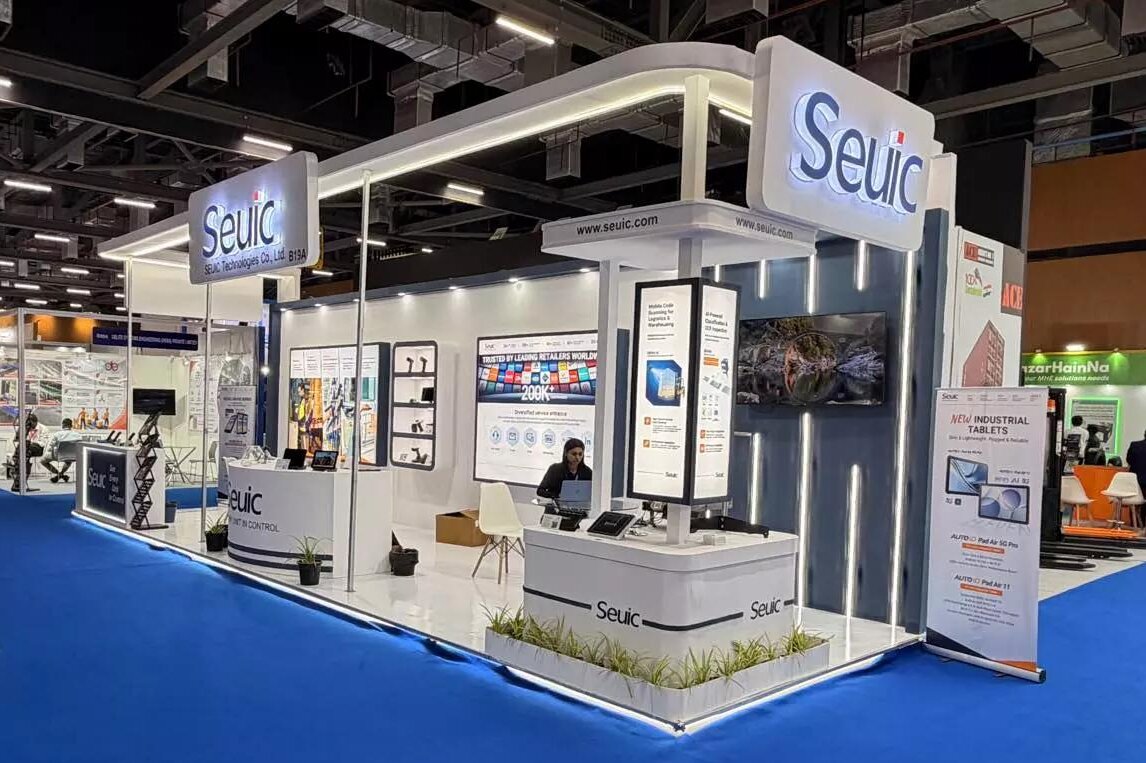
IWE Chennai 2026 Recap: Connecting Data to Smarter Operations
News & Events | 2026.10.22Learn More
-
Rugged Android Tablet vs PDA: Field Worker Selection Guide
Product Updates | 2026.10.21Learn More
-
Industrial PDA Protection Rating Guide: IP67 & MIL-STD-810 Explained
Product Updates | 2026.10.21Learn More