





2D Barcode Scanner Selection Guide for Warehouse: Receiving & Cycle Count
The biggest fear in warehouse receiving and cycle counting isn't having no stock — it's having the goods arrive but the system failing to recognize them. A smudged label, a crushed quiet zone, condensation blurring the print, or a line-side bin moved by a worker — any of these can cause repeated scan failures, blocking putaway, shelving, and inventory reconciliation. For warehouse managers, team leads, 3PL operators, and e-commerce fulfillment centers, rising scan failure rates quickly translate into manual data entry, rejections, inventory discrepancies, and line stoppages due to missing parts. Choosing the right 2D barcode scanner for warehouse scenarios isn't about buying a more expensive gun — it's about designing the label condition, operator motion, and decoder capability together.
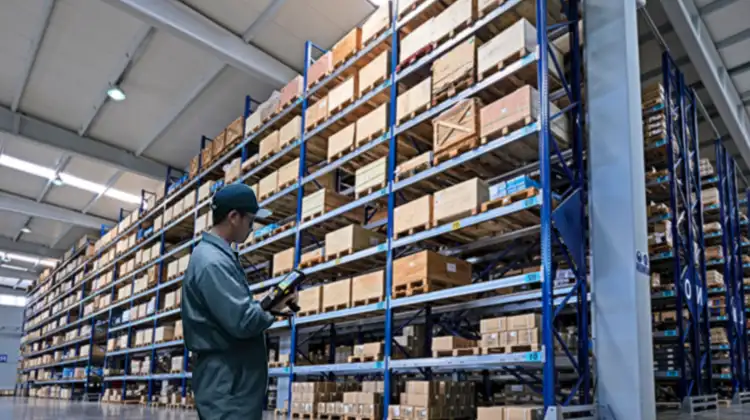
1. Label Damage in Warehouse Receiving: First, Determine if the Code Is Damaged or the Environment Is Killing It
Many sites immediately blame the scanner, but in receiving, the root cause is almost always the label itself or the environment it passes through.
Common Types of Damage
Thermal fading and broken bars: Low-cost thermal paper turns black or fades under friction, sunlight, or cold-chain transport, causing bar breaks.
Condensation / Moisture: Cold-chain goods moving from freezer to ambient dock develop surface condensation, softening, smearing, or peeling ordinary paper labels.
Quiet zone damage: The white space around the barcode is covered by tape, creases, or grease, preventing the scanner from finding the start/stop pattern.
Low contrast: Red codes on red backgrounds, light gray bars, colored kraft paper substrates — reflectivity difference too low for image decoding.
Glossy film glare: High-gloss lamination, plastic wrap, or metallic surfaces reflect illumination light straight back into the lens.
Wrong placement: If the automated receiving line only scans the side, but the label is on the top, bottom, or over a seal flap, it will be missed.
Hidden Costs in the Receiving Process
When the system is set to "switch to manual after 3 failed scans," it may seem like just a few extra keystrokes, but the real impact includes:
Longer receiving queues, increased dock occupancy
Batch/SKU/serial numbers entered manually — errors shift to human operators
If the unreadable rate exceeds a threshold, the entire batch is rejected or returned to supplier
In cold chain / pharmaceutical scenarios, label failure = broken traceability
So the goal at receiving isn't just "can it scan?" — it's whether the scanner can achieve a first-pass read on low-contrast, damp, slightly damaged, or angled labels.
2. Challenges Reading Line-Side Bin Labels: Tougher Than Warehouse Receiving
Line-side storage sits between production and the warehouse, and barcode reading here is often more demanding.
Typical Difficulties
Uneven box surfaces: Bins are repeatedly handled, stacked, and bumped, causing labels to bubble, curl, or stretch.
Oil and dust: Near machining, assembly, or stamping stations, labels are coated with cutting fluid, machine oil, or metal powder.
Random angles: Workers wearing gloves lift boxes one-handed — the barcode may be tilted, upside down, or wrapped around a corner.
Mixed lighting: Overhead shop lights, direct window glare, and indicator lamps create hotspots that drown out bar/space signals.
Reading on the move: Line-side replenishment is often done "walk and scan," not at a fixed station — motion blur reduces recognition rates.
Unrecorded moves: Workers manually relocate bins for rework or borrowed parts without ERP transfers, so scanned data doesn't match the system.
The core tension in line-side scenarios is: label quality is unpredictable, operator posture is uncontrolled, and cycle time won't allow stopping to wipe a label. The device must tolerate skew, oil, low contrast, and quick pass-by scanning.
3. Core Technologies in 2D Scanners: Don't Just Look for "Can Read QR Codes"
When replacing older 1D laser guns, these are the specs you should actually verify.
3.1 Area Imager, Not Single-Line Laser
Laser heads rely on a single beam scanning reflection — they fail on broken bars, wrinkles, QR codes, and DataMatrix. A 2D imager captures an image and decodes it algorithmically, handling damage, distortion, screen codes, and high-density codes.
3.2 Damaged Code and Low Contrast Tolerance
Check whether the scanner supports:
Image enhancement and contrast stretching
Motion compensation / global shutter
AI or adaptive algorithms to repair missing edges, blur, or dot peen marks
Minimum readable element size (e.g., 2D 2.0–5 mil)
Don't just trust lab specs like "read range 5 meters." Ask for the first-pass read rate on representative damaged samples.
3.3 Multi-Illumination and Polarization
White light alone is insufficient for oil, metal, and laminated surfaces. Red/blue/white light switching, area illumination, spot illumination, and polarization filters respectively suppress:
Low contrast on dark backgrounds
Oil film coverage
Curved laser-etched codes
3.4 Depth of Field
Long-range shelf scanning, close-up box scanning, and small electronic part high-density codes require different optics:
General cartons: standard DOF
Electronic reels / GS1 DataMatrix: high-precision HD engine
High-bay rack: long-range optics with aiming assist
3.5 Industrial Protection and Connectivity
Warehouses and production lines are not retail counters:
IP rating: IP52 is enough for dry storage; IP65 or higher recommended for docks, cold rooms, and workshops
Drop: Around 1.8 m for industrial grade
Temperature: Cold-chain models needed for low-temp environments
Interfaces: USB-HID for stable WMS connection, Bluetooth for mobile use, RS232/Ethernet/PLC for fixed-mount readers
3.6 Form Factor Matches the Task
Fixed conveyor line → fixed-mount reader
Walking receiving / cycle counting → wireless handheld scanner
Receiving + putaway + counting all-in-one → industrial PDA
Many projects miss a "backup scan device," leaving only manual intervention when the main line has an exception.
4. Scenario-Based Product Matching and Implementation Tips
Now let's map capabilities back to three typical on-site task types. Don't assign the same device to every role.
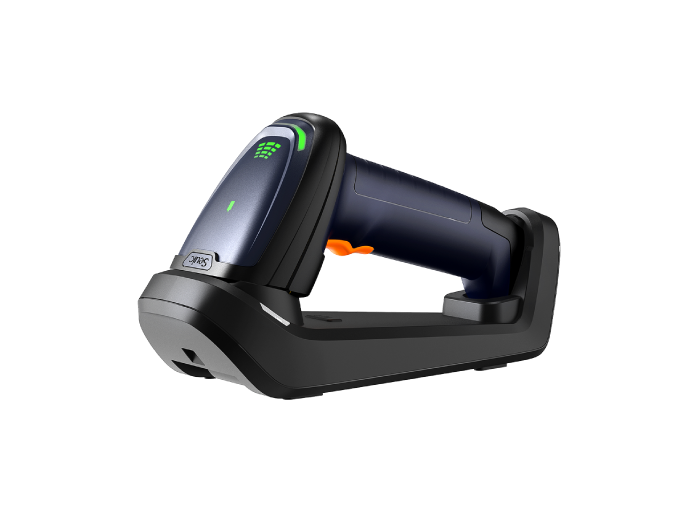
Scenario A: Line-Side Backup Scan, Mobile Receiving Verification → Wireless Handheld 2D Scanner
Best for: Warehouse associates doing walk-around receiving, line-side bin spot checks, supplier incoming re-scan, and damaged code secondary confirmation.
These roles need a "pick up and scan" device — they don't want to wipe a label first if it's crooked, oily, or scratched.
Based on the criteria above, look for a wireless handheld 2D scanner with:
AI decoding for broken bars, curved surfaces, and low contrast
Red/blue/white multi-light switching for metal and dark backgrounds
IP54 or higher for dust and splash resistance
Battery life lasting a full shift, pairing with WMS, tablet, or workstation
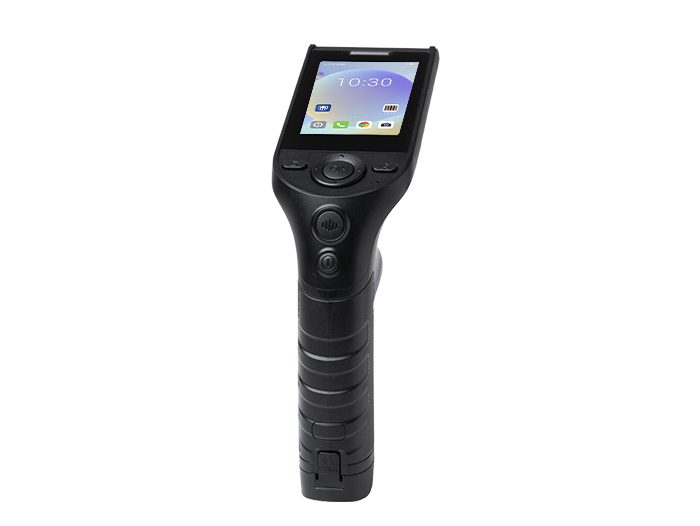
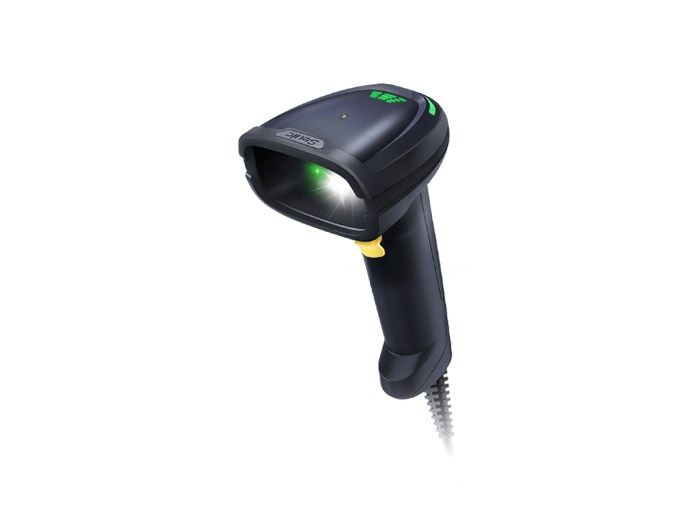
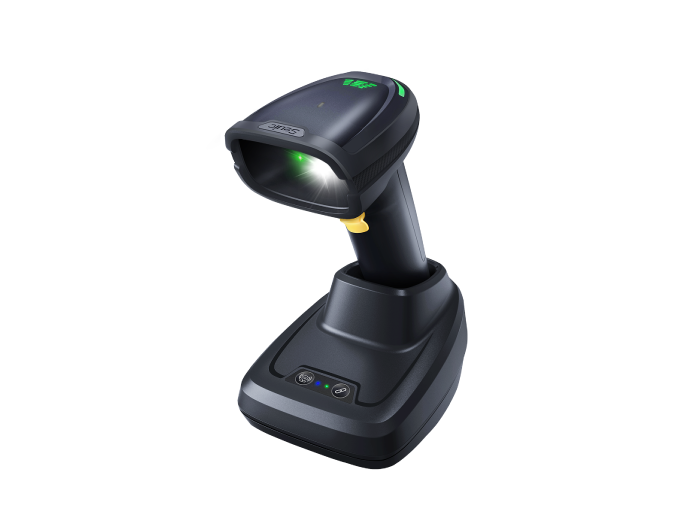
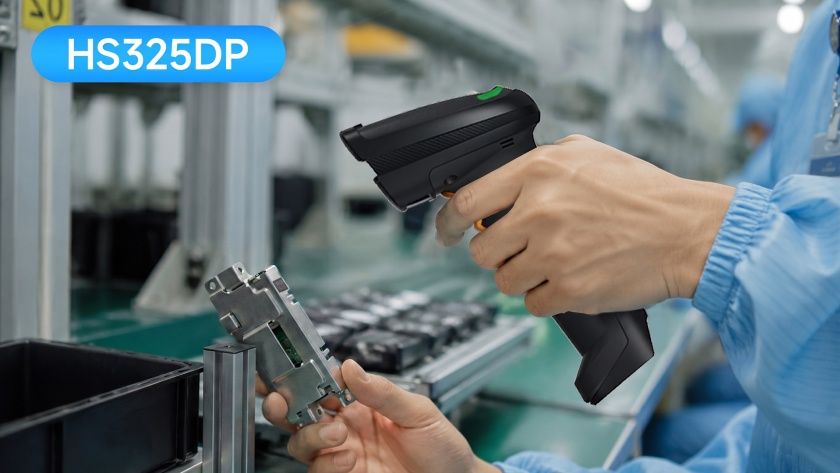
For example, the SEUIC HS325DP is designed for this scenario: it specializes in DPM and difficult industrial codes — blue light for metal surfaces, red light for dark backgrounds, white spot light for engraved codes. Ideal for automotive parts assembly, machining coolant environments, and electronics PCB/laser engraving backup scanning.
Implementation tip: Equip the receiving dock with a fixed main scanner, and use the HS325DP as an "exception backup gun." Place one mobile gun per 2–3 line-side stations so workers don't have to remove gloves.
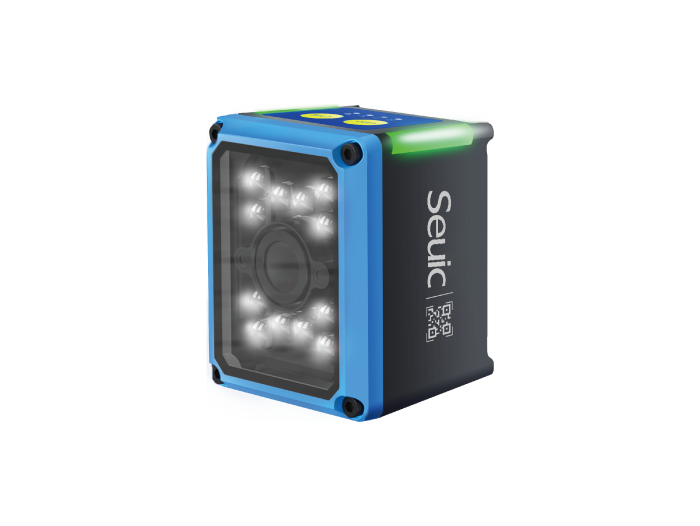
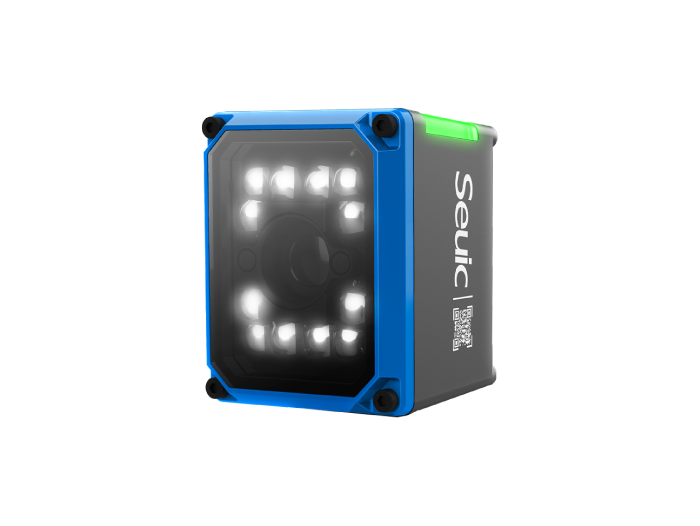
Scenario B: Conveyor Receiving, Production Line Traceability, Fixed-Station Auto Reading → Fixed-Mount 2D Image Reader
Best for: Parcel sorting, 3PL inbound belt lines, SMT/assembly lines in manufacturing, food & beverage lines, automatic weigh-and-sort stations.
If the barcode position is fixed or travels along a conveyor, don't make workers follow the line with a handheld — a fixed-mount reader is more stable and hands-free.
Key specs to check:
Auto-tuning / one-click learning to reduce on-site setup
Dynamic reading (e.g., ≤3 m/s)
Global shutter to avoid motion blur
Red/white illumination or AI image restoration
Ethernet/PLC/MES integration
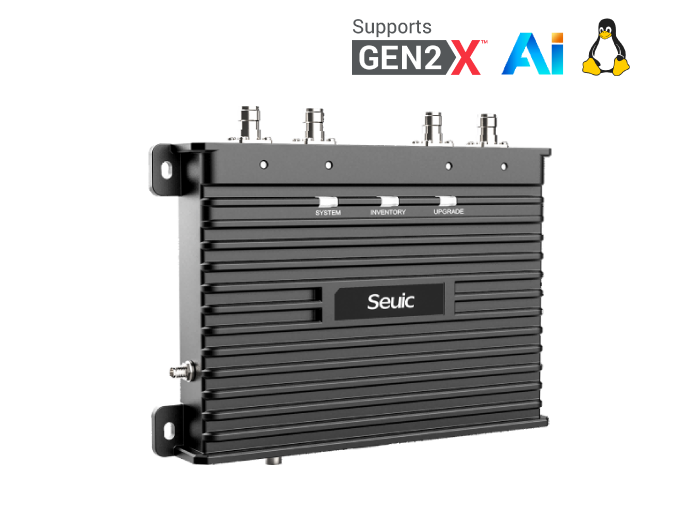
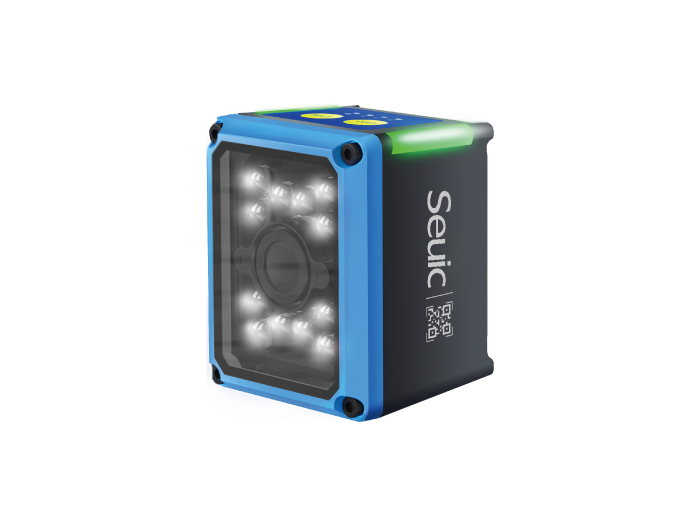
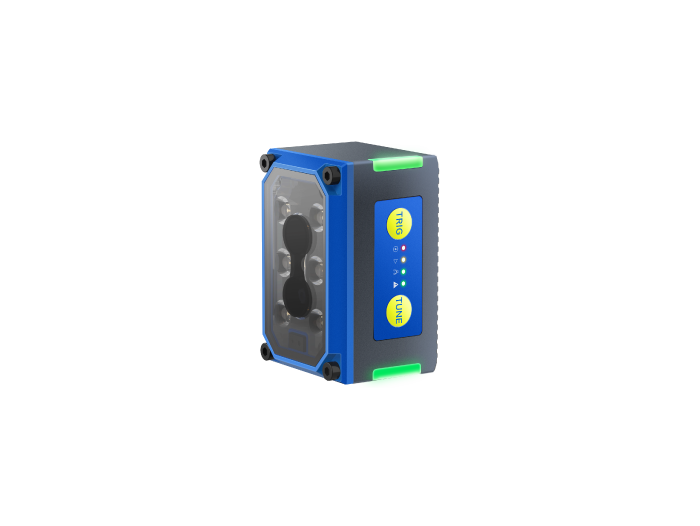
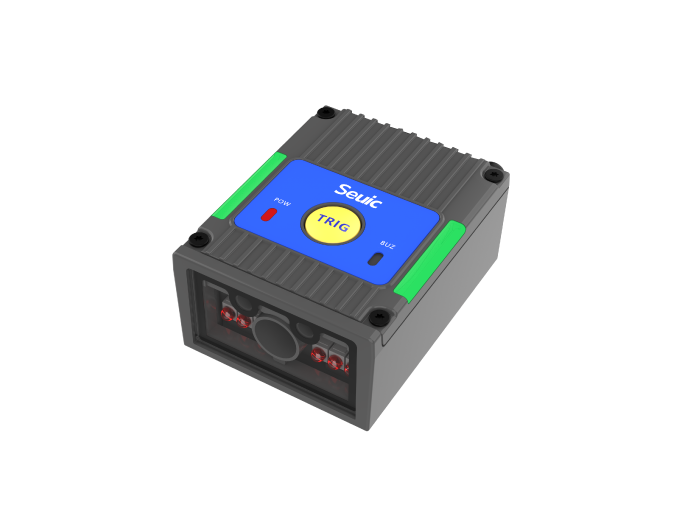
For example, the SEUIC X4 AI fixed-mount reader: 1.3 MP sensor, AI chip for auto-tuning, reads low-quality codes (blurry, distorted, low contrast). Commonly used on lithium battery aluminum shell codes, PCB DPM, and reflective/wrinkled food packaging. Applications like Guoxuan battery cells and Ziyan production lines fall into this "poor label quality but zero miss-read required" category.
Implementation tip:
Install fixed readers on both sides of the conveyor, adjusting height and angle based on box dimensions
Use handheld backup scanners for exception boxes where the main code is offset
Before production rollout, test first-pass read rate with 200 real boxes, then finalize illumination and mounting distance
Scenario C: Receiving + Putaway + Cycle Counting All-in-One → Industrial PDA with Integrated 2D Engine
Best for: Warehouse associates who receive, move, count, and check inventory all in one role; retail store backrooms, pharmaceutical warehouses, 3PL mixed-carton storage, cold-chain facilities.
These users don't want a "scanner + phone + paper list" three-piece kit. They need one device that scans, records, and transmits.
Selection priorities shift to overall PDA capability:
Can the 2D imaging engine read oily/damaged box codes?
Separate configurations for near-range (1 m), mid-range (10 m), and far-range (high-bay) scanning
Android + smooth WMS client
Wi-Fi roaming, cold-room temperature drift tolerance, glove touch support
Battery life and hot-swap capability
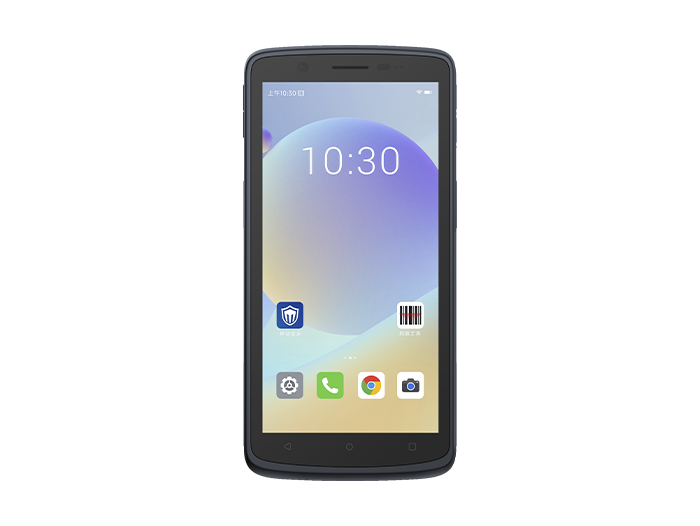
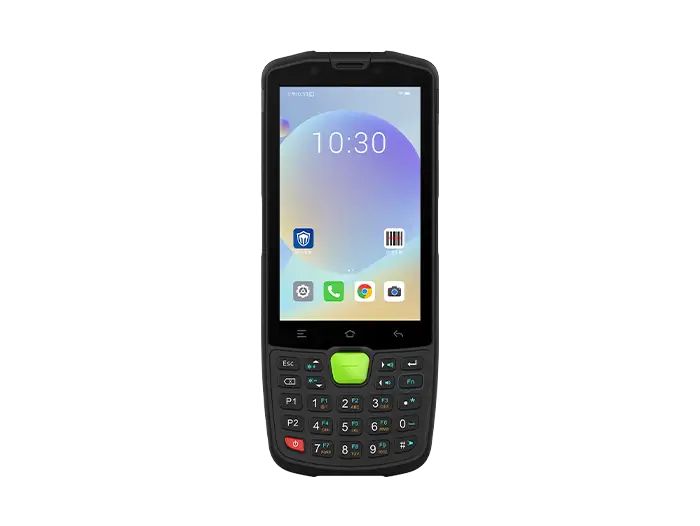
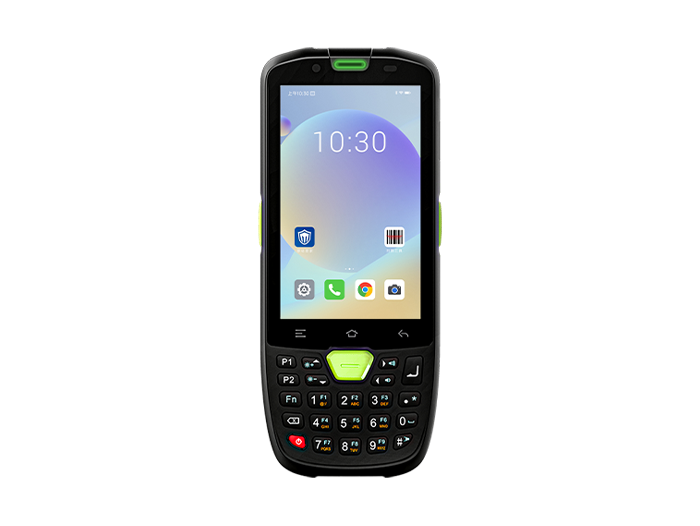
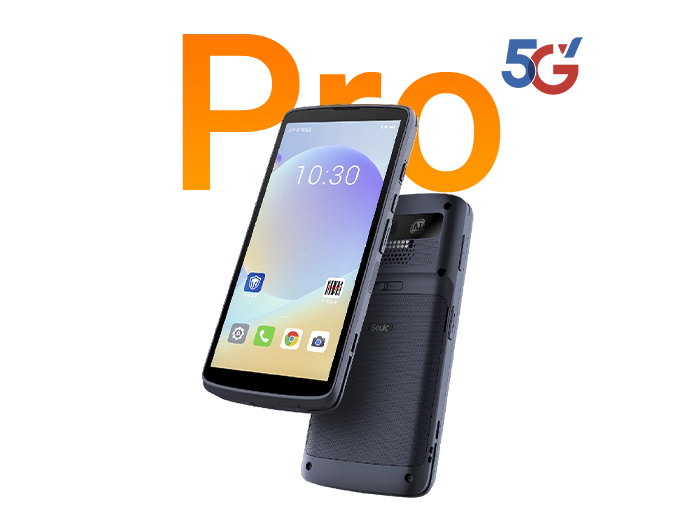
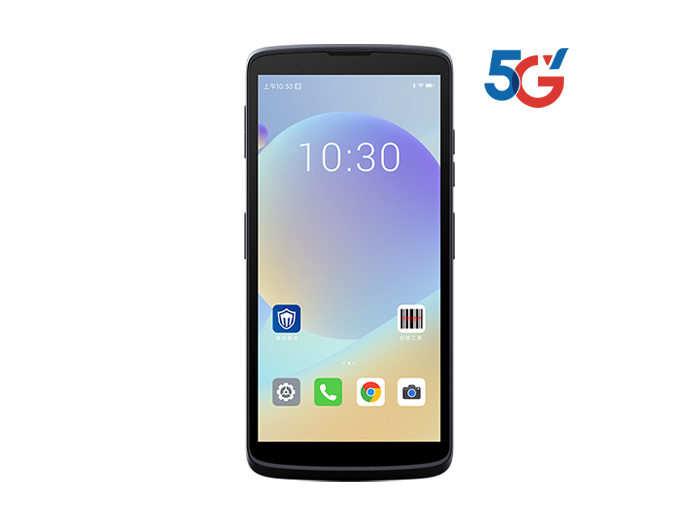
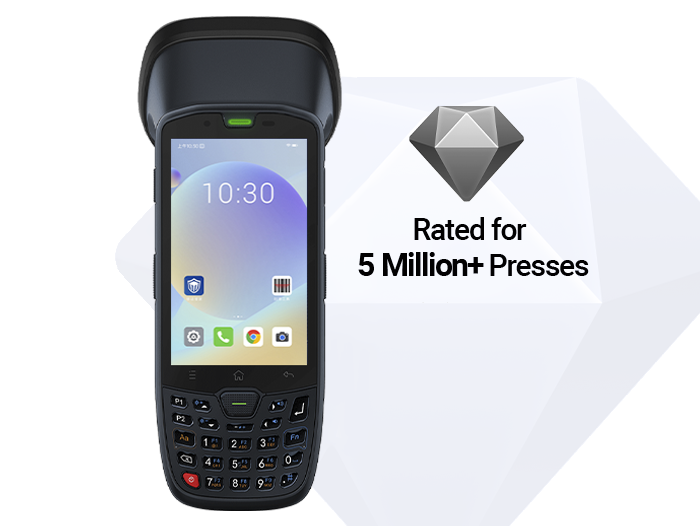
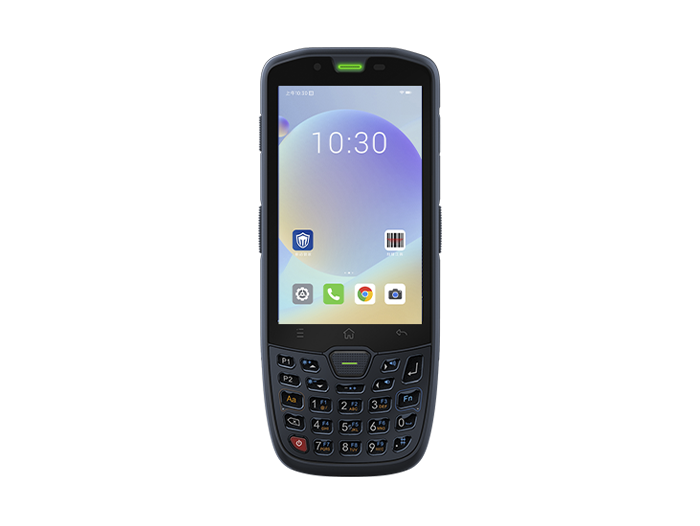
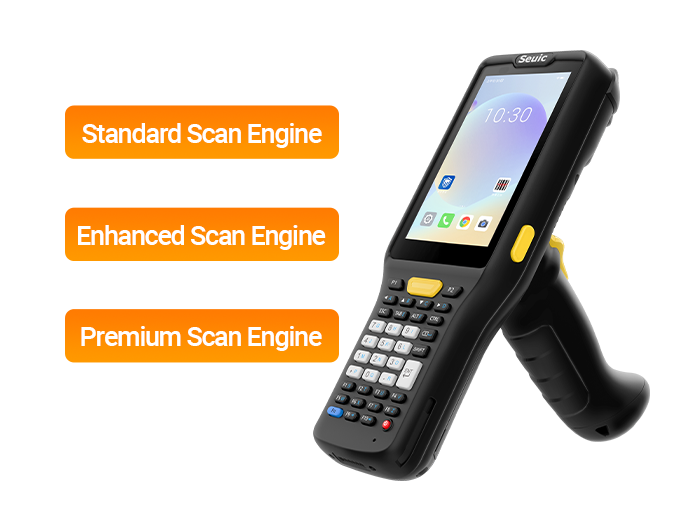
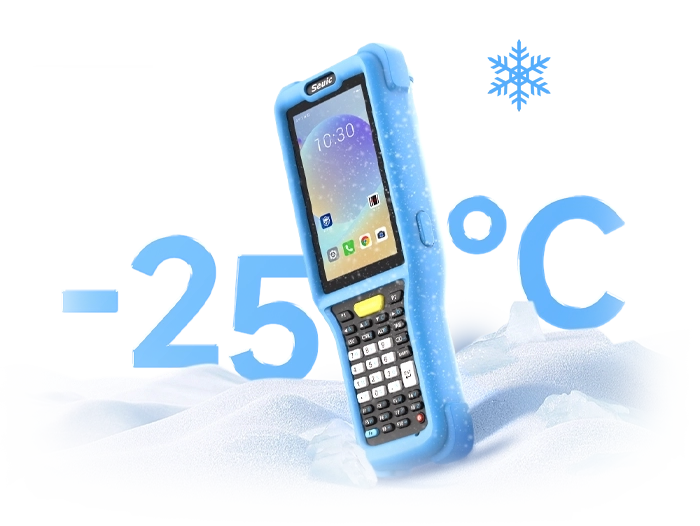
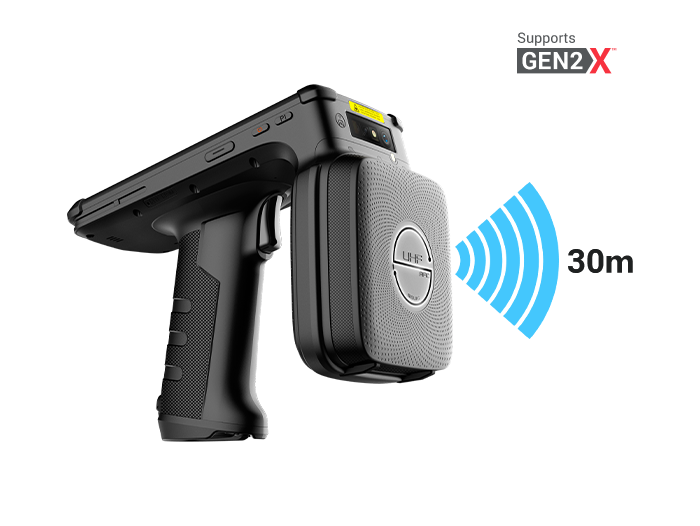
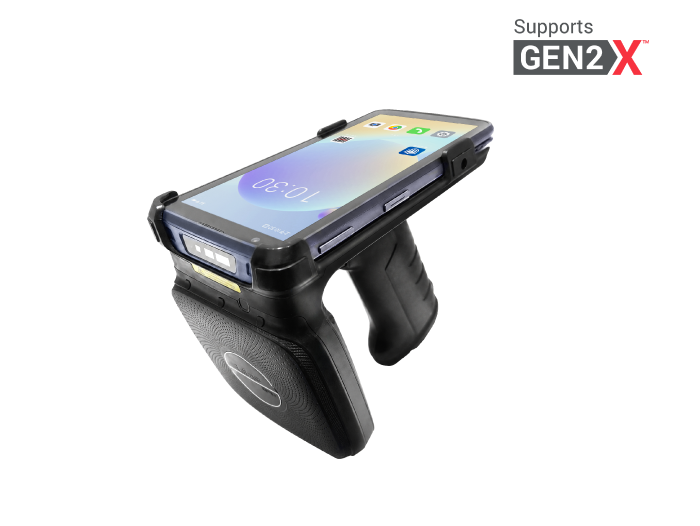
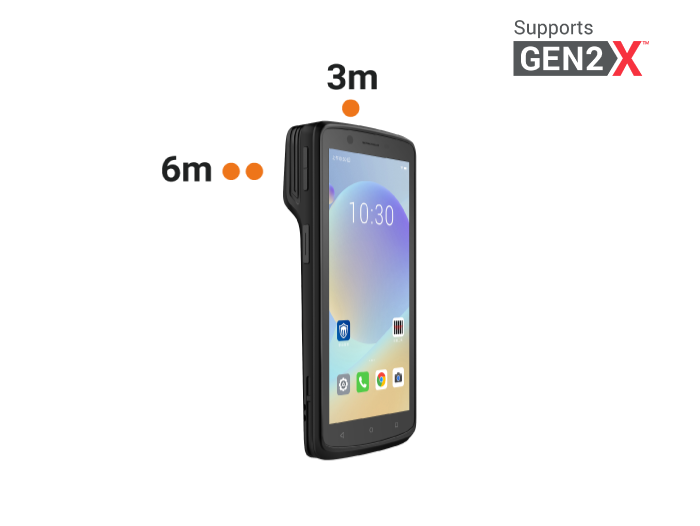
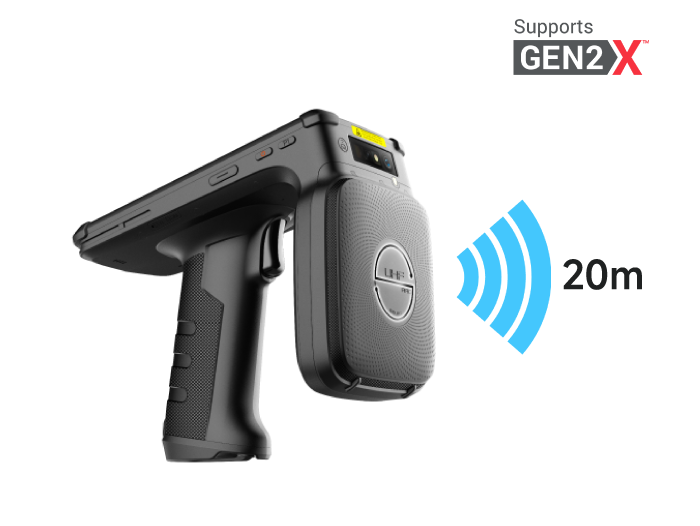
For example, the SEUIC AUTOID Q7-Grip is a handled industrial PDA with: standard/enhanced/premium scan engines covering 1–30 m, detachable grip for both close-up picking and high-bay scanning, -25°C cold-chain model, IP65, Qualcomm + Android 14. Ideal for warehouse receiving signatures, cycle counting, and line-side relocation.
Implementation tip:
Low-level shelving / split-case picking → standard scan engine
Pallet receiving, mid-level racks → enhanced scan engine
High-bay storage → premium engine with laser aim
Cycle counting tasks assigned by zone; upload photos of exception codes instead of relying solely on manual entry
5. Implementation Sequence (More Important Than "Which Model to Buy")
5.1 Collect 50–100 real-world damaged label samples (oil, condensation, curled edges, DPM)
5.2 Test first-pass read rate per scenario: fixed line / handheld backup / PDA counting
5.3 Improve labels simultaneously: use synthetic/durable paper, preserve quiet zones, don't place labels over seal flaps, switch to freeze-resistant adhesive for cold chain
5.4 Layer the equipment: fixed main scanner + handheld backup + PDA for daily rounds
5.5 Enable exception code photo capture and re-scan logging in the WMS, feeding back to supplier label quality
Scan failures in warehouse receiving and cycle counting are rarely caused by a single device issue. Label material, quiet zones, condensation, line-side bin movement, lighting angle, and operator motion all contribute to the first-pass read rate. When selecting a warehouse receiving scanner or cycle count scanner, prioritize: 2D image decoding, damaged-code tolerance, illumination adaptability, depth-of-field matching, and industrial protection. For line-side bins, add one more requirement: "fast pass-through scanning even with gloves."
Give fixed conveyor lines to fixed-mount readers. Give mobile receiving and line-side backup scanning to wireless handheld guns. Give daily counting and relocation to industrial PDAs — a three-layer combination is more robust than standardizing on a single device across the entire facility. Fix half the problem on the label side, and the other half with the right equipment — only then will scan failure rates truly come down.
Related News
-
IWE Chennai 2026 Recap: Connecting Data to Smarter Operations
News & Events | 2026.10.22Learn More
-
Rugged Android Tablet vs PDA: Field Worker Selection Guide
Product Updates | 2026.10.21Learn More
-
Industrial PDA Protection Rating Guide: IP67 & MIL-STD-810 Explained
Product Updates | 2026.10.21Learn More
-
Rugged Tablet OS Selection: Android vs Windows Comparison Guide
Product Updates | 2026.10.20Learn More