




Rugged Android Tablet vs PDA: Field Worker Selection Guide
Choosing a field device isn't about "buying the most expensive one" or "the biggest screen." It's about understanding what a worker actually does all day: Are they constantly scanning, walking, and picking? Or are they reading work orders, checking drawings, filling out forms, and logging inspection records? Pick the wrong form factor, and you'll get awkward operation, higher error rates, or a device that sits unused within six months.
Let's break it down by form factor differences, applicable scenarios, and decision logic.
1. What Is a PDA (Industrial Handheld Terminal) and When to Use It
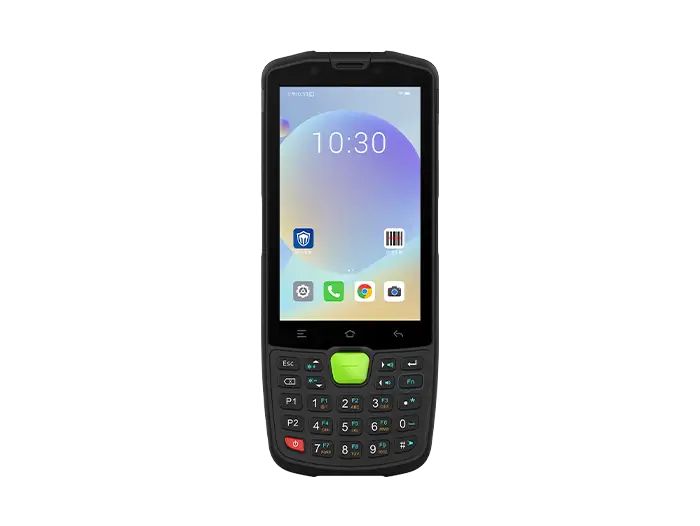
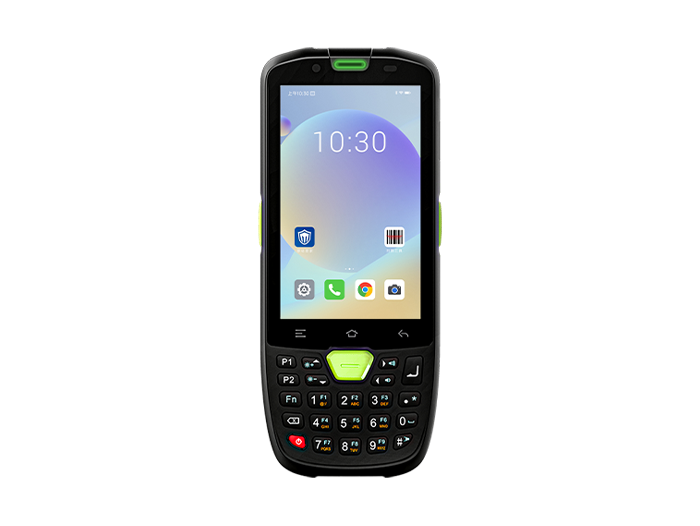
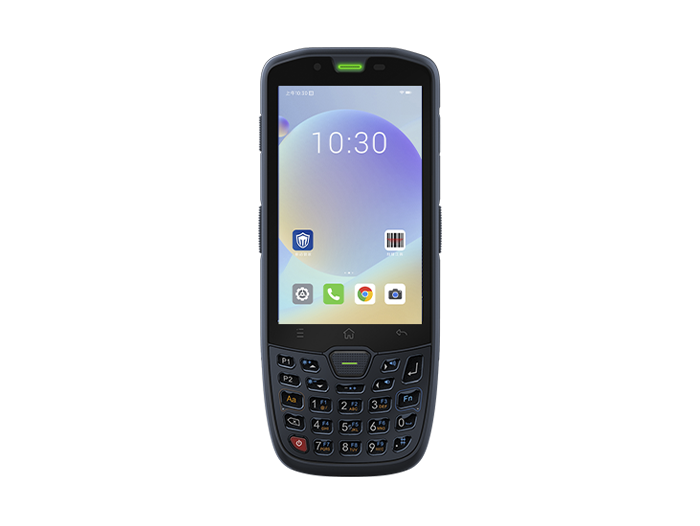
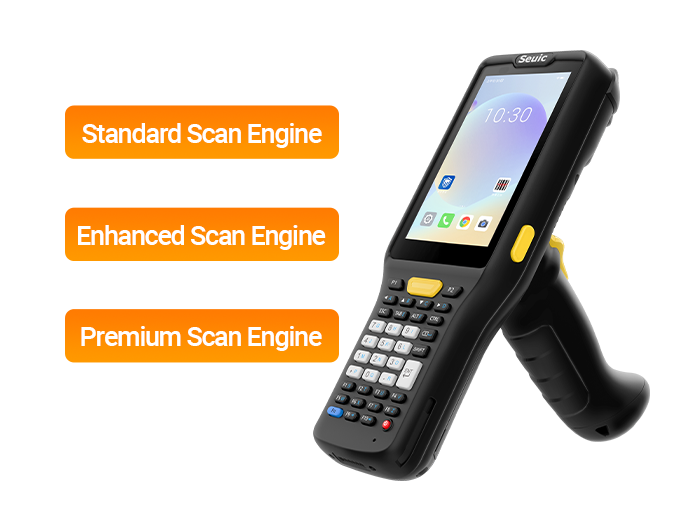
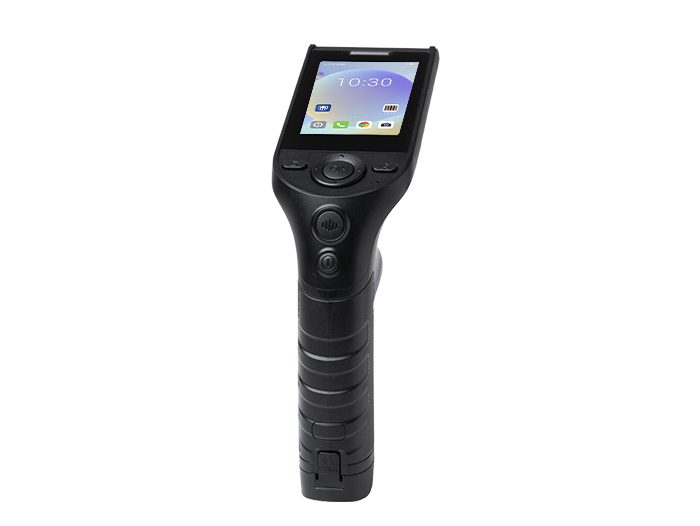
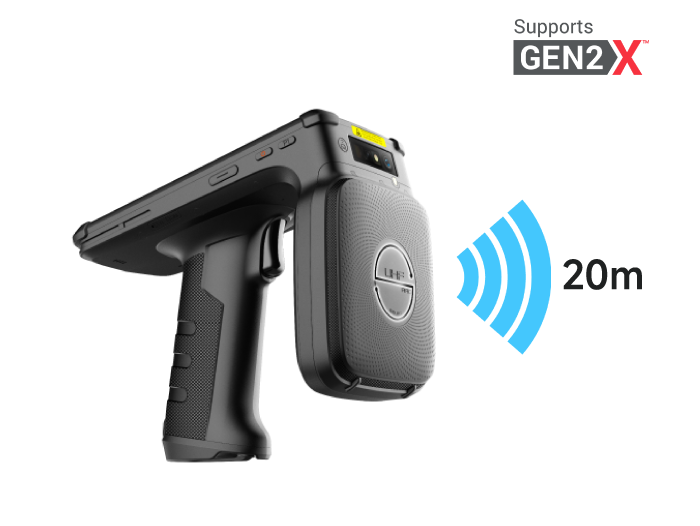
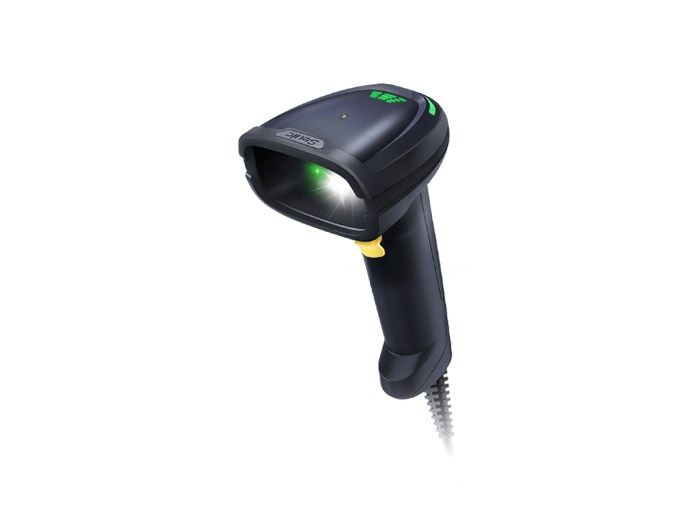
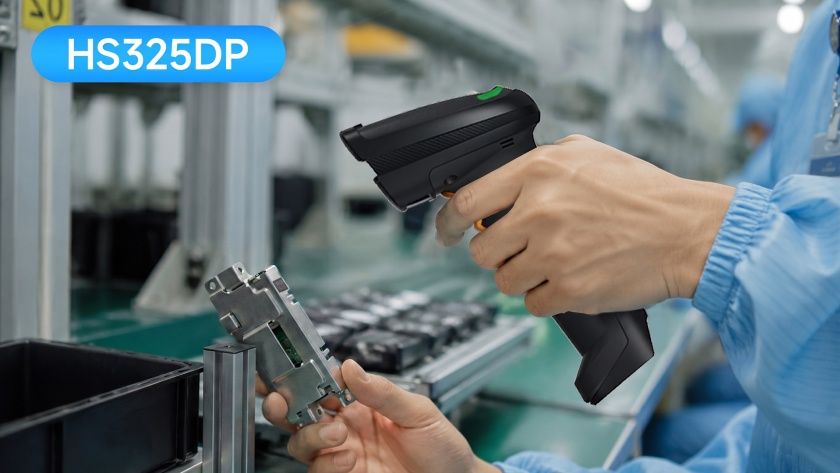
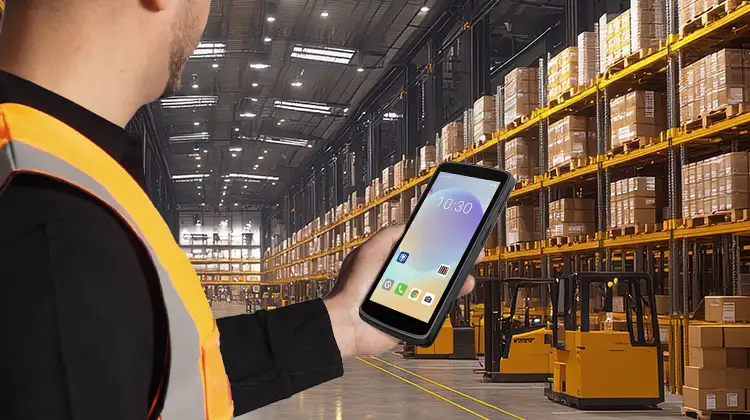
A PDA (Personal Digital Assistant, often called a handheld computer in industrial settings) is essentially a compact mobile data terminal built for fast scanning, portability, and durability. It typically features a 4–6.5-inch screen, physical scan buttons or a grip handle, 1D/2D barcode engines, RFID/NFC, and runs Android.
Its core advantage isn't processing power—it's one-handed operation and high-frequency data capture:
Lightweight, with options for lanyards, belt clips, or pistol grips
Ergonomic scan trigger—ideal for hundreds of repetitive actions per hour
Large, often hot-swappable battery to cover a full shift
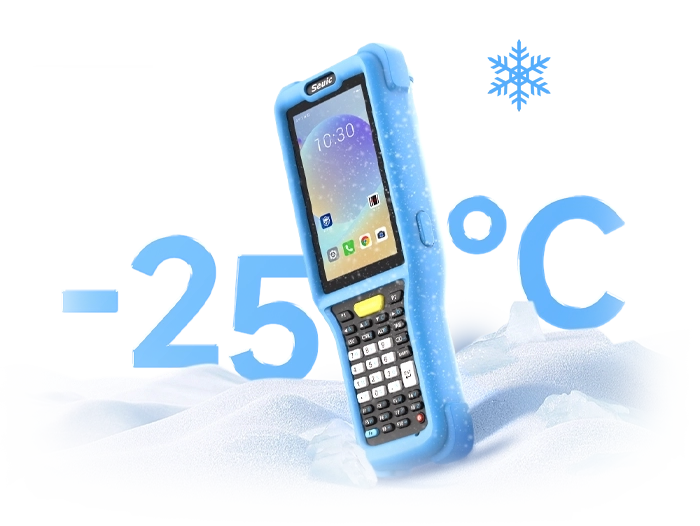
Rugged design: drop-resistant, dustproof, waterproof—suited for warehouses, loading docks, and workshop aisles
Typical scenarios include:
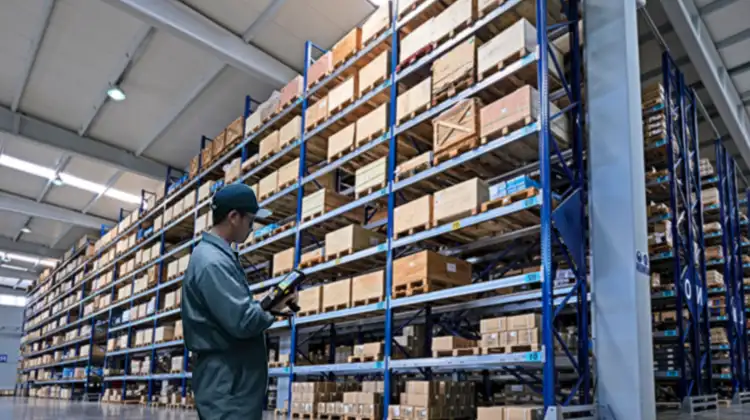
Warehouse picking and cycle counting: receiving, wave picking, cycle counting, outbound verification
Last-mile delivery: waybill scanning, signature capture with photo, returns processing
Retail stores: price tag verification, night inventory, replenishment, POS data sync
Production line workflows: job reporting, incoming material verification, quality spot checks
Utility inspection: meter reading, manhole/pipe inspection, work order submission
In short: For roles where "workers are constantly moving, hands are busy, and actions are quick and short," a PDA is the most efficient form factor.
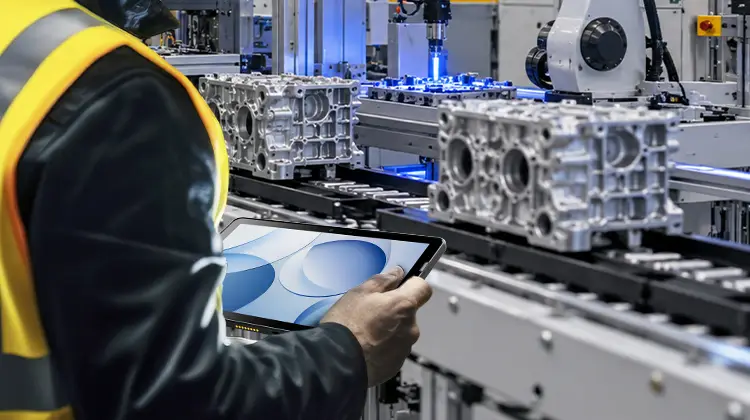
2. What Is a Rugged Android Tablet and When to Use It
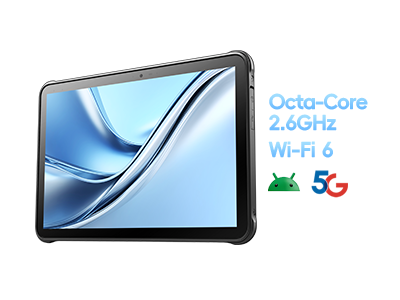
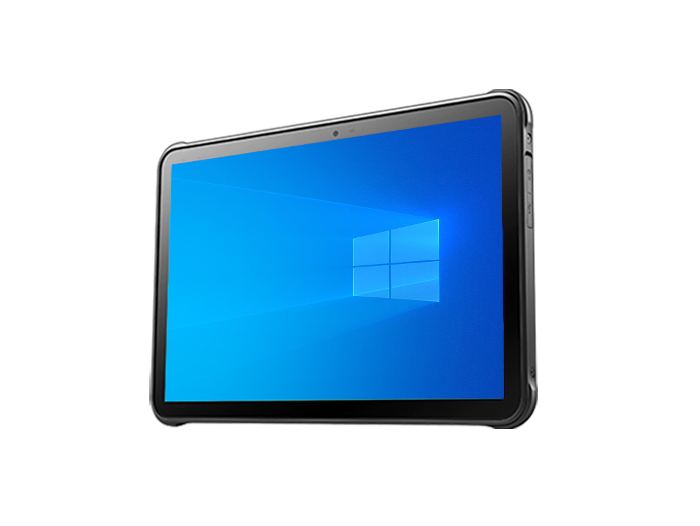
A rugged Android tablet is a fully sealed, durable tablet with a larger screen—typically 8–11 inches or more. Its focus is not on "quick scanning" but on seeing more, handling complex interfaces, and running heavier applications.
Its value comes from three areas:
Large-screen readability: Full-page inventory tables, SKU+batch+location views, process diagrams, and inspection forms displayed in one glance
Greater processing power: Multi-app multitasking, maps/scheduling/CMMS/FSM, photo and document handling
Peripheral and system expansion: Supports docking stations, vehicle mounts, keyboards, external scanners, UHF RFID
Typical scenarios include:
Field service and maintenance: work order review, historical maintenance records, drawing reference, signature and photo capture
Manufacturing: quality inspection data entry, process guidance, production dashboards, anomaly screenshot upload
Transshipment and sorting: multi-dock assignment, route confirmation, exception pop-up handling
Utility inspection: subway/railway inspection, meter reading/replacement, ground support
Retail store and office collaboration: large-order inventory checks, meeting room access, shift scheduling
In short: For roles where "you need to read, fill in, and interact with system interfaces," a tablet is much more comfortable than a small-screen PDA.
3. Core Differences: PDA vs Rugged Android Tablet
| Dimension | PDA (Handheld Terminal) | Rugged Android Tablet |
| Screen & Interaction | Optimized for one-handed use and tapping | Optimized for large-screen reading and multi-window |
| Scan Frequency | Designed for continuous high-frequency scanning | Designed for "scan a few times + read for a long time" |
| Mobility | Pocketable / belt-worn / gripped | Better suited for cradling, vehicle mounting, or desktop use |
| Processing Power | Sufficient for basic tasks | Suitable for heavy business apps, charts, forms |
| Ergonomics | Reduces wrist fatigue | More tiring to hold one-handed for extended periods |
| Durability | Both are rugged; PDA leans toward "keep scanning after a drop" | Tablet leans toward "sealed chassis + large-component protection" |
| Procurement Logic | Assigned one per person | Shared by workstation, vehicle, or team |
4. Decision Guide: How to Match Devices to Roles
Before choosing a form factor, answer these five questions—don't start with a spec sheet:
Q1: Is the scan volume high per hour?
High-frequency picking, sorting, package signing → lean toward PDA
Q2: Do workers frequently need to view full-page documents, drawings, or maps?
Work orders, BOMs, schedules, inspection sheets → lean toward tablet
Q3: Are workers constantly on the move?
Warehouse associates, couriers, inspectors → PDA is lighter
Maintenance technicians, quality inspectors, dispatchers → tablet suits better
Q4: Is the device carried on-body or mounted in a vehicle/fixed station?
Carried → PDA
Vehicle mount / workstation desk → tablet
Q5: Is the business system "scan-and-verify" or "interface-operation" oriented?
WMS picking, waybill signing → PDA
CMMS, MES charts, form evidence chains → tablet
Rule of thumb:
"Scan-heavy, walk-heavy" → PDA
"View-heavy, fill-heavy" → Rugged Tablet
Mixed workflows (e.g., transshipment centers that both pick and schedule) → best to use both types together
5. Matching Devices to Scenarios
The previous section covered "form factors." When it comes to procurement, it's rarely a binary choice—it's about role profiles.
Warehouse picking, last-mile delivery, retail inventory roles
These jobs are defined by "hands never stop, feet never stop": picking hundreds of items per trip, scanning and signing at courier hubs, scanning shelves during night inventory. The device needs to be lightweight, trigger-fast, and battery-backed for a full shift. The form factor clearly leans toward handheld PDA—the screen doesn't need to be huge, but the scan engine, grip feel, hot-swappable battery, and cold/dust resistance must be solid.
Field service, quality inspection, transshipment dispatch, utility inspection roles
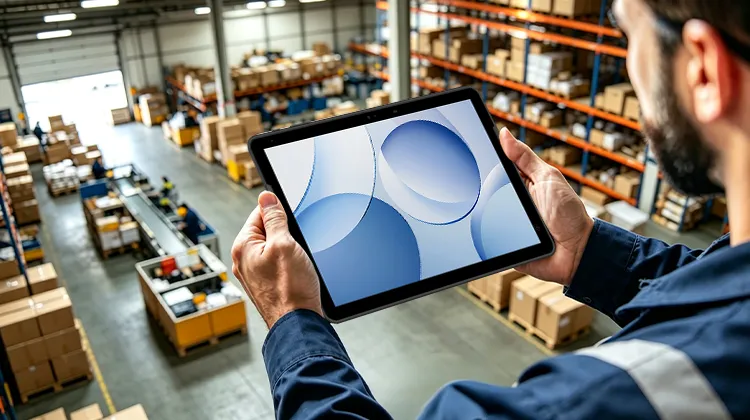
These jobs involve scanning, but scanning is only one step: workers also need to review work order history, check drawings, take site photos, log anomaly reasons, and submit reports to the backend. A small-screen PDA can do it, but reading tables is tiring and accidental touches are common. Here, a large-screen rugged Android tablet is more comfortable—especially when vehicle-mounted, placed on a workstation, or used on a dispatch desk, or when the technician works hands-free while watching the screen.
If budget allows, the mature approach is layered allocation:
Frontline pickers / delivery staff → PDA
Team leads / dispatchers / maintenance techs / inspectors → tablet
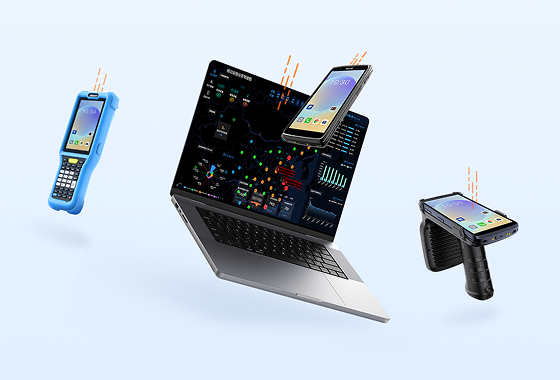
Same WMS, TMS, CMMS system supporting both device types
Following this logic, here are two representative examples of each form factor.
6. PDA Form Factor Reference: High-Intensity Picking Handheld
If your main scenario is warehouse picking, inbound/outbound, or last-mile package signing, look for these hard specs when selecting a PDA:
Scan range: covers both near-field small codes and high-rack barcodes
Glove/wet finger touch support
Hot-swappable battery covering peak shifts
Enterprise MDM for bulk device management
System lifecycle of 3–5 years without forced upgrade
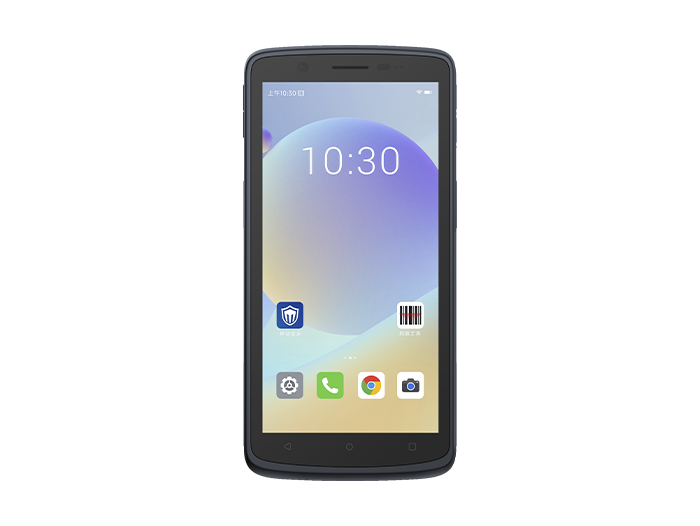
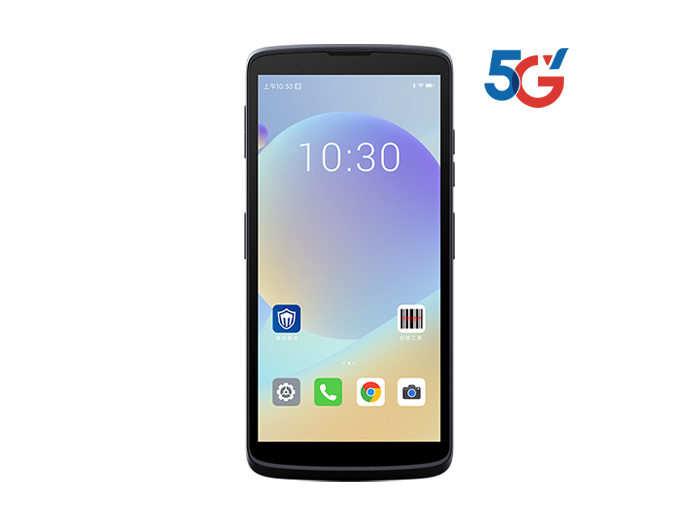
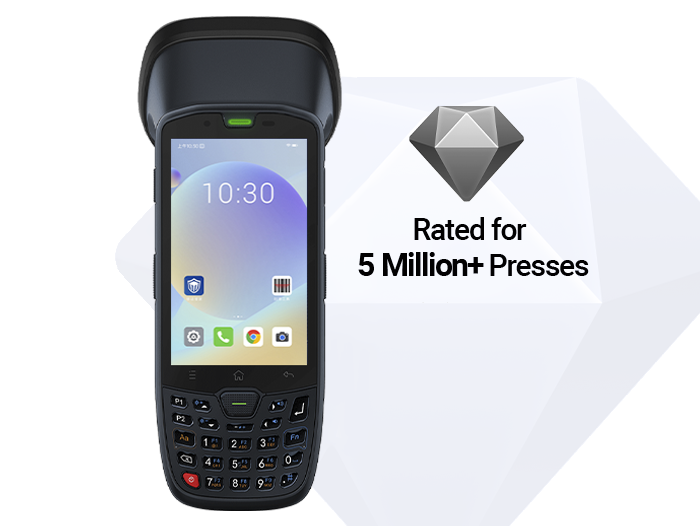
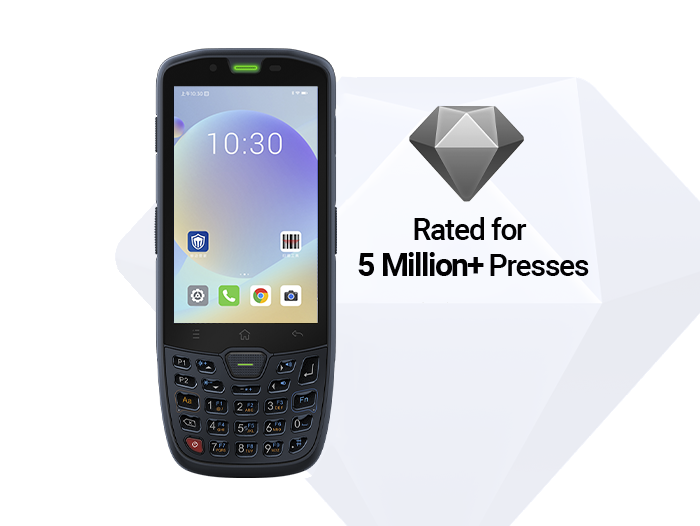
For example, the SEUIC AUTOID Q7 Grip is a handheld PDA designed for warehousing and last-mile delivery: long-range scan engine, optional pistol grip, IP65 protection, swappable battery, Android OS with enterprise device management. For warehouse associates, couriers, and 3PL sorters, it's far more reliable than a "phone + scan app" or a consumer tablet.
Target profile: Warehouse picking, receiving/shipping, courier signature capture, store inventory, production line job reporting
7. Rugged Tablet Form Factor Reference: Large-Screen Field Work Tablet
If your main scenario is field service, quality inspection data entry, transshipment sorting/dispatch, or utility inspection, look for these specs in a tablet:
Screen that displays full-page documents/drawings at once
Anti-glare, glove touch, outdoor readability
Built-in RFID/UHF, barcode scanning, camera for evidence capture
Stable Wi-Fi 5G/5G roaming
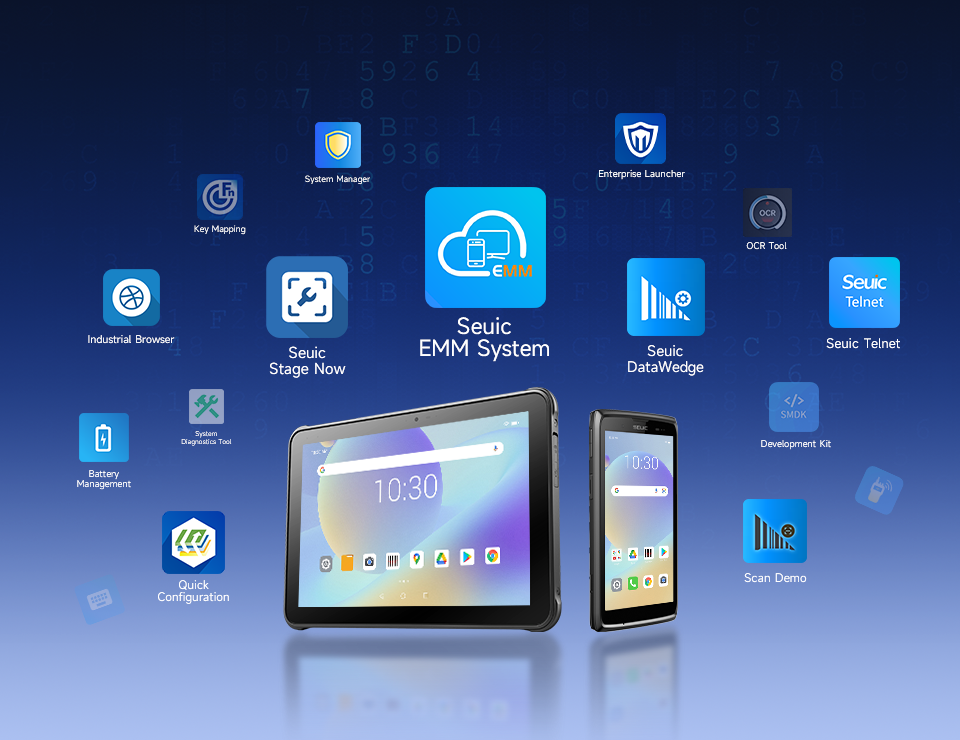
EMM support for batch management and long-term system maintenance
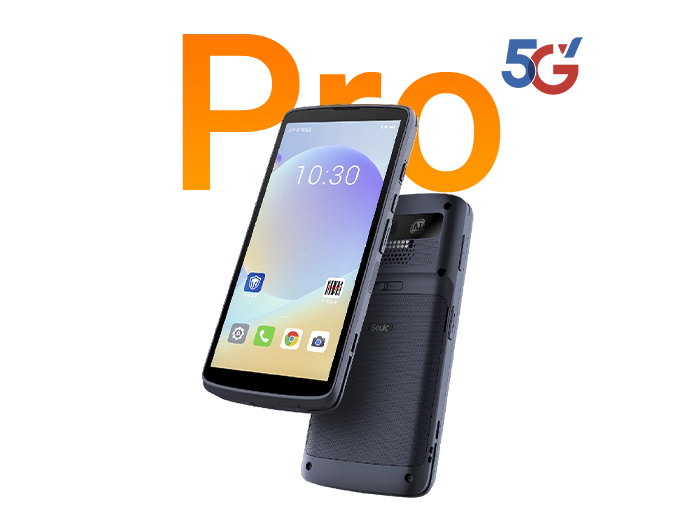
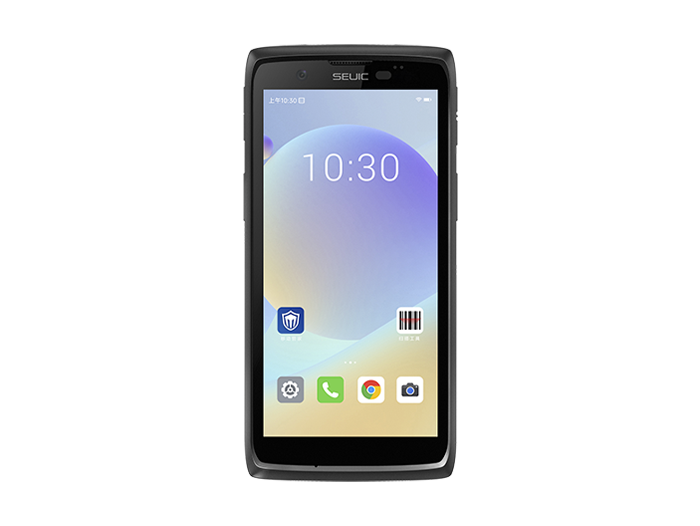
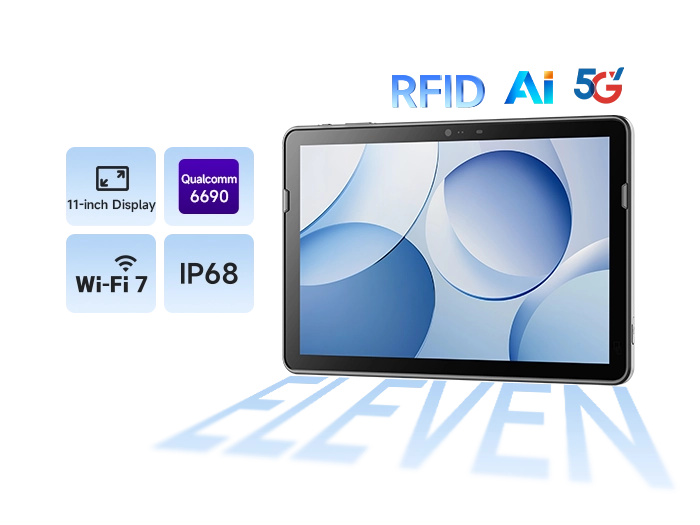
For example, the SEUIC AUTOID Pad Air 11 is an 11-inch rugged Android tablet. Its selling point is not "replacing a PDA," but bringing a large-screen workspace to the workshop, loading dock, or vehicle cabin: 11-inch FHD, Wi-Fi 7, IP68, 1.2m drop resistance, removable battery, UHF RFID + barcode scanning, 8-year lifecycle support. It's better suited for team leads, dispatchers, maintenance technicians, inspectors, and quality auditors.
Target profile: Field service, transshipment sorting, manufacturing quality inspection, subway/electricity inspection, store management
8. Deployment Recommendations (Instead of a Full Swap)
E-commerce warehouse / 3PL: Pickers get PDAs; sorting desks and dispatchers get tablets
Retail chain: Staff use PDAs for inventory; store managers use tablets for stock-in/stock-out reconciliation
Manufacturing shop floor: Production workers use PDAs for job reporting; QA/process engineers use tablets
Utility inspection: Meter readers carry handhelds; team leads use tablets for work order archiving
PDAs and rugged Android tablets have no absolute winner—only a fit boundary:
PDA = mobile collection tool — wins on lightness, speed, drop tolerance, and scan efficiency
Rugged Tablet = mobile workstation — wins on large screen, multitasking, forms, and system interfaces
When selecting devices, don't get led astray by spec sheets. Go back to the role's actions: Is the worker constantly moving? Scanning hundreds of times per hour? Frequently reviewing full-page data? Handling work orders, drawings, or photo evidence? Answer these questions, and the form factor becomes clear.
For most medium-to-large field operations, the final setup isn't a binary choice—it's PDAs for "mobile roles" and tablets for "decision roles."
If you're planning a device refresh or pilot, start with one team for two weeks: give high-frequency picking roles a PDA, and dispatch/inspection roles a tablet. Then measure scan throughput, error rates, battery life, and employee feedback—this is far more reliable than comparing spec sheets alone.
Feel free to contact SEUIC anytime. We will arrange one-on-one expert service to customize a solution for you and offer free product trials.
Related News
-
2D Barcode Scanner Selection Guide for Warehouse: Receiving & Cycle Count
Product Updates | 2026.10.22Learn More
-
IWE Chennai 2026 Recap: Connecting Data to Smarter Operations
News & Events | 2026.10.22Learn More
-
Industrial PDA Protection Rating Guide: IP67 & MIL-STD-810 Explained
Product Updates | 2026.10.21Learn More
-
Rugged Tablet OS Selection: Android vs Windows Comparison Guide
Product Updates | 2026.10.20Learn More