




Rugged Tablet OS Selection: Android vs Windows Comparison Guide
When selecting an industrial rugged tablet, the operating system often determines deployment success more than hardware specs. Android excels at mobile data collection, touch-first operations, and fleet device management. Windows excels at legacy industrial software, desktop applications, and fixed-station workflows. Focusing only on screen size or ingress protection can lead to buying a device that meets hardware requirements but runs the wrong OS. This guide walks through the decision logic by scenario — warehouse, field service, production line, healthcare, and utilities.
1. What Android Rugged Tablets Are Best For
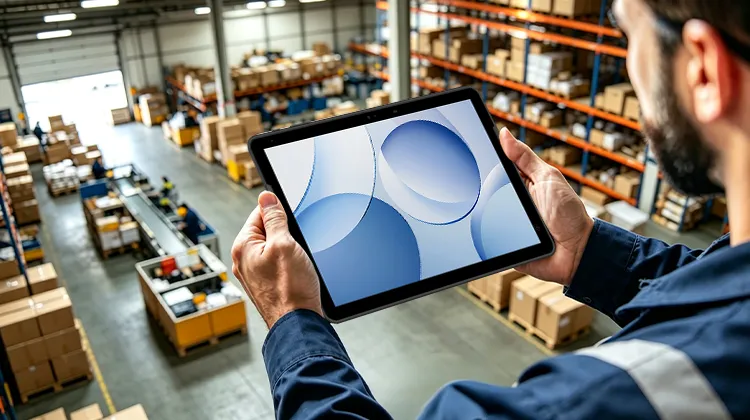
The core strength of Android industrial tablets is a complete mobile workflow: boot and use, touch interface, barcode scanning, RFID, camera capture, 5G/Wi-Fi roaming, and cloud-based fleet management.
They are best suited for:
Warehouse picking and cycle counting: High-frequency scanning, inventory lookup, putaway/picking, PDA-style operations
Logistics sorting and delivery: Waybill scanning, electronic signature, route execution, handover at stations
Retail store auditing: Price tag verification, shelf display checks, replenishment
Utility inspection (power, water, gas): On-site photo capture, GPS check-in, form submission
Mobile production line roles: Process confirmation, quality spot checks, anomaly reporting
The clear limitation: if your core business system only offers Win32 clients, COM controls, legacy MES plug-ins, desktop CAD, or industrial debugging tools, Android may not be able to run them.
2. What Windows Rugged Tablets Are Best For
The value of Windows industrial tablets is not in "touch convenience" — it's in desktop compatibility and the traditional industrial software ecosystem.
They are best suited for:
Factory MES/ERP terminals: Running legacy clients, ActiveX, IE-based old systems
Equipment debugging and maintenance: PLC tools, driver configuration, serial port software, diagnostic programs
Drawings and desktop applications: CAD viewing, heavy Excel workbooks, Access/local databases
Fixed-station data terminals: Line-side workstations, QC stations, repair benches
Healthcare and utility dedicated terminals: Connecting to legacy HIS peripherals, printers, scanners, ID card readers
If the device runs Windows IoT Enterprise LTSC, the advantages grow further: the OS is designed for fixed-function dedicated devices, receives only security updates, avoids frequent feature upgrades, has a long lifecycle, fewer reboots, and can lock the interface to a single application. This is critical for hospitals, utilities, and production lines where devices remain stationary for years — nothing is worse than a system update that breaks drivers overnight.
The trade-off: the operation feels more like a PC, touch interactions are less natural than Android, and the mobile app ecosystem is weaker. Training costs for field workers are typically higher.
3. Core Differences Between Android and Windows
| Dimension | Android Rugged Tablet | Windows Rugged Tablet |
| Operation style | Touch-first, easy to learn | Keyboard/mouse + touch, PC-like |
| Software ecosystem | Mobile apps, scanning/collection systems | Win32 legacy software, industrial tools |
| Typical scenarios | Warehousing, delivery, inspection, retail | MES terminal, equipment debug, workstation |
| Network & mobility | 5G, Wi-Fi roaming, hotspot switching common | Mostly wired/LAN/vehicle-mounted deployment |
| Fleet management | Android Enterprise + MDM/EMM | AD, Windows MDM, image deployment |
| System updates | Frequent updates, requires policy locking | IoT LTSC: long cycle, minimal feature changes |
| Development cost | Fast mobile development, light iterations | Strong backward compatibility, high migration cost |
| Unit cost trend | Typically lighter, lower acquisition cost | X86 config + licensing cost higher |
In short: Android answers "how to collect data when people are moving." Windows answers "how to keep legacy systems and complex workflows running stably."
4. Decision Checklist: How to Choose by Scenario
Follow this sequence:
4.1 Where does your core business system run?
Web only + scanning app → Android
Requires Win32 / MES plug-in / serial tool → Windows
4.2 Are workers mobile or stationary?
Warehouse associates, delivery drivers, inspectors, store clerks → Android
Workstation QC, repair bench, dispatch desk → Windows
4.3 Device fleet size and management approach?
100+ devices, multi-shift shared use, remote lock and app deployment → Android + MDM is easier
4.4 Do you need the system to remain unchanged for years?
Production line stations, medical equipment, utility terminals → Windows IoT LTSC is more stable
Rapid business iteration, frequent app updates → Android is more flexible
4.5 Peripheral dependencies
Bluetooth scanner, camera, NFC, UHF only → Android is sufficient
Legacy printers, COM ports, USB dongles, proprietary drivers → confirm Windows first
4.6 On-site network environment
Warehouse AP roaming, outdoor 5G → Android has better mobility
Factory intranet fixed IP, industrial switches → Windows integrates more easily
Rule of thumb:
"Collection + mobility + fleet management" → Android
"Legacy software + fixed station + long lifecycle" → Windows
If you have both MES and field inspection needs, consider Android for field workers and Windows for workstations — you don't have to force one OS for everything.
5. From Decision to Deployment: Matching the Device to Your Scenario
The discussion above covers OS logic. When it comes to actual procurement, one more factor matters: whether the vendor offers a complete product line for both Android and Windows.
A common pitfall: buying Android tablets from one brand and Windows tablets from another. The result is inconsistent scan engines, incompatible docks and accessories, and separate warranty cycles — doubling the maintenance burden. For factories, 3PLs, and retail chains, a safer approach is to decide on the OS first, then check if the same brand offers a rugged tablet for the other OS line.
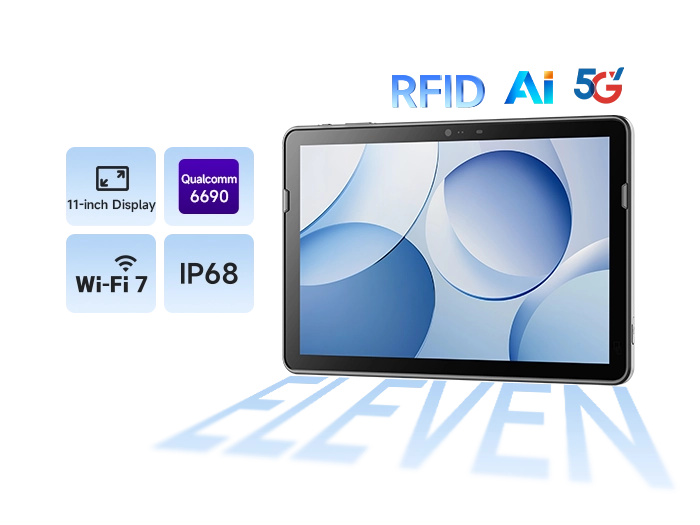
If your primary scenarios are warehouse picking, mobile quality inspection, field inspection, or store inventory, focus on an Android tablet with a large screen, 5G/Wi-Fi 7, hot-swappable battery, IP68, and integrated RFID/barcode scanning — it will match the pace of frontline operations.
If your primary scenarios are factory MES terminals, equipment maintenance, drawing viewing, or legacy industrial software, look at Windows rugged tablets: Windows application compatibility, external or built-in scan engine, and full support for keyboard/mouse/dock/vehicle mount — essentially a "movable industrial PC."
Take SEUIC as an example: the company offers a rugged tablet portfolio covering both Android and Windows, meeting the need for unified fleet management.
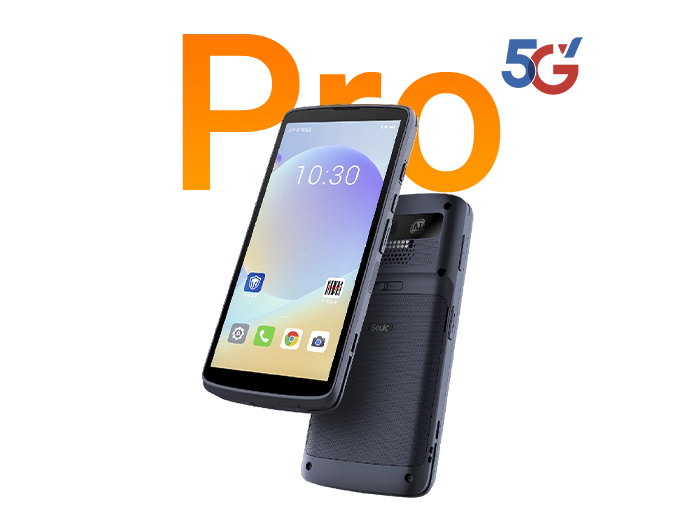
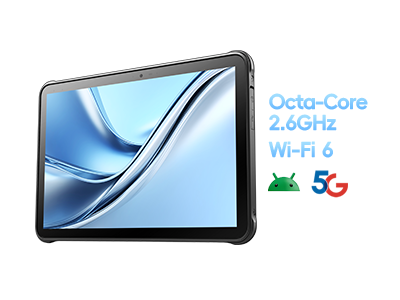
Android line: The flagship 11-inch 5G industrial rugged tablet, offering a large display and high protection rating, ideal for mobile data collection.
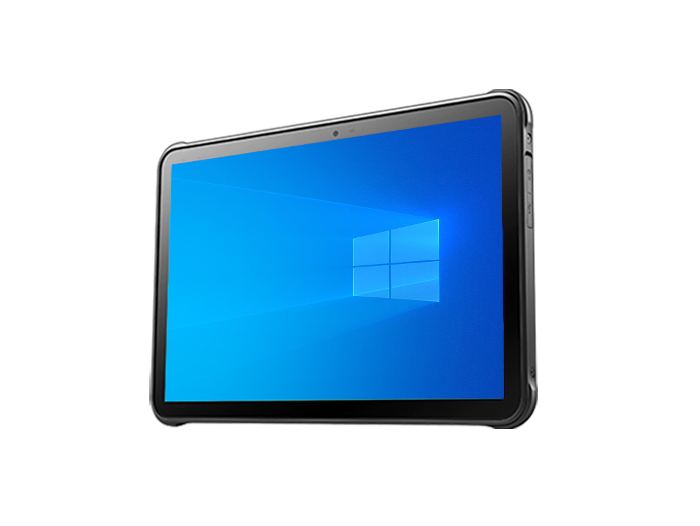
Windows line: The 10-inch slim rugged tablet, focused on Windows ecosystem compatibility and workstation adaptation.
It's not about "which is stronger" — it's about which side of the decision tree your business falls on. Mobile collection → Android line. Fixed-station industrial control → Windows line. If both exist, choosing the same brand reduces accessory, training, and after-sales overhead.
Android and Windows industrial tablets are not replacements for each other — they serve different roles. Android wins on mobile data collection. Windows (especially IoT LTSC) wins on legacy software compatibility, station stability, and long-cycle operation. Before making a decision, ask two questions: Where does my core software run? Are my people constantly moving? Answer those, and the OS choice becomes clear.
If you are evaluating warehouse PDA replacements, production line tablet selection, or inspection terminal bids, start by listing your business system requirements and cross-reference the decision table above. If you need a demo unit for testing, feel free to contact SEUIC.
Related News
-
2D Barcode Scanner Selection Guide for Warehouse: Receiving & Cycle Count
Product Updates | 2026.10.22Learn More
-
IWE Chennai 2026 Recap: Connecting Data to Smarter Operations
News & Events | 2026.10.22Learn More
-
Rugged Android Tablet vs PDA: Field Worker Selection Guide
Product Updates | 2026.10.21Learn More
-
Industrial PDA Protection Rating Guide: IP67 & MIL-STD-810 Explained
Product Updates | 2026.10.21Learn More