




Inventory Supplies Using a Hand-Held Computer vs Dedicated Terminal: 4 Dimensions to Help You Choose
When sourcing inventory equipment, many managers encounter a seemingly contradictory situation: on one side, feature-rich hand-held computers; on the other, "inventory terminals" designed solely for barcode counting — yet their quoted prices sometimes aren't far apart. But when actually deployed in warehouses, stores, factories, or hospitals, the user experience differs dramatically. This article weighs the core differences between "Inventory Supplies Using a Hand-Held Computer" and dedicated inventory terminals across four dimensions — system capabilities, operational scenarios, expandability, and total cost of ownership — helping factory managers, warehouse supervisors, retail operations, pharmaceutical storekeepers, and field meter readers choose the right device.
Market Reality: Prices Are Close, but Positioning Is Completely Different
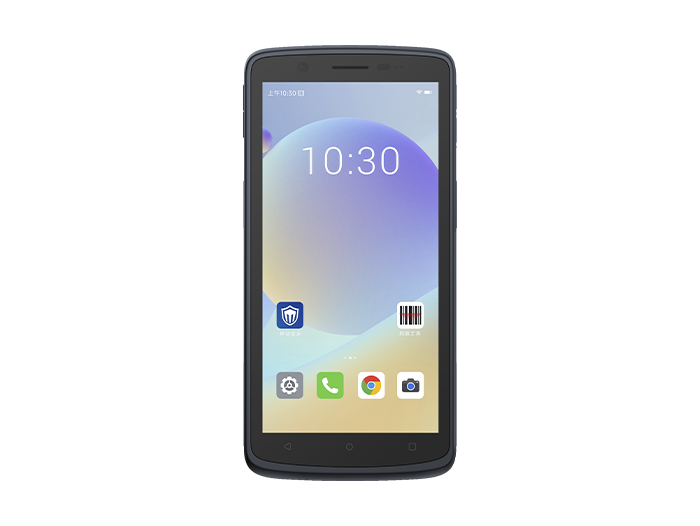
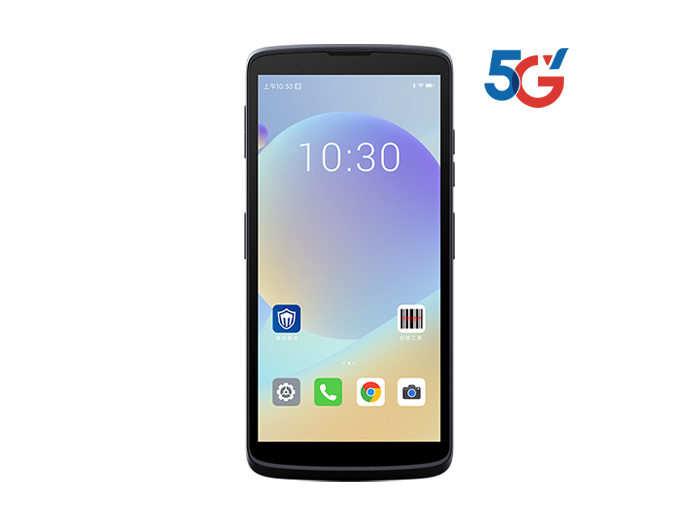
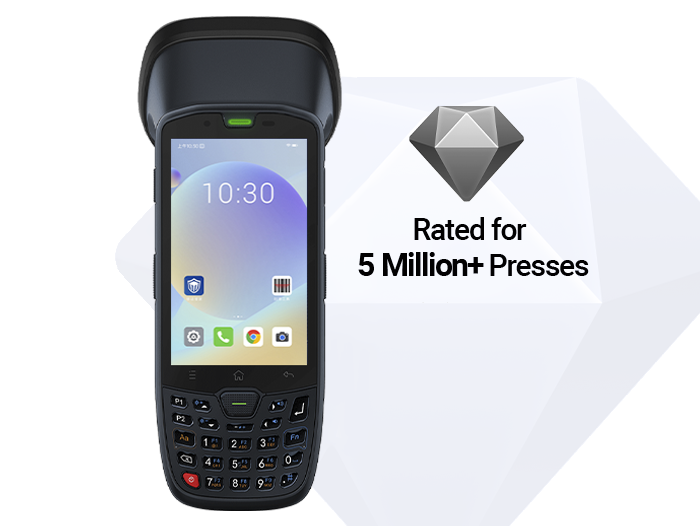
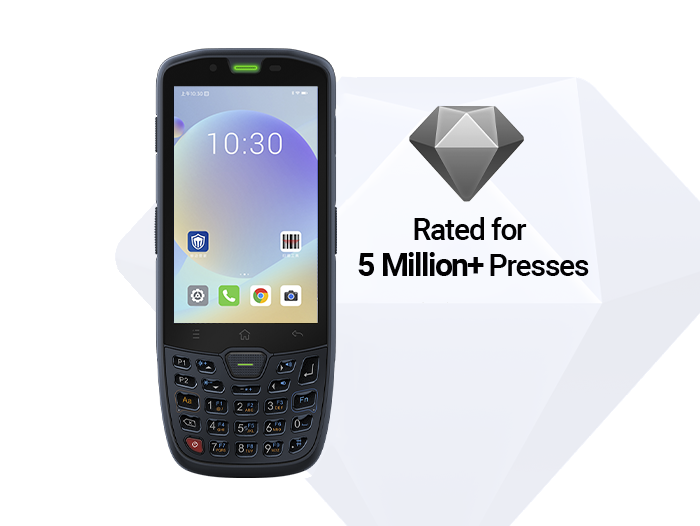
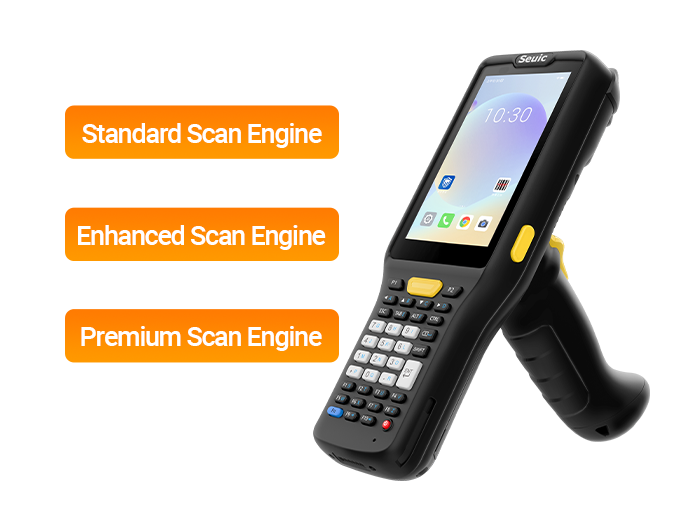
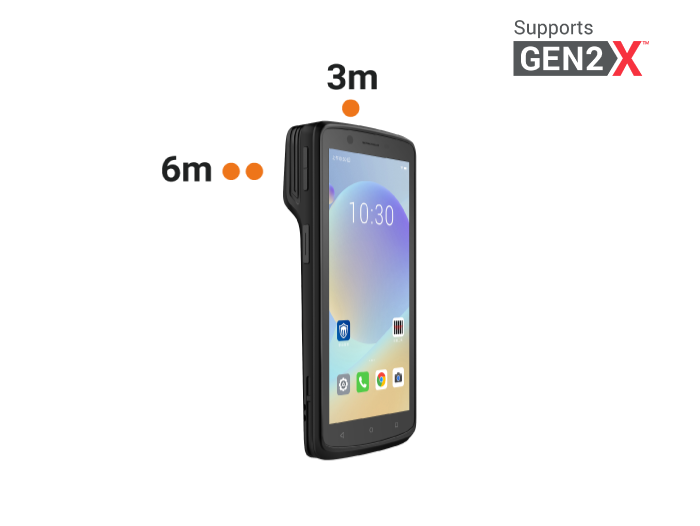
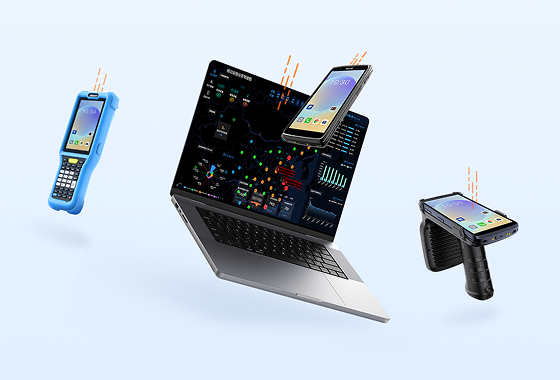
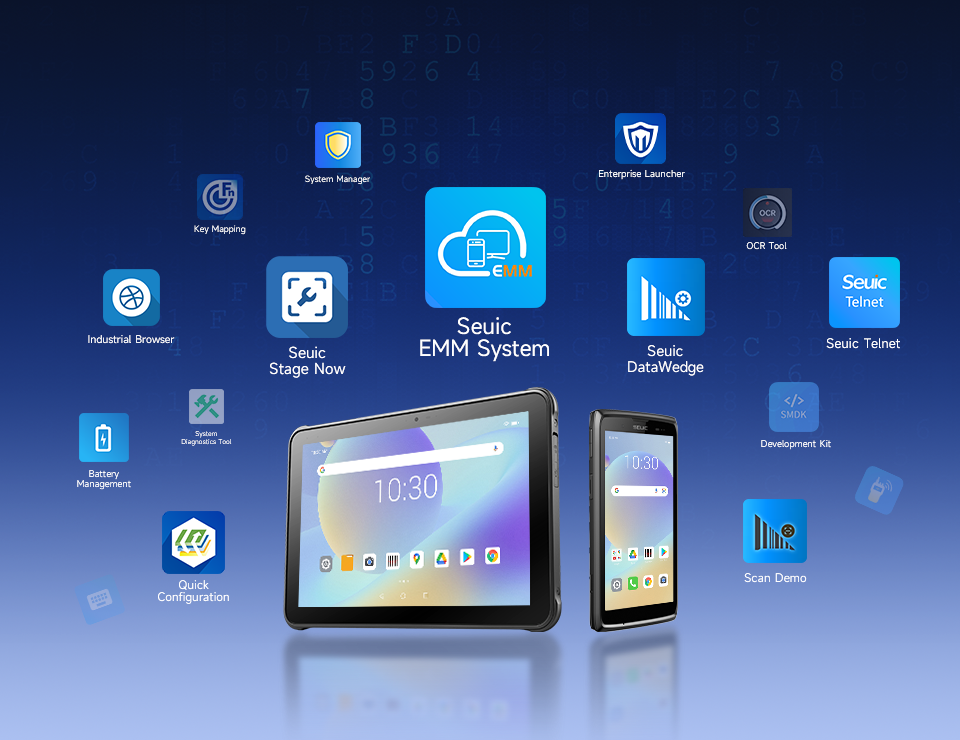
Hardware for inventory counting on the market generally falls into two categories. The first is the dedicated inventory terminal, also called a barcode data collector — with a closed system, fixed menus, and typically only capable of scanning barcodes, entering quantities, and uploading data. Its biggest selling point is "simple, stable, single-purpose." The second category is the multi-function hand-held computer, often running Android, essentially closer to an industrial smartphone — capable of running WMS client apps, viewing reports, taking photos, making calls, and supporting RFID through external modules.
Their purchase prices may overlap: entry-level dedicated terminals are not expensive, and mid-range Android hand-held computers may not cost much more either. But similar prices do not mean interchangeability. Choosing the wrong type may seem like a minor inconvenience in the short term, but over the long term it slows down digitalization and increases training and maintenance costs.
Core Advantages of Multi-Function Hand-Held Computers
1. Runs Android, Directly Hosts WMS and Multiple Business Apps
The core benefit of adopting the "Inventory Supplies Using a Hand-Held Computer" approach is that the device does more than "just scan." The Android system allows installation of warehouse management systems (WMS), store inventory systems, quality inspection recording tools, asset ledger apps, and more. Storekeepers can check real-time inventory while counting, view putaway recommendations during receiving, see optimal picking routes during picking, and screenshot and report issues on the spot.
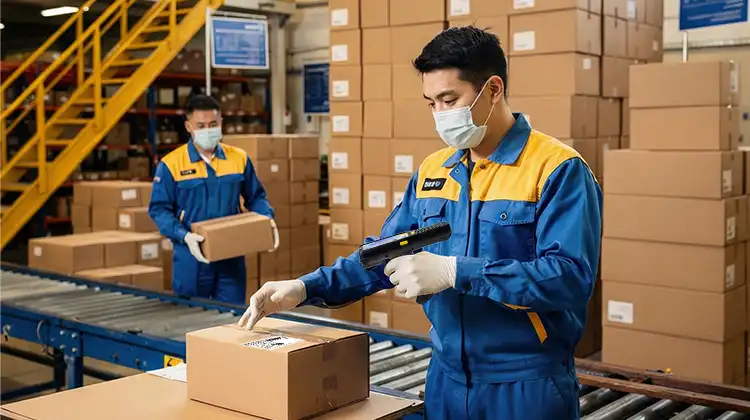
For distribution centers with complex workflows, this "one device, multiple functions" capability significantly reduces the number of devices needed. For example, in an e-commerce fulfillment warehouse — picking during the day, counting at night, and quality-checking inbound shipments — the same hand-held computer switches between different applications without requiring each worker to carry two machines.
2. Data Visualization, Photo Documentation, and Communication in One
Dedicated terminals typically only return "SKU + quantity"; hand-held computers can display inventory charts, turnover rates, and slow-moving item alerts. When encountering damage, illegible labels, or batch anomalies, the camera can archive photos, and combined with IM or phone calls, the worker can directly contact purchasing, quality, or suppliers.
For QC personnel, pharmacy storekeepers, and electric/water utility field workers, photo documentation itself serves as compliance evidence. A hospital pharmacist discovering near-expiry drugs can photograph the batch number and upload it on-site; a factory quality inspector finding material mixing can send a photo directly to initiate a deviation handling process — this adds far more value than simply scanning a barcode.
3. RFID Expansion and Multi-Mode Identification
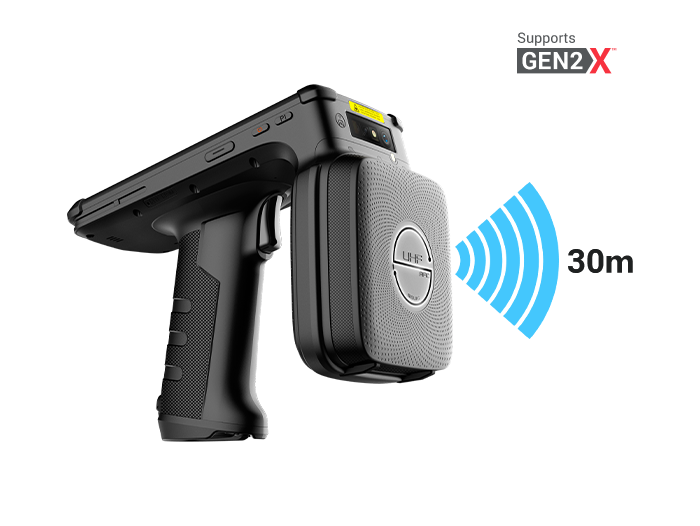
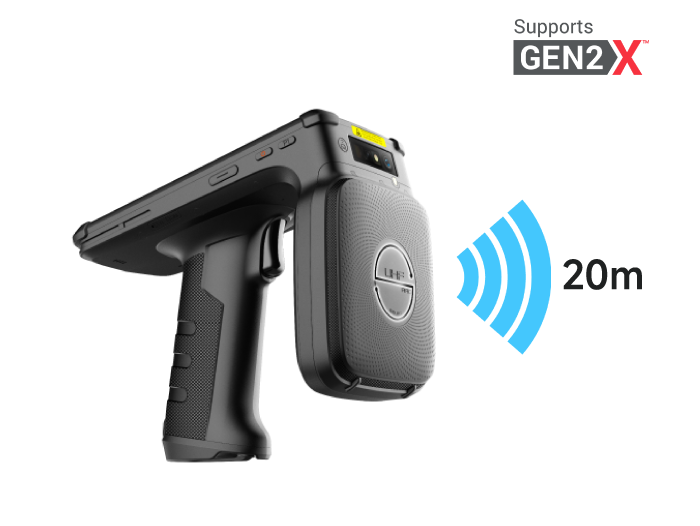
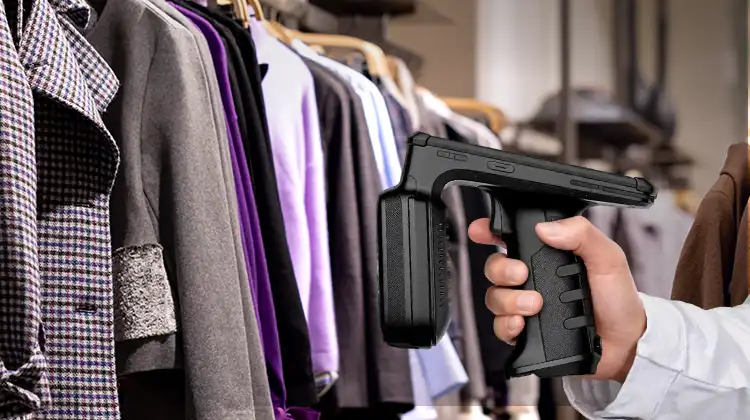
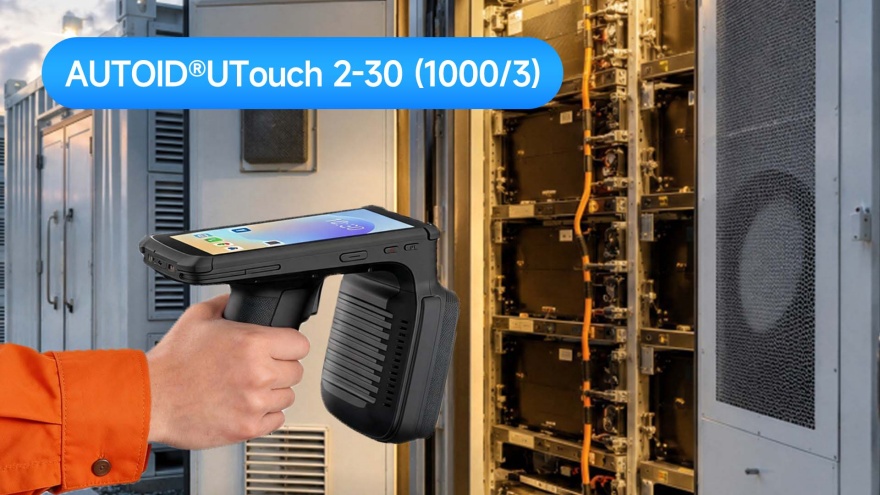
High-end hand-held computers support barcodes, QR codes, NFC, and can expand to UHF RFID via sleds or modules. For apparel brands, libraries, high-value medical consumables, and asset-intensive factories, RFID enables batch reading, making inventory efficiency far higher than scanning items one by one.
If you plan to implement full-warehouse RFID, pallet-level tracking, or tool and fixture management in the future, starting with an expandable hand-held computer upfront saves more money than replacing all dedicated equipment later.
4. Suitable for Complex Sites with Multi-Task Switching
The following scenarios lean toward hand-held computers:
Factory warehouses simultaneously handling inbound receiving, line-side replenishment, and finished goods counting
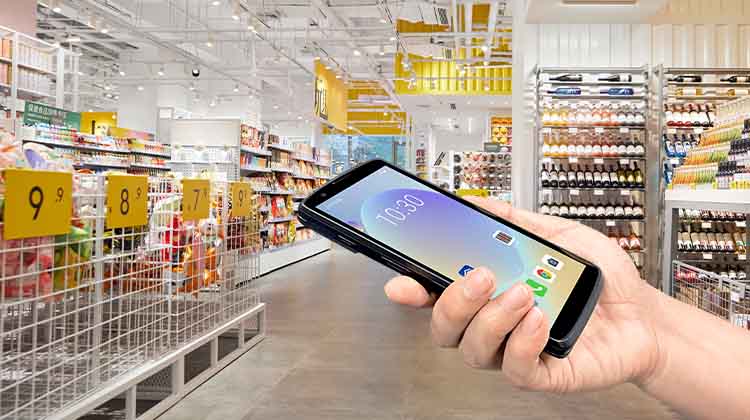
Retail chains conducting store shelf counting while checking transfer orders and verifying price tags
3PL/e-commerce fulfillment centers with mixed operations of picking, verification, returns, and counting
Hospital pharmacies managing expiry dates, high-value consumable issuance, and specimen/asset patrols
Water/gas/electric field workers needing to read meters/inspection points while taking photos, capturing location, and submitting work orders
What these operations have in common is "people move with tasks, and systems must follow the people" — Android hand-held computers match this far better than single-function inventory terminals.
Characteristics and Applicable Boundaries of Dedicated Inventory Terminals
1. Closed System, Simple Operation, but Limited Ecosystem
Dedicated inventory terminals typically only offer scanning and basic data entry functions with a fixed interface. The advantage is that new employees require almost no training — just open the inventory task, scan barcodes, enter quantities, and submit. The disadvantage is that they cannot install third-party WMS modules or customize forms as the business evolves. If a company only uses Excel or a lightweight ERP for periodic cycle counts, a dedicated terminal can meet basic needs.
2. Battery Life and Durability May Be Stronger, but Expandability Is Insufficient
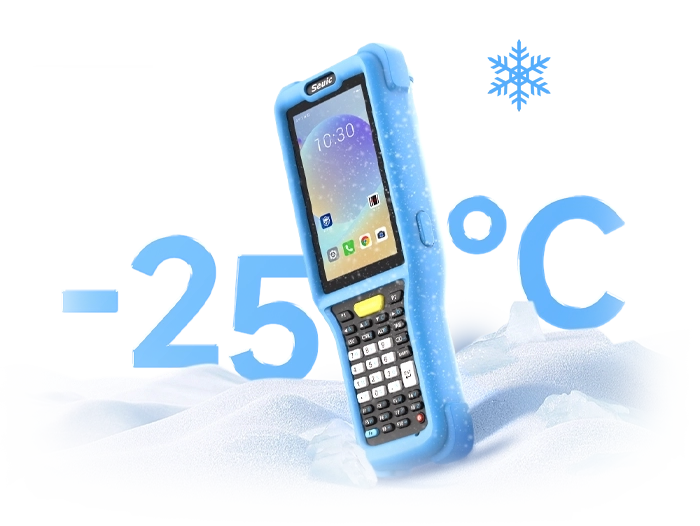
Some dedicated terminals are optimized for a single task, and their battery capacity relative to the device size means continuous scan runtime can exceed that of a full-featured Android device. Industrial-grade dedicated terminals can also be dustproof and waterproof, but because they lack a general-purpose OS, software upgrade potential is limited. Once the business needs RFID, image-based quality inspection, or analytical reports, these terminals hit a ceiling.
3. More Suitable for "Pure Quantity Counting" Roles
If the operation is very straightforward — such as overnight store counting after closing, periodic cold storage package counting, archive room box-by-box scanning, or school warehouse semester-end inventory — dedicated terminals are low-cost and have fewer failure points. However, if the organization is still growing, with increasing SKUs, zones, batches, and serial number management, a single-function device will soon fall short.
Cost Comparison: Don't Just Look at Unit Price — Look at Total Cost of Ownership
| Dimension | Multi-Function Hand-Held Computer | Dedicated Inventory Terminal |
| Unit purchase price | Medium to high; some models close to dedicated terminals | Low to medium; entry-level is cheaper |
| Software capability | Can install WMS/ERP/quality inspection/RFID apps | Fixed inventory/scan workflow only |
| Training cost | Slightly higher initially, but amortized over time due to multi-function use | Very low, but requires multiple devices when multiple systems are in play |
| Expansion cost | Can add RFID, camera, VoIP, GPS | Mostly non-expandable or limited to OEM modules |
| Replacement cycle | Longer; system can be upgraded as business grows | Shorter; easily obsoleted as business complexity increases |
| Total Cost of Ownership (TCO) | Better for complex scenarios | Better for simple scenarios |
Many companies focus only on "how much per unit" when comparing prices, but should factor in system integration, app development, training, after-sales service, and the three-year replacement rate. For groups operating multiple warehouses, multiple stores, or across regions, TCO often matters more than unit price.
Recommendations by Industry
Factory / Workshop / Quality Control: If inbound materials, line-side inventory, finished goods, and defective returns are all managed by storekeepers and QC, choose a hand-held computer. It can photograph quality defects, run WMS batch traceability, and RFID can manage workbench tools.
Retail Chain / Apparel / Department Store: Stores need to count inventory while checking transfers, member returns/exchanges, and display counts — a hand-held computer is more suitable. If only seasonal full-counts are needed with temporary workers, dedicated terminals can serve as a low-cost supplement.
Supermarket / Fresh Food Operations: Fresh food emphasizes batch, expiry date, and spoilage reporting — use a hand-held computer with photo capability and WMS. For standard goods with large-volume overnight counting and stable staffing, dedicated terminals can be a low-cost alternative.
3PL / E-Commerce Fulfillment: Almost always choose a hand-held computer: receiving, putaway, picking, verification, counting, and returns are integrated. Paired with an Android WMS and RFID, it improves per-worker multi-step efficiency.
Hospital / Pharmacy / Clinic: Drug expiry dates, high-value consumables, samples, and assets all require traceability and compliance. A hand-held computer can scan barcodes/RFID, take photos, and record batch numbers. For annual warehouse counts only, a dedicated terminal may suffice.
Water/Gas/Electric / Municipal Field Operations: On-site meter reading, patrol, photo capture, GPS positioning, and work order processing are composite tasks — an Android hand-held computer or industrial phone is preferred. For pure meter reading with older systems, a dedicated collector may be used.
Government / Law Enforcement / Field Inspection: Identity verification, photo evidence, electronic forms, and offline sync are needed — a hand-held computer is more appropriate. For simply scanning asset tags, a dedicated solution can work.
Future Expandability: Why Most Growing Enterprises Lean Toward Hand-Held Computers
Inventory management is evolving from "periodic reconciliation" to "real-time visibility." Cloud-based WMS, barcode + RFID parallel operation, mobile reporting, anomaly photo capture, voice picking, and field work order integration all require terminal devices with an operating system and development interfaces. Dedicated inventory terminals still hold value in steady-state, single-point, low-change environments, but their software ceiling is low.
If a company plans to increase SKUs, expand multi-channel fulfillment, adopt quality traceability, or implement asset RFID in the next three to five years, investing upfront in "Inventory Supplies Using a Hand-Held Computer" type devices is more forward-looking. Even if initially used only for counting, they can later take on receiving, picking, quality control, and field duties through app updates — avoiding redundant investment.
Simple Summary:
Only need fixed barcode quantity counting, high staff turnover, minimal training desired, extremely budget-sensitive: Consider a dedicated inventory terminal.
Need to simultaneously count, receive, pick, inspect, photograph, view reports, or plan for RFID/WMS/mobile work orders: Choose a multi-function Android hand-held computer.
When prices are similar, prioritize evaluating business changes over the next three years; the more complex the workflow, the lower the total cost of ownership for a hand-held computer.
Choosing equipment isn't about which is cheaper — it's about whether it can support your inventory accuracy, operational efficiency, and compliance traceability. If you're compiling a procurement list, start by listing "must-have applications + possible applications," then ask suppliers to run a real-device test covering counting, receiving, photo capture, and RFID examples — far more useful than just comparing spec sheets.
Related News
-
Portable Barcode Scanner Buying Guide
Product Updates | 2026.09.22Learn More
-
What Is RFID Meaning? Definition & Common Beginner Misconceptions
Product Updates | 2026.09.21Learn More
-
What Is RFID? A Complete Guide to Radio Frequency Identification: Definition, Working Principle & Applications
Product Updates | 2026.09.21Learn More
-
2D Barcode Scanner for Automotive DPM Traceability
Product Updates | 2026.09.20Learn More