




How to Calculate Barcode Scanner TCO? A Guide for Retail & Warehouse
When many companies purchase scanning equipment, their first reaction is "how much does this one cost?" But what really determines how much you spend over three or five years is rarely the unit price — it's resean labor hours, downtime from failed units, battery replacements, system integration costs, and spare device ratio. Especially in high-frequency scenarios like retail peak-hour checkout and warehouse picking and counting, a cheap scanner with unstable first-pass read rates ends up shifting costs onto labor and error rework.
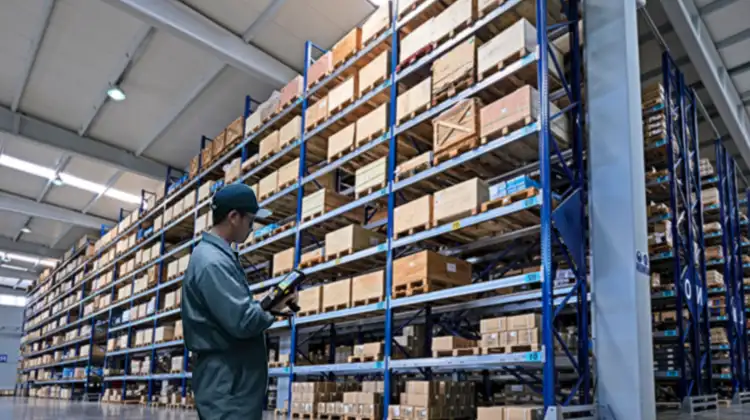
1. What Does TCO Actually Include? Don't Just Look at Unit Price
The total cost of ownership (TCO) for scanning equipment can typically be broken down into the following components:
Hardware procurement: Unit price, accessories (cradle, bracket, protective case, wrist strap)
Setup and integration: USB/HID is cheap, but configuration time and middleware costs when connecting to WMS, POS, or MES add up
Consumables and wear parts: Scan window scratches, battery replacement for wireless models
Maintenance and warranty: Repair turnaround time, spare device allocation, firmware updates
Labor efficiency loss: Rescans, manual entries, and exception reconciliation caused by first-pass read failures
Downtime cost: Checkout lane delays, pickers waiting for the system, receiving line backups
Management cost: MDM licenses (for mobile smart terminal scenarios), account and permission configuration
A more practical metric is: cost per valid scan = total period cost ÷ number of correctly recorded scans in that period. This avoids the illusion that "the machine is cheap but keeps misreading."
2. Retail Scenario TCO: The Checkout Counter Is More Than Just a Scanner
Retail front-end cost structures include several hidden items:
Peak throughput loss: During holidays or lunch/dinner rushes, each resean takes 2–3 seconds, pushing the queue backward and degrading the customer experience
Multi-platform payment compatibility: Hardware that only supports a single channel may require additional devices or may not support aggregated payments
Offline/outage tolerance: Solutions dependent on phones or WiFi will stall transactions in stores with weak networks
After-sales response time: A broken scanner at checkout essentially means lost revenue — swap time must be factored into the SLA
Annual fees and subscriptions: Data plans, aggregated payment channels, cloud reconciliation tools — all potentially billed annually
Chain stores add another layer: unified multi-store management costs. If each store uses different device models and drivers, IT troubleshooting costs rise linearly with the number of stores.
Retail TCO rule of thumb: Unit price is just the entry ticket. A device is truly affordable only if it doesn't stall during peak hours, has fast after-sales support, and can handle reconciliation.
3. Warehouse Scenario TCO: Receiving, Picking, and Counting Are Separate Calculations
Warehouses shouldn't divide "total daily scan volume across the facility" by the number of devices, because workloads vary significantly by role:
Receiving: Variable label quality, dirty supplier barcodes, may need photo capture or batch entry
Picking: Long travel distances, high wireless battery demand, misreads lead directly to incorrect shipments
Verification/Fixed station: Wired or fixed-mount options are more cost-effective — no battery needed
Counting: Peak-concentrated workload, high device idle rate — spare device ratio matters
Three most overlooked items in warehouse TCO:
First-pass read rate decline eating labor hours
Industry estimates show that when first-pass read rate drops from 99% to 94%, every 100,000 scans may generate thousands of manual interventions, each resean taking several seconds to tens of seconds.
WMS/ERP interface and MDM
Using a phone + Bluetooth gun setup may seem economical, but protective cases, power banks, account management, and remote wipe capabilities all need to be added.
Spare device ratio
For wireless models, plan for a 5–10% spare pool. Otherwise, one failed device means one workstation goes down.
A simplified formula:
Warehouse scanning TCO ≈ Device procurement + Batteries/cradles + Integration configuration + Repair/return + Spares + Rescan labor + Mis-ship rework
4. 2D Imager vs Laser Scanner: Where Is the TCO Inflection Point?
It's not that "2D is always cheaper" — it depends on symbology type and label quality.
| Scenario | Better Fit | Reason |
| Clean 1D labels, fixed POS | 1D Laser | Lower unit price, simpler construction |
| Includes QR / Data Matrix | 2D Imager | Laser cannot read 2D codes |
| Phone screen codes, membership codes, payment codes | 2D Imager | Area imaging required to read screens |
| Dirty, creased, low-contrast labels | 2D Imager | Image reconstruction offers better tolerance |
| DPM metal engraved codes | DPM 2D | Laser essentially fails |
| Long-range conveyor 1D | Laser or long-range imager | Depends on depth of field and speed |
Cost inflection judgment:
Scanning only clean EAN/UPC labels → Laser is sufficient
Scanning includes 2D codes, screen codes, or dirty labels → The "rescan savings" from a 2D imager will gradually recover the price difference
Wireless 2D models also need to factor in battery cycles: over a 5-year lifecycle, plan for 1–2 battery replacements
First-pass-read-rate-sensitive roles (picking, receiving, QC) should not substitute consumer-grade for industrial-grade
In short: Laser saves on purchase price; 2D imager saves on rescans and rework.
5. How to Calculate Which Tier You Should Buy
Here is a simplified decision framework:
5.1 Daily scan volume per workstation
<500 scans: Entry-level 2D or wired gun is sufficient
500–2000 scans: Mid-range 2D imager
2000 scans or peak continuous operation: Industrial-grade 2D + spare device
5.2 Symbology
Includes QR / Data Matrix / screen codes → Exclude pure laser immediately
5.3 Mobility
Fixed checkout / verification station → Wired
Picking / counting → Wireless or PDA
5.4 Environment
Drops, dust, low temperature, reflective metal parts → Check IP rating, drop resistance, illumination adaptation
5.5 First-pass read rate importance
Misreads cause incorrect shipments, overselling, quality traceability issues → Prioritize decoding capability, not lowest price
5.6 Calculate 3-year TCO
A $30 price difference, but if it saves 30 rescans per day at 5 seconds each, that's dozens of labor hours per year
6. Scenario Matching: Deriving Device Type from Cost Structure
The previous sections explain "don't choose by unit price." Applied to specific scenarios, the pattern becomes clear:
Retail counter / checkout / store verification
The core requirements are stable reading, simple interface, and either desktop or handheld form factor. If the scenario also involves product traceability, electronic vouchers, or QR code verification, a 2D imager is needed. For production part traceability or metal engraved codes, DPM capability is also required.
Warehouse receiving / picking / counting
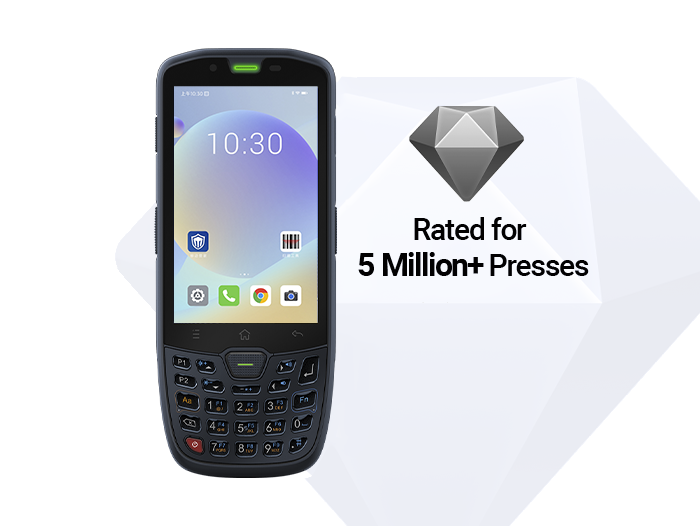
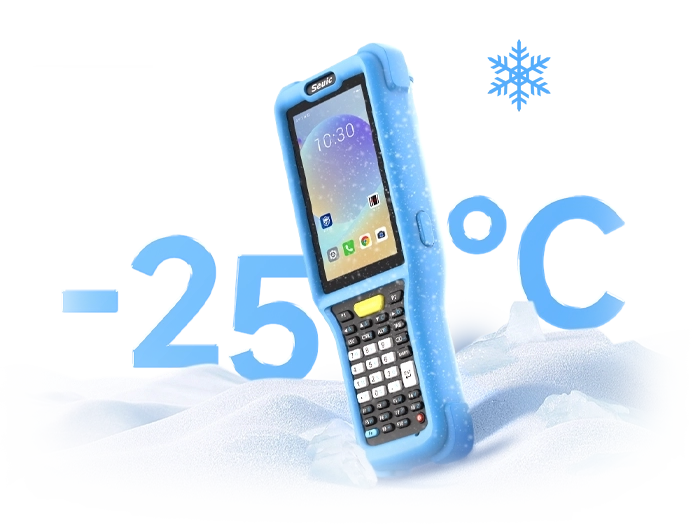
The core concern is not "can it scan?" but mobile battery life, system connectivity, misread interception, and reliable operation in cold temperatures or after drops. These roles typically don't use a standalone scanner — they use a mobile terminal with an integrated scan engine, combining scanning, inventory lookup, and WMS data upload into one step.
Following this logic will help you avoid the mistake of "choosing the highest-spec model on paper."
Retail/counter verification direction
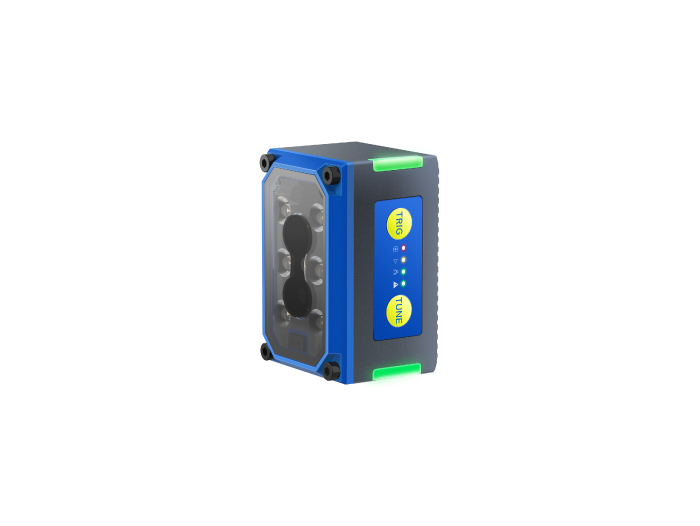
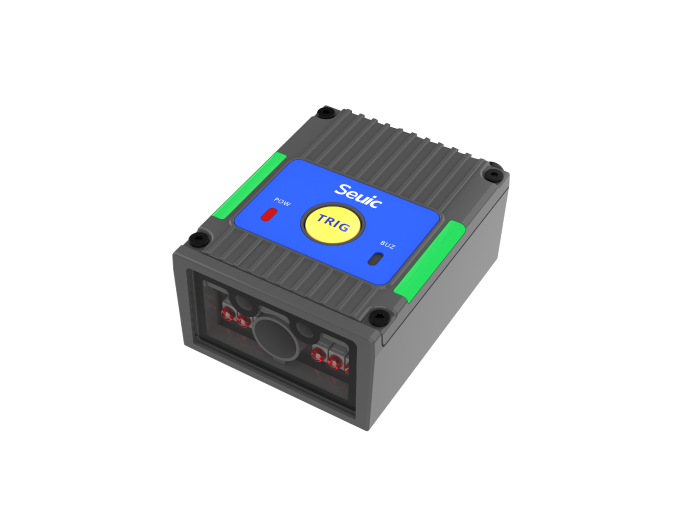
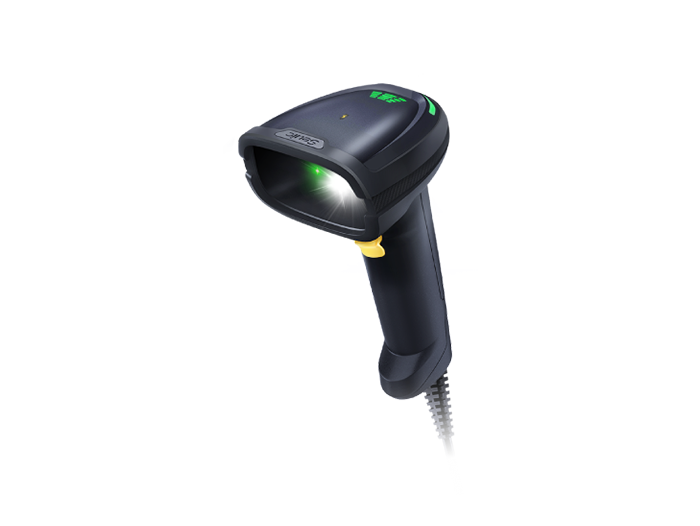
If the store or factory front-end needs to read QR codes, label codes, or even reflective, dot-peened, or low-contrast part codes, consider a wired industrial 2D scanner. Key specs: supports 1D + 2D, has DPM decoding, illumination adapted for reflective surfaces, and connects via RS232/USB to existing systems.
For example, the SEUIC HS305DP is positioned as an industrial wired 2D scanner for part traceability, electronics manufacturing, and automotive components. It supports Data Matrix/QR, tri-color illumination, and DPM reading. For retail back-end receiving, counter traceability, and pharmacy verification, this type of device outperforms generic scan engines on "unstable code quality."
Warehouse mobile operations direction
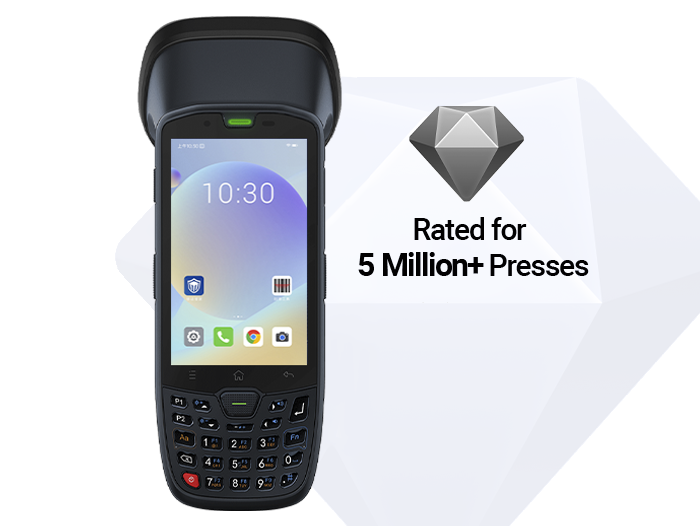
Pickers shouldn't juggle a phone and a Bluetooth gun while switching between apps. For daily scan volumes in the thousands, consider an industrial handheld terminal with a 2D imaging engine: removable battery, stable WiFi, IP65 protection, WMS-compatible, and spare pool management.
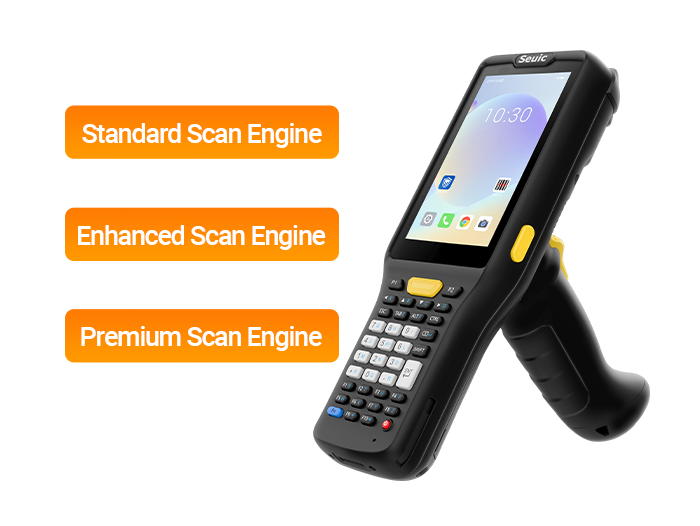
For example, the SEUIC AUTOID Q7 Grip is a handheld terminal designed for warehouse scenarios, featuring a pistol grip trigger, 5200 mAh battery, IP65, 1.8 m drop resistance, and support for 2D scanning and WiFi/Bluetooth. It suits roles like receiving verification, shelf picking, and relocation counting — "scan while walking, transmit on the go."
Selection action plan: List roles first (checkout/picking/receiving/counting) → then list symbologies (1D/2D/screen code/DPM) → calculate 3-year TCO → finally pick the tier.
The most common pitfall in scanner procurement is treating "purchase price" as "cost."
Retail cares about: no stalls during peak hours, fast after-sales, stable reconciliation. Warehouses care about: first-pass read rate, battery lifecycle, WMS integration, and spare device ratio. A 2D imager isn't always worth more than a laser — but when your codes include QR codes, screen codes, dirty labels, or metal DPM, the hidden resean cost of a laser quickly overtakes the price difference.
You don't need a sophisticated model to calculate TCO. Simply listing six items — battery, cradle, spares, integration, repairs, and resean labor — will steer you clear of most "cheap to buy, expensive to use" traps.
If you are preparing a procurement list for retail chains or warehouse PDAs, feel free to contact SEUIC. We will arrange one-on-one expert service to customize a solution for you, and you can apply for a free product trial.
Related News

-
Double Efficiency High-Bay Inventory: Normal vs Ultra-Long Range UHF RFID Handheld
Product Updates | 2026.11.04Learn More
-
India RFID Supplier Selection: Industrial Procurement & Audit Guide
Product Updates | 2026.11.04Learn More
-
RFID Inventory for Beverages & Fresh Food: Handheld Reader Selection Guide
Product Updates | 2026.11.04Learn More
-

RFID Manufacturer Selection: China vs India Sourcing Decision Guide
Product Updates | 2026.11.04Learn More