




How to Choose a Handheld Bar Scanner: 7 Key Factors Explained
In warehousing and logistics, retail checkout, hospital pharmacies, and factory production lines, the handheld bar scanner is the essential tool for efficient data capture. Yet faced with choices between laser vs. imager, wired vs. wireless, and standard vs. industrial-grade, buyers often find themselves overwhelmed. Choose wrong, and you risk slow operations at best — or frequent breakdowns and hidden costs at worst.
This guide breaks down 7 key factors, explaining the real-world meaning and selection criteria for each, to help you make a rational, informed purchasing decision.
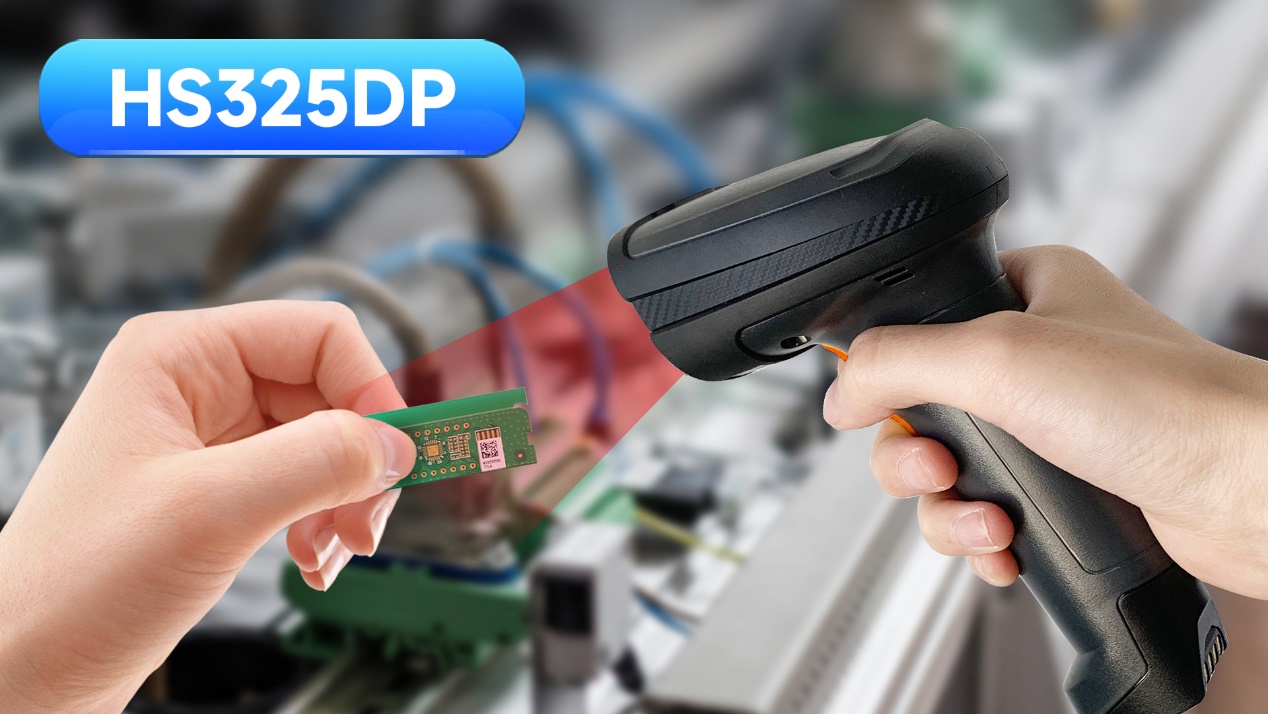
1. Scanning Performance and Barcode Types
Scanning performance is the most important measure of a scanner's core capability — it directly determines whether it can read the barcodes you need, accurately and quickly.
1.1 Laser vs. Imager
Laser scanners: Use a laser beam to scan 1D barcodes. Low cost, fast speed, but limited to paper-based 1D codes — cannot read 2D codes or barcodes on phone screens. Best suited for fixed workstations that only need to scan standard UPC/EAN codes.
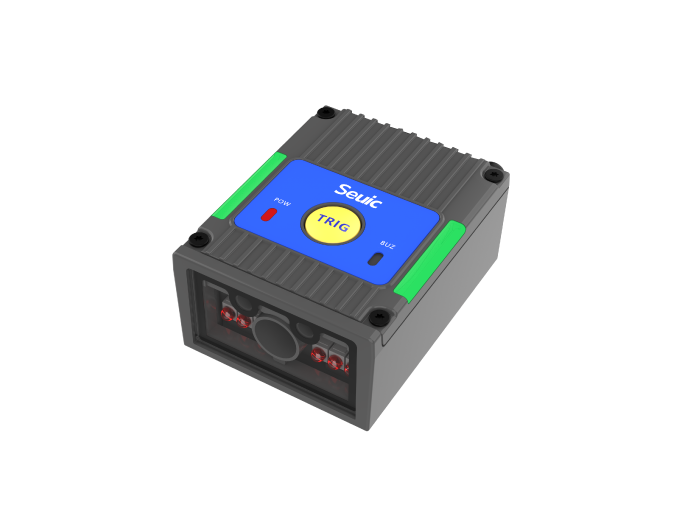
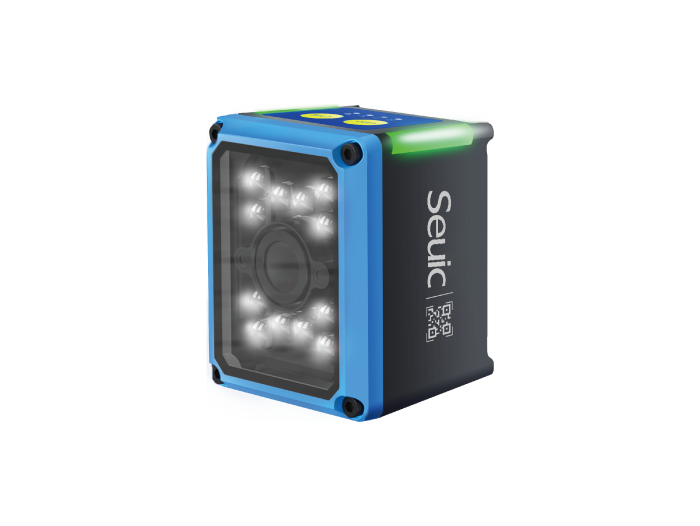
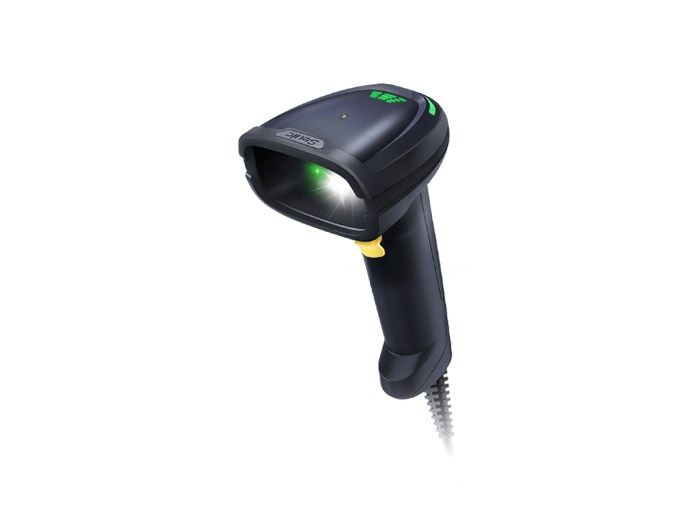
Imager scanners: Use a camera to capture and decode images. Support 1D, 2D, damaged barcodes, screen barcodes, and more. This is now the mainstream technology. If you need to scan WeChat/Alipay payment codes, digital membership cards, pharmaceutical traceability codes, or similar, choose an imager scanner.
1.2 Barcode Density and Special Media
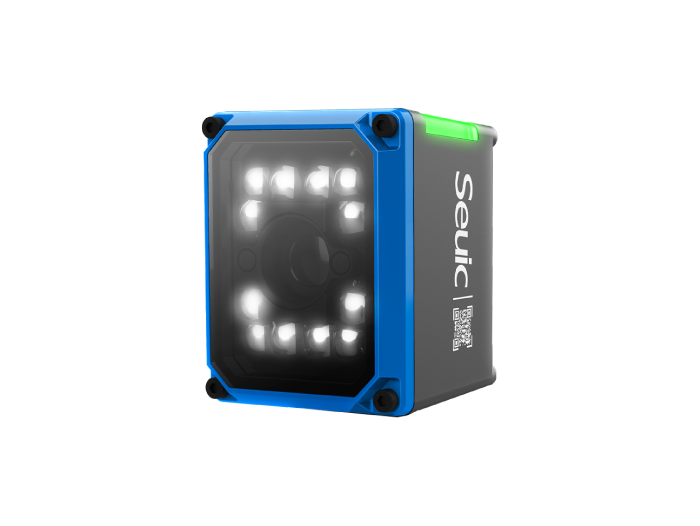
If you need to scan extremely small, high-density barcodes (such as micro-codes on electronic components) or DPM codes directly marked on metal or plastic surfaces, you must use a specialized high-precision or DPM scanner — standard models won't cut it.
Recommendation: Unless your operation is extremely simple (paper-based 1D barcodes only), always choose a 2D imager scanner to handle future barcode requirements.
2. Connectivity
How the scanner connects to your host system determines flexibility and deployment cost.
2.1 Wired Connection (USB / RS-232)
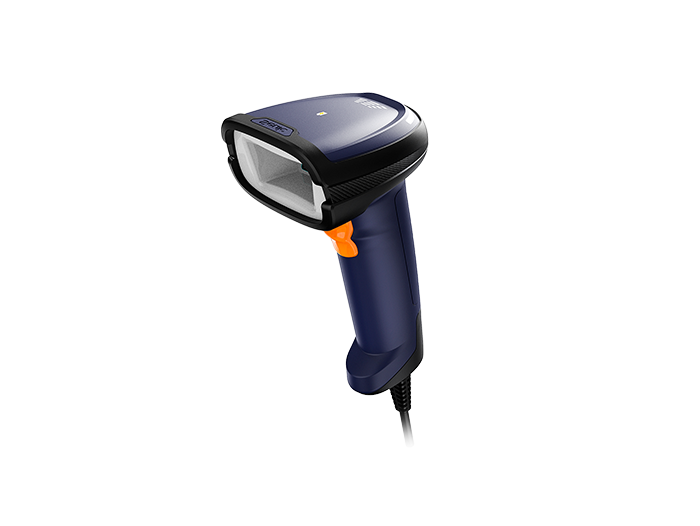
Pros: Plug-and-play, stable signal, no battery needed, lowest cost.
Cons: Limited by cable length, restricted range of motion.
Best for: Fixed workstations such as supermarket checkout counters, laboratory testing stations, and production line workstations.
2.2 Wireless Connection (Bluetooth / Wi-Fi)
Pros: No cable restrictions — operators can move freely.
Cons: Requires periodic charging, risk of signal interference.
Best for: Scenarios requiring frequent movement — warehouse inventory, logistics sorting, hospital ward rounds.
Selection tip: Look for Bluetooth 5.0 or higher and check the transmission range (typically up to 100m in open environments).
2.3 Hybrid Mode
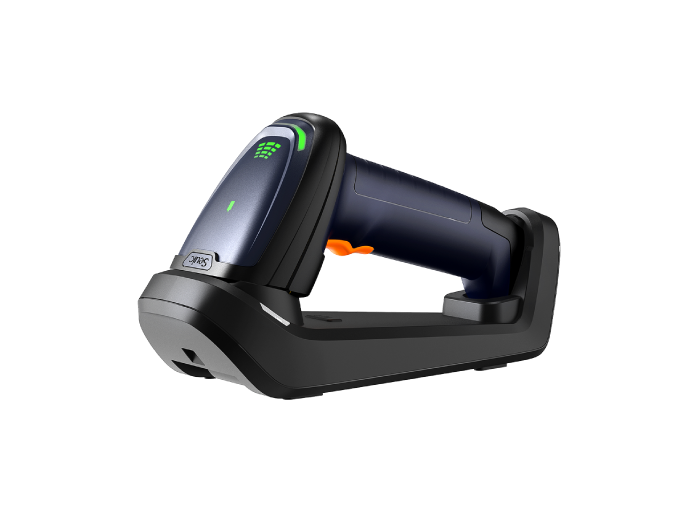
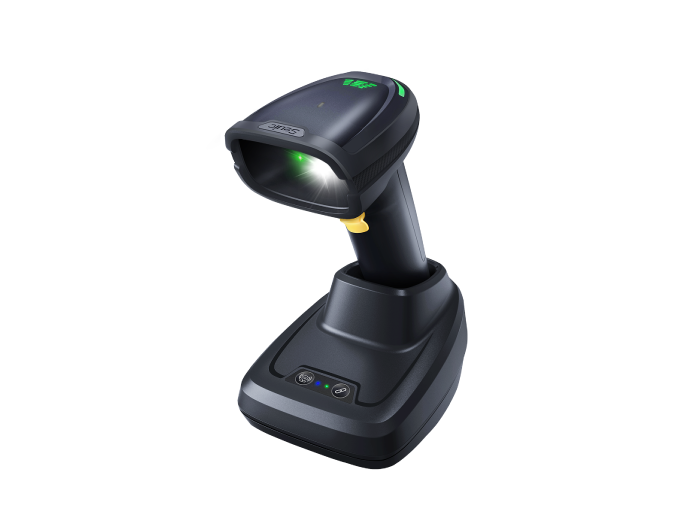
Some scanners support both wired and wireless modes. The base station doubles as both a charger and receiver, offering maximum flexibility. Ideal for scenarios that alternate between fixed and mobile use.
3. Environmental Suitability
Scanners work in vastly different environments, and environmental suitability directly affects device lifespan and reliability.
3.1 Ingress Protection (IP Rating)
IP54: Dust-protected, splash-resistant. Suitable for offices, retail stores, and other indoor environments.
IP65 and above: Fully dust-tight, can withstand low-pressure water jets. Suitable for dusty factories, outdoor environments, or humid conditions.
IP67: Can withstand brief submersion in water. Suitable for food processing, aquaculture, and other harsh environments.
3.2 Drop Resistance
Check the rated drop height (e.g., 1.5m, 2m). In high-intensity environments like warehouses and logistics centers, choosing a rugged scanner that can survive repeated drops significantly reduces repair costs and downtime.
3.3 Operating Temperature Range
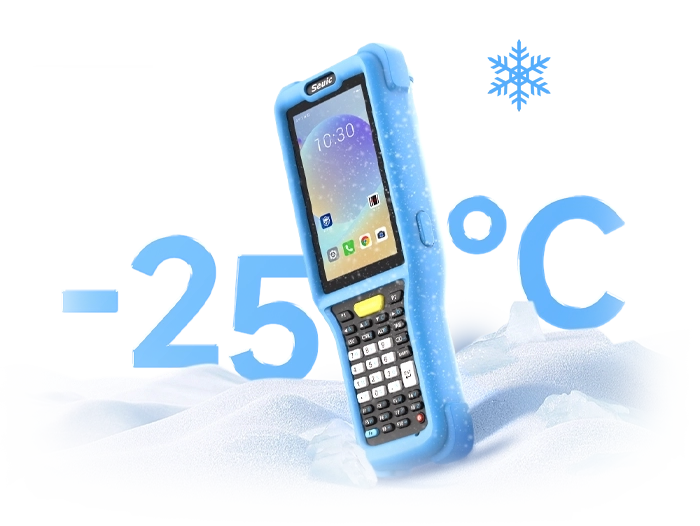
Cold storage facilities require models rated for -20°C. High-temperature workshops (e.g., steel mills) require models rated for 50°C or higher. Standard scanners may suffer from frozen LCD screens or battery failure in extreme temperatures.
4. Battery Life
For wireless scanners, battery life directly impacts workflow efficiency.
4.1 Runtime per Charge
Ideally, a scanner should support a full shift (8-10 hours) of continuous scanning. Note that manufacturer-rated runtime may decrease in real-world use depending on scan frequency, Bluetooth connection, and other factors.
4.2 Charging Method
Base station charging: Most convenient — drop the scanner in and it charges. The base also acts as a receiver. Best for fixed workstations.
Direct plug-in charging: Via USB cable. Low cost, but requires plugging and unplugging.
Removable battery: Supports hot-swapping. Ideal for 24-hour shift operations — spare batteries can be swapped seamlessly, eliminating charging downtime entirely.
4.3 Battery Health Management
Some high-end scanners offer battery status monitoring and smart charging management, extending battery lifespan. Worth considering.
5. Ergonomics
Operators may scan thousands of times per day. Ergonomics directly affect comfort and productivity.
5.1 Weight and Balance
Lighter scanners (typically under 200g) reduce wrist strain. A well-balanced design makes the scanner feel less tiring to hold.
5.2 Grip and Trigger
Look for textured grips or rubber padding. The trigger should have a responsive, tactile feel to prevent finger fatigue from prolonged pressing.
5.3 Additional Features
Auto-sensing mode (hands-free): Reduces button presses — ideal for high-frequency scanning.
Vibration feedback: Confirms successful reads in noisy environments without relying on sound.
Practical tip: Before placing a bulk order, have frontline workers test candidate models. Their feedback is the most reliable basis for evaluation.
6. Software Integration and Compatibility
A scanner must integrate seamlessly with your existing business systems (ERP, WMS, POS, etc.) — otherwise it becomes a useless piece of hardware.
6.1 Plug-and-Play
Most modern scanners support "keyboard wedge" mode — simply plug into a computer and they're automatically recognized as a keyboard, with no driver installation required. This is the bare minimum.
6.2 Data Editing
Some scanners have built-in data editing capabilities — automatically adding prefixes/suffixes, filtering characters, converting case, etc. This reduces processing load on the backend system. These features are typically configured through software.
6.3 Centralized Management
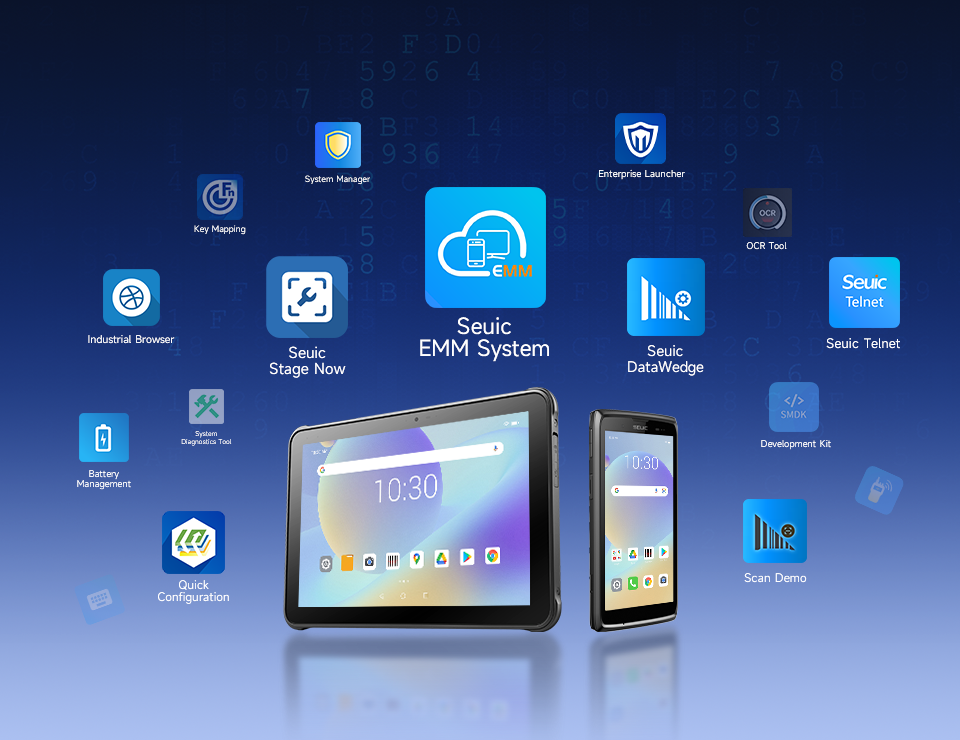
For enterprises with dozens or even hundreds of scanners, choosing a brand that supports remote firmware upgrades, centralized configuration deployment, and device status monitoring can dramatically reduce IT maintenance costs.
6.4 SDK and Custom Development
If you need deep integration of the scanner into a custom application, choose a brand that provides an SDK (Software Development Kit).
7. Cost and After-Sales Service
Purchasing a scanner isn't just buying hardware — it's buying long-term service assurance.
7.1 Total Cost of Ownership (TCO)
Don't just look at the unit price. Consider future repair costs, replacement parts (cables, bases, batteries), and losses from downtime. A rugged, durable scanner may have a higher upfront cost but a lower TCO over its lifetime.
7.2 Warranty Policy
Major brands typically offer 1-3 year warranties. Check whether the warranty covers accidental drop damage. Some brands offer paid extended warranty plans.
7.3 Technical Support Response
Choose a brand with local offices or authorized service centers in your country. Ensure timely phone or on-site support when issues arise. Check user reviews regarding after-sales service reputation.
7.4 Spare Parts Availability
Ensure that cables, bases, batteries, and other common spare parts are readily available and reasonably priced — avoiding situations where a discontinued part renders the entire device unusable.
There is no one-size-fits-all answer when choosing a handheld bar scanner — only the solution that best fits your business needs. By evaluating each of the 7 factors above — scanning performance, connectivity, environmental suitability, battery life, ergonomics, software integration, and cost & after-sales service — you can build a clear selection profile and avoid being misled by low prices or flashy features.
Before making a final decision, ask your supplier for 2-3 candidate models for on-site testing. Involve frontline operators in the evaluation and verify compatibility with your existing systems. Investing in the right scanner is a long-term guarantee of operational efficiency and data accuracy.
Founded in 2002, SEUIC Technologies Co., Ltd. is committed to mastering core technologies, continuously improving innovation capabilities, and delivering outstanding branded products including mobile computers, RFID readers, tablets, barcode scanners, and fixed-mount readers. With highly reliable products and efficient service, our solutions are widely applied across manufacturing, retail, logistics, healthcare, and more. We provide frontline workers with more durable real-time data collection tools, helping you improve operational efficiency and take productivity to new heights.
Related News

-
Double Efficiency High-Bay Inventory: Normal vs Ultra-Long Range UHF RFID Handheld
Product Updates | 2026.11.04Learn More
-
India RFID Supplier Selection: Industrial Procurement & Audit Guide
Product Updates | 2026.11.04Learn More
-
RFID Inventory for Beverages & Fresh Food: Handheld Reader Selection Guide
Product Updates | 2026.11.04Learn More
-

RFID Manufacturer Selection: China vs India Sourcing Decision Guide
Product Updates | 2026.11.04Learn More