




Industrial Scanner vs PDA: Selection Guide for PCB One-Box-One-Code
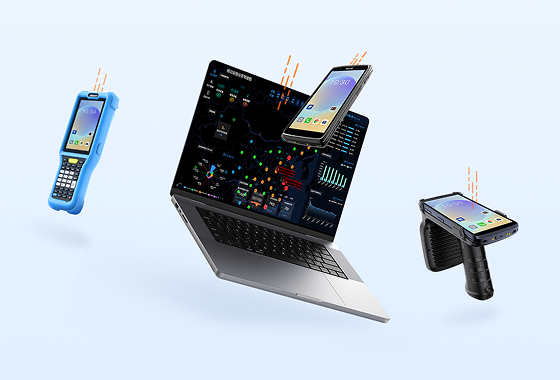
Many people mistakenly believe the two devices serve the same purpose and can be swapped freely. As a result, some factories purchase PDAs across the board, wasting money, while others use only scanners, creating control gaps and inventory discrepancies. This article breaks down the differences between the two device types in the context of full-process PCB production and offers a practical deployment plan.
1. Three Core Pain Points in PCB Material Management — 90% of Factories Have Experienced Them
Traditional manual material management has three stubborn pain points that are also the core risks in PCB production:
1.1 Human recording errors and omissions
Material counting, parameter measurement, and QC decisions rely heavily on manual paper records and memory. Error tolerance is extremely low, and data entry mistakes or omissions are common — planting seeds for quality issues downstream.
1.2 Severe inventory discrepancies
Manual data entry into the system lags far behind physical movements. After materials are received, moved, or issued, the system inventory is not updated in real time, leading to chronic mismatches between book records and physical stock.
1.3 Untraceable material errors
When the wrong batch or wrong specification of material is used, traditional management lacks a complete traceability chain. There is no way to identify the root cause or assign responsibility. In severe cases, an entire batch of product may be scrapped. For high-precision PCBs used in automotive and medical applications, regulatory compliance mandates full traceability — making the production risk extremely high.
The solution to all three problems: Replace human memory with device-based data capture, and replace post-event manual entry with real-time on-site synchronization. The right combination of barcode scanners and PDAs is the key to making this work.
2. Core Differences Explained: Scanners and PDAs Serve Completely Different Roles
Most factories make the wrong choice because they treat both devices as interchangeable and simply compare specs. In reality, their product positioning, core functions, and applicable scenarios are fundamentally different.
2.1 Industrial Barcode Scanner: A Pure Code-Reading Peripheral
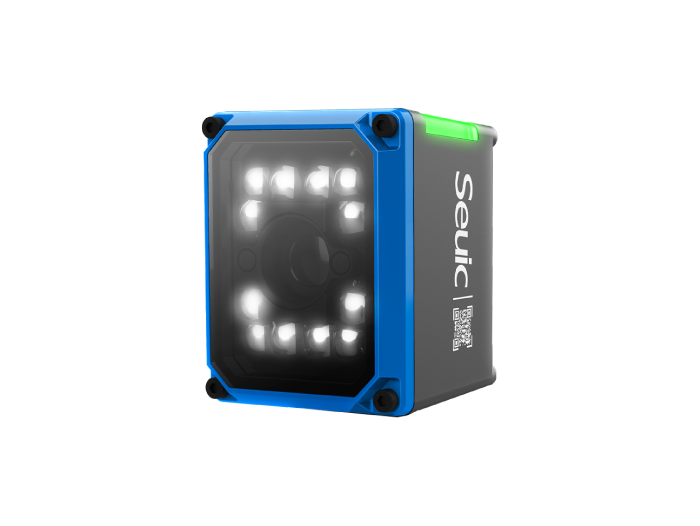
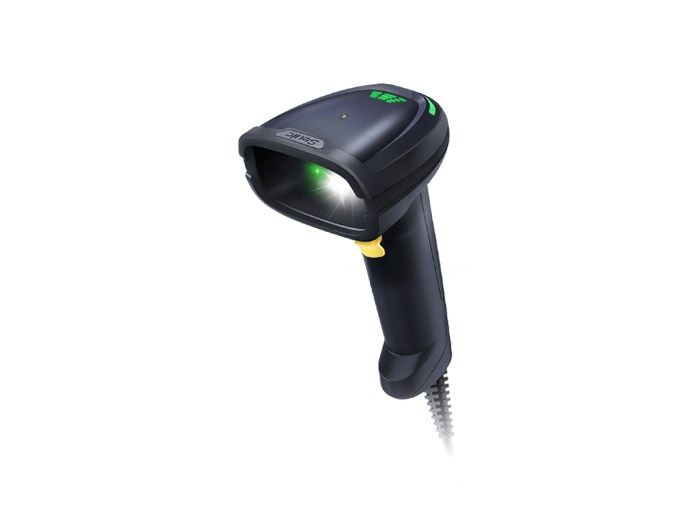
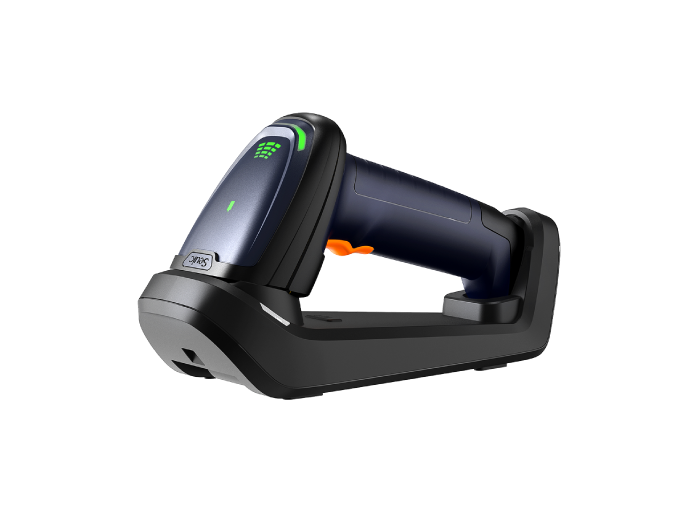
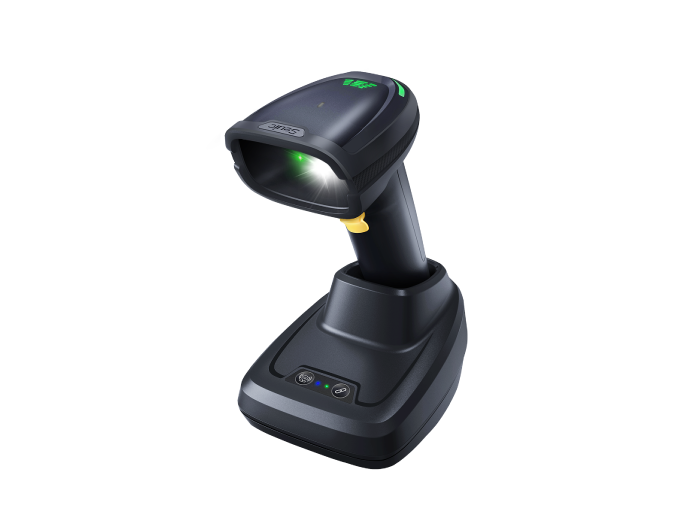
An industrial barcode scanner is a dedicated code-reading peripheral. Its core function is to read barcodes quickly and reliably. It has no independent operating system and cannot process business transactions — it simply transmits the decoded value to a host device such as a computer or PDA.
Best suited for: High-frequency, simple scanning operations that don't require verification or judgment — warehouse inbound/outbound, material transfers, shop-floor material requisition.
Core strengths: High-speed decoding optimized for challenging PCB barcodes — damaged codes, reflective surfaces, DPM markings. Lightweight form factor for long, intense scanning sessions.
2.2 PDA Handheld Terminal: An Industrial-Grade Smart Workstation
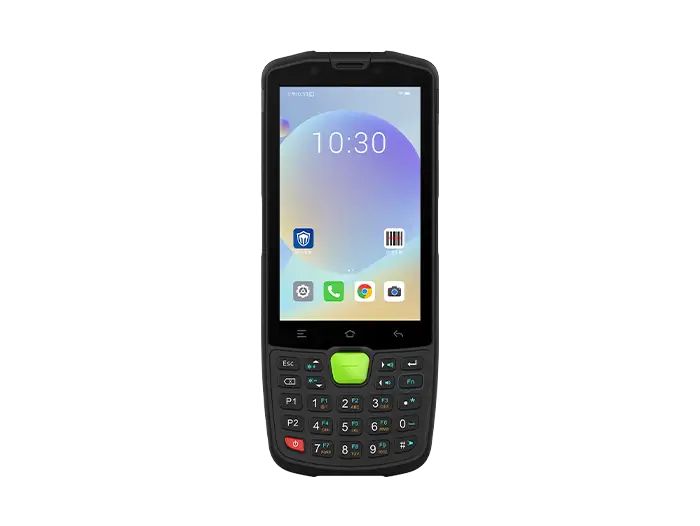
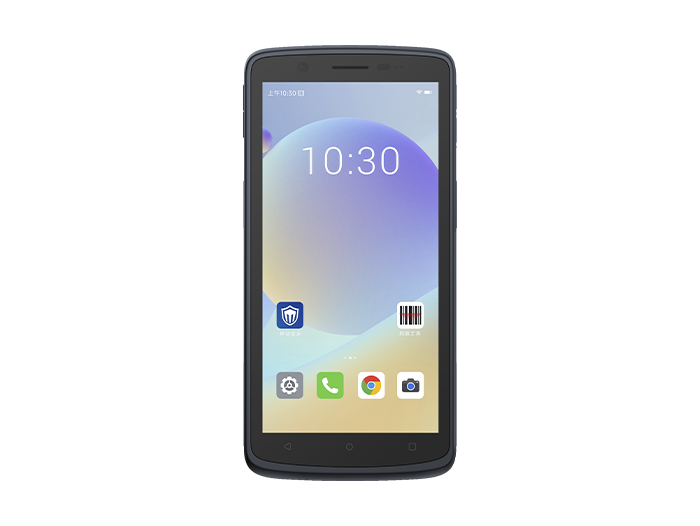
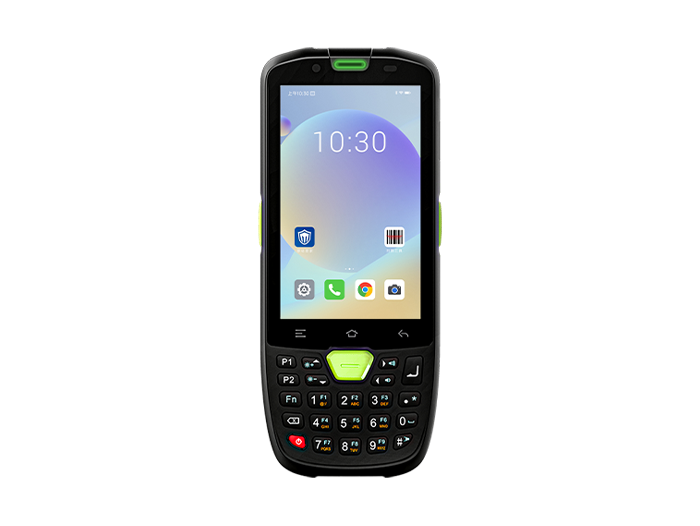
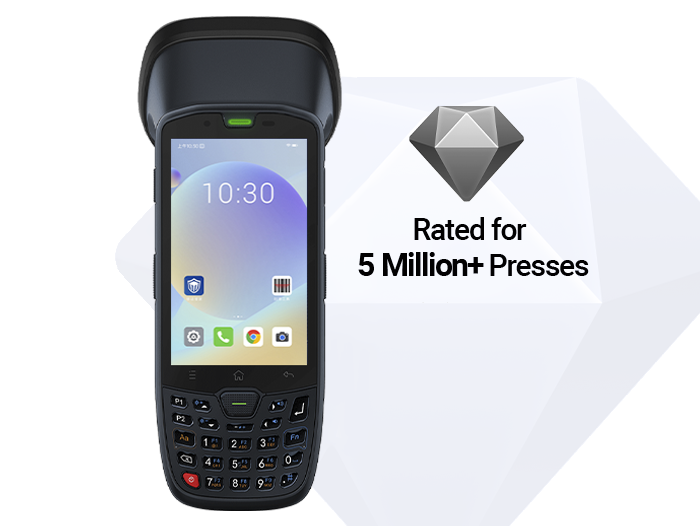
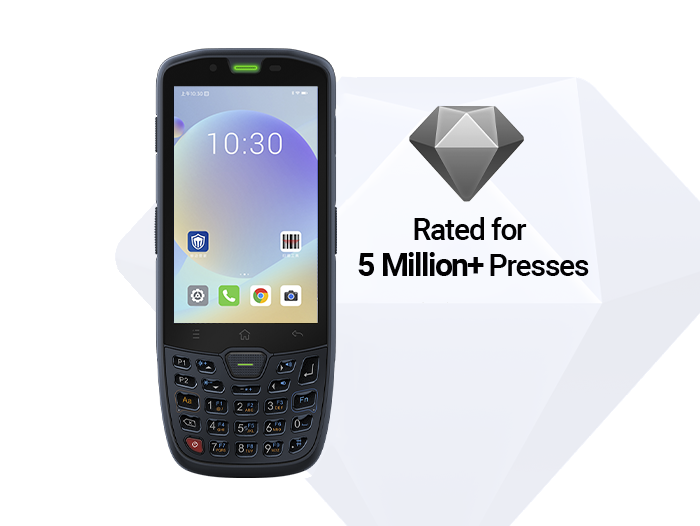
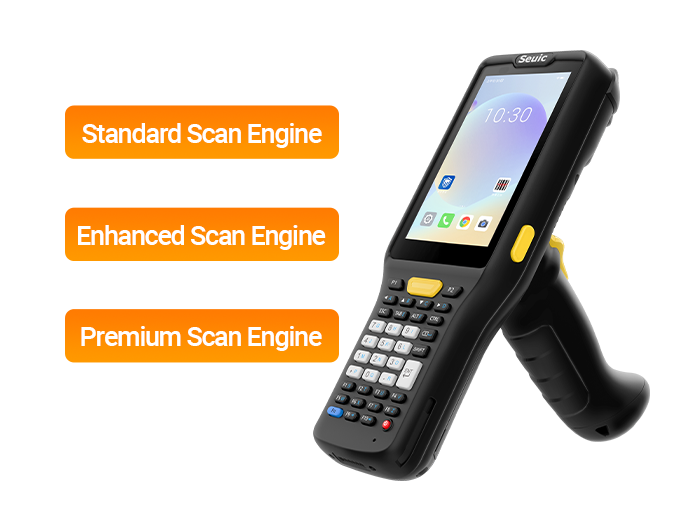
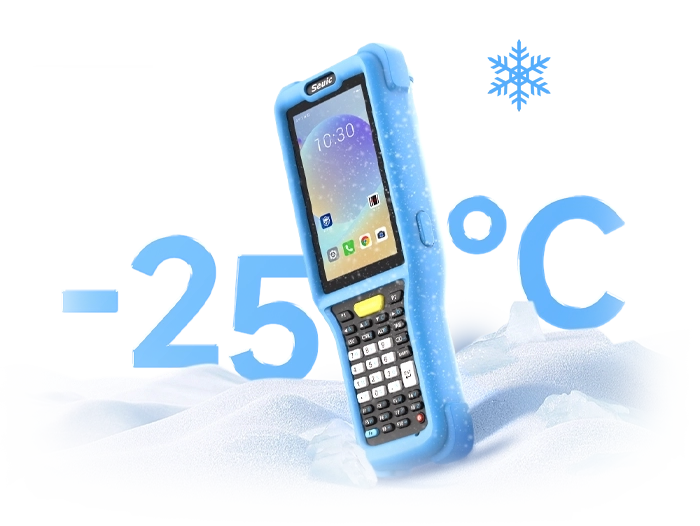
A PDA is a ruggedized industrial smart terminal with its own Android operating system. Scanning is just one of its basic functions. It can independently handle the full range of tasks — pulling up orders, entering data, connecting to instruments, making intelligent judgments, and syncing data.
Best suited for: Composite operations that require scanning, order lookup, verification, and decision-making — material receiving, IQC inspection.
Core strengths: Integrates scanning, screen interaction, Bluetooth instrument connectivity, business application execution, and automated QC judgment into a single device, enabling a complete on-site workflow closure.
One sentence to tell them apart: The scanner is responsible for "reading the code in." The PDA is responsible for "everything that happens after the code is read."
3. Pros and Cons Comparison: See Exactly Where Each One Fits
3.1 Industrial Barcode Scanner: High-Frequency Essential Tool, Great Value
Advantages: Ergonomic lightweight design — less fatigue during long, repetitive scanning, faster work pace than a PDA. Specialized algorithm optimization for difficult PCB codes — metal DPM markings, reflective surfaces, low contrast — delivering strong decoding stability. Low unit cost, ideal for large-scale deployment across many workstations, keeping total investment manageable.
Limitations: No independent OS or business processing capability. Cannot independently look up orders, verify materials, or determine QC results. Must rely on a host device (computer or PDA). Cannot form a complete operational data closed loop. Unsuitable for complex verification and QC scenarios.
3.2 PDA Handheld Terminal: Full-Closed-Loop Capability, Broader Application
Advantages: One device integrates scanning, document lookup, data entry, instrument connectivity, QC judgment, and data upload — enabling a complete on-site workflow closure. Can intercept defective materials at the receiving and IQC front end, controlling quality at the source. IP67 dust/water resistance, drop survival, long battery life, and other industrial-grade attributes suit harsh workshop conditions.
Limitations: Higher procurement cost per unit — large-scale factory-wide deployment requires a bigger investment. In pure high-frequency scanning scenarios, the smart computing power and interactive features sit idle, making it less cost-effective. The device body is also heavier than a scanner.
4. Precise Selection Strategy for PCB Factories: Divide by Scenario
There is no absolute "better" device — it all comes down to scenario fit. The optimal solution for PCB one-box-one-code management is not an either/or choice, but a combined deployment where each device plays to its strengths.
4.1 Material Receiving and IQC Inspection → PDA Is a Must
These two stages involve composite operations: retrieving purchase orders, verifying material specifications, connecting to precision measuring instruments, and automatically outputting QC results. A scanner can only read codes — it cannot perform document verification or close the data loop. A PDA is required for full-process control, serving as the first checkpoint for material quality.
4.2 Warehouse Inbound/Outbound and Routine Material Requisition → Industrial Scanner Preferred
Scenarios like warehouse putaway, transfer, cycle counting, and high-frequency shop-floor material requisition involve simple, highly repetitive actions. Industrial scanners offer faster scanning speed, lighter weight, and better cost-effectiveness — they are a more practical fit for high-intensity pure-scanning operations compared to PDAs.
For routine material requisition that only requires scanning confirmation and inventory sync, a scanner is more efficient. For finer-grained scenarios that require a second check of material batch or order details, a PDA can be flexibly brought in to assist.
Bottom line for deployment: The industry-best approach is a combined PDA + industrial scanner strategy. PDAs handle core quality control nodes like receiving and IQC, ensuring data closure and risk interception at the source. Industrial scanners cover high-frequency scanning scenarios in warehousing and material requisition, balancing operational efficiency and procurement cost — perfectly suited for full-process material management in PCB factories.
5. Reference Devices for PCB Workshop Conditions
The following two devices are designed for the demanding conditions of PCB workshops and support one-box-one-code full-process management. They can serve as direct selection references:
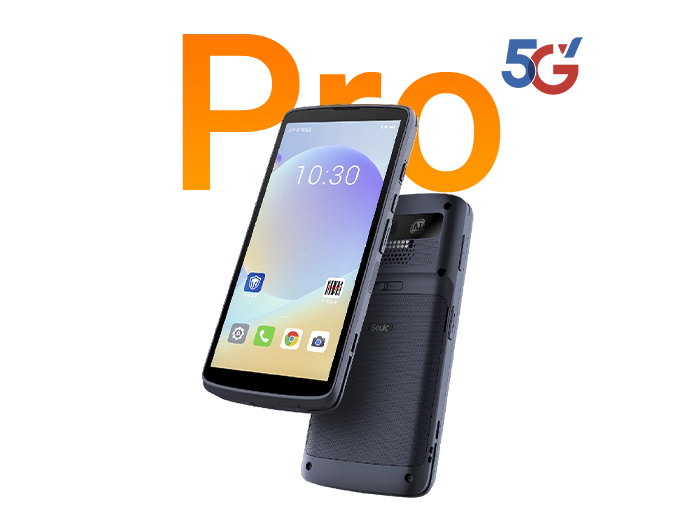
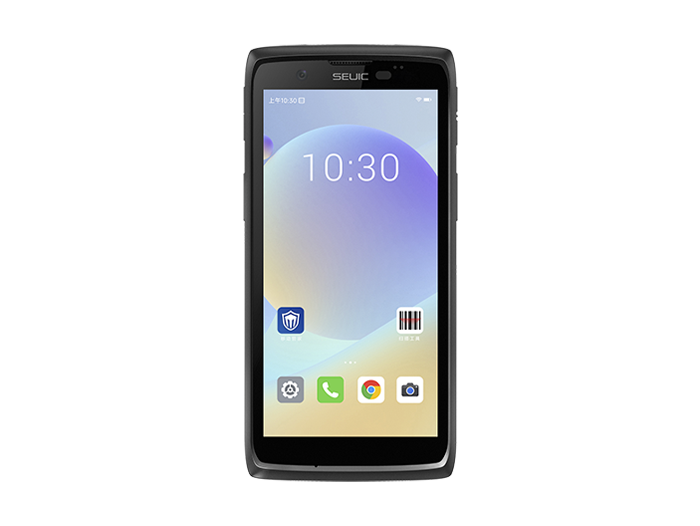
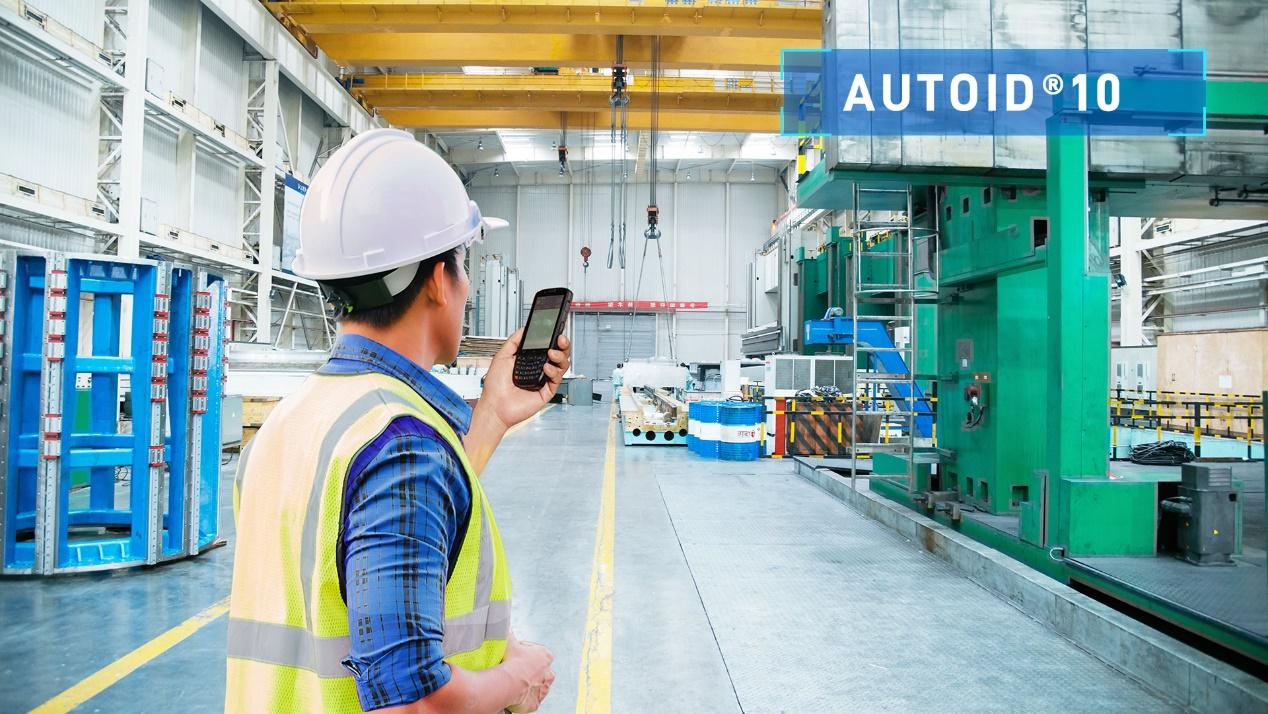
5.1 Recommended PDA: SEUIC AUTOID 10
Built for PCB material verification and IQC inspection across the full workflow:
AI-powered smart scanning + OCR recognition — reads barcodes, characters, and DPM markings in milliseconds, dramatically improving identification efficiency
Seamless Bluetooth connection to various precision measuring instruments — data is automatically recorded and compared, no manual entry required
IP67 protection, 1.8m drop resistance, swappable large battery + low-packet-loss Wi-Fi 6 — built for extended continuous operation in workshop environments
Triple alert system (light, buzzer, vibration) — confirms operation status even in noisy workshops, preventing missed or incorrect scans
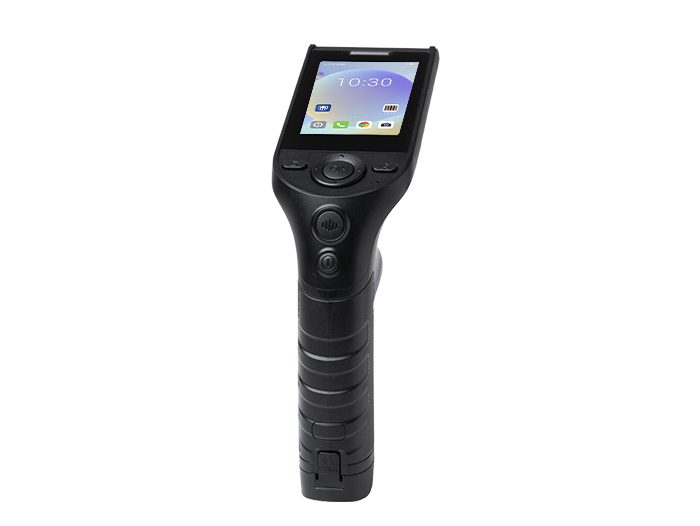
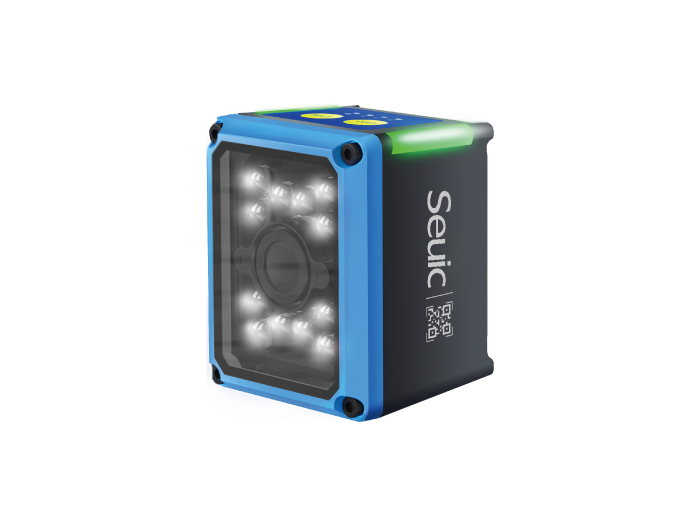
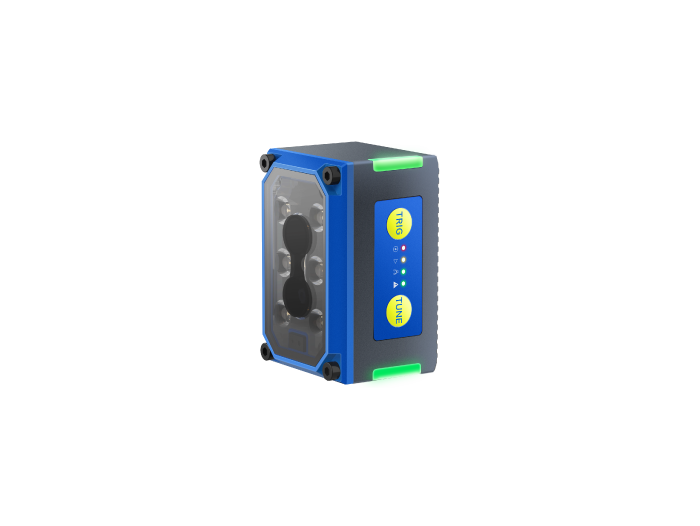
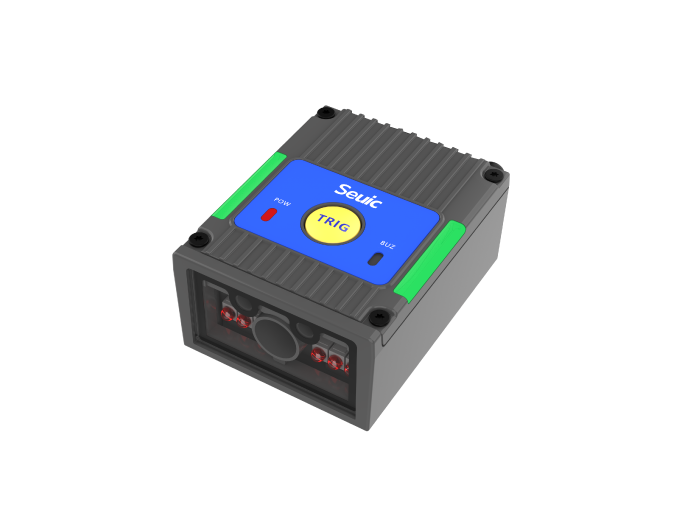
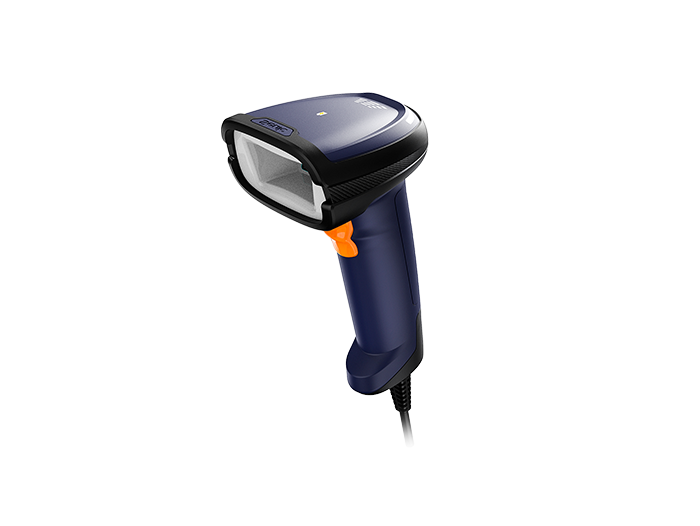
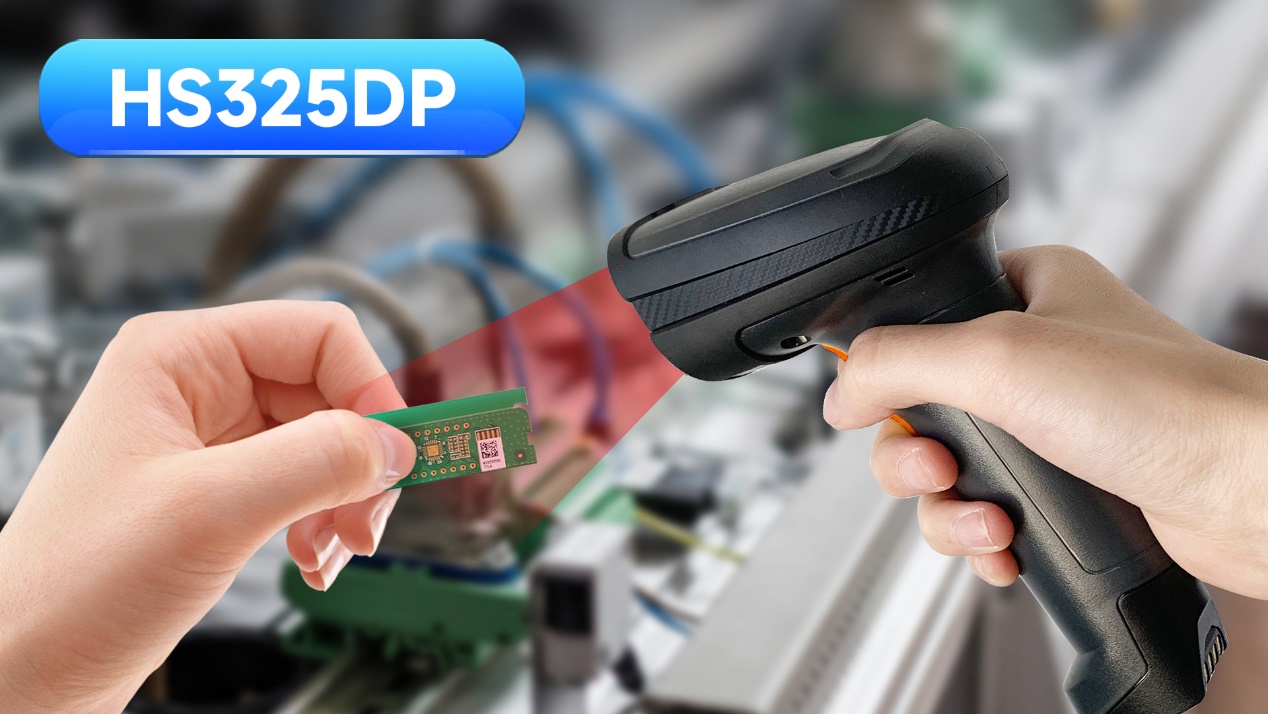
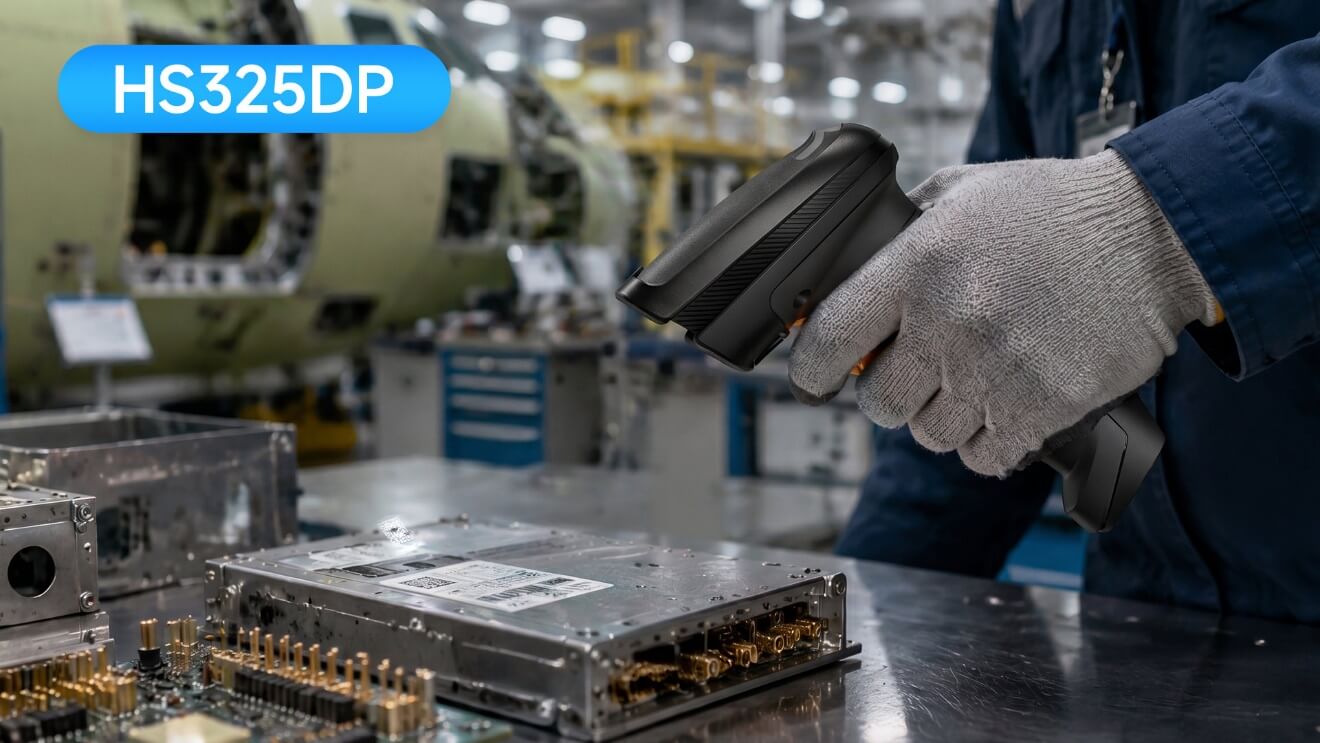
5.2 Recommended Industrial Scanner: SEUIC HS325DP
Targeted solution for all types of difficult-to-read PCB codes, suited for high-frequency warehousing and material requisition:
AI decoding algorithm delivers millisecond-level recognition of metal DPM markings, worn, and blurred codes — exceptional adaptability to difficult codes
Intelligent tri-color illumination automatically switches for metal reflections, dark backgrounds, flat-surface engraving, and other PCB material scenarios
Status indicator + hidden battery gauge — device status at a glance, easy for workshop maintenance management
Lightweight ergonomic design — no fatigue during long, high-frequency scanning, significantly boosting warehousing efficiency
6. FAQ: Getting Straight to the Core Selection Questions
Q1: What is the most important difference between a barcode scanner and a PDA?
A: A scanner is a pure code-reading peripheral — it only captures barcode data. A PDA is an industrial smart terminal — it can independently complete scanning, order lookup, QC, and data sync. Simply put: the scanner collects data; the PDA manages the business.
Q2: How should devices be paired for PCB one-box-one-code management?
A: Use PDAs at core quality nodes and scanners in high-frequency scenarios. Deploy PDAs for receiving and IQC to close the quality loop. Use scanners for inbound/outbound and material requisition to improve efficiency and reduce cost. Combined deployment is the industry's best practice.
Q3: Budget is limited. Can I buy just one type of device?
A: As a short-term stopgap, you could cover everything with PDAs to meet basic control requirements. But in high-frequency scanning scenarios, the efficiency and cost advantages of scanners are irreplaceable. For the long term, a combined deployment is recommended.
PCB factory one-box-one-code material management is not about having the most advanced equipment — it's about matching the right device to the right scenario and dividing responsibilities properly.
PDAs build a solid closed loop for material verification and QC control, intercepting defects at the source. Industrial scanners take over high-frequency basic scanning tasks, improving quality and reducing cost. Together, they completely resolve the pain points of human error, inventory discrepancies, and traceability challenges — delivering precise, compliant, and efficient material management across the entire supply chain.
SEUIC Technologies Co., Ltd., founded in 2002, is dedicated to mastering core technologies and driving innovation to deliver outstanding branded products, including mobile computers, RFID readers, tablet computers, barcode scanners, and fixed-mount readers. With highly reliable products and efficient service, our solutions are widely deployed across manufacturing, retail, logistics, healthcare, and other industries. We equip frontline workers with more durable real-time data collection tools, helping you improve operational efficiency and take productivity to the next level.
Related News

-
2D Barcode Scanner Buying Guide: Decoding, Environment & Lifecycle
Product Updates | 2026.10.10Learn More
-
What Is a 2D Barcode Scanner? Definition, How It Works & Supported Symbologies
Product Updates | 2026.10.09Learn More
-
How to Choose a Rugged Android Tablet? Ditch Spec Stacking, Use Scenario Tables
Product Updates | 2026.10.09Learn More
-
What Is an RFID Tag? Structure, Working Principle & Common Uses
Product Updates | 2026.10.08Learn More