








Inventory Counts Using a Hand-Held Computer: A Standard SOP from Preparation to Close-Out
Traditional manual inventory counts typically rely on paper sheets, Excel spreadsheets, and manual tallying: first print a location list, then go to each shelf and count one by one, return to enter the data, and finally compare against the system records. The problem isn't that "people aren't careful enough" — it's that there are too many steps. Misreading a line on the paper, writing down the wrong location, copying a barcode incorrectly, duplicate entries, network dropping out and having to restart. For warehouses with many SKUs, multiple batches, and deep storage locations, manual counting often takes hours or even a full shift, and variance investigation costs are high.
Inventory counts using a hand-held computer (industrial PDA / hand-held terminal) essentially change the process from "people remember + people enter" to "scan capture + system compare + automatic record-keeping." Workers scan location codes, product barcodes, or pallet RFID tags with the device. The terminal pulls up the expected quantity in real time. After entering the actual count, the system marks overages, shortages, moves, and damages. When the count is complete, a variance report is generated and uploaded to the WMS/ERP. For factory line-side warehouses, distribution centers, retail stores, hospital pharmacies, and utility inspection storerooms, the same logic applies — only the labeling system, counting frequency, and reporting fields differ.
Below is a standard process applicable to most warehouses and on-site storerooms.
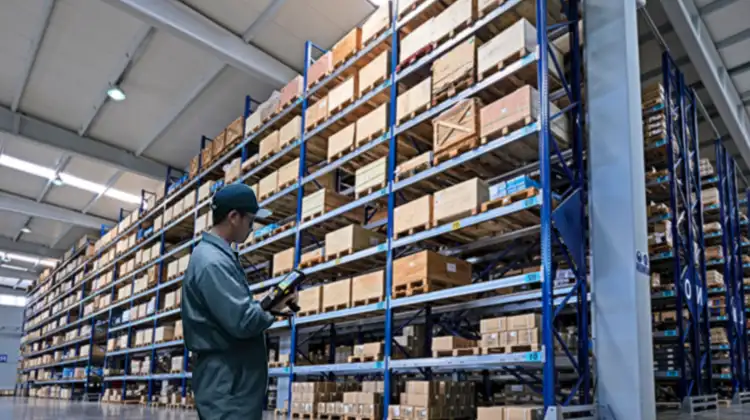
1. Pre-Count Preparation: Import Lists, Assign Zones, Configure Devices and Offline Strategy
Preparation determines whether count day will require rework. Follow this checklist:
1.1 Export the Latest Inventory List from WMS/ERP
Include location, SKU, product name, specification, batch, unit, expected quantity, serial number or lot number (if applicable). The list should be a snapshot at a "frozen point in time": clearly stop receiving, transferring, and issuing — or only allow controlled postings — before the count begins. Push the list to each hand-held computer via the counting app or MDM.
1.2 Divide Counting Zones and Routes
Split tasks by physical area: high-rack zone, floor-stack zone, cold storage zone, line-side warehouse, returns area, pharmacy refrigerators, store backroom, etc. Assign each device a fixed zone to avoid two people scanning the same location. For cycle counting, you may only circle A-class high-value items, near-expiry items, and items with high in/out frequency in the past week.
1.3 Device Battery, Cache, and Network
Start with a full charge and carry a spare battery. Standard battery life is 14 hours, with extended life up to 16 hours. Hot-swappable / quick-charge support is ideal for full-shift counting.
Enable offline cache mode. Dead zones in warehouses, cold storage, and underground distribution floors often have Wi-Fi blind spots. Best practice is "offline-first + local queue" — scans are saved locally and automatically uploaded when the network is restored, preventing missed entries.
Unify the time and counting plan version to avoid half the team using an outdated list.
1.4 Check Scan Engine and Labels
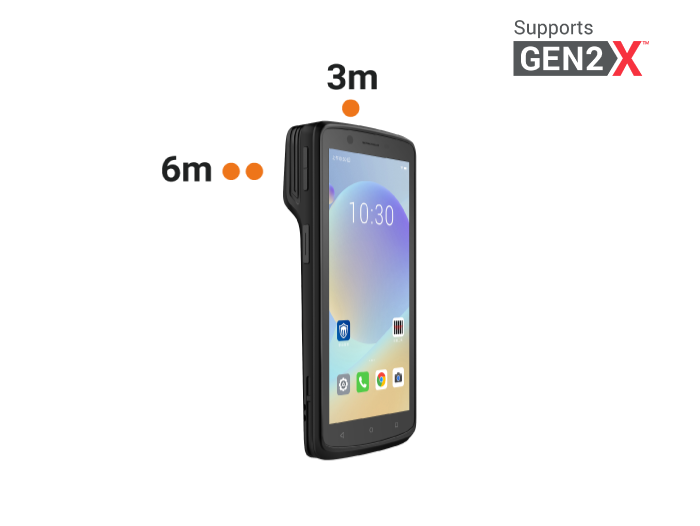
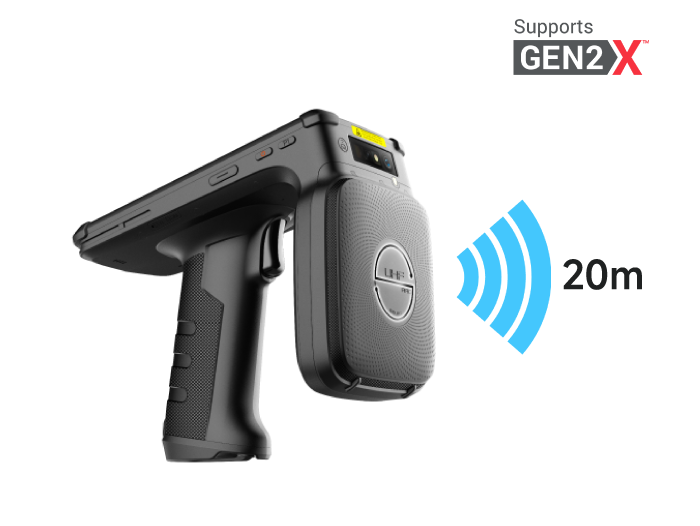
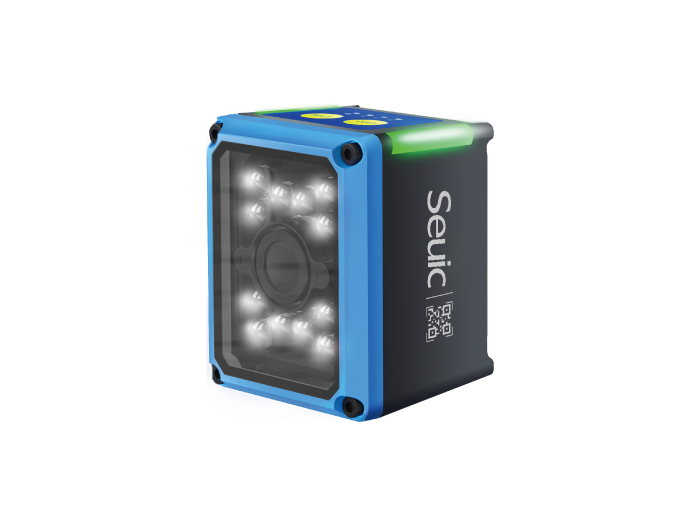
For barcode counting, test the 1D/2D scan head: close-range product codes, mid-range location codes, and long-range high-rack codes separately. For full-pallet batch reading, confirm whether the hand-held has an RFID module or a companion RFID reader. RFID is suitable for non-line-of-sight batch reads, but adjust power and tag type in advance for metal, liquid, and dense-stacking scenarios.
1.5 Set Variance Rules
Agree in advance: ±1 piece for high-value items must be recounted. For ordinary low-value items, trigger a review by percentage. Mark damage, near-expiry, and missing labels separately. Write the rules into the counting app to reduce on-site disputes.
2. Execute the Count: Scan Locations, Scan Products, Auto-Compare Zone by Zone
For on-site execution, use the "location first, product second" sequence to reduce misplacement.
2.1 Enter the Task and Locate the Position
Workers open the counting task on the hand-held computer and navigate to the first location. Scan the location barcode/QR code. The system displays the expected models, SKUs, and quantities for that location. If the displayed content doesn't match the current zone, it indicates a task assignment or putaway binding error — report to the team leader without changing the count.
2.2 Scan Product Labels Piece by Piece / Box by Box
Scan the product barcode or QR code. The terminal automatically brings up the SKU, batch, and unit. Workers enter the actual counted quantity. If multiple SKUs exist in the same location, scan and confirm line by line. The advantage of an industrial PDA is "compare immediately after scanning": expected 100, actual 98 — the system highlights the variance in red and prompts for a reason (shortage, moved, damaged, wrong batch).
2.3 High-Rack and Long-Distance Scenarios
For high-bay warehouses and heavy-load zones, using a long-range scan head significantly reduces the need for climbing and waiting.
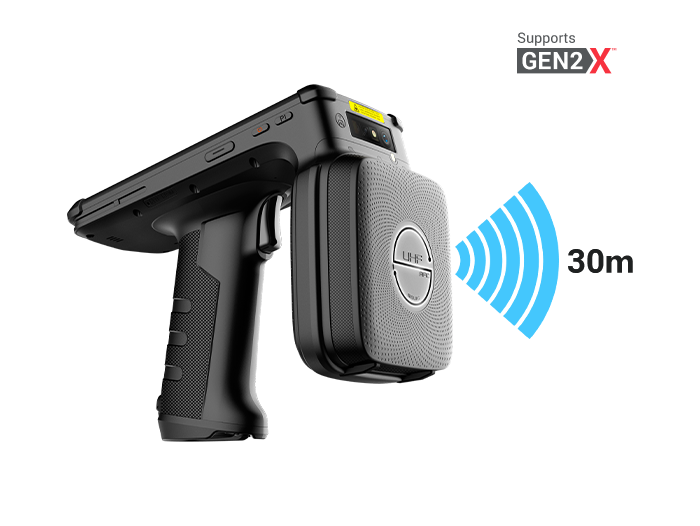
2.4 Full-Pallet / Batch Reading with RFID for Efficiency
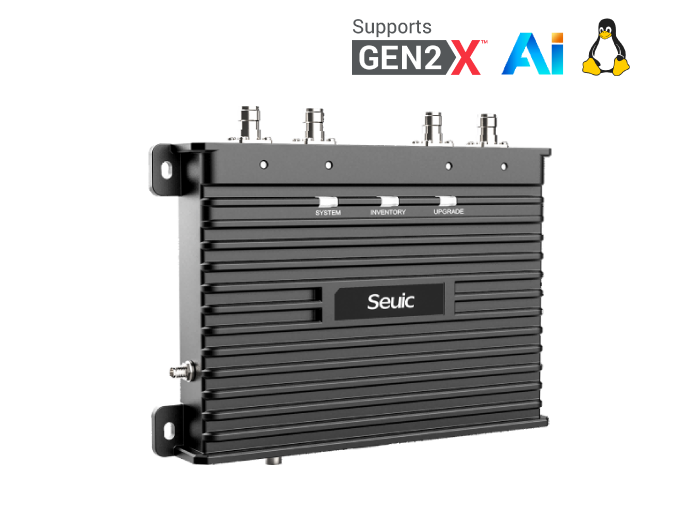
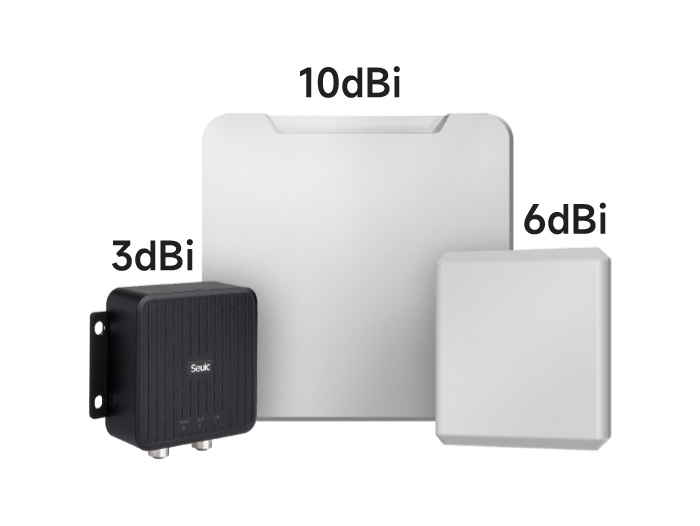
If pallets, totes, garment hangtags, or medical equipment already have RFID tags, use a hand-held RFID reader or fixed reader for batch reading. RFID does not require aligning each item individually and can identify multiple tags at once — ideal for cycle counting, large store events, and hospital asset spot checks. However, use barcode verification for anomalies to avoid misreads. Note: not all barcode PDAs have built-in RFID — confirm the model based on "barcode primary, RFID extension" when purchasing.
2.5 Document Anomalies On-Site
For damage, leakage, deformation, missing labels, or misplaced locations, don't just change the quantity — take photos and add notes.
3. Review and Export: Variance Report, On-Site Recount, Upload to WMS
Many counts are "fast to scan but slow to reconcile" — the problem is that the recount process isn't standardized.
3.1 Automatically Generate Variance Reports
The counting app summarizes by location: expected quantity, actual quantity, variance amount, variance type, responsible person, and timestamp. If the warehouse network is poor, the device caches locally and automatically retransmits when Wi-Fi or 4G is restored — no data loss.
3.2 On-Site Spot Checks and Blind Recounts
The system pushes "high-value items, zero-stock anomalies, and same-location multiple variances" to reviewers based on preset rules. Blind count mode hides the expected quantity — only the actual count is entered. Open count mode shows the expected quantity, suitable for quick error finding. Recounts are still completed on the hand-held computer — rescan the location and product, and enter the final quantity.
3.3 Reason Classification and Adjustments
Don't just write "shortage" for variances. Classify them as: received but not entered, issued but not recorded, moved but not updated, label mismatch, theft/damage/scrap, unit error (piece/box/pallet), batch mixing. Only after classifying the reasons should adjustment orders be submitted in the WMS, with operation logs retained for finance and audit traceability.
3.4 Sync and Close the Loop
Upload to WMS/ERP via Wi-Fi 6 or 4G, updating inventory, locations, batches, and expiry dates. Overall, a full count that used to take hours with paper can typically be compressed to tens of minutes with barcode + zoning + mature offline caching. The exact reduction ratio depends on SKU count, location density, label completeness, and network coverage.
4. Industry-Specific Differences
Factory / Line-Side Warehouse: Count by work order batch and material batch. Focus on scanning location + material code + batch. Use long-range heads for high-bin raw materials. Segregate non-conforming QC items with separate codes.
Retail / Apparel: Stores use barcode for daily closing counts. Apparel stores can pilot RFID batch reading of hangtags. E-commerce warehouses use two-tier LPN pallet codes + product codes, with cycle counting before outbound.
Pharmaceutical / Hospital: Pharmacies count by batch number + expiry date. Narcotics and controlled substances require separate authorization. Nurses can use PDAs to scan SNs of high-value consumables and take photos as evidence.
Utilities / Public Sector Field Storerooms: Meters, spare parts, and tools are counted by asset number + NFC/barcode. Off-grid field sites use offline cache and sync when back at the office.
3PL / Express Sortation: In addition to inventory, these sites mix operations — receiving, putaway, counting, and shipping are all completed on the same terminal, avoiding device switching.
5. Product Recommendation: AUTOID Q7-(Grip) — Designed for Counting
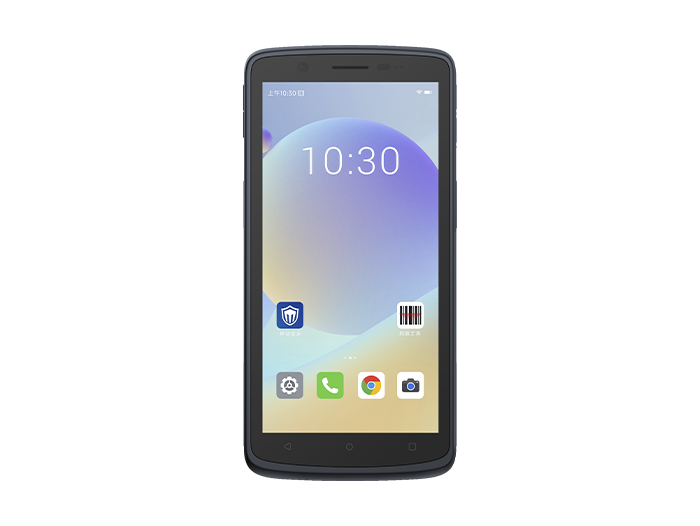
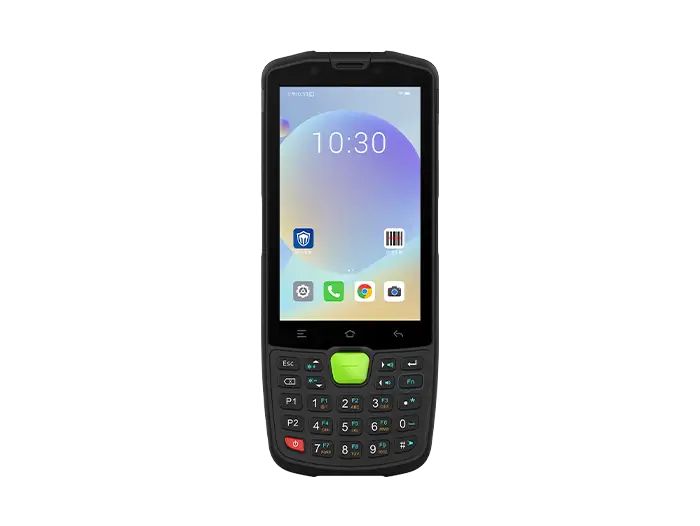
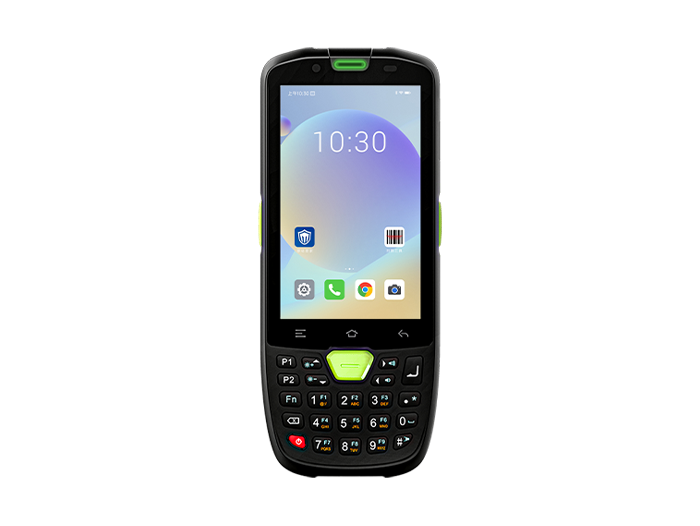
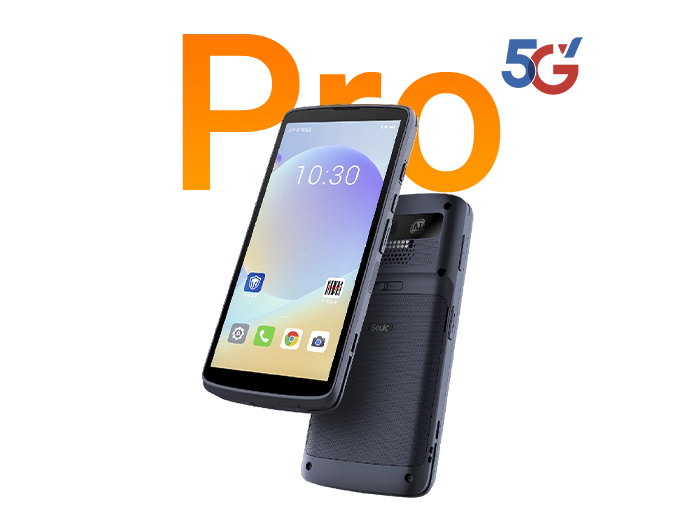
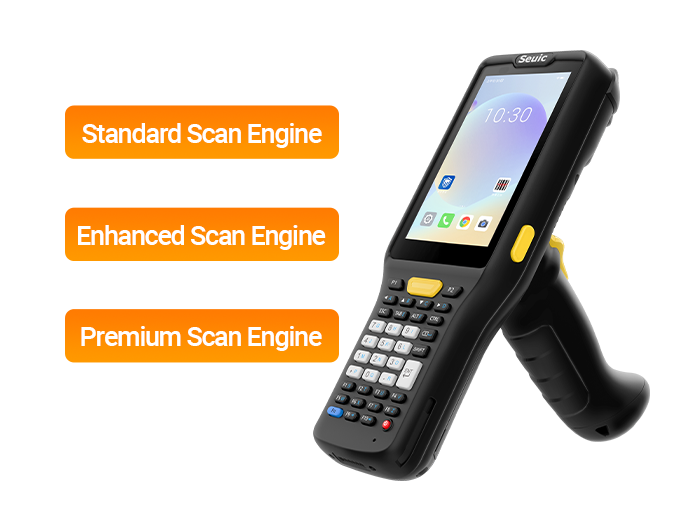
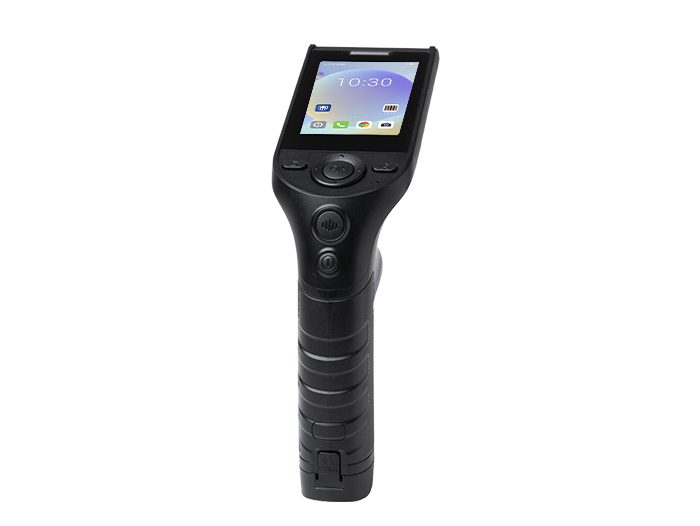
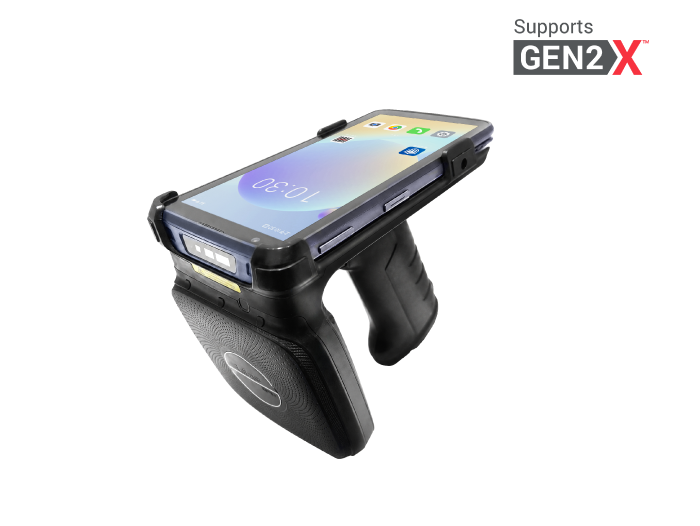
If your goal is "long-term, frequent, complex warehouse environment inventory counting," the AUTOID Q7-(Grip) hand-held terminal deserves a spot on your shortlist:
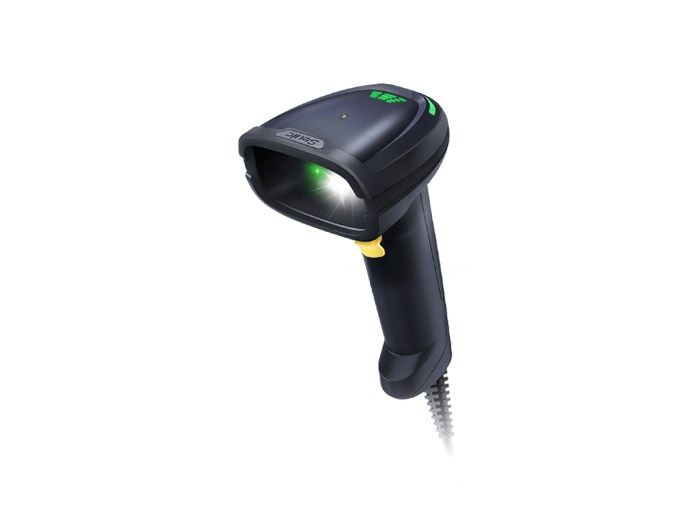
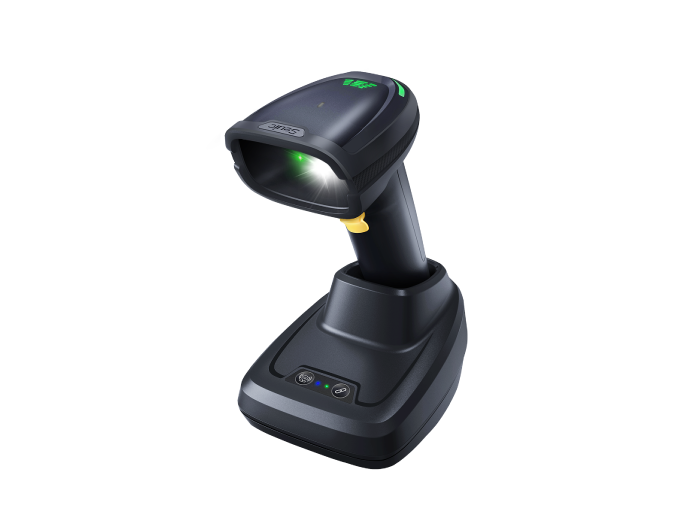
Long-range barcode, less climbing and back-and-forth: Direct-output scan engine + detachable pistol grip. Covers everything from close-range product codes to high-rack codes. 0–30 meter working/reading range — high-rack reading eliminates ladder climbing for scanning.
Android 14 + Qualcomm octa-core, smooth multitasking: Runs WMS, scanning, photography, and navigation simultaneously. 5000mAh removable battery, extended life up to 16 hours. Hot-swappable between shifts without interrupting operations. More stable for back-to-back counting seasons.
Wi-Fi 6 + 4G, no data loss offline: Local queue caching in complex high-racks, cold storage, and distribution stations with weak signals. Automatic sync when the network recovers — directly solving the "scanned but didn't upload" pain point.
Industrial protection for cold storage, dust, and oil: IP65, 1.8m drop resistance. Works from ambient temperature warehouses down to -25°C cold chain. Glove and wet-finger touch reduce friction in cold storage and rainy conditions.
Photo documentation and NFC expansion: High-res rear camera captures damage and misplacement. NFC enables personnel check-in, asset cards, and inspection verification — suitable for pharmaceutical, public sector, and metrology storerooms.
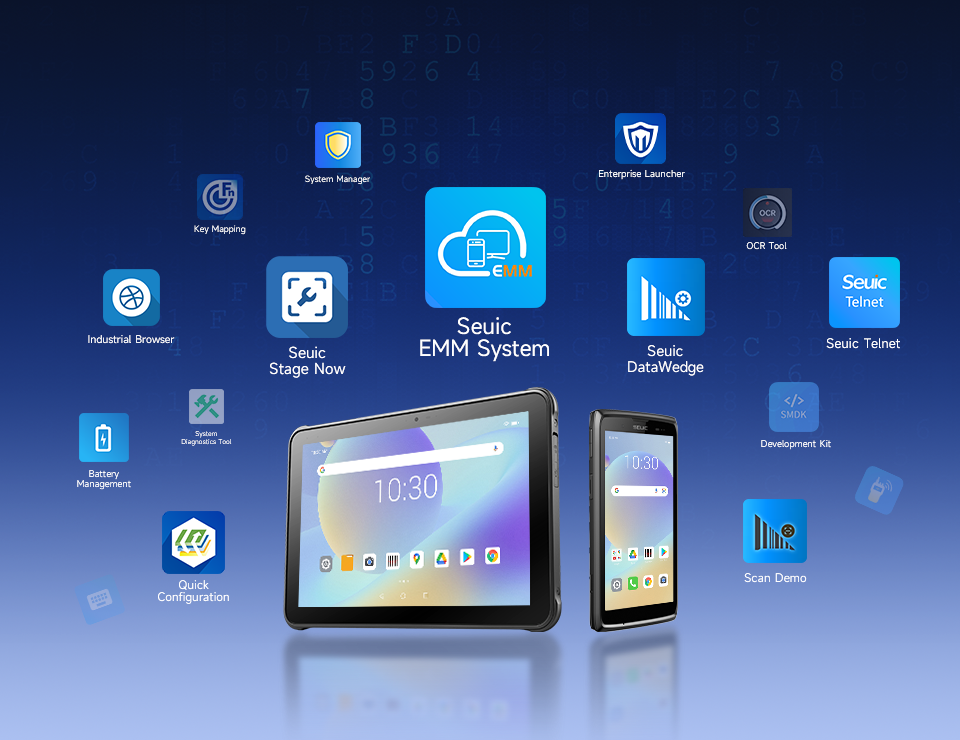
Batch management and 5-year lifecycle: Unified deployment of counting apps, configurations, firmware, and remote wipe via Seuic EMM. One person can manage a thousand devices. 5+ year lifecycle investment protection reduces replacement and retraining costs.
Inventory counts using a hand-held computer — the key isn't "buying a barcode scanner." It's about closing the loop on list import, zone assignment, scan engine, variance rules, offline cache, and WMS upload. Start with a small-area barcode cycle count pilot to verify label coverage and variance rates. Then choose a long-range head based on high-rack ratio, and evaluate RFID based on full-pallet ratio. This way, you move from paper-based hours with high error rates to hand-held terminal minutes with audit trails — inventory accuracy and recount costs both improve significantly.
If you're evaluating warehouse PDAs, organize three types of data before selecting a model: high-frequency scan distance breakdown (close/mid/long), whether full-pallet RFID is needed, and cold storage or outdoor network blind zone coverage. Take this data and compare it against the AUTOID Q7-(Grip)'s scan head, battery, and Wi-Fi 6 capabilities — it's easier to calculate total cost of ownership rather than just looking at the unit price.
Founded in 2002, Seuic Technology Co., Ltd. has always focused on mastering core technologies, continuously improving innovation capabilities, and building outstanding branded products including mobile computers, UHF RFID readers, tablet computers, barcode scanners, and fixed-mount readers. With highly reliable products and efficient service, our solutions are widely applied in manufacturing, retail, logistics, healthcare, and other industries. We provide frontline workers with more durable real-time data capture tools, helping you improve operational efficiency and take productivity to new heights.
Related News

-
Double Efficiency High-Bay Inventory: Normal vs Ultra-Long Range UHF RFID Handheld
Product Updates | 2026.11.04Learn More
-
India RFID Supplier Selection: Industrial Procurement & Audit Guide
Product Updates | 2026.11.04Learn More
-
RFID Inventory for Beverages & Fresh Food: Handheld Reader Selection Guide
Product Updates | 2026.11.04Learn More
-

RFID Manufacturer Selection: China vs India Sourcing Decision Guide
Product Updates | 2026.11.04Learn More