


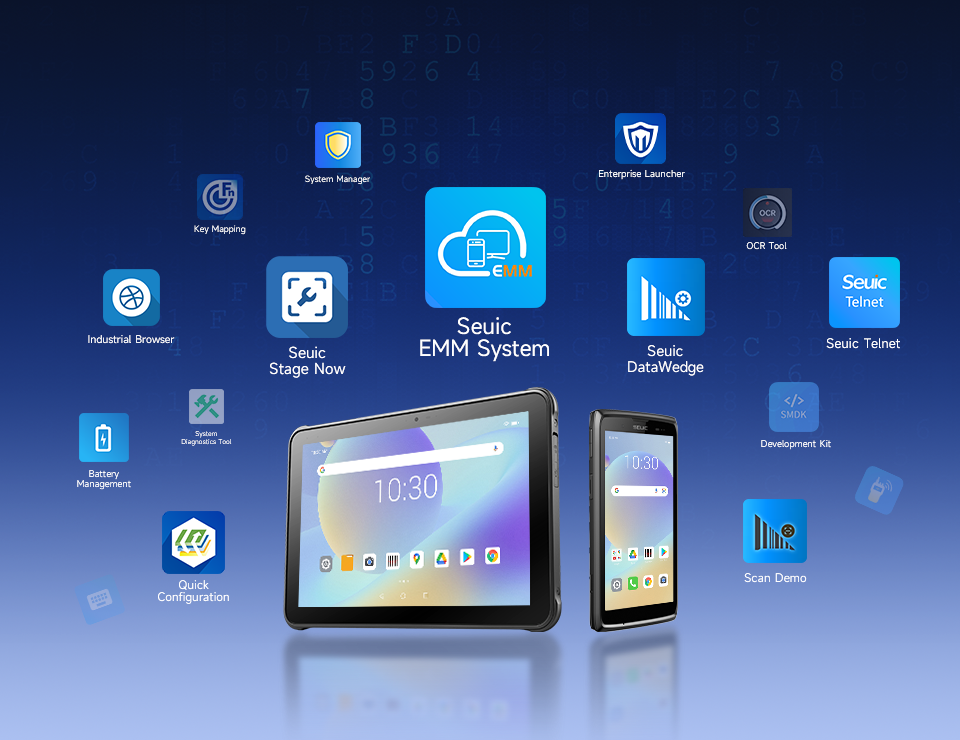


Mobile Computer for PCB Workshops: Glove Touch & Wet-Hand Operation Key
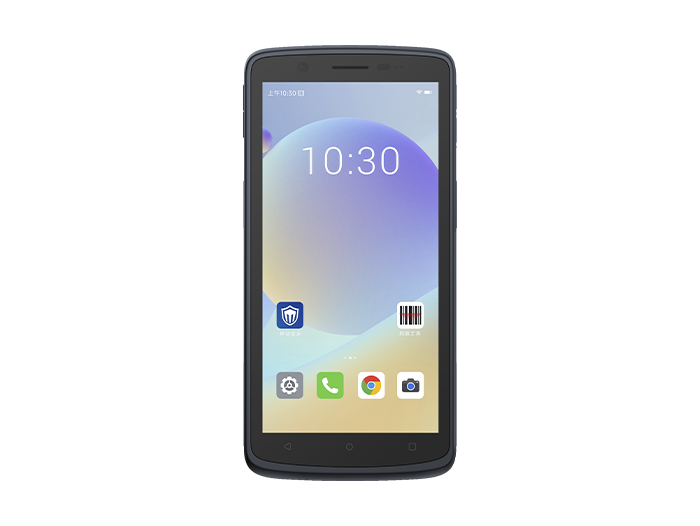
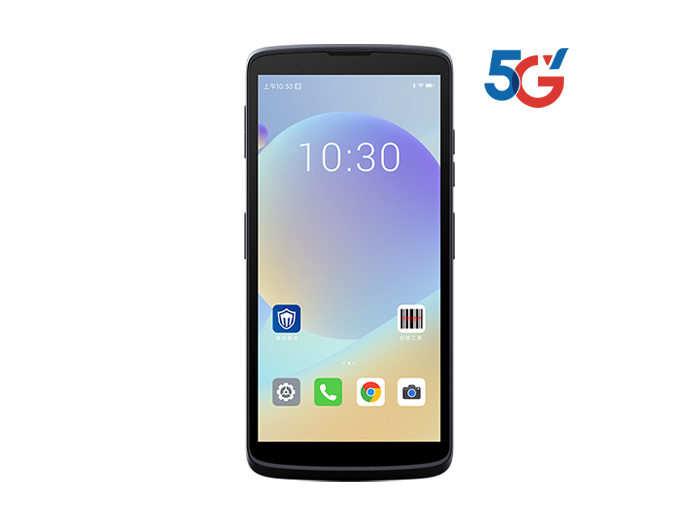
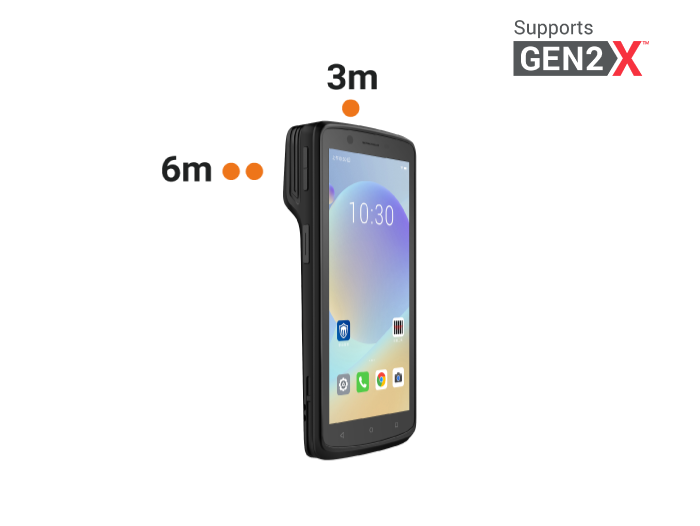
In a PCB workshop, workers must wear ESD-safe gloves or finger cots at all times. After etching, cleaning, and other wet processes, their hands may also carry chemical residue or moisture. If the handheld terminal's touchscreen cannot detect gloved fingers or wet hands, workers have to constantly remove and put back on their gloves — violating ESD protocols and severely slowing down scanning, job reporting, and traceability tasks. By 2026, touchscreen capability has become one of the core selection criteria for handheld terminals in PCB workshops. The SEUIC CRUISE2 Android Touch Mobile Computer, with its 5.5-inch capacitive display that fully supports glove touch and wet-hand operation, combined with IP68 protection, octa-core performance, and a professional scan engine, provides a reliable reference for touch interaction and device selection in PCB workshops.
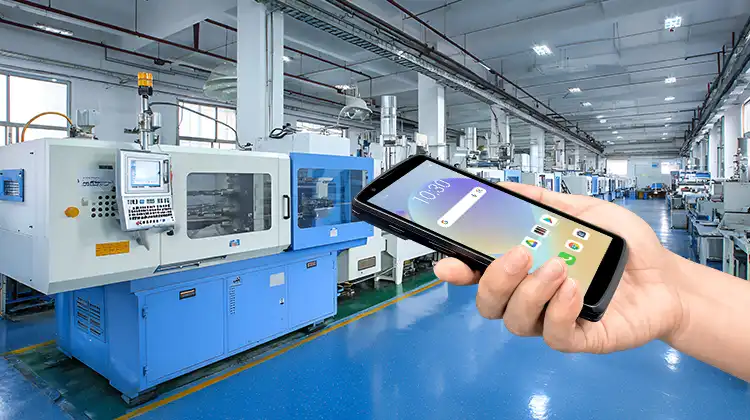
1. What Special Touchscreen Requirements Does a PCB Workshop Have?
Touchscreen usage in PCB workshops differs fundamentally from typical warehouse or retail environments.
Must operate with gloves on: PCBs are extremely sensitive to static electricity, so workers must wear ESD gloves or finger cots at all times. Standard capacitive screens rely on skin conductivity and often fail when gloves are worn. The CRUISE2's capacitive touch technology uses glove mode to detect subtle capacitance changes from nitrile, latex, and ESD fabric gloves — allowing workers to tap, enter data, and confirm actions without removing gloves.
Hands often have water or chemical residue: After etching, cleaning, and stripping processes, workers' hands may retain water or chemical solutions. The CRUISE2 supports wet-hand mode, which suppresses interference from water films through specialized touch algorithms, preventing false touches and drift.
Screen exposed to dust and oil contamination: Drilling and molding processes generate resin dust and lubricant mist that can form a contaminant layer on the screen. The CRUISE2's touch panel is water-resistant, oil-resistant, stain-resistant, and fingerprint-resistant. Combined with a 5.5-inch high-definition display, it maintains stable touch response even in contaminated workshop environments.
Touch must work in sync with scanning: The core task in PCB workshops is barcode traceability. Entering quantities, confirming process steps, and querying information must flow seamlessly with scanning actions. The CRUISE2 features independent left and right scan buttons plus virtual keys, enabling continuous operation between screen taps and scan triggers without interrupting the workflow.
2. How Is Glove Touch and Wet-Hand Operation Technically Achieved?
The CRUISE2 Android Touch Mobile Computer's glove and wet-hand capabilities come from the synergy of screen hardware, touch algorithms, and system modes.
At the hardware level, the device uses a 5.5-inch capacitive multi-touch display with a resolution of 720×1440. The improved signal-to-noise ratio allows it to capture the subtle capacitance changes introduced by glove materials. When the screen is wet or has water droplets, the algorithm uses adaptive filtering to distinguish real finger signals from water film noise. At the software level, the system includes built-in glove mode and wet-hand mode, which can be toggled manually or tuned based on the level of contamination on site. The screen balances high-definition display with an anti-contamination coating, ensuring clear visibility of work orders, serial numbers, and process interfaces under normal workshop lighting, side lighting in plating areas, and reflections in cleaning zones.
Beyond touch, the CRUISE2 is built with an industrial-grade rugged design: IP68-rated sealing against dust and water immersion. Its 5.5-inch screen and narrow bezel make it comfortable for one-handed patrols and two-handed scanning.
3. Beyond Touch: What Else Matters When Selecting a Terminal for PCB Workshops?
Touch capability is a must-have, but it's not everything. A complete selection should also consider the following dimensions:
Ingress protection: PCB workshops involve chemical splashes, resin dust, and equipment vibration. IP68 — fully dust-tight and capable of immersion — is the baseline. The CRUISE2 meets IP68 and also withstands ±15 kV air discharge and ±8 kV contact discharge ESD, making it suitable for ESD-controlled environments.
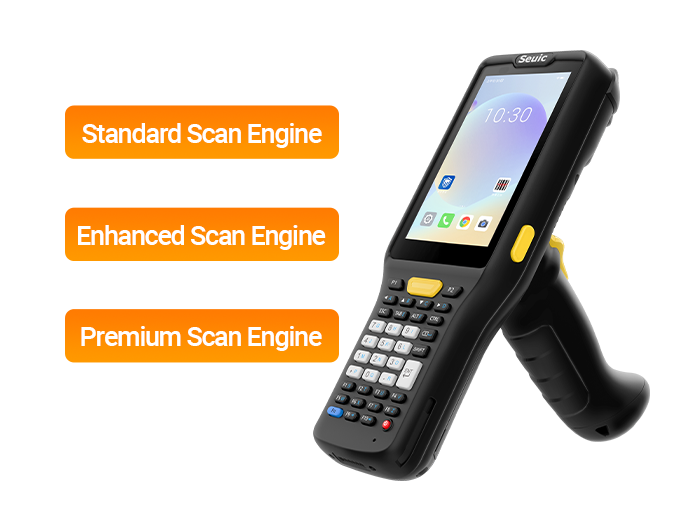
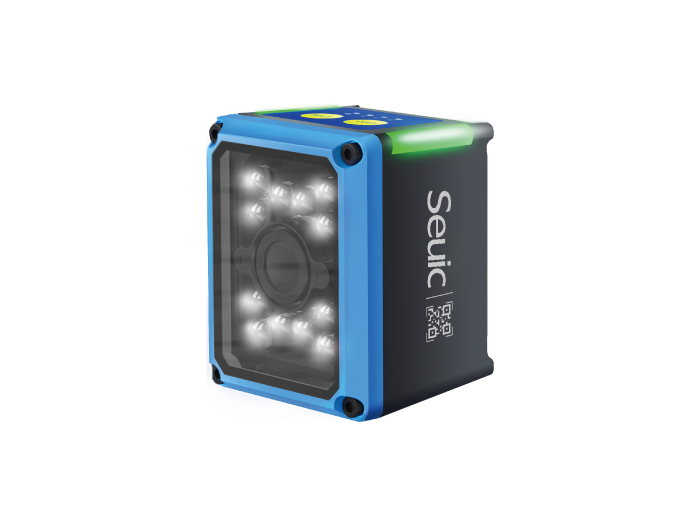
Scanning performance: DPM codes on PCBs are often low-contrast, tiny, deformed, or stained. The CRUISE2 is equipped with a professional 2D scan engine (standard configurations may use Honeywell SR 2D; certain variants support AI-enhanced scanning). It can read DPM, high-density, damaged, warped, stained, wrinkled, and screen-displayed codes. The AI scan solution achieves a higher first-read rate on difficult codes compared to standard imagers, and supports minimum 3 mil resolution and motion tolerance up to 4.4 m/s — ideal for conveyor-side or rapid pass-through stations.
Drop and durability: Frequent pick-up and placement between machines makes drops inevitable. The CRUISE2 survives 1.5 m drops onto concrete and 1,000 tumbles at 0.5 m, with a rugged body designed to withstand accidental impacts.
Battery life: Two- or three-shift operations cannot afford interruptions due to low battery. The CRUISE2 comes standard with a 5000 mAh removable lithium-ion battery supporting hot swapping. Optional upgrades include a 6000 mAh battery and a 40 mAh backup battery, enabling battery swaps without powering off — covering extended shifts. Lab battery life under standard configuration is approximately 14 hours.
System integration: Must connect to MES/ERP. The CRUISE2 runs on Android (standard edition Android 11 with GMS and AER certification, upgradable by model), and provides standard SDK/API. Connectivity includes dual-band Wi-Fi, optional Wi-Fi 6, Bluetooth, 4G/5G (depending on model), and NFC supporting ISO 15693/14443A/B and Mifare — usable for employee badges, fixture tags, and asset near-field reading. Paired with SEUIC's EMM, it supports batch deployment, remote configuration, and device monitoring.
4. CRUISE2 Mobile Computer: Suitability for PCB Workshops
Summarizing the above dimensions, here is how the CRUISE2 performs in a PCB workshop setting:
Touch interaction: 5.5-inch capacitive screen supports glove touch, wet-hand operation, and oil/stain resistance. Workers wearing ESD gloves with water residue can complete work order confirmation, quantity entry, and defect selection without compromising ESD compliance.
Protection: IP68 dust/water resistance, 1.5 m drop resistance + 1,000 tumbles, ±15 kV / ±8 kV ESD protection — withstands chemical splashes, resin dust, machine vibration, and everyday bumps.
Scanning performance: Professional 2D/DPM engine reads tiny, low-contrast, hole-pattern, and laser-marked codes. Left and right scan buttons plus AI decoding adapt to SMT loading, PCBA pass-through, repair/rework, and finished goods receiving scenarios.
Battery and performance: Qualcomm octa-core 2.0 GHz, 4 GB + 64 GB (optional 6 GB + 64 GB), Android 11 runs MES clients smoothly. 5000 / 6000 mAh hot-swappable battery covers full-day shifts; multi-shift battery swaps without shutdown.
System integration: Dual-band Wi-Fi / cellular, NFC, fingerprint unlock, USB-C / OTG, SDK / EMM interface with existing MES, WMS, ERP. Scan data includes serial number, process step, operator, timestamp, and defect reason — directly fed back to the traceability platform.
When selecting a handheld terminal for a PCB workshop, touch capability is the unavoidable first hurdle. The SEUIC CRUISE2 Android Touch Mobile Computer meets ESD-compliant operation with its 5.5-inch glove and wet-hand touch screen, tackles chemical splashes, dust, and accidental drops with IP68, 1.5 m drop resistance, and ESD protection, and ensures seamless MES integration with a professional 2D/DPM scan engine and an open Android system. For PCB manufacturers advancing production line digitization, this is an industrial-grade mobile computer worth putting on your shortlist — excelling in touch interaction, difficult code capture, and workshop-grade ruggedness.
Related News
-
Types of RFID Tags: Passive, Active & Semi-Passive Explained
Product Updates | 2026.10.12Learn More
-
Passive vs Active RFID Tags: Core Differences & When to Use Each
Product Updates | 2026.10.10Learn More
-
2D Barcode Scanner Buying Guide: Decoding, Environment & Lifecycle
Product Updates | 2026.10.10Learn More
-
What Is a 2D Barcode Scanner? Definition, How It Works & Supported Symbologies
Product Updates | 2026.10.09Learn More