


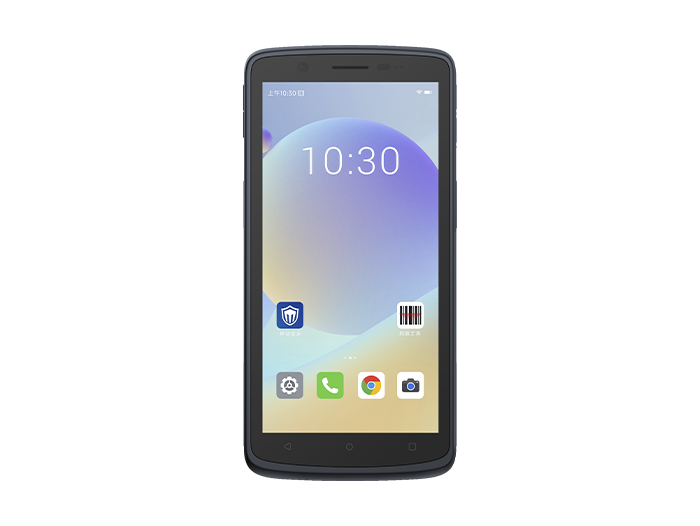
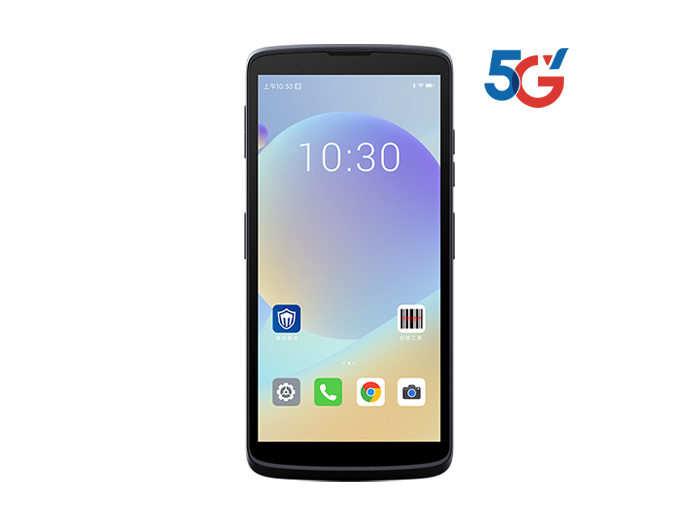
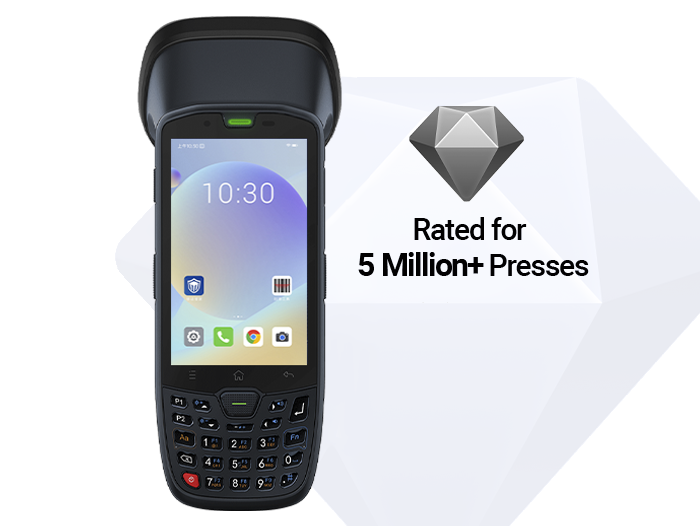
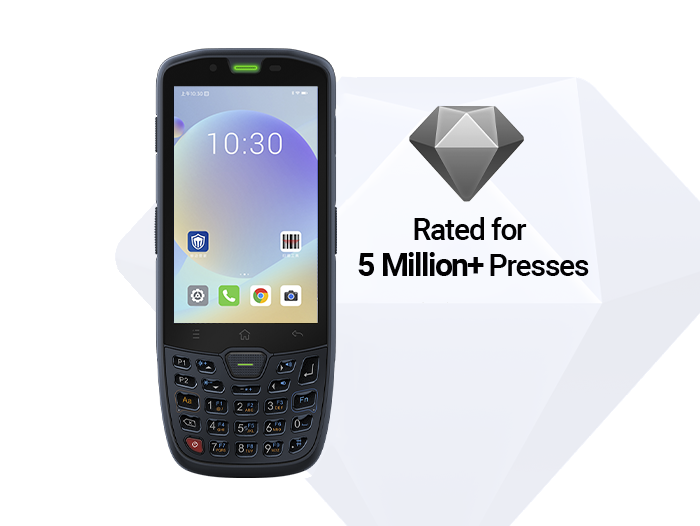
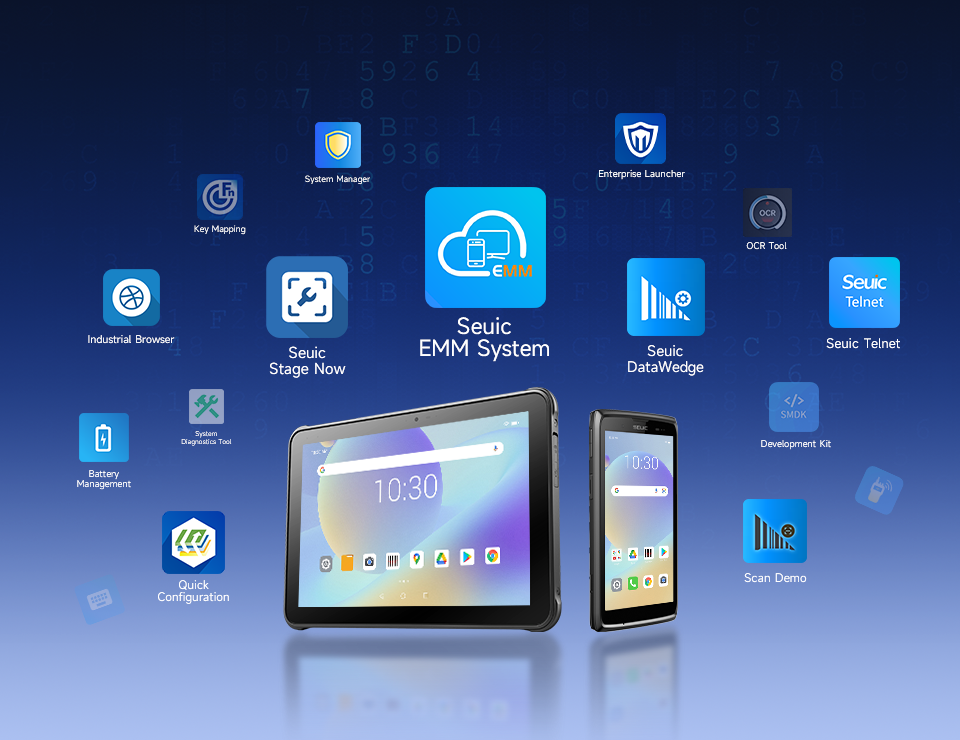


Rugged Android Tablet for Quality Inspection & Process Guidance
On the manufacturing floor, quality inspectors constantly need to review engineering drawings, record dimensional defects, upload photos of nonconformities, and generate rework orders. Operators, meanwhile, must follow step-by-step instructions for assembly, torque, dispensing, labeling, and other tasks. Paper work orders get lost, become outdated, and are hard to trace. In environments with oil, metal dust, cutting fluid, and frequent drops, consumer tablets often suffer from screen bleeding, water ingress, battery degradation, or cracked screens within weeks.
For plant managers, production supervisors, and QC leaders, a rugged Android tablet is not just "a tougher tablet." It brings MES/WMS/QMS functions directly to the mobile workstation: scan a code to pull up a work order, view a drawing to perform standard operations, report abnormalities immediately, and push data back in real time. It is increasingly becoming the standard terminal for shop-floor quality inspection and process guidance.
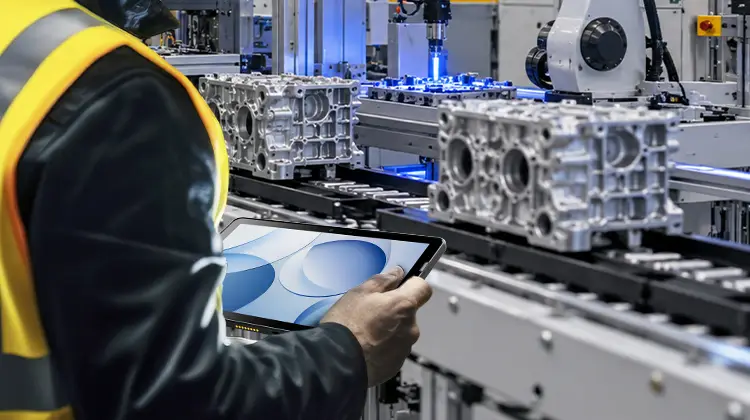
1. Quality Inspection: From "Post-Event Recording" to "In-Process Error Prevention"
The value of a rugged Android tablet in quality inspection lies in combining inspection standards, data capture actions, and traceability into a single mobile station.
First-Article and Patrol Inspection Standardization: The system pushes first-article inspection, IPQC, and FQC checklists based on the work order. Inspectors tick off dimensions, appearance, and functional parameters item by item, eliminating reliance on memory. When changing production lines, scanning the work order automatically loads the latest inspection standards, preventing the use of outdated drawings.
Defect Documentation and Closed-Loop Resolution: When scratches, deformation, color deviation, or improper assembly are found, inspectors can take photos or videos directly and bind them to the product serial number or batch. The system automatically generates nonconformance reviews, rework requests, or concession dispositions, reducing paper-based delays.
Automatic Measurement Data Capture: The tablet connects to calipers, torque wrenches, test fixtures, or PLC data via intermediate gateways. Dimensions, torque values, current, pressure, and other results are written back to the QMS automatically, minimizing manual transcription errors.
Nonconformance Traceability and Escalation Prevention: Scanning a WIP code reveals the incoming material batch, equipment, operator, and previous inspection results. Unresolved nonconforming items are blocked from moving to the next process, supporting forward and backward traceability in automotive, electronics, pharmaceutical, and other industries.
For QC personnel, the key requirement for a rugged Android tablet is not just "being able to run apps," but readability in bright workshop or outdoor conditions, touchscreen operation with gloves, wipeability in oily environments, survival after drops, and offline data caching.
2. Process / Work Instruction Guidance: Turning SOPs into Actionable Steps at the Station
The essence of process guidance is ensuring the right person performs the right action, at the right station, using the correct version of the instruction.
Work-Order-Driven eSOP: After scanning a work order or material code, the tablet displays the standard operating procedure for that specific station — including illustrated steps, assembly animations, torque ranges, dispensing parameters, welding currents, etc. When switching orders, the system forces confirmation of the version, preventing experienced workers from relying on memory and newcomers from using old drawings.
BOM Error-Proofing and Material Verification: Before feeding materials, operators scan the barcode or RFID tag. The system compares it against the work order BOM and batch number. If the model, specification, or revision does not match, an audible and visual alarm triggers, reducing incorrect assembly and mixing at the source.
Real-Time Parameter Alarms: Key process steps connect to equipment data. When bolt torque, press displacement, coating thickness, or welding current deviates beyond limits, the tablet and overhead display synchronize an alarm, optionally triggering a line stop to prevent batch defects.
Time Booking and Visualization: Upon completing each process step, operators clock in immediately. Shift supervisors view progress, yield rates, and downtime on a tablet dashboard. Abnormal work orders are assigned with photos, enabling collaborative closure among maintenance, process, and quality teams.
The same logic applies to retail, warehousing, hospitals, and utility inspections: store associates follow shelf replenishment and inventory SOPs, warehouse workers follow picking/putaway/recheck SOPs, nurses follow patient verification procedures, and meter readers follow inspection checklists — only the data fields and backend systems differ.
3. How to Choose a Rugged Android Tablet: Match Your Business, Not Spec Sheets
When purchasing a rugged Android tablet, we recommend a four-layer screening process: Environment → Business Scenario → Management → Total Cost of Ownership.
3.1 Protection and Temperature Range
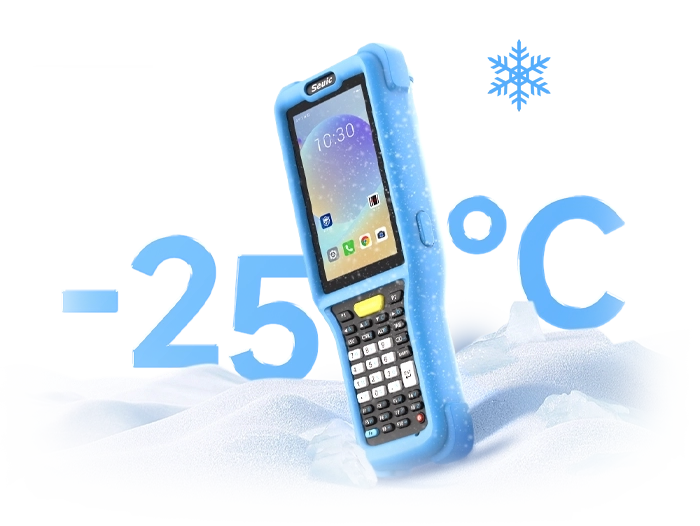
For dusty, washdown, or outdoor rainy environments, prioritize IP68. For splash and dust resistance only, IP65 may suffice. Drop resistance should be verified by actual height and surface — 1.2m six-sided drops are a practical benchmark for industrial tablets. For cold storage or high-temperature workshops, check the operating temperature range (e.g., -20°C to 50°C or wider). Salt spray, chemical, and medical cleanroom applications require additional corrosion/cleaning/certification considerations.
3.2 Screen and Touch for Drawings and Gloves
For quality inspection with engineering drawings, retail with full-page inventory lists, or field inspections with CAD files, a 10–11 inch full-HD display or higher is recommended. Outdoors, choose anti-glare, high-brightness screens with Corning-type scratch-resistant glass. Support for glove mode and wet touch reduces misoperations in workshops, cold rooms, or rain.
3.3 Data Capture: Matching Codes and Tags
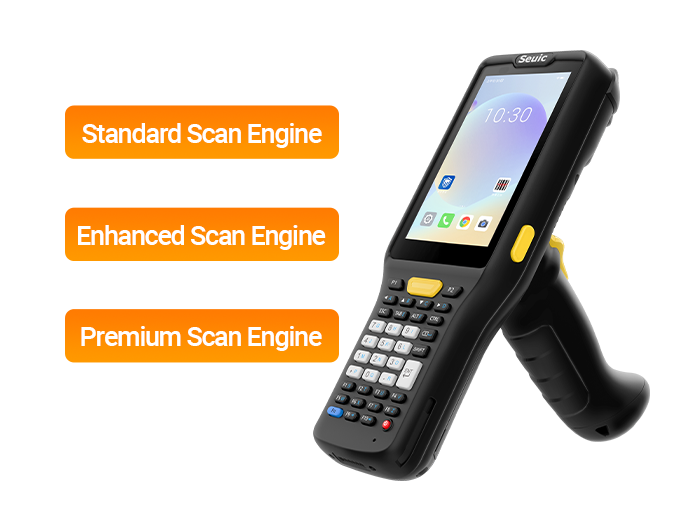
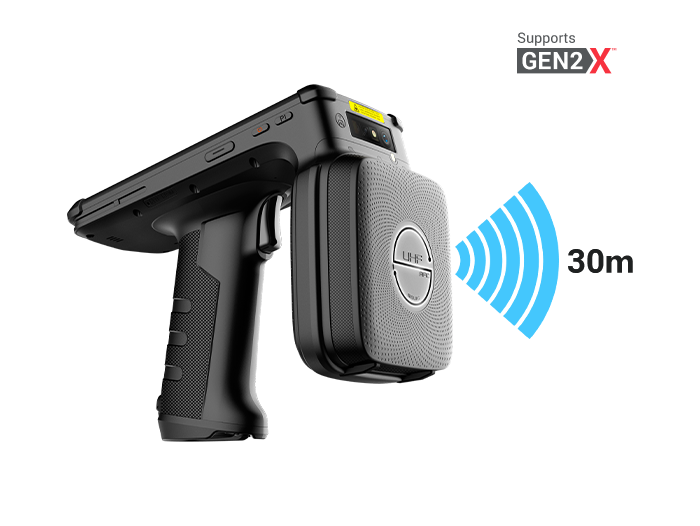
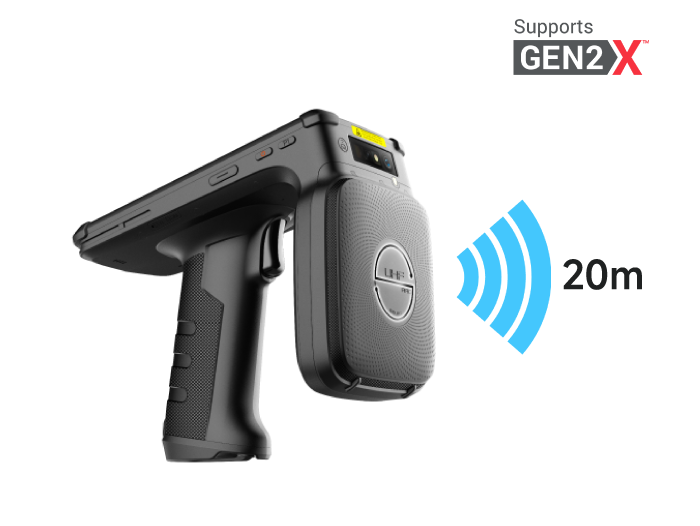
1D/2D barcode scanningis essential. For laser-etched DPM codes, oily or reflective labels, a dedicated industrial scan engine is needed. For assets, pallets, and fixtures, use UHF RFID. For access control, medical wristbands, and identity verification, use NFC/HF. Built-in modules are less failure-prone than tethered scan handles.
3.4 Network and Roaming for Large File Transfer
Large engineering drawings, inspection photos, and 3D SOPs require stable Wi-Fi. For cross-campus, outdoor, or last-mile delivery scenarios, 5G/4G is necessary. Multi-AP roaming, MLO (multi-link aggregation), and MIMO antennas help maintain connectivity without packet loss during movement.
3.5 Battery and Shift Patterns
Single-shift operations can use a large-capacity battery with fast charging. For two or three shifts, or outdoor patrols, prioritize hot-swappable batteries — replace without powering down. Battery safety monitoring and bulge detection reduce long-term maintenance costs.
3.6 Management and Security for Scalable Deployment
For bulk provisioning, policy push, app whitelisting, remote lock/wipe, and offline location, choose devices that support EMM/MDM, Android Enterprise, and zero-touch enrollment. Multi-site deployments also require consideration of spare parts availability, warranty terms, and firmware update cycles.
3.7 Lifecycle Total Cost of Ownership (TCO)
Compare not just unit price, but the 3–8 year failure rate, OS upgrade support, accessory costs, and replacement frequency. For critical production stations, opt for long-lifecycle industrial Android tablets; for auxiliary inventory tasks, lighter PDA/tablet combinations may suffice.
4. Product Recommendation: SEUIC AUTOID Pad Air 11 Rugged Android Tablet
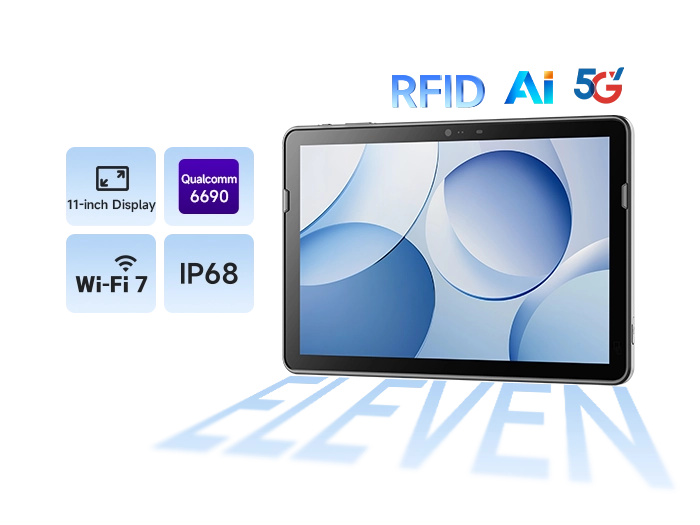
If your primary use case involves 11-inch drawing viewing, quality inspection photography, and process guidance, the SEUIC AUTOID Pad Air 11 is worth evaluating. It is an 11-inch 5G industrial tablet powered by a Qualcomm QCM6690 octa-core 2.9GHz processor (4nm process) with 6 TOPS AI computing power — suitable for running CAD drawings, MES/QMS clients, image-based inspections, and lightweight edge AI.
Key Fit Points:
Large Screen & Outdoor Readability: 11-inch full HD, offering approximately 17% more visible area than 10-inch models. Engineering drawings, full-page inventory lists, and SOPs require less zooming. Corning Gorilla Glass 5 with anti-glare and anti-fingerprint coating, ideal for bright workshops and outdoor patrols.
Ruggedness & Wide Temperature: IP68 rating, 1.2m drop resistance, operating temperature -20°C to 50°C, slim profile (approx. 8.5mm at thinnest point) — balancing portability with resistance to dust, rain, and oil.
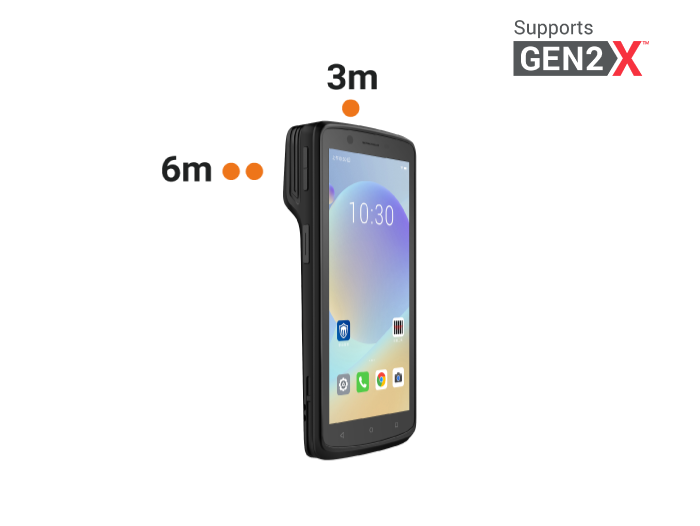
Data Capture for Inspection & Process: Integrated UHF RFID + 1D/2D barcode scanning + high-resolution imaging. Scan materials, assets, and WIP; take defect photos; close the loop on first-article, IPQC, FQC, and rework workflows.
Fast Large-File Transmission: Wi-Fi 7 with theoretical peak speeds up to 30 Gbps, MLO multi-link aggregation across 2.4/5/6 GHz bands, 2x2 MIMO, average latency <3 ms, packet loss as low as 0.5% (vendor lab data). Smoother roaming across APs, ideal for instant transfer of 3D assembly diagrams and high-definition defect images.
Uninterrupted Shifts: 10,000 mAh hot-swappable battery, supports battery removal during AC operation. Battery safety management reduces bulge risk and maintenance costs — suitable for multi-shift manufacturing, logistics sorting, and retail inventory.
Multi-Industry Expansion: Beyond manufacturing quality inspection and process guidance, extends to retail store inventory management, logistics dispatch and sorting, smart office access control, and public utility inspections (metro, airport, meter reading).
Digitalizing quality inspection and process guidance does not mean simply replacing paper with a tablet. It means using a rugged Android tablet to connect standards, work orders, data, alarms, and traceability into a seamless workflow. When selecting a device, start with environment to determine protection, match screen size to business scenarios, choose scanning based on code types, and size the battery according to shift patterns. For critical manufacturing stations requiring large-screen drawing viewing, long lifecycle systems, and high-speed data transfer, consider putting the SEUIC AUTOID Pad Air 11 on your shortlist for evaluation.
If you are currently assessing terminals for production-line quality inspection or process guidance, feel free to contact SEUIC. Our industry experts will provide a one-on-one customized solution tailored to your needs.
Related News
-
Types of RFID Tags: Passive, Active & Semi-Passive Explained
Product Updates | 2026.10.12Learn More
-
Passive vs Active RFID Tags: Core Differences & When to Use Each
Product Updates | 2026.10.10Learn More
-
2D Barcode Scanner Buying Guide: Decoding, Environment & Lifecycle
Product Updates | 2026.10.10Learn More
-
What Is a 2D Barcode Scanner? Definition, How It Works & Supported Symbologies
Product Updates | 2026.10.09Learn More