


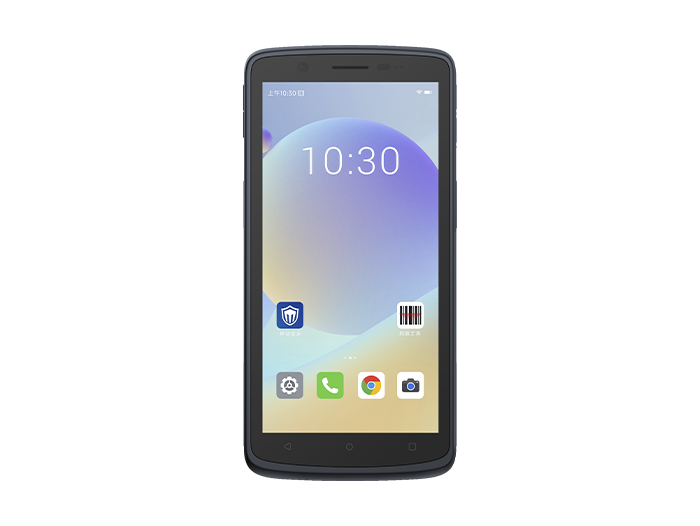
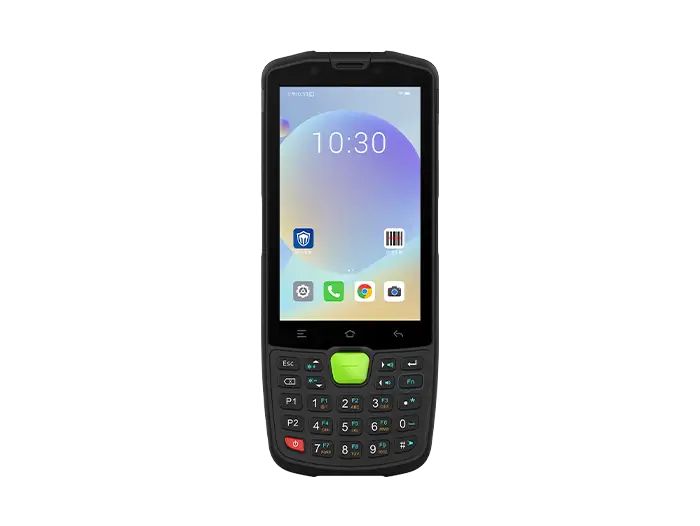
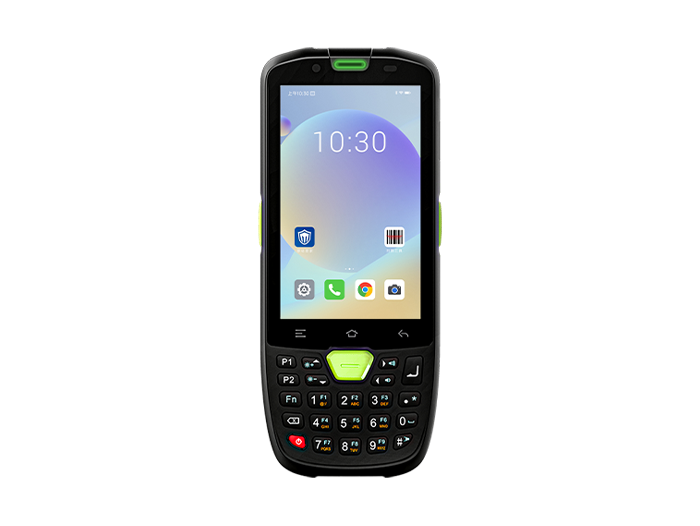
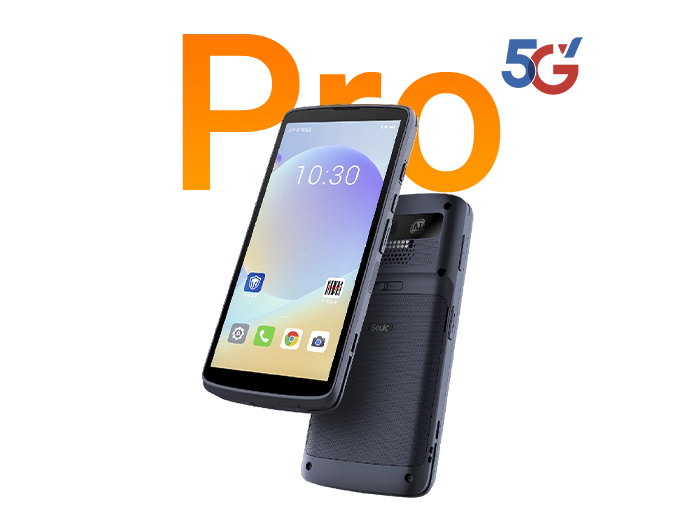




Mobile computer Usage Guide
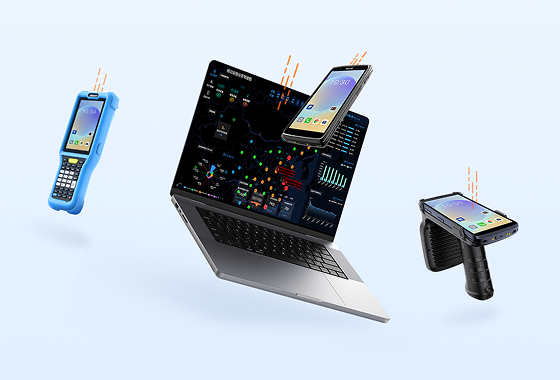
In the modern working environment, mobile computer has gradually become a powerful assistant for improving work efficiency in all walks of life. Whether in logistics, retail, medical or other fields, mobile computer can help users to conveniently manage data, communicate and process tasks. Dongji editor will comprehensively introduce the use of mobile computer.

I. Initialization Settings
1. Device startup and initialization
Press and hold the power button to start the device. After the system automatically loads, check the screen display and network connection (4G/WiFi/Bluetooth) status.
When using for the first time, you need to set basic parameters such as date, time, language, screen brightness, and configure the automatic lock screen/shutdown function.
2. Network Configuration
Enter the system settings interface, select Wi-Fi, Bluetooth or 4G network mode, and enter the password to complete the connection.
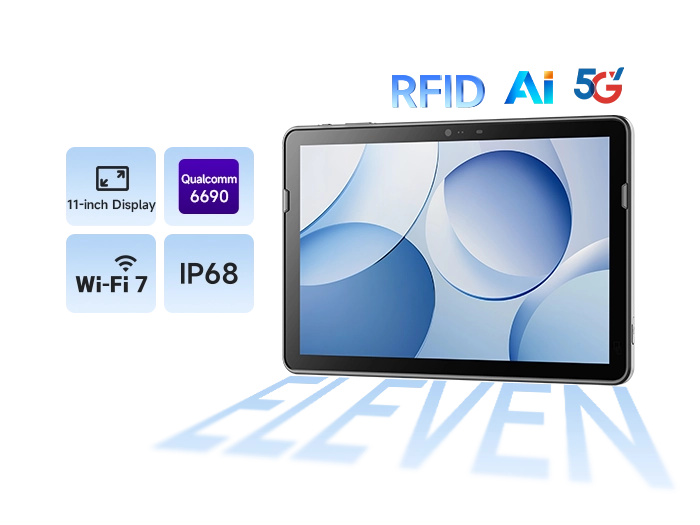
Supports dual-band Wi-Fi (2.4GHz/5GHz), Bluetooth 5.0 and 4G full network access to ensure data transmission stability.
2. Scanning function configuration
1. Barcode scanning operation
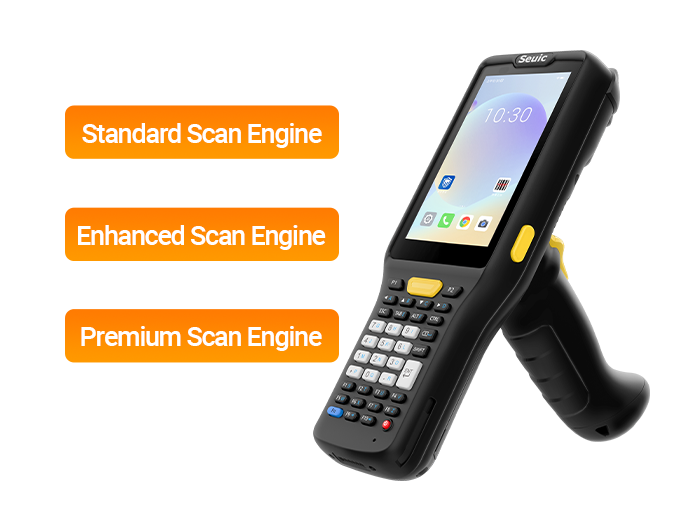
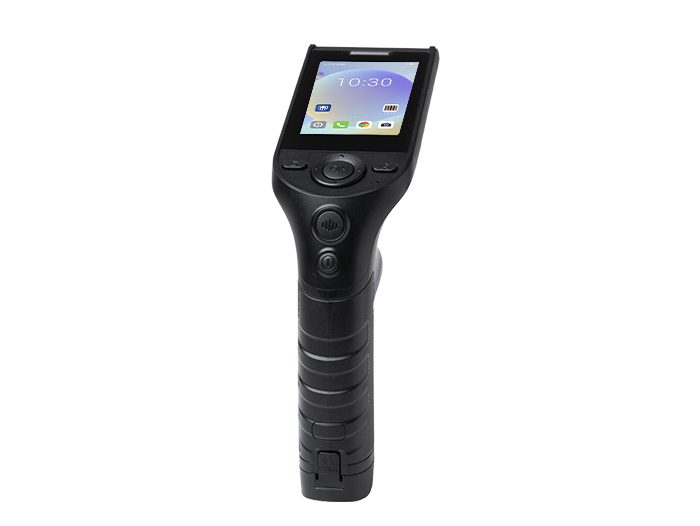
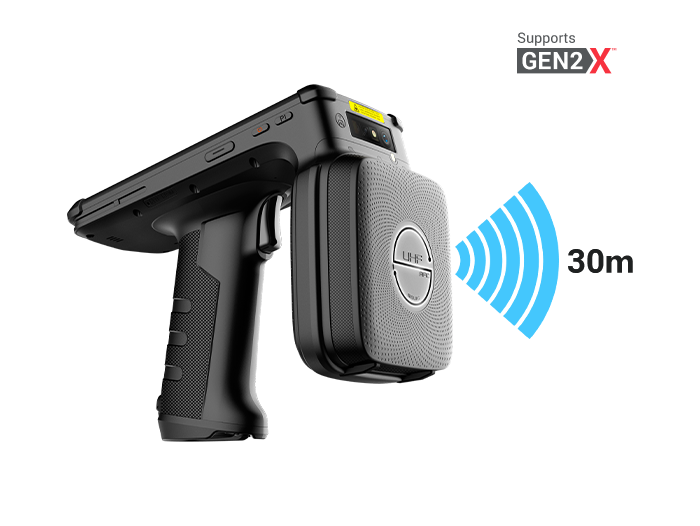
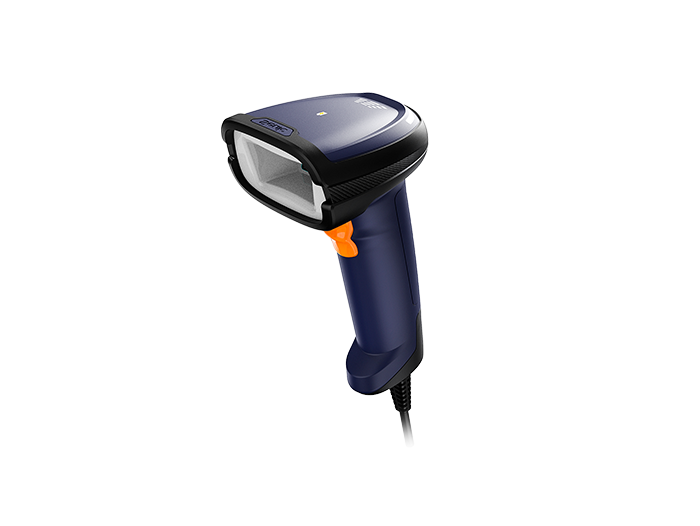
Use the top/side physical scan key (such as the orange shortcut key of H68T or the UHF trigger key of H60T) to aim at the barcode 5-30cm2, 2. Distance trigger scanning.
When the scan is successful, the device emits a prompt sound or vibrates, and the data is automatically displayed on the screen and temporarily stored locally or uploaded to the preset system.
2. Scanning parameter settings
Adjust the scanning parameters in the system settings, such as whether to enable automatic scanning at power-on, prompt sound switch and fill light control.
Supports one-dimensional code, two-dimensional code, DataMatrix and other types, with a scanning frequency of ≥600 times/second.
Related News
-
What Is RFID? A Complete Guide to Radio Frequency Identification: Definition, Working Principle & Applications
Product Updates | 2026.09.21Learn More
-
2D Barcode Scanner for Automotive DPM Traceability
Product Updates | 2026.09.20Learn More
-
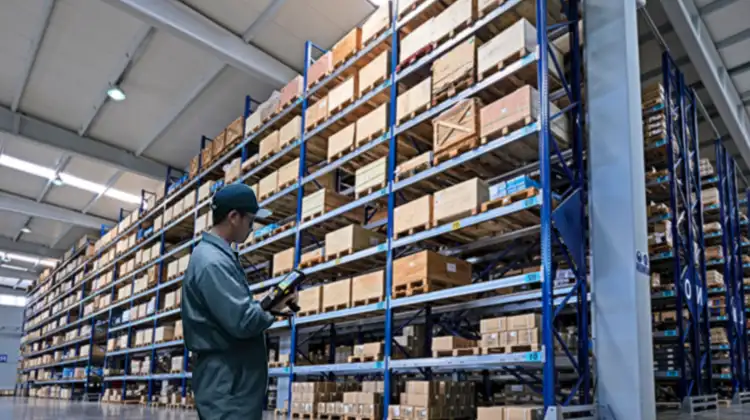
Portable Barcode Scanner for High-Rack Warehouses
Product Updates | 2026.09.20Learn More
-

RFID Tracking System Buying Guide: 10 Must-Evaluate Selection Factors
Product Updates | 2026.09.18Learn More