






Integrate Portable Barcode Scanners with WMS/ERP/MES — Data, Offline & Device Lifecycle Management
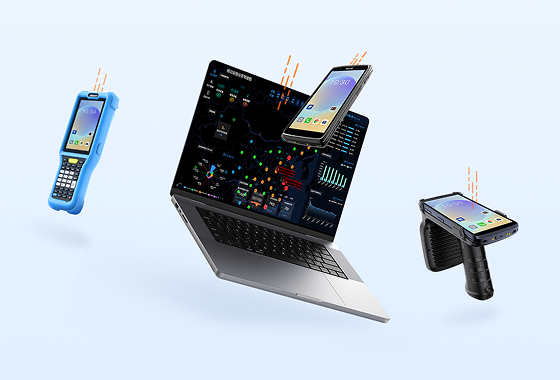
Many people still think of a portable barcode scanner as just something that "beeps and spits out a code." But in warehousing, manufacturing, retail, healthcare, utilities, and field enforcement, scanning is only the entry point. What really determines efficiency is: can the barcode data land accurately in WMS/ERP/MES? Can operations continue when the network drops? And how do you centrally manage a fleet of handheld devices across shifts and sites? Buy the hardware without planning the integration, and you'll end up with inventory inaccuracies, failed work order write-backs, and downtime in cold storage or outdoor operations.
1. Data Layer: Making the Scanner a Reliable System Input
The primary job of a portable barcode scanner isn't "reading" — it's "writing the right data into the right fields." In WMS, that typically involves SKU, batch, serial number, bin location, quantity, and transaction type. In ERP, it's material codes, order numbers, suppliers, and cost centers. In MES, it ties to work orders, operations, equipment IDs, employee IDs, and inspection results.
Start with master data alignment: standardize barcode rules where possible (e.g., GS1 standards) to avoid one-item-multiple-codes scenarios. Keep validation lightweight on the scanner side — prefix checks, length validation, mandatory field checks. Push full business logic to middleware or the system interface layer. Common approaches include API, message queues, or intermediate tables: scan data goes to a collection service first, then routes to WMS/ERP/MES based on rules, and returns the processing result. This reduces load on the handheld and makes debugging and refactoring easier later.
For companies running multiple systems, define the master data source clearly. For example, material master data comes from ERP, bin locations and inventory status from WMS, and production execution from MES. The portable barcode scanner sends back system identifiers and business types so the integration layer can prevent duplicate writes or overwrites.
2. Offline Fault Tolerance: Keep Working When the Network Drops
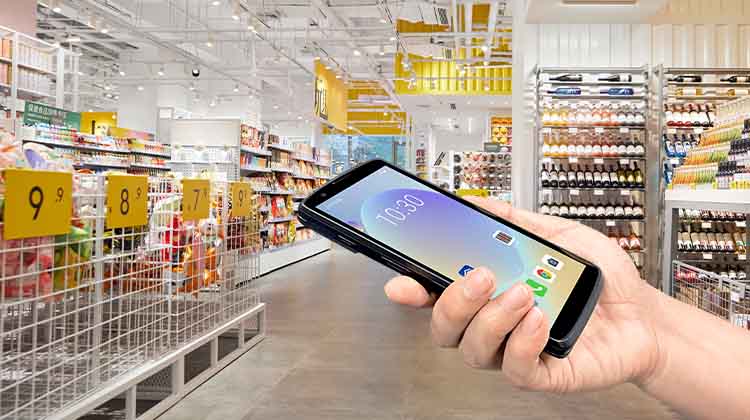
Warehouse dead zones, cold storage, underground distribution centers, metal-shielded factory floors, outdoor meter reading routes, and field enforcement patrols — all can suffer weak Wi-Fi coverage. If your portable barcode scanner relies entirely on real-time connectivity, any break brings everything to a halt. A better approach: local cache + queue-based retransmission + conflict handling.
On the handheld side, support structured local storage (e.g., encrypted SQLite). Queue unuploaded records by timestamp and transaction number. Automatically retransmit when the network is restored, preserving the original payload and retry count. Define conflict resolution rules in advance: for inventory deductions, use server-side validation with merge logic; for master data changes, apply version number or timestamp priority; for production clock-ins, prevent duplicate write-backs for the same operation. Log all offline activity with device ID, operator, barcode, timestamp, and success/failure reason for later audit.
During testing, simulate three failure modes: weak network latency, 30-minute network outage, and temporary server unavailability. Only when the system handles all three without losing or duplicating transactions can offline fault tolerance be considered qualified.
3. Device Lifecycle Management: CRUISE2 in Demanding Winter Conditions
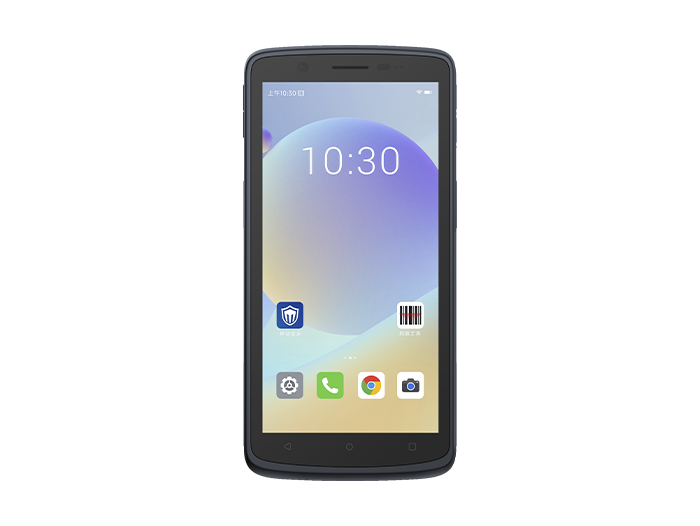
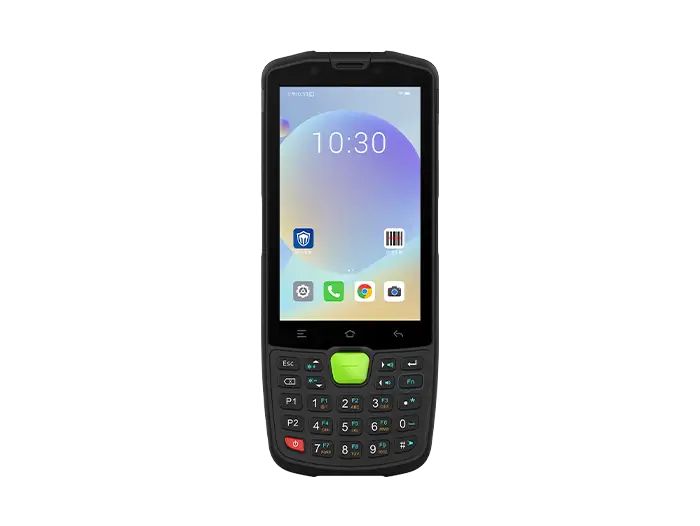
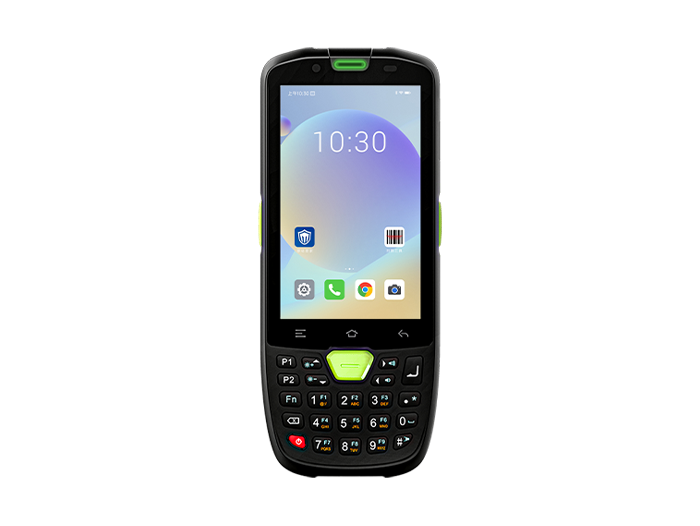
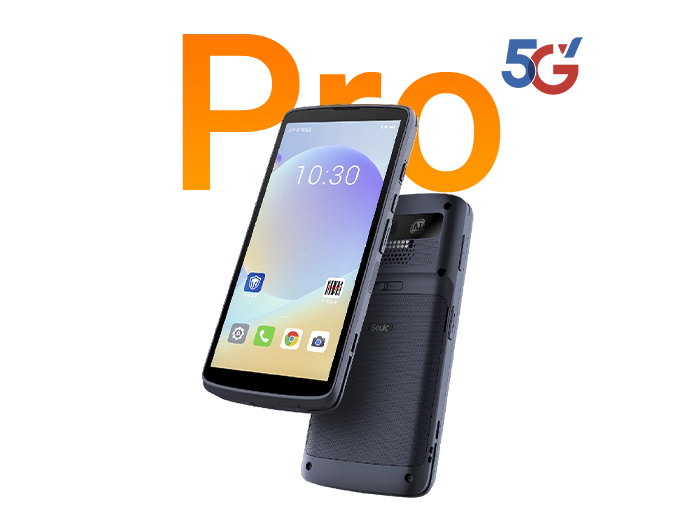
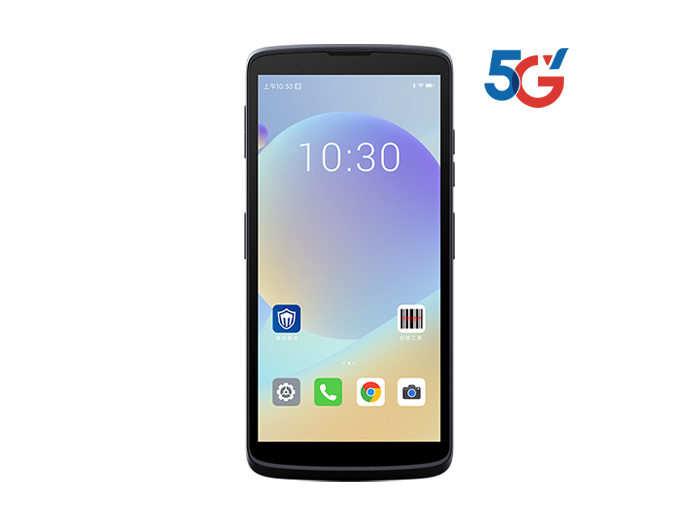
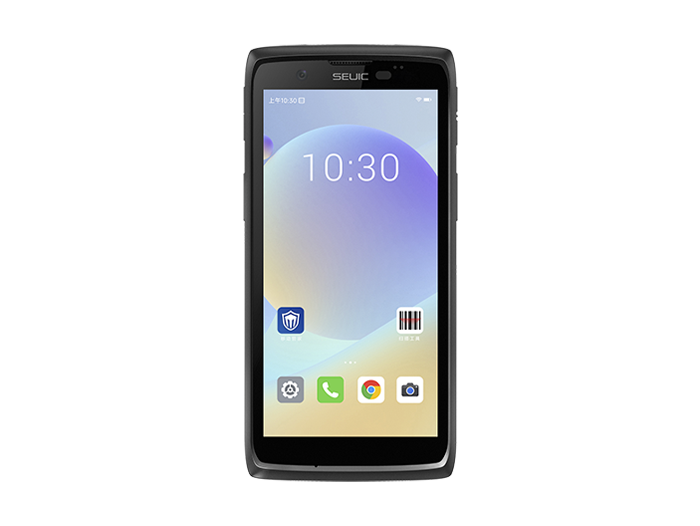
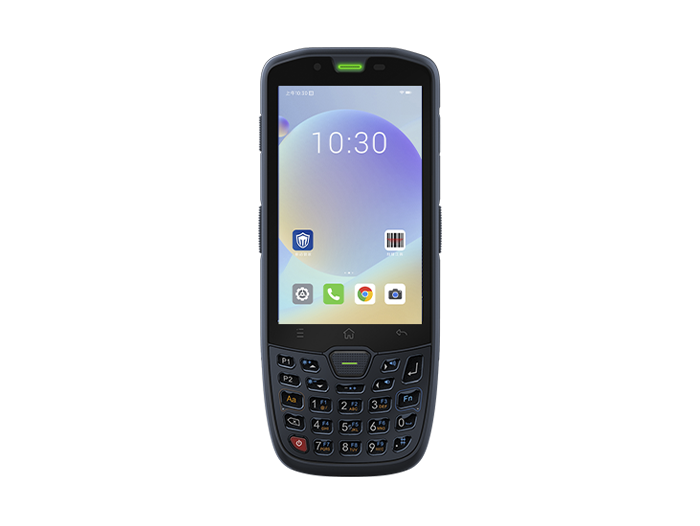
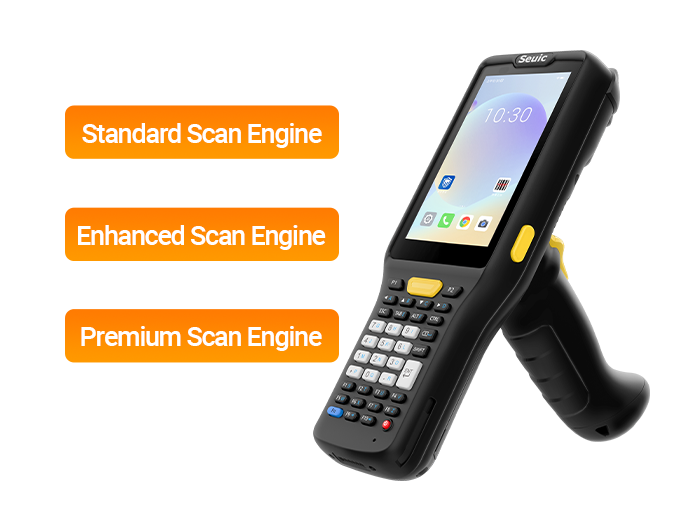
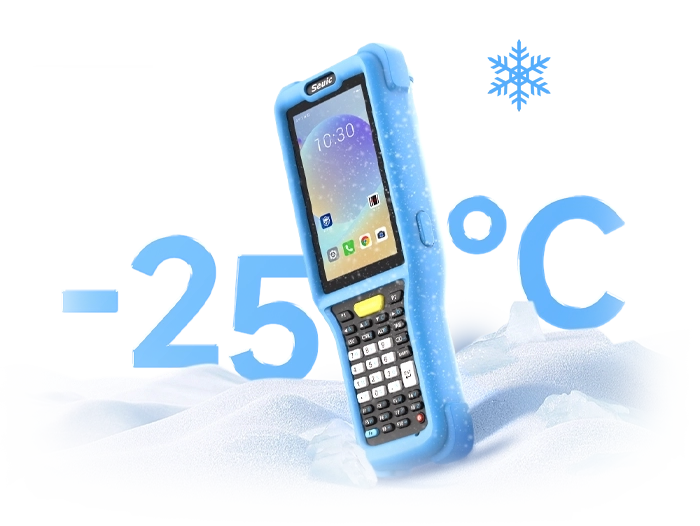
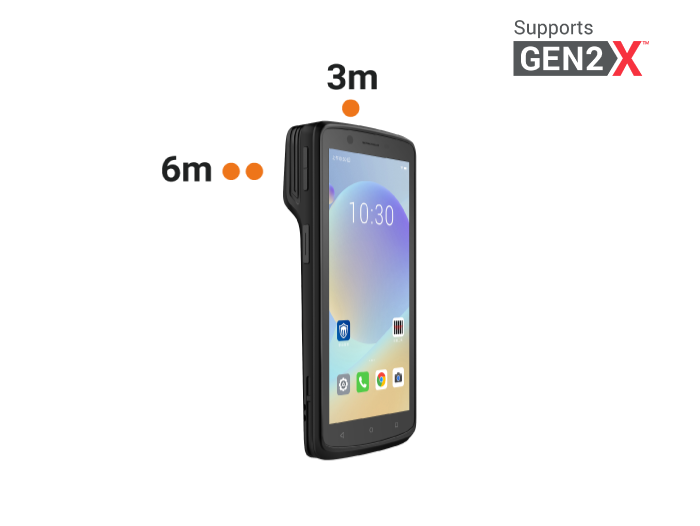
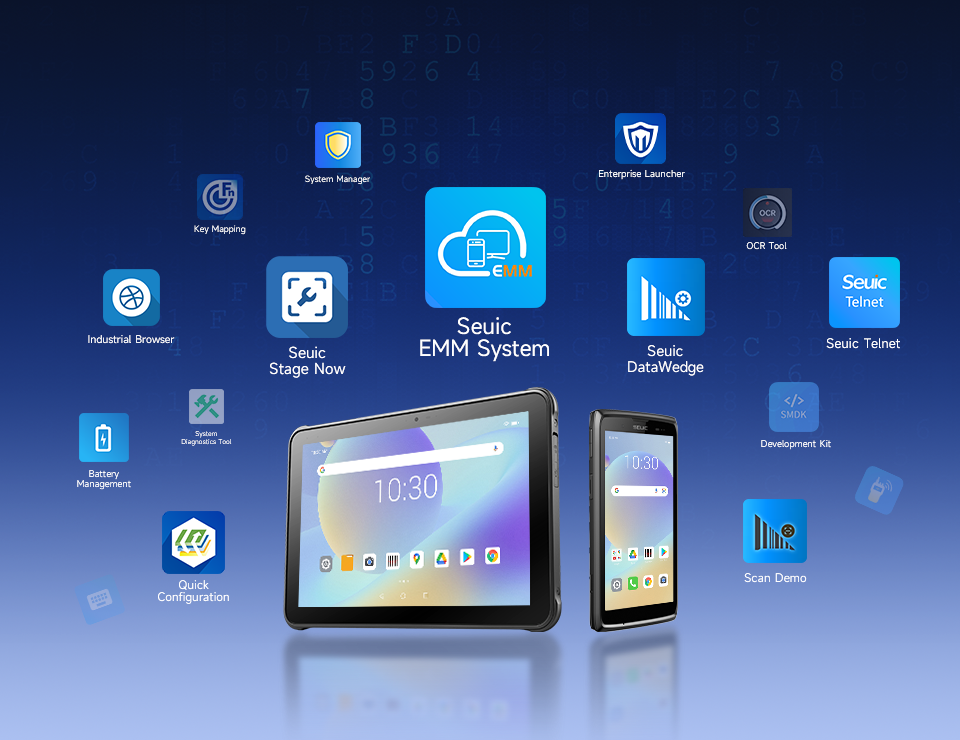
Winter warehousing, cold storage, outdoor meter reading, and enforcement patrols bring common challenges: battery drain in low temperatures, thick gloves making touchscreens unusable, and unstable networks. Relying on manual device checks invites batch failures. Take the SEUIC CRUISE2 rugged portable barcode scanner as an example: it features a 5.5-inch glove/wet-finger touchscreen for precise operation even in freezing conditions; IP68 protection against snow, ice, and dust; an octa-core 2.0GHz processor and professional scanning engine for fast barcode recognition. More importantly, its 5,000mAh hot-swappable battery lets you swap batteries outdoors or in cold storage without shutting down — avoiding cold-start failures. Through MDM, you can centrally manage CRUISE2 system versions, scan parameters, Wi-Fi/VPN settings, and permission policies; remotely deploy WMS/ERP/MES client apps; and monitor battery levels, scan success rates, and exception logs in real time. Fingerprint unlock and NFC strengthen login security and personnel traceability. Common winter issues can be flagged early through the backend, reducing on-site downtime.
4. Deployment Checklist
Barcode rules: Are they standardized? Do they include batch, serial number, bin location, and other required fields?
Interface layer: Which write-backs belong to WMS, ERP, and MES respectively? Is there middleware validation?
Offline strategy: Local cache capacity, retransmission mechanism, conflict rules, log retention.
Device policy: Centralized management of OS versions, app distribution, permissions, battery, and scan engine parameters.
Scenario validation: Run stress tests separately for cold storage, production lines, night deliveries, and outdoor enforcement.
The value of a portable barcode scanner isn't in "being able to scan" — it's in having controllable data after the scan, continuity when the network drops, and manageable devices at scale. Start with the data layer and interface boundaries, add offline fault tolerance, then standardize lifecycle management with MDM and devices like the CRUISE2. Only then can you sustain long-term stable operations across warehousing, manufacturing, retail, healthcare, and utilities.
If you're evaluating a WMS/ERP/MES scanning integration solution, or would like to trial devices for cold storage, production lines, or meter reading scenarios, feel free to contact SEUIC for a 1-on-1 consultation and a free CRUISE2 demo unit.
Related News
-
What Is RFID Meaning? Definition & Common Beginner Misconceptions
Product Updates | 2026.09.21Learn More
-
What Is RFID? A Complete Guide to Radio Frequency Identification: Definition, Working Principle & Applications
Product Updates | 2026.09.21Learn More
-
2D Barcode Scanner for Automotive DPM Traceability
Product Updates | 2026.09.20Learn More
-
Portable Barcode Scanner for High-Rack Warehouses
Product Updates | 2026.09.20Learn More