




Retail Replenishment Portable Barcode Scanner Selection Guide: 4 Code Types · 5 Hard Capabilities
In the fast-paced world of retail, replenishment efficiency directly impacts sales and customer satisfaction. Imagine attaching the wrong price tag to a newly arrived T-shirt, or being unable to verify a member discount code during a promotion. The result? Long checkout lines, inventory chaos, and shrinking margins.
The root cause is often overlooked: barcode scanning. Many retailers rely on a single, limited-function device to handle every type of barcode — and the result is inefficiency and errors. Today, we'll break down the four most critical barcode types in retail replenishment and explain how to choose a truly professional portable barcode scannerfor retail replenishment that can elevate your store operations.
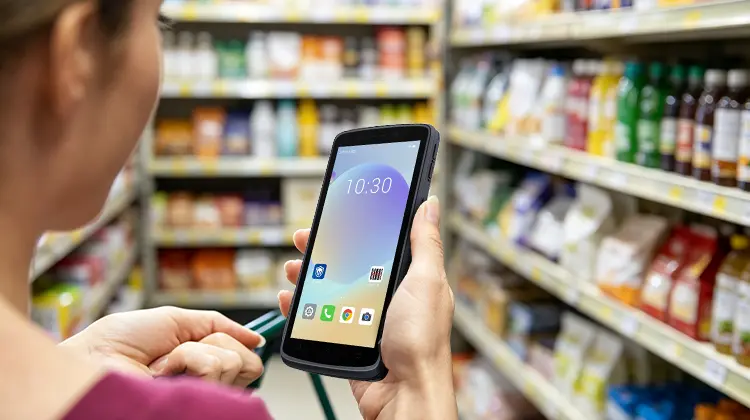
1. Four Code Types in the Replenishment Workflow — And Why You Shouldn't Mix Them
Retail replenishment isn't just "pick up a product, scan it, and put it on the shelf." It involves multiple stages, each with its own coding system. Treating them all the same is a recipe for mistakes.
Product Barcodes (EAN/UPC): These are the global "ID cards" for products, typically printed on packaging. Their purpose is to identify "what product is this." They are used during receiving and inventory counting to update stock levels.
Price Labels (Shelf Labels): These are localized labels placed on shelves or products, linking to "how much this product costs in this store." They may or may not match the product barcode (e.g., promotional pricing). Confusing the two leads to incorrect price updates when scanning a product barcode to verify pricing.
QR Codes: In retail, QR codes carry far more information than 1D barcodes. They can link to a promotion page, an e-coupon, or a product traceability portal. They are not used for checkout but for marketing and information delivery.
Membership Codes: Whether in barcode or QR format, membership codes exist to identify "who is shopping." They connect to a customer's points, tier, and personalized offers. At checkout, the membership code must be scanned before the product barcode to apply discounts correctly.
Why mixing them matters: Different business systems — POS, inventory management, CRM, marketing platforms — only recognize their own dedicated codes. Using a 1D-only scanner on a QR code returns "no data." Using a generic scanner on a price label might misidentify it as a product barcode, causing pricing errors. An efficient retail replenishment barcode scanner must intelligently distinguish and accurately read all these code types.
2. Five Hard Capabilities a Portable Scanner Must Have
To handle the complex code landscape described above, a qualified portable 2D scanner for retail must deliver these five core capabilities:
Omnidirectional multi-code decoding: This is not optional — it's mandatory. The device must seamlessly read all mainstream symbologies: 1D (EAN/UPC), 2D (QR codes, Data Matrix), PDF417 (found on some driver's licenses and IDs), and more. Crucially, it must auto-detect the code type without requiring manual mode switching.
Superior on-screen barcode reading: Membership codes and e-coupons are often displayed on customers' phone screens. Screen glare, uneven brightness, and protective films make these difficult for ordinary scanners. A good device must have algorithm optimization for on-screen codes, achieving sub-second recognition even with screen protectors or low brightness.
Rugged industrial-grade design: Retail replenishment environments are tough. Devices may fall from 1.5-meter-high shelves, encounter dust, spills, and even mild chemical cleaners. The device must have an IP65 or higher dust/water ingress rating and survive multiple 1.5-meter drops to concrete.
Long battery life with hot-swap capability: Shifts can run 8–12 hours. A dead battery means stopped work. High-capacity batteries are the baseline; the premium feature is hot-swappable batteries — swapping batteries without powering down the device — ensuring continuous operation.
Ergonomics and portability: Employees hold the device for extended periods. A heavy or poorly designed device increases fatigue and reduces efficiency. The device should be lightweight, comfortable to grip, with easily accessible buttons, ideally supporting gloved or wet-hand operation.
3. Match Device Form Factor to Store Role
Not every role needs the same device. Choosing the right form factor based on job content and frequency is critical:
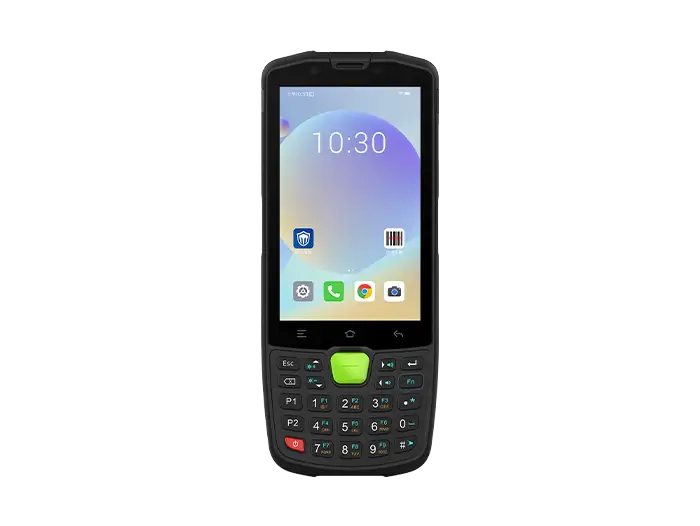
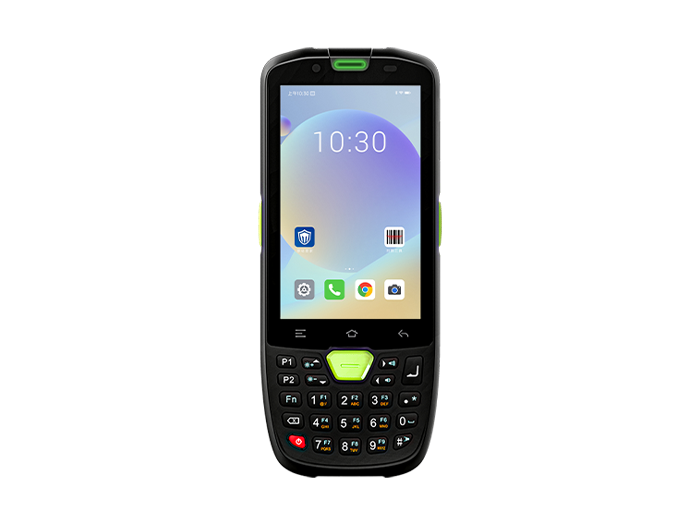
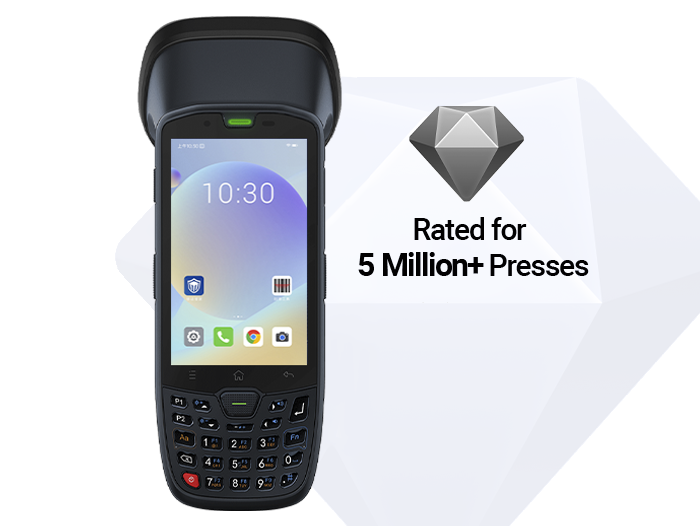
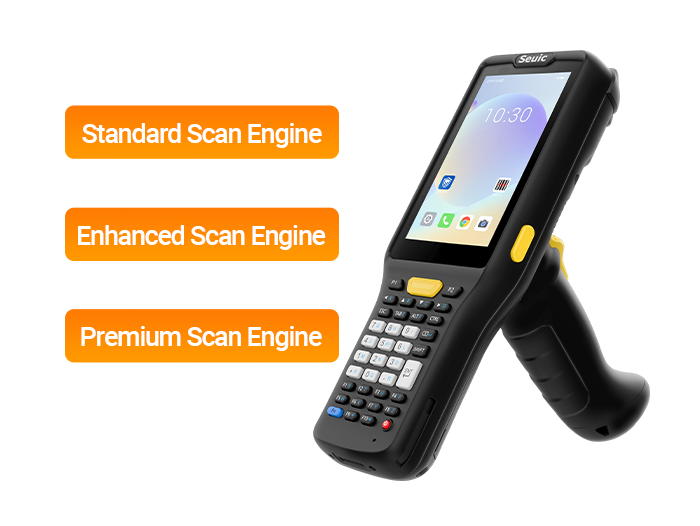
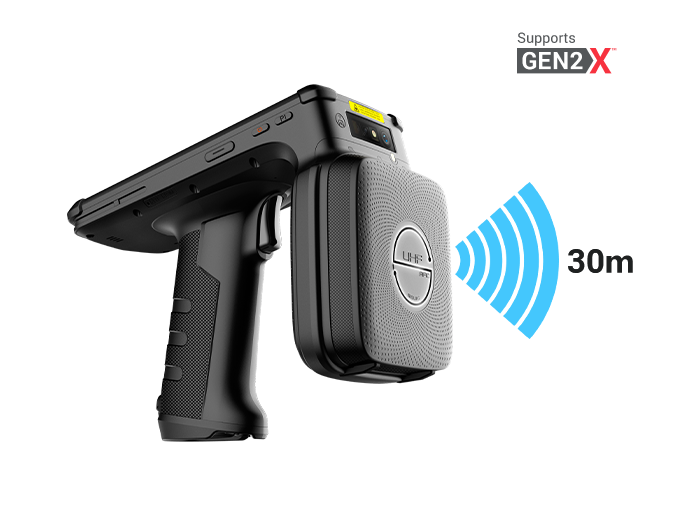
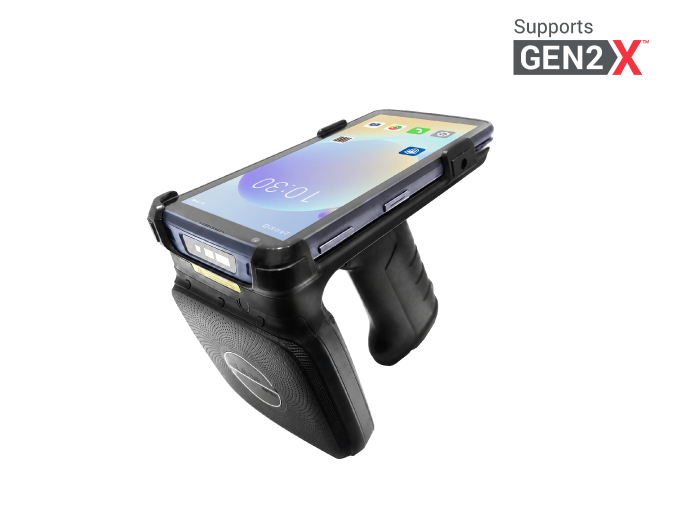
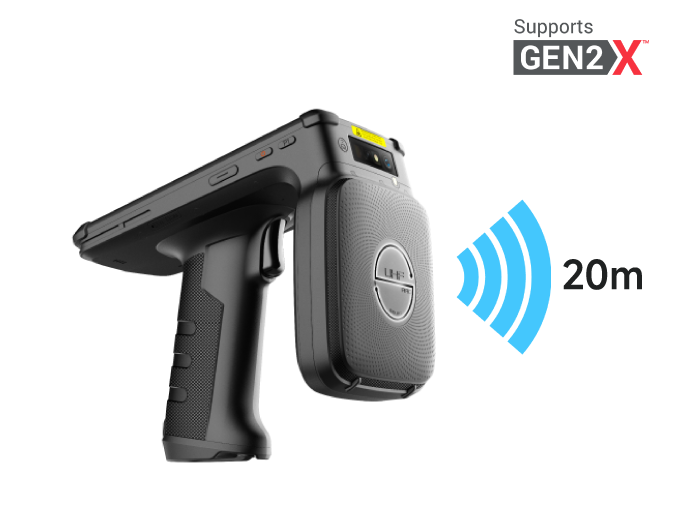
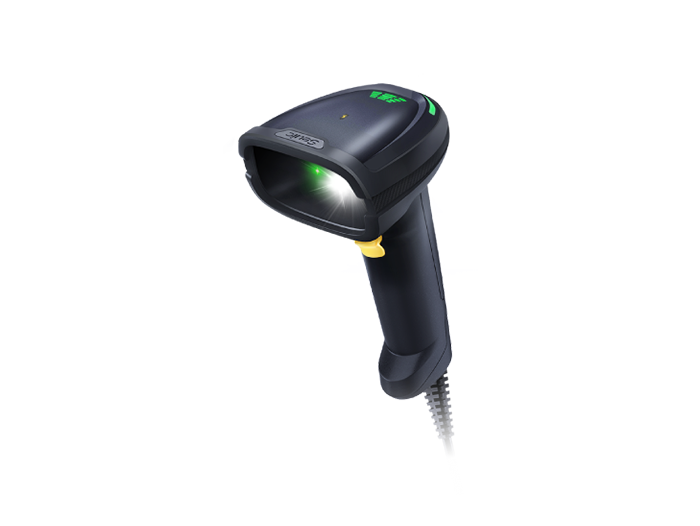
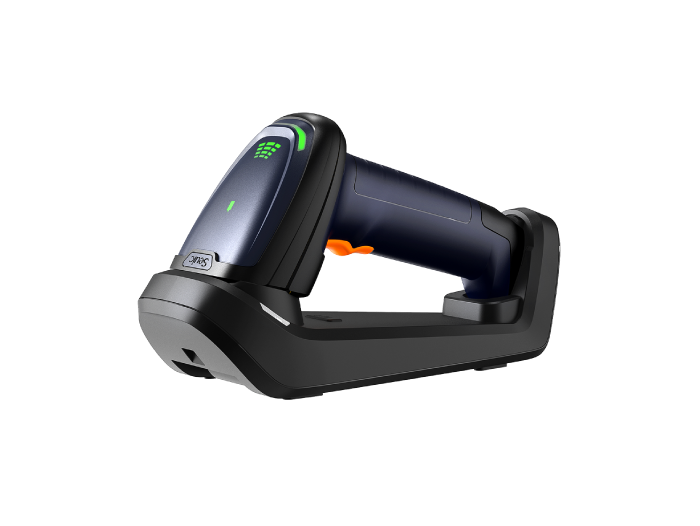
Warehouse associates / receivers: They handle high-volume, fast-paced scanning. A pistol-grip portable scanner is ideal. This form factor offers stable grip, and the trigger-style button is designed for high-frequency scanning, reducing thumb fatigue.
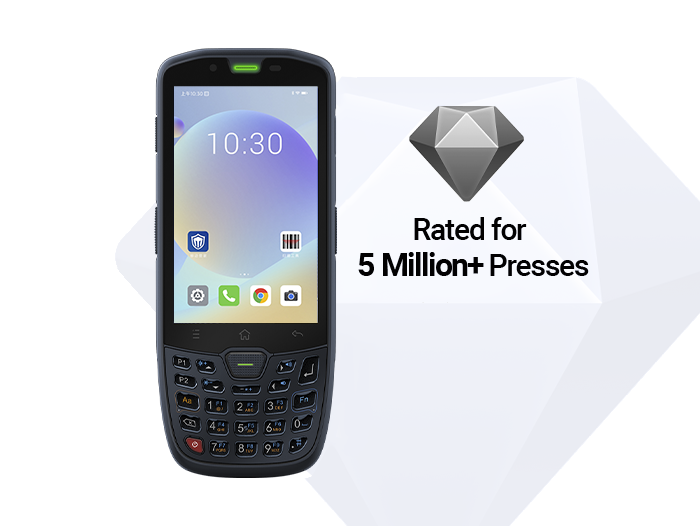
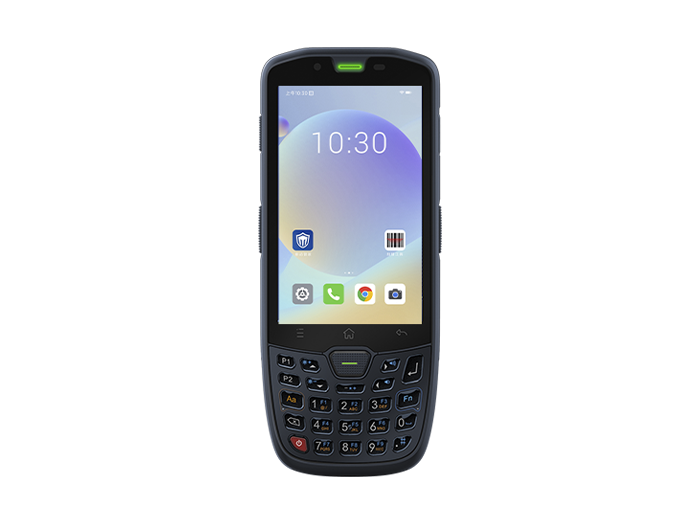
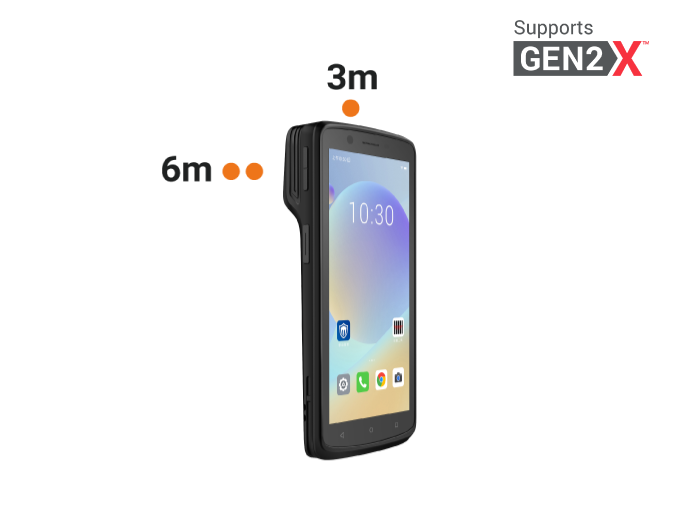
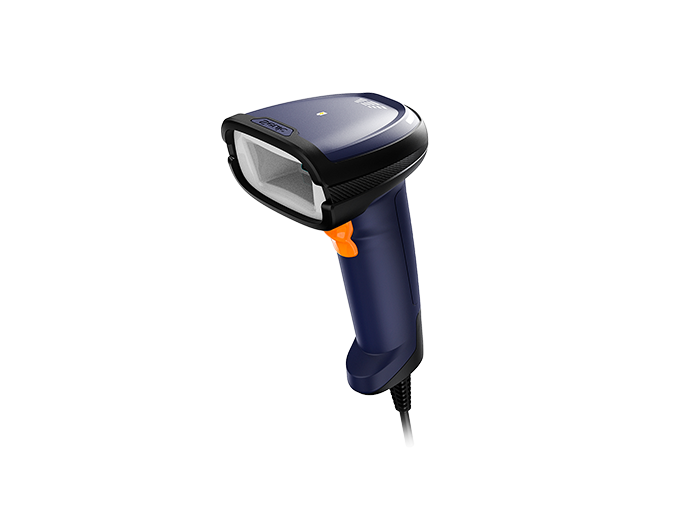
Stock clerks / replenishers: They move through aisles, frequently checking price labels and stock levels. A straight-body scanner is more suitable. It's compact, fits in a pocket or holster, and frees up hands for organizing merchandise.
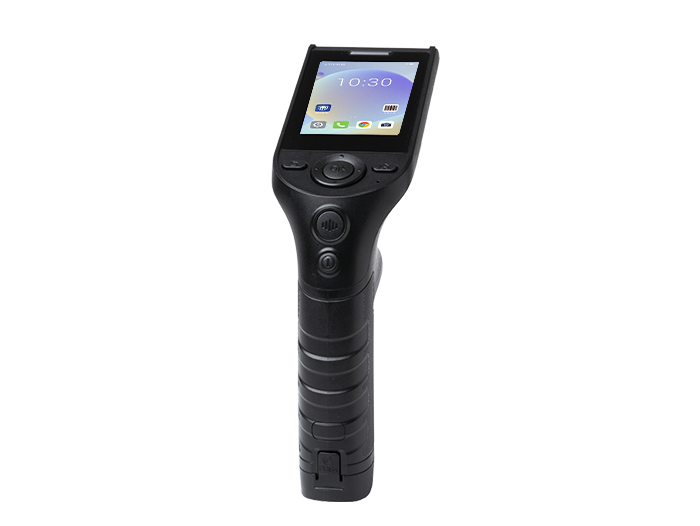
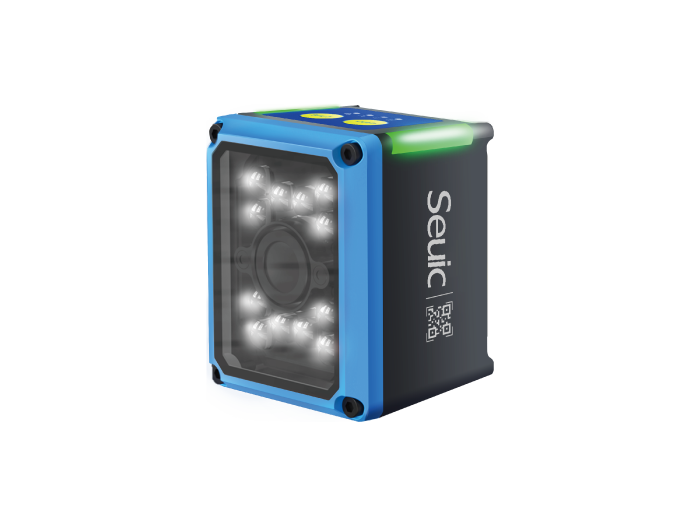
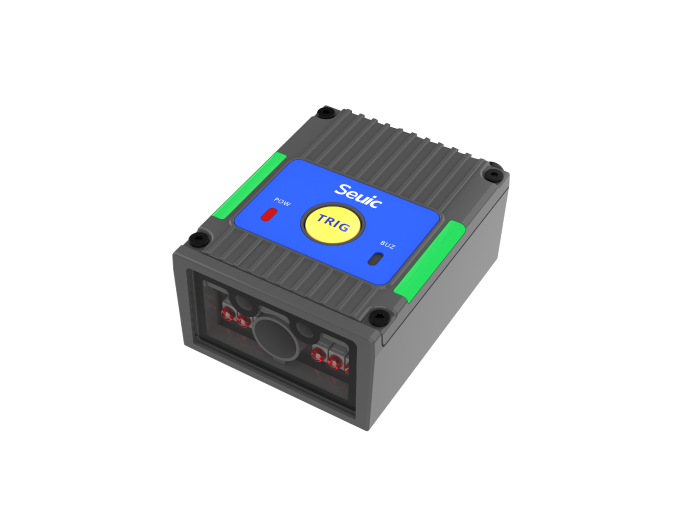
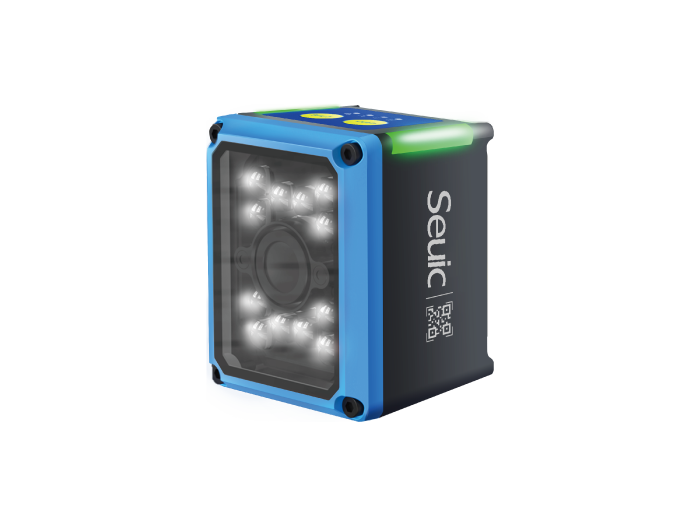
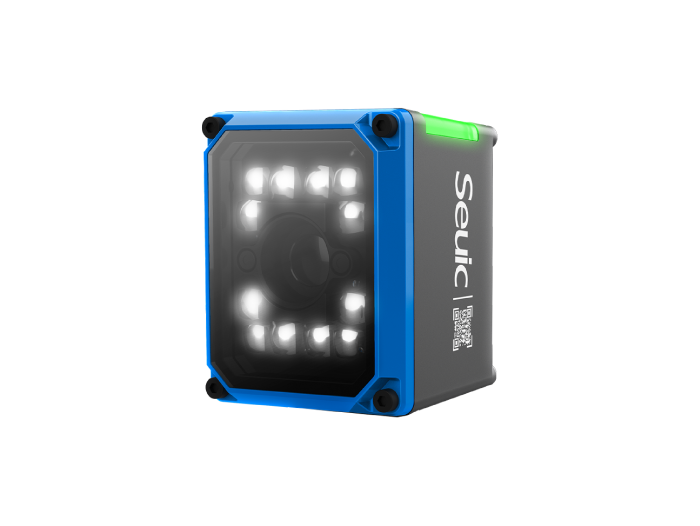
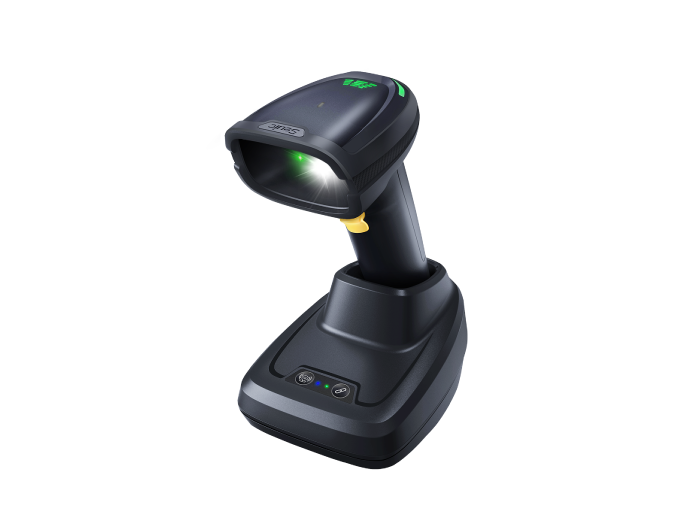
Cashiers / customer service staff: They primarily handle POS checkout and membership inquiries. A presentation or hands-free scanner is the top choice. It stays fixed on the counter, freeing both hands, and can quickly read membership codes and payment codes from customers' phones.
4. Pre-Purchase PoC Checklist — 6 Items
Before purchasing at scale, run a small-scale PoC to validate the device in your actual environment. Here are six must-check items:
On-screen code test: Prepare 5 phones of different brands and brightness levels. Display WeChat Pay, Alipay payment codes, and membership codes. Test each device's read speed and success rate.
Damaged code test: Find several price labels with minor wrinkles, stains, or poor printing. Test the device's tolerance for imperfect codes.
Speed and distance test: At normal replenishment distance (30–50 cm), continuously scan 100 product barcodes. Record total time and failure count.
Drop and durability test: Drop the device from 1.5 meters (simulating a shelf) onto concrete. Repeat 3–5 times. Check for functional or cosmetic damage.
Battery and charging test: Simulate a full shift of workload (continuous scanning + data transmission). Record battery drain. Also test hot-swap functionality.
Software integration test: Connect the device to your existing WMS or ERP system. Verify real-time, accurate data transmission and seamless backend integration.
5. Why You Need an All-Rounder: The SEUIC CRUISE2
After the analysis above, it's clear that an ideal price label verification scanner is far more than "something that can scan barcodes." It needs to be an efficient node in your entire retail operations system, connecting inventory, pricing, marketing, and membership management.
In practice, leading retailers have already recognized this. For example, a global fast-food chain facing challenges with inventory management efficiency, food safety traceability, and data sync delays during rapid store expansion solved these issues by introducing a high-performance industrial PDA deeply integrated with their warehouse management and food safety systems.
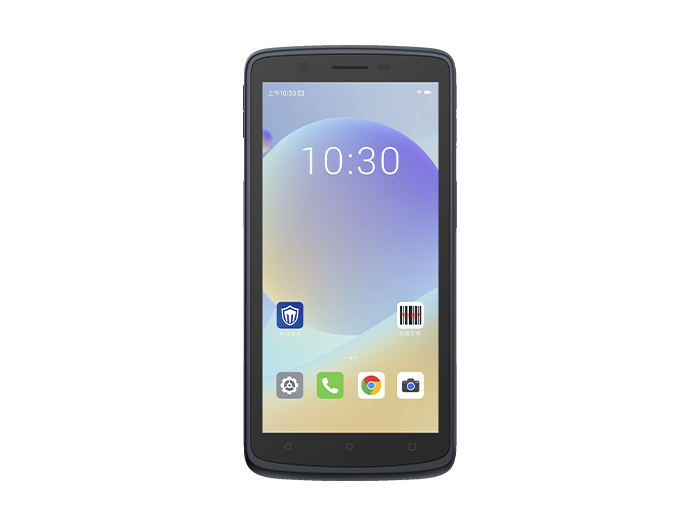
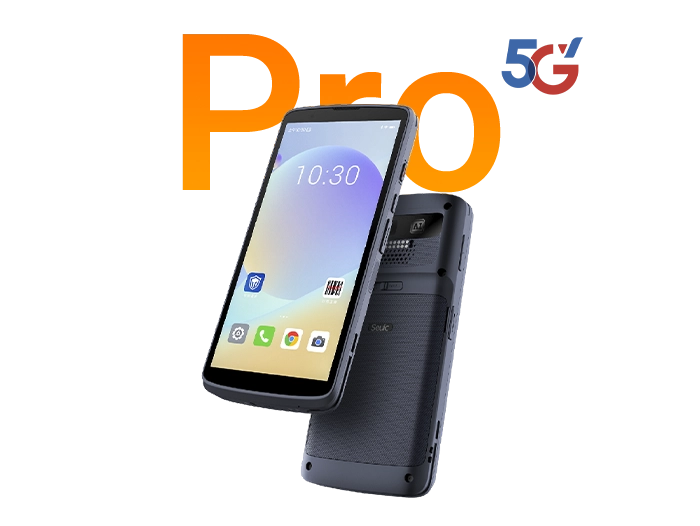
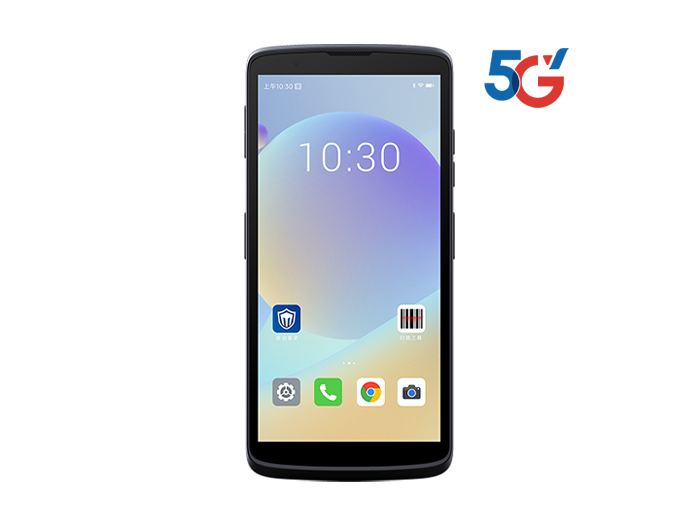
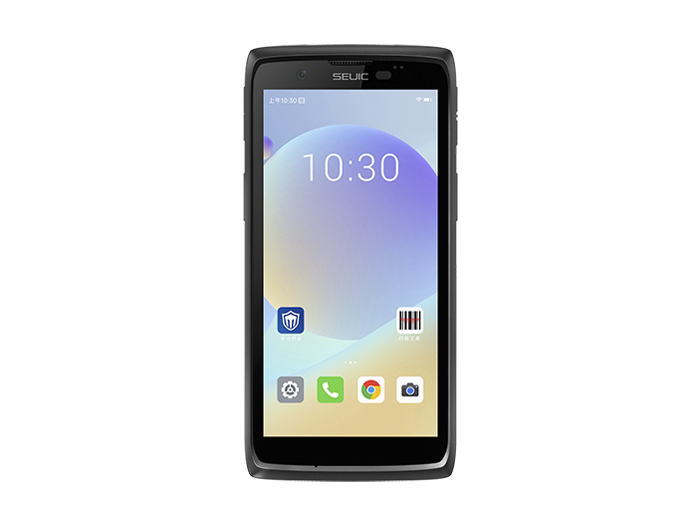
That device is the SEUIC CRUISE2 Mobile Computer. It perfectly matches all the hard capabilities we've discussed:
All-day worry-free battery life. The CRUISE2 features a 5000mAh hot-swappable battery. Even during intense replenishment and inventory sessions, there's no fear of running out of power. When one battery drains, simply swap in a spare — the device keeps running, eliminating downtime caused by charging.
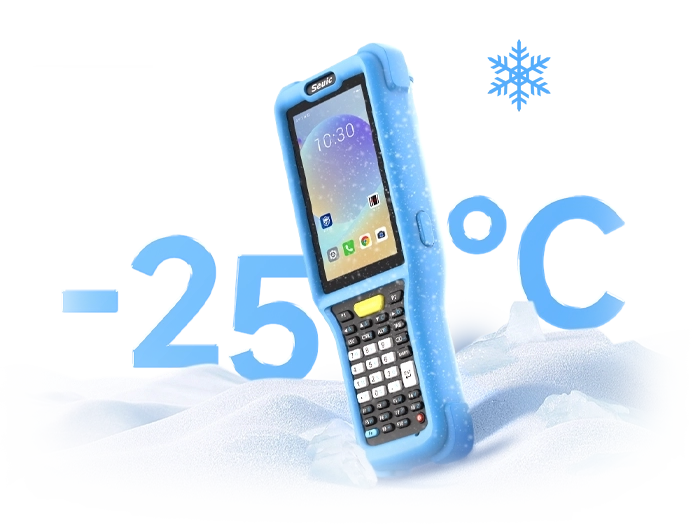
Built for harsh environments. With an IP68 dust/water ingress rating, the device is not only dust-tight but can also survive submersion in 1.5 meters of water for 30 minutes. Warehouse dust, kitchen steam, accidental liquid spills — none of it fazes the CRUISE2. Its 5.5-inch touchscreen supports gloved and wet-hand operation, keeping employees productive in any condition.
Extreme reading performance. The built-in professional scan engine and octa-core 2.0GHz processor ensure millisecond-level fast and accurate reading of product barcodes, damaged price labels, and QR codes on customer phones. Fingerprint unlock and NFC add security and convenience for device access and asset tagging.
Retail replenishment efficiency starts with correctly reading every barcode. From distinguishing product barcodes from price labels to quickly reading membership codes, every step depends on the right portable barcode scanner. When choosing, prioritize multi-code decoding capability, on-screen barcode reading performance, industrial-grade durability, battery life, and ergonomic design. Validate your choice through rigorous PoC testing to find the device that best fits your store layout and role requirements.
Has your store ever encountered trouble caused by barcode scanning errors? Feel free to contact SEUIC. We'll arrange one-on-one expert consultation and a free demo unit for testing.
Related News
-
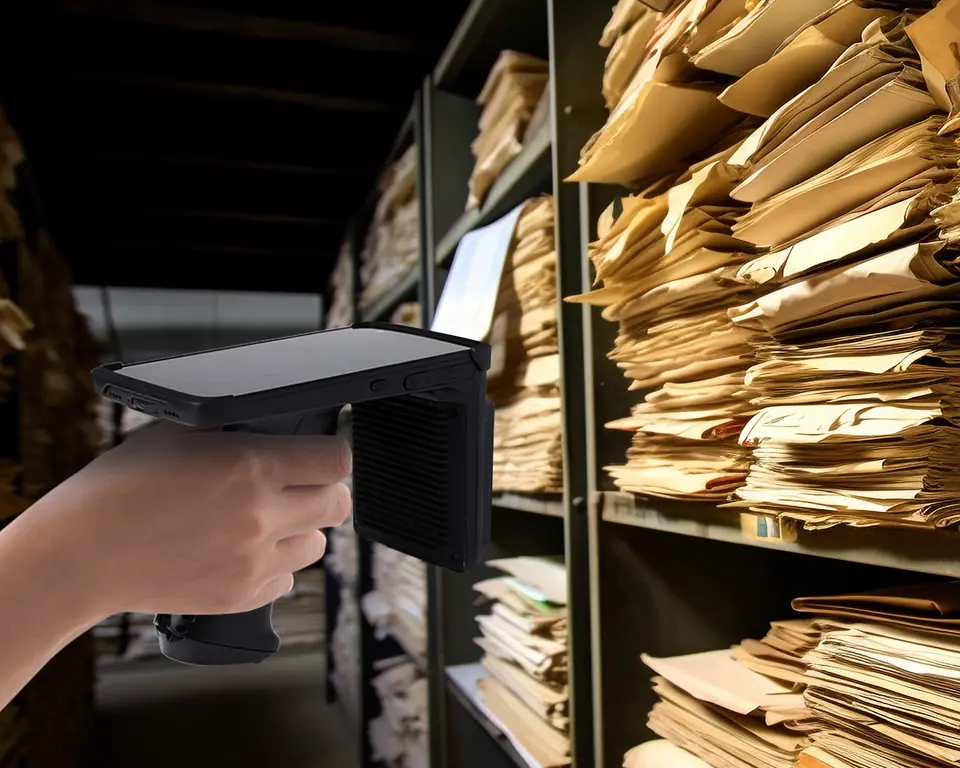
RFID Asset Tracking: Non-Stop 20-Meter Remote Inventory for Retail Stores
Product Updates | 2026.11.04Learn More
-
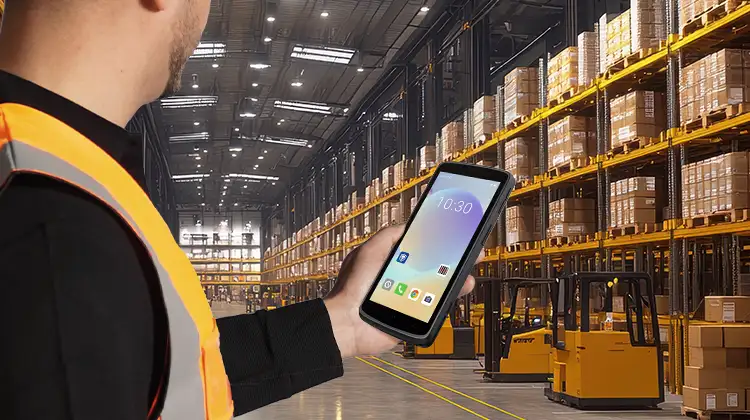
Warehouse PDA for Peak Season: CRUISE2 5G + Wi-Fi 6E Stability Practice
Product Updates | 2026.11.03Learn More
-
Handheld vs. Fixed-Mount Barcode Scanners: A Practical Selection Guide Based on Your Workstation
Product Updates | 2026.10.30Learn More
-
Warehouse Portable Barcode Scanner Selection Guide: Receiving · Picking · Shipping
Product Updates | 2026.10.30Learn More