




Warehouse Portable Barcode Scanner Selection Guide: Receiving · Picking · Shipping
In a modern warehouse, every second counts. Whether you manage a busy e-commerce fulfillment center, a large retail distribution hub, or a critical spare parts warehouse for a utility company, the speed and accuracy of your receiving, picking, and shipping operations directly impact your bottom line. Inefficient processes lead to delayed orders, inventory discrepancies, and dissatisfied customers.
Unlocking peak performance starts with an often-overlooked tool: the warehouse portable barcode scanner. But not all scanners are created equal. Choosing the wrong device won't solve problems — it will create new bottlenecks. This comprehensive guide walks you through the unique demands of each major workflow — receiving, picking, and shipping — to help you find the scanner that can truly transform your operations.
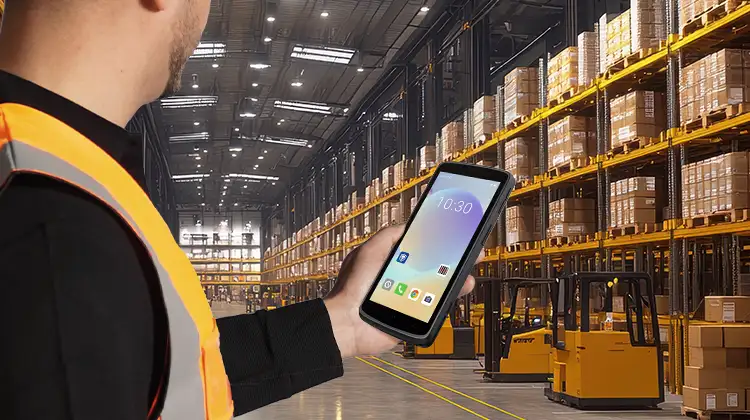
1. Three Core Warehouse Workflows: Scanning Actions and Pain Points
To find the right solution, you must first understand the unique challenges of each stage.
Receiving: Where everything begins. Workers unload trucks, match incoming goods against purchase orders, and update inventory. Scanning actions include capturing serial numbers, lot numbers, pallet quantities, and individual case counts. Common pain points include:
Speed vs. accuracy: Pressure to move goods onto the floor quickly can lead to missed scans or data entry errors.
Bulky items: Scanning large, irregularly shaped objects requires a device that is both powerful and easy to maneuver.
Poor connectivity: Slow or unstable connections during receiving cause immediate data lag, throwing off inventory counts from the start.
Picking: The most labor-intensive and time-sensitive workflow. Pickers move through aisles, pulling specific items to complete orders. Scanning actions are rapid and sequential: scanning location barcodes, item barcodes, and confirmation labels. Common pain points include:
Ergonomics and fatigue: Repeatedly lifting and twisting a heavy or poorly designed scanner causes worker fatigue and repetitive strain injuries, slowing pick rates over a shift.
Scan failures: Damaged, dirty, or poorly printed barcodes on products lead to frustrating read failures, forcing manual entry and breaking workflow momentum.
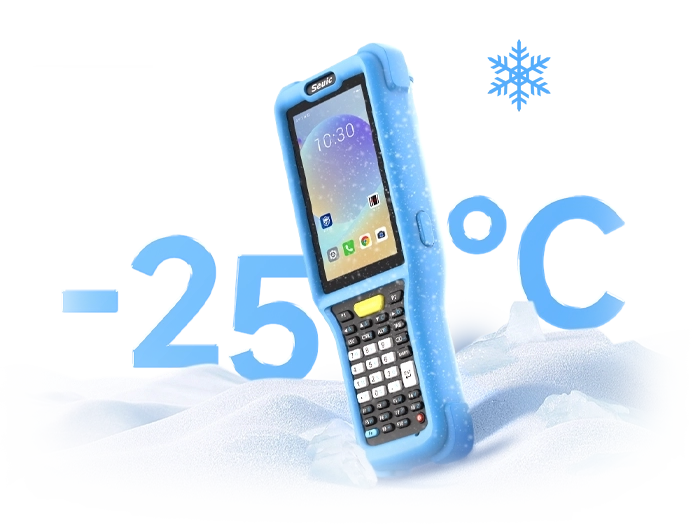
Environmental hazards: Warehouses can be dusty, cold, or unevenly lit — conditions that degrade the performance of consumer-grade scanners.
Shipping: The last checkpoint before orders leave the warehouse. Scanning actions involve confirming packed items, generating shipping labels, and updating carrier tracking systems. Common pain points include:
High traffic, high risk: Any mistake here means shipping the wrong product, leading to costly re-deliveries and unhappy customers.
Connection drops: Losing connectivity while processing a batch of outbound packages can halt the entire loading dock.
Durability: Scanners are frequently dropped on concrete floors, knocked off tables, or exposed to harsh weather on the loading dock.
2. Choose the Right Device Form Factor for Your Scenario (More Expensive Isn't Always Better)
The "best" scanner isn't necessarily the most expensive — it's the one that best fits your actual operation. Choosing the wrong form factor can actually reduce productivity. Here's what to consider:
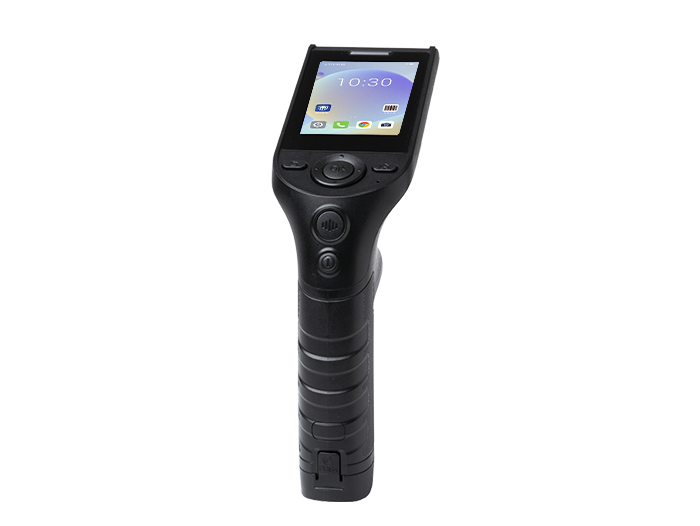
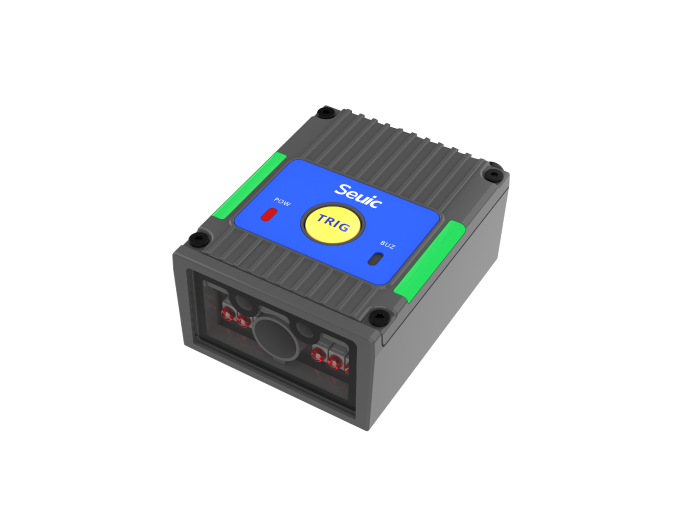
For high-volume, low-variety picking (e.g., dedicated pick zones): Consider hands-free wearable scanners, such as ring scanners paired with a forearm-mounted mobile computer. This allows workers to use both hands for grabbing items, significantly increasing pick rates. However, it's less suited for tasks requiring extensive data entry or navigating complex screens.
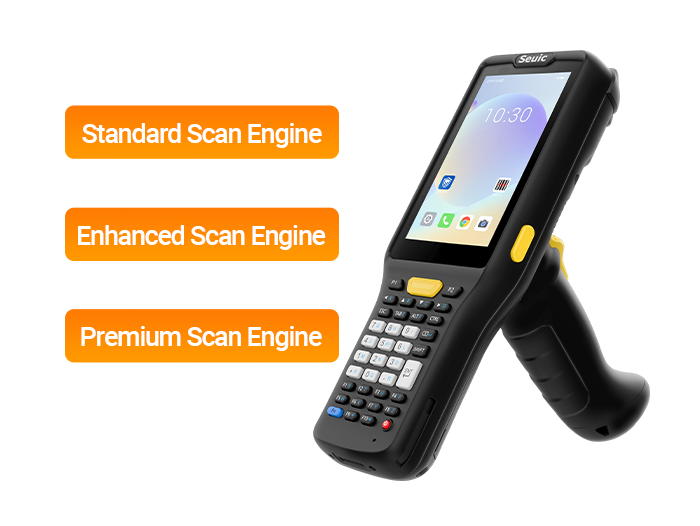
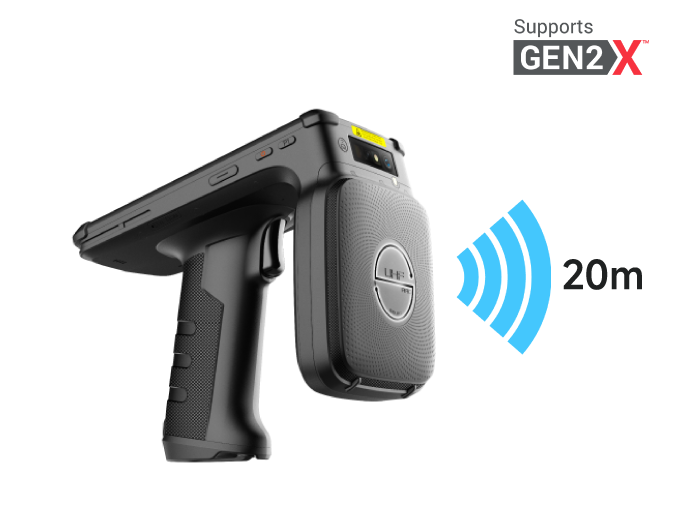
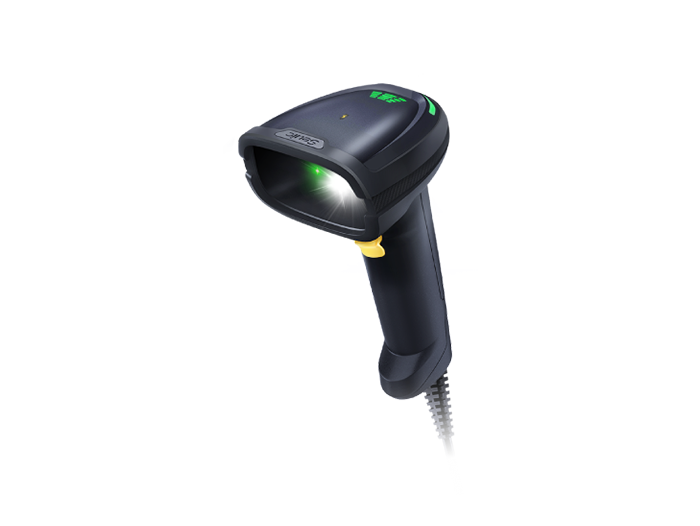
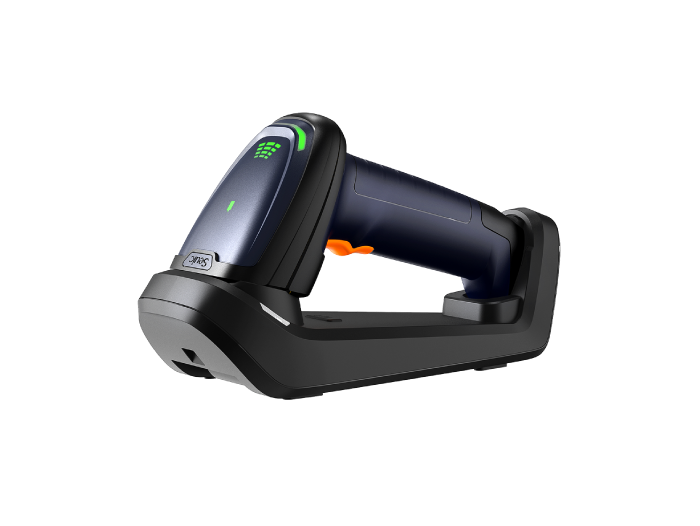
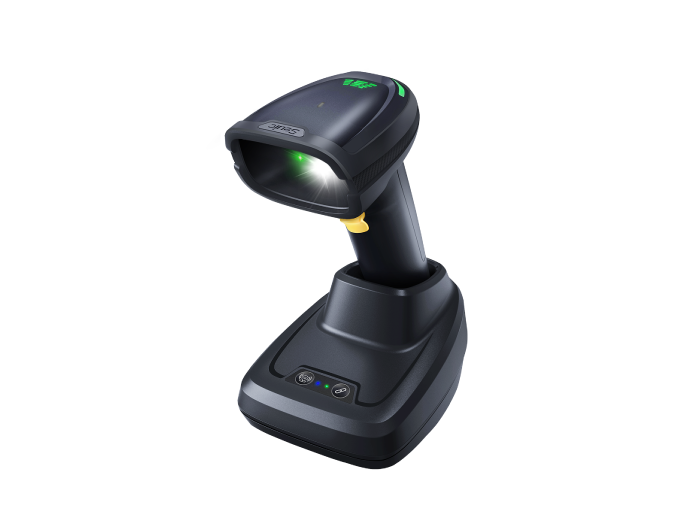
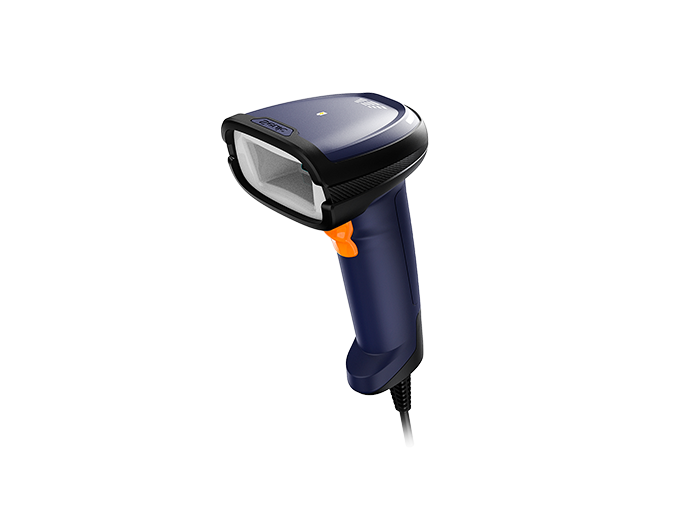
For general receiving and light industrial use: A pistol-grip handheld scanner is a versatile choice. It works well for scanning barcodes on cases and pallets.
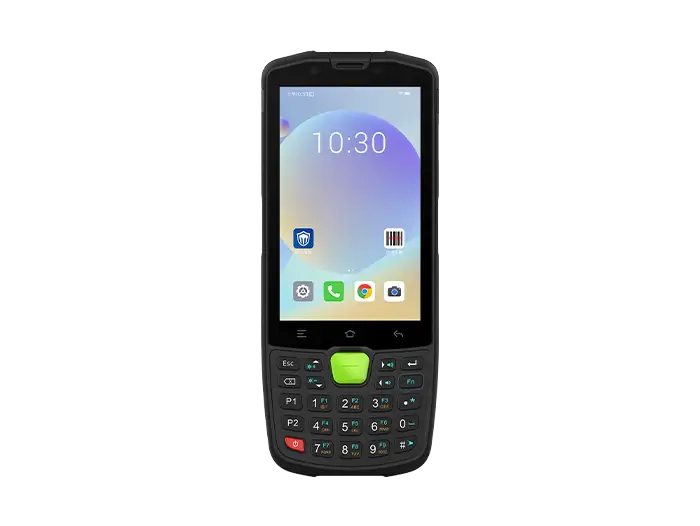
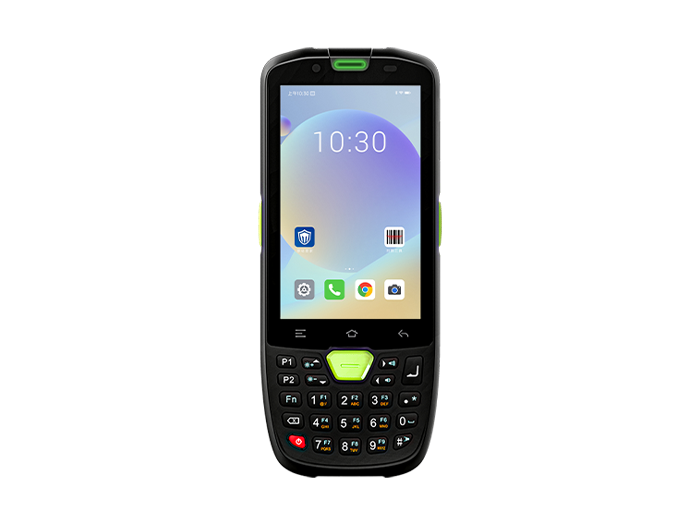
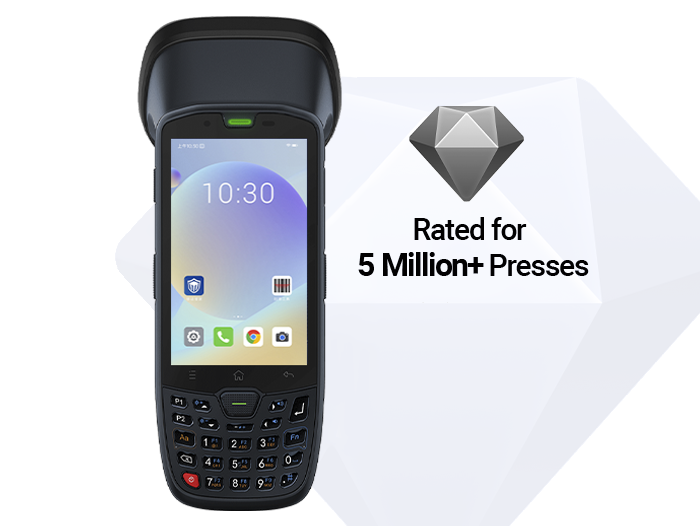
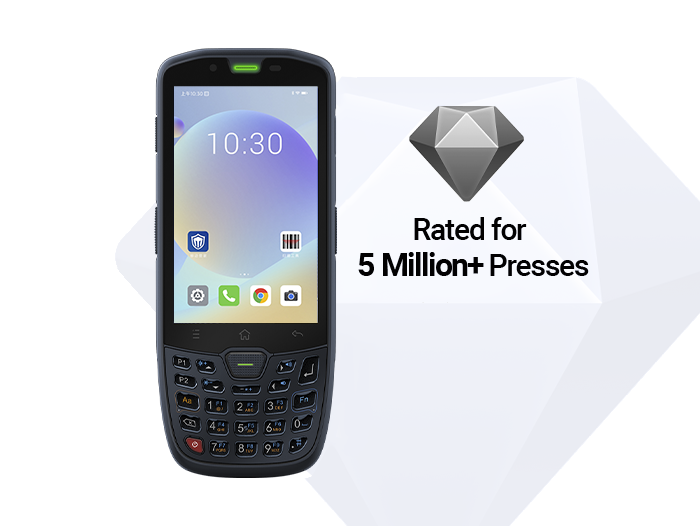
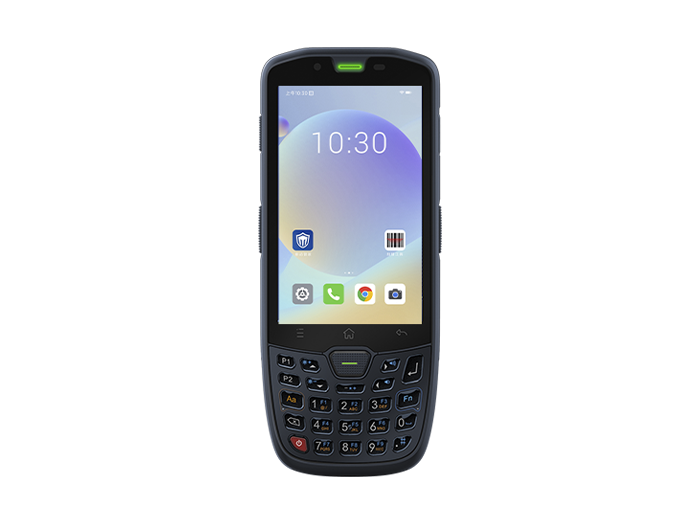
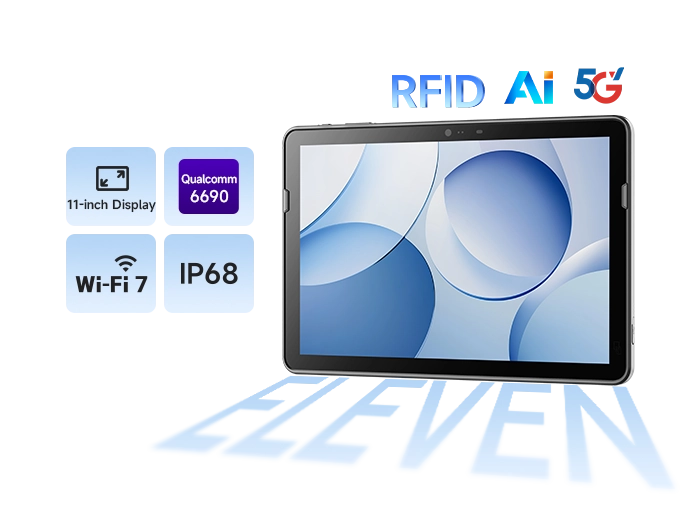
For heavy-duty, multi-role use (e.g., a warehouse manager who also handles audits): A fully featured rugged mobile computer is the gold standard. It integrates a high-performance scan engine, a powerful processor, a clear display, and a full keyboard into one durable device. While the upfront cost is higher, it eliminates the need to carry multiple devices (scanner + phone + clipboard) and withstands years of drops, dust, and liquid spills.
The key is to analyze the primary task. If a worker's job is simply scanning barcodes in a controlled environment, a simple dedicated scanner may be the most cost-effective choice. But if their role involves scanning, data entry, communication, and navigating harsh environments, investing in a rugged, integrated warehouse portable barcode scanner is non-negotiable.
3. Integration and Reliability — Does a Scan Really Count?
A scanner that reads barcodes is only half the equation. The real value lies in whether the scanned data is reliably and instantly integrated into your Warehouse Management System (WMS) or Enterprise Resource Planning (ERP). This is where hardware reliability meets software intelligence.
Consider these factors that determine whether your scan truly "counts":
Real-time data sync: Is the data transmitted immediately to the central system? Delays create blind spots and inventory inaccuracies.
Software ecosystem compatibility: Can the device seamlessly run your preferred picking application or WMS client? A modern operating system (such as the latest Android version) that supports a wide range of enterprise applications is essential.
Durability standards (Ingress Protection & Drop Specs): An IP68 rating means the device is completely dust-tight and can withstand immersion in water. A drop specification of 1.5 meters or more is essential for daily use on concrete floors. A device that fails after one drop is a liability.
Battery life and hot-swap capability: A scanner that dies mid-shift is a major bottleneck. Look for long-lasting batteries (5000mAh+) and the ability to swap batteries without powering down ("hot-swap") for round-the-clock operations.
Without reliable integration and rugged construction, even the fastest scanner is just an expensive paperweight.
4. Pre-Purchase PoC (Proof of Concept) Checklist — 6 Items
Before deploying at scale, you must test the device in your actual environment. Use this checklist for your next PoC:
4.1 Test real-world barcode reading
Bring your worst barcodes — wrinkled, damaged, reflective, or tiny. Can the scanner read them on the first try?
4.2 Simulate your environment
Take the device to your cold storage, dustiest aisle, and brightest loading dock. Test screen readability (glare, wet hands, gloves).
4.3 Run your core applications
Install your WMS or picking app on the device. Is the interface responsive? Are buttons easy to press with gloves?
4.4 Conduct a drop test
Don't just read the spec sheet. Intentionally drop the device from waist height onto concrete (on a padded surface if necessary). See what happens.
Evaluate battery life under load: Run your typical workflow for a full 8-hour shift. Does the battery hold up? How long does a full charge take?
4.5 Check network stability
Walk to the farthest corner of your warehouse. Does the device maintain a stable Wi-Fi connection? Test it.
5. From Workflow Pain Points to a Seamless Solution: Introducing the SEUIC CRUISE2
As we've discussed, the ideal warehouse receiving, picking, and shipping scanner must excel in three areas: ruggedness, high-speed performance, and seamless integration. You need a device that can handle the physical punishment of a busy dock, the rapid scanning pace of a pick route, and the constant data synchronization required for accurate inventory.
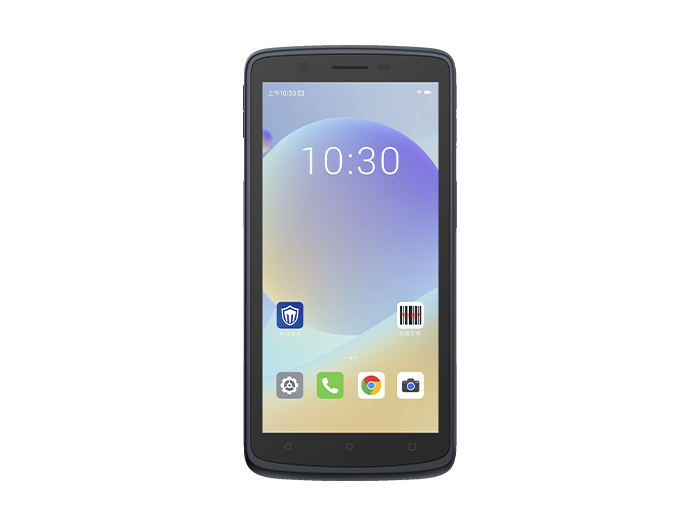
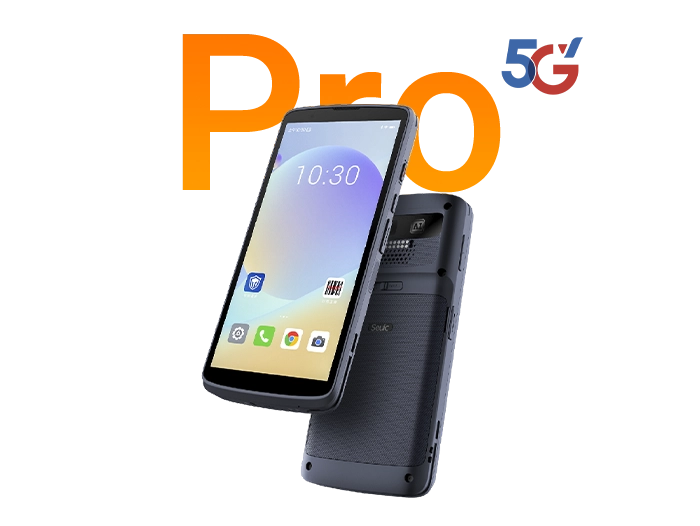
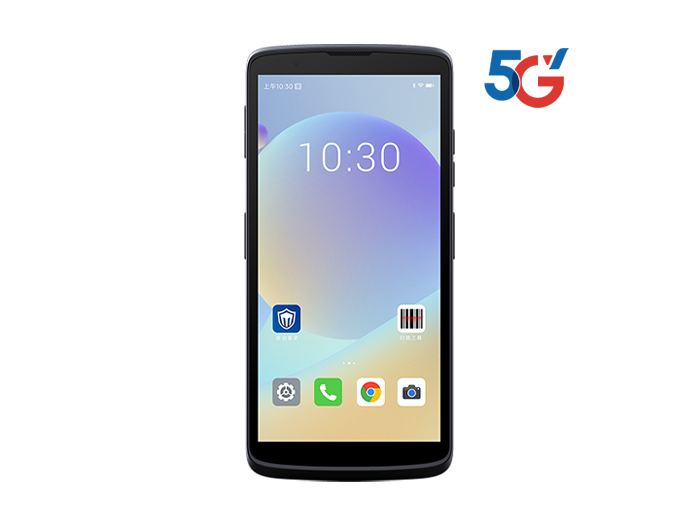
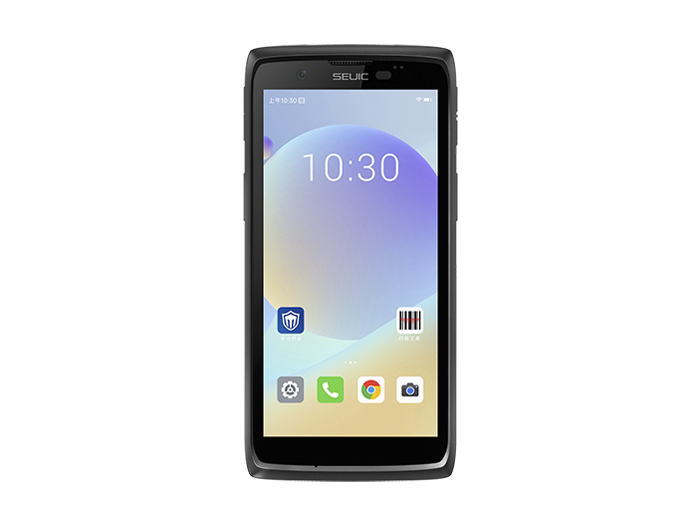
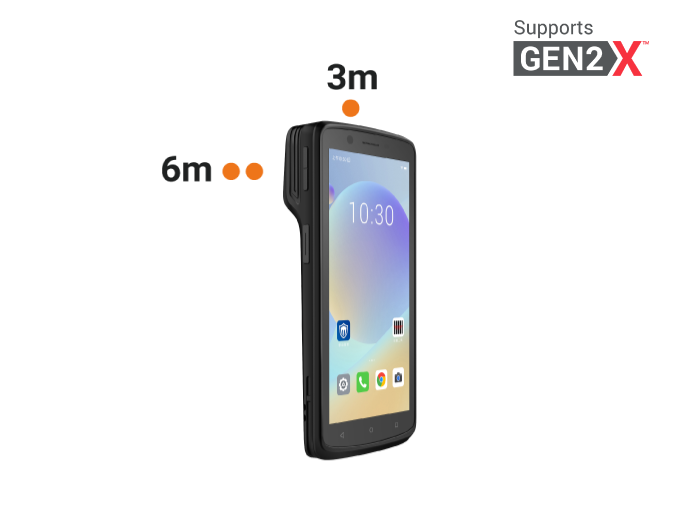
Now imagine a device built from the ground up to solve these exact challenges. Imagine a rugged handheld terminal that feels secure in a gloved hand, reads barcodes instantly even in low light, and is so well protected that dropping it on concrete or getting splashed by a leaking package is no cause for alarm. That's the design philosophy behind the SEUIC CRUISE2 Mobile Computer.
Unmatched durability for any environment. With an IP68 rating, the CRUISE2 is completely sealed against dust and can be submerged in water. Its 5.5-inch glove/wet-finger touchscreen ensures your operators stay productive in any condition — dusty warehouses, cold storage rooms, or rainy loading docks. This directly addresses the environmental hazards and drop risks we identified earlier.
Power and speed for demanding workflows. Powered by a robust octa-core 2.0 GHz processor and a dedicated scan engine, the CRUISE2 delivers blazing-fast barcode reading. This eliminates scan delays and keeps your pickers moving. Features like fingerprint unlock and NFC add security and functionality for access control or asset tagging, streamlining complex tasks.
Non-stop operation for peak productivity. The 5000mAh hot-swappable battery is a game-changer. Your team can swap a drained battery for a fresh one without shutting down the device, ensuring zero downtime during critical receiving or shipping windows. Combined with support for the latest wireless standards, it guarantees your data flows in real time, making every scan count.
With a dedicated tool like the SEUIC CRUISE2, you're not just buying a scanner — you're investing in a reliable partner for your entire warehouse receiving, picking, and shipping scanner workflow.
Optimizing your warehouse workflow is an ongoing journey, but it starts with equipping your team with the right tools. We've explored how the unique needs of receiving, picking, and shipping demand different considerations. The key is to look beyond price and focus on device form factor, integration capabilities, and above all, rugged reliability.
A warehouse portable barcode scanner is not a commodity — it's a strategic investment in accuracy, efficiency, and employee satisfaction. If you're evaluating barcode scanners for your warehouse, feel free to contact SEUIC. We'll arrange one-on-one expert consultation and a free demo unit for testing.
Related News
-

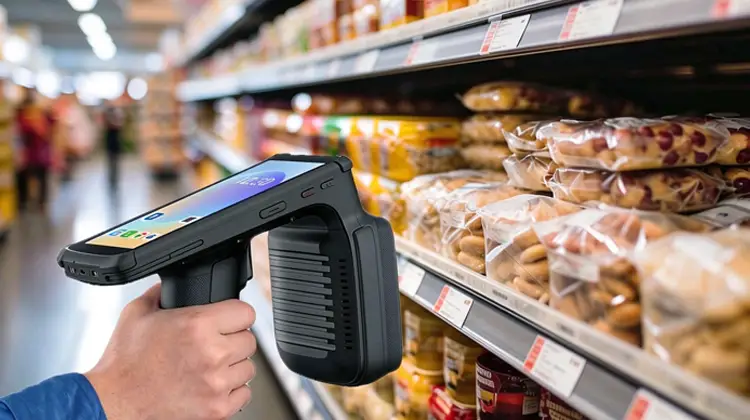
RFID Asset Tracking: Non-Stop 20-Meter Remote Inventory for Retail Stores
Product Updates | 2026.11.04Learn More
-
Warehouse PDA for Peak Season: CRUISE2 5G + Wi-Fi 6E Stability Practice
Product Updates | 2026.11.03Learn More
-

Handheld vs. Fixed-Mount Barcode Scanners: A Practical Selection Guide Based on Your Workstation
Product Updates | 2026.10.30Learn More
-
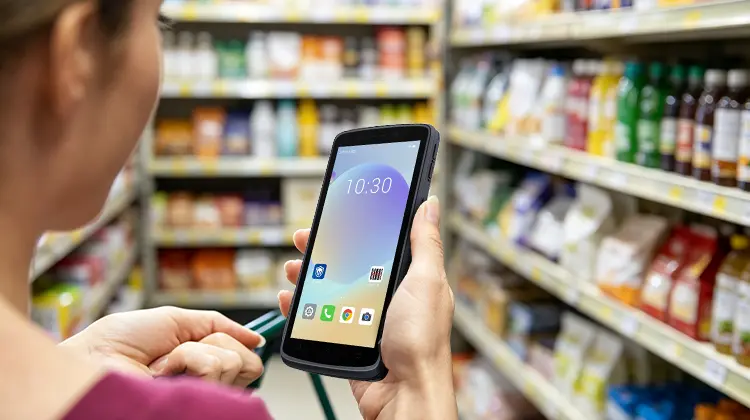
Retail Replenishment Portable Barcode Scanner Selection Guide: 4 Code Types · 5 Hard Capabilities
Product Updates | 2026.10.30Learn More