




Rugged Android Tablet for Smart Office: Conference Room Management & Access Control Solution
In today's push for digital efficiency, "smart office" is no longer a futuristic concept. Yet many enterprises still wrestle with daily friction: double-booked meeting rooms, clunky visitor check-in processes, and access permissions that take days to update. These small inefficiencies quietly eat into productive time and management bandwidth. Meanwhile, consumer-grade tablets deployed in high-traffic areas — lobby kiosks, room signage panels, reception desks — frequently fail under continuous use: cracked screens, degraded batteries, system lag. The question is: is there a more reliable, purpose-built alternative? The answer is yes — and it comes in the form of a rugged Android tablet.
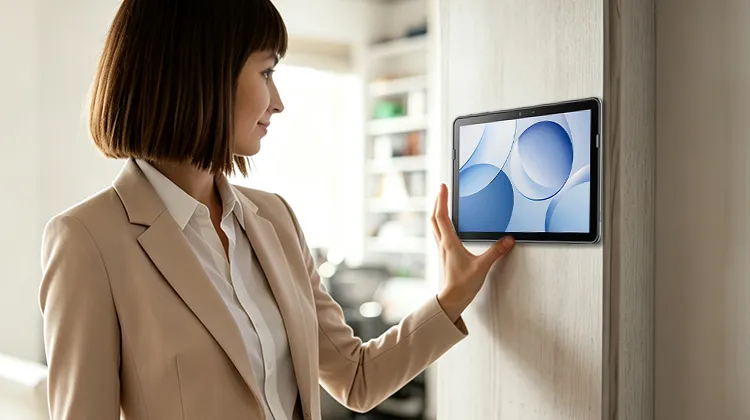
1. The Hidden Pain Points of Smart Office: Where Efficiency Goes to Die
Many organizations invest in smart office systems but still encounter persistent issues:
Chaotic conference room management
Paper schedules taped to doors are outdated before lunch. Online booking systems don't reflect actual room usage. Rooms are booked but unused, or occupied without being booked. Facility managers have no real-time view of room status across floors, making resource allocation a guessing game.
Slow and insecure access control
Traditional keycards are easily lost or copied. Permission updates require IT tickets and manual reprogramming. Visitor check-in still relies on phone calls and paper logs — slow, awkward, and a security gap. For restricted areas like server rooms, labs, or warehouse floors, there is no dynamic authorization mechanism.
Device durability and maintenance burden
Tablets placed at room entrances, lobbies, or front desks endure constant touching, accidental knocks, and occasional liquid spills. Consumer tablets fail frequently in these conditions. Repair cycles create downtime, and IT teams are stretched thin managing a fleet of fragile devices.
These pain points converge on a single requirement: a device that is tough enough for public spaces, powerful enough to run management applications, and seamless enough to integrate with existing smart office systems.
2. Why a Rugged Android Tablet Is the Right Choice
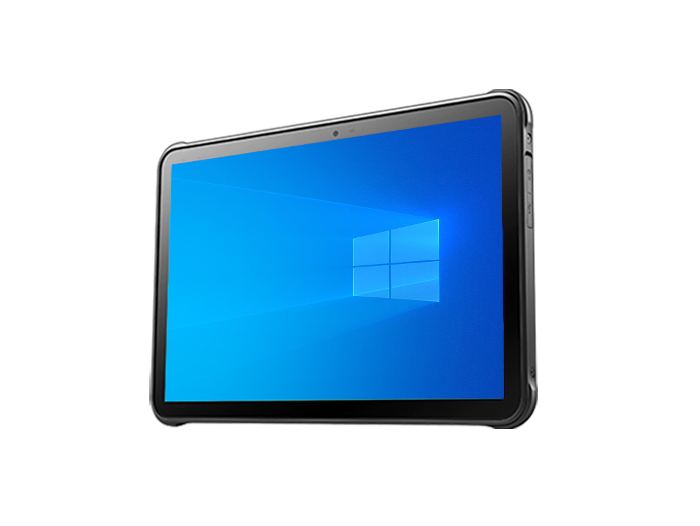
A rugged Android tablet is not just a "tougher iPad." It is purpose-engineered for continuous, mission-critical use in demanding environments.
Unmatched reliability and durability
This is the core value proposition. Rugged tablets typically carry IP68 ratings — fully sealed against dust and water immersion. More importantly, they withstand multiple drops from 1.2 meters or higher onto concrete. This "industrial-grade" protection translates directly into uptime: fewer failures, less downtime, lower total cost of ownership over a 3–5 year deployment cycle.
All-day battery with hot-swap capability
Rugged tablets pack large-capacity batteries — often 8,000 mAh or more — enough for a full shift of continuous use. Many models support hot-swappable batteries, meaning the device never needs to shut down for charging. For access control panels that must stay online 24/7, or room signage that operates from morning standup to evening cleanup, this is a game-changer.
Advanced connectivity and expansion
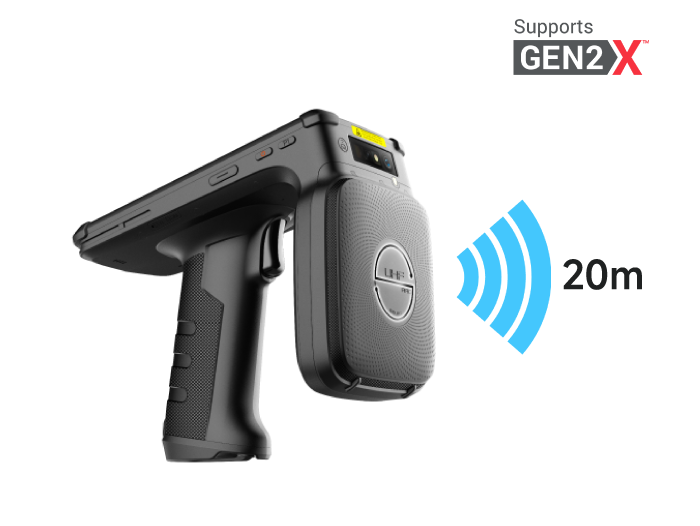
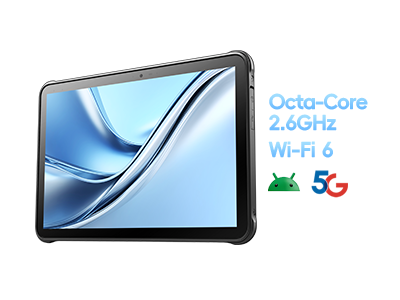
Beyond standard Wi-Fi and Bluetooth, premium rugged tablets support 5G and the latest Wi-Fi 7 standards, ensuring low-latency connections in dense office environments. Many also integrate UHF RFID, barcode scanning, and NFC modules — turning the tablet into a multi-purpose tool for asset tracking, inventory checks, and badge authentication, all on one device.
Enterprise-grade software ecosystem
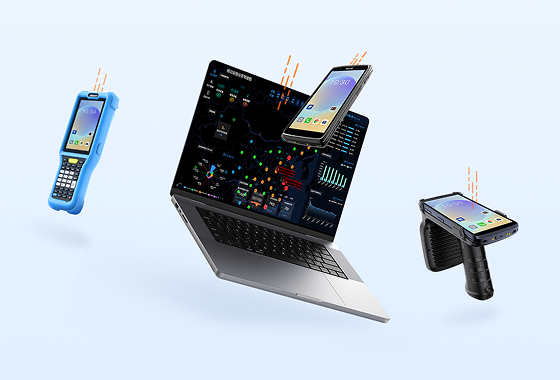
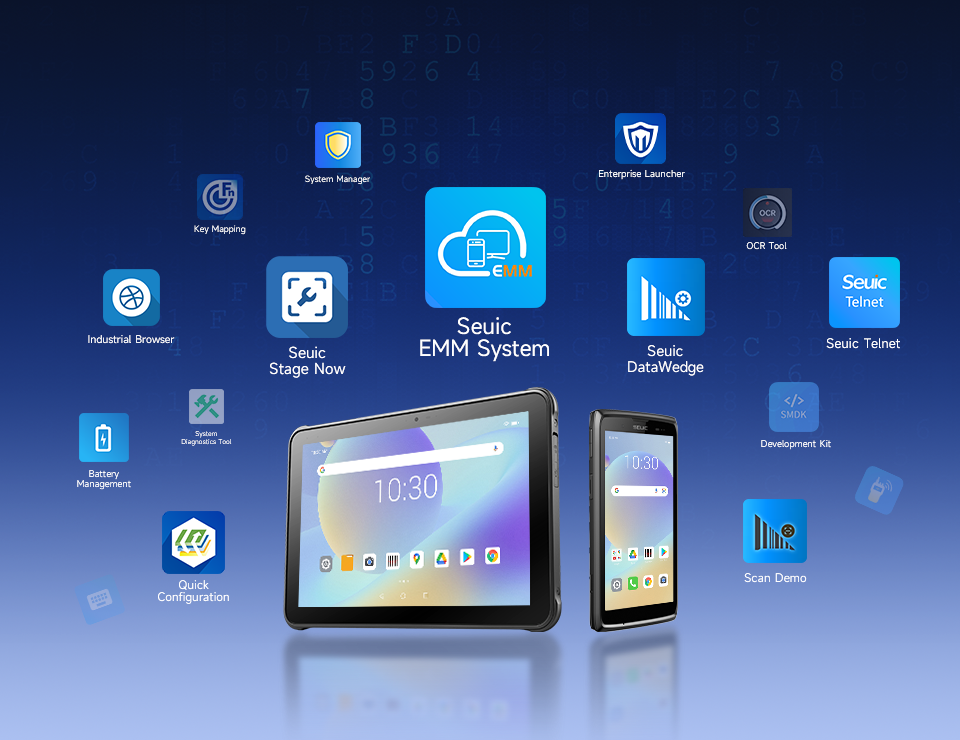
Leading rugged tablet vendors provide unified device management platforms (EMM). Administrators can remotely deploy apps, push configurations, enforce security policies, and wipe devices — all from a single console. This simplifies fleet management across hundreds or thousands of endpoints, from initial provisioning to end-of-life decommissioning.
3. Selection Criteria: What to Look for in a Smart Office Tablet
When evaluating rugged Android tablets for conference room control and access control, focus on these dimensions:
Ingress Protection (IP Rating)
At minimum, choose IP65 or higher. For environments with significant dust or liquid exposure — warehouse entrances, production floor meeting rooms, outdoor reception areas — IP68 is the recommended baseline.
Drop Resistance
Look for 1.2 m drop resistance to concrete. This corresponds to typical desk-height or waist-height accidents. Multiple-drop certification is preferable to single-drop.
Display Quality
High brightness (800 nits or more) and anti-glare treatment are essential for areas near windows or outdoor-facing entrances. Full HD resolution and anti-fingerprint coating improve daily usability.
Battery and Runtime
Select a device with at least 8,000 mAh battery capacity to ensure full-shift operation. Removable or hot-swappable batteries are a major plus, guaranteeing business continuity without shutdowns.
Wireless Connectivity
Future-proof your investment: choose devices supporting Wi-Fi 6/6E or the latest Wi-Fi 7. Built-in 5G provides high-speed connectivity for mobile office workers and cross-campus applications.
Biometrics and Security
Integrated NFC and fingerprint sensors enable fast employee authentication and secure login, strengthening overall access control.
4. From Pain Points to Solution: Finding the Right Partner for Your Smart Office
Imagine this scenario: a guest arrives at your office lobby. The receptionist uses a rugged tablet to scan their ID and capture a facial image. The system automatically generates temporary access credentials and sends them to the visitor's phone. Meanwhile, the meeting room the guest is heading to shows "In Progress" on its door panel, with lights and temperature adjusted to the preset mode.
Behind this seamless experience is a terminal that can withstand constant interaction and accidental bumps while running multiple management applications reliably. It needs a bright, clear display for visitor info and room schedules. It needs battery power that lasts from morning standup to evening cleanup. And it needs the toughness to survive coffee spills and accidental drops.
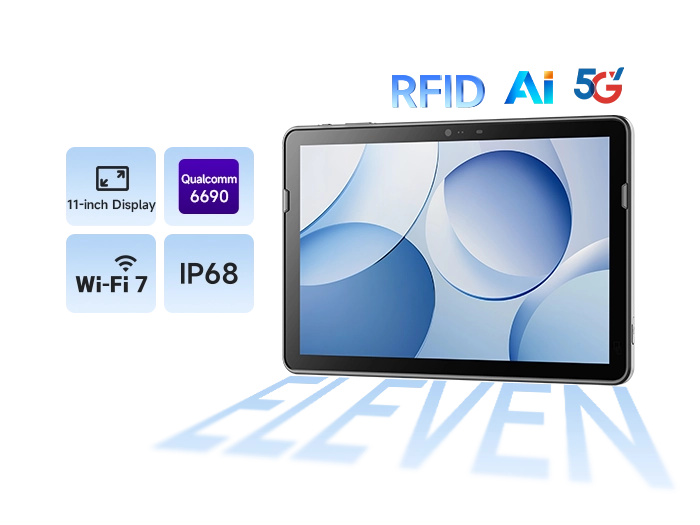
This is exactly what the SEUIC AUTOID Pad Air 11 delivers. This 11-inch 5G industrial tablet strikes a balance between slim design and industrial-grade protection. Powered by a Qualcomm QCC6690 chipset, it supports Wi-Fi 7 and Bluetooth 6.0 for ultra-fast, stable data transmission. Its IP68 rating and 1.2 m drop resistance make it ready for demanding office environments. The 10,000 mAh removable hot-swappable battery eliminates charging anxiety. Whether deployed as an interactive terminal outside meeting rooms or integrated into access control systems as a management panel, the AUTOID Pad Air 11 delivers the performance and reliability your smart office needs.
True smart office transformation means every link in the chain must work. Conference room management and access control are foundational to daily operations — their efficiency and reliability directly impact collaboration experience and workplace security. Choosing a professional rugged Android tablet is not over-engineering; it is a forward-looking investment in operational efficiency and asset security. It solves the durability gap left by consumer devices while unlocking the full potential of smart office applications through robust performance and an enterprise-grade ecosystem.
If you are evaluating a stable, efficient, and reliable smart office terminal solution, feel free to contact SEUIC. Our team will provide one-on-one expert consultation and a free trial opportunity.
Related News
-
2D Barcode Scanner Selection Guide for Warehouse: Receiving & Cycle Count
Product Updates | 2026.10.22Learn More
-
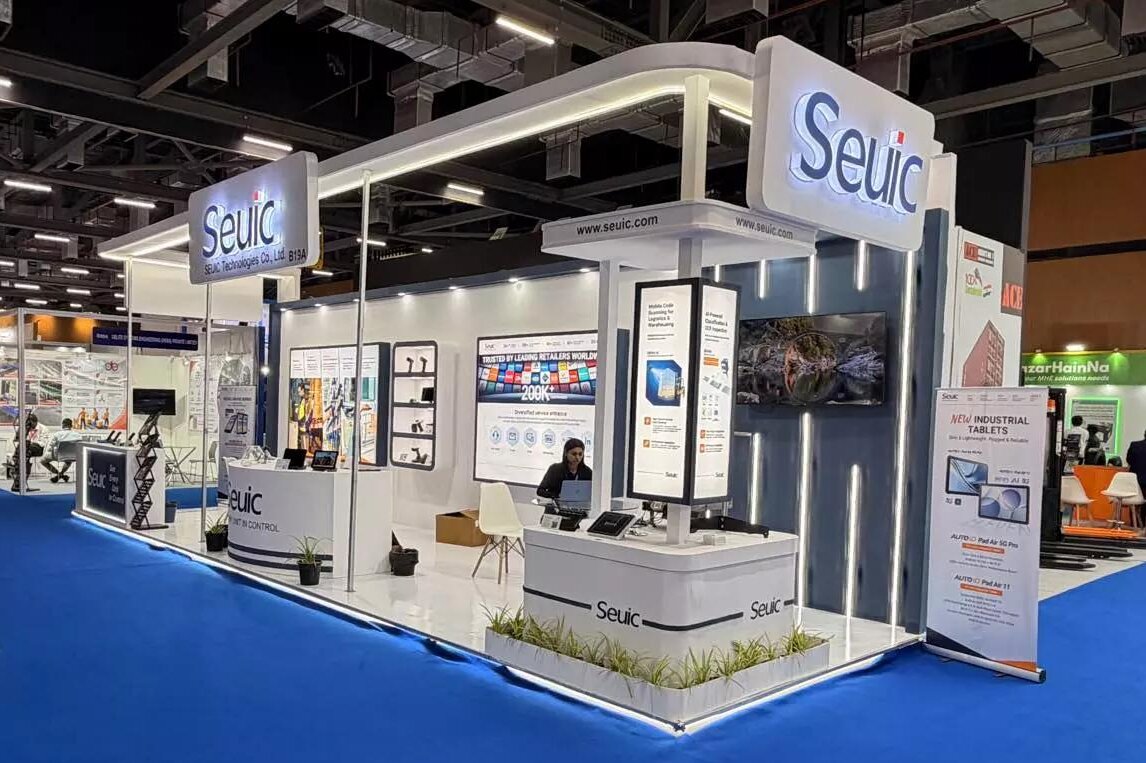
IWE Chennai 2026 Recap: Connecting Data to Smarter Operations
News & Events | 2026.10.22Learn More
-
Rugged Android Tablet vs PDA: Field Worker Selection Guide
Product Updates | 2026.10.21Learn More
-
Industrial PDA Protection Rating Guide: IP67 & MIL-STD-810 Explained
Product Updates | 2026.10.21Learn More