




Rugged Android Tablet Selection Guide for Airport Ground Handling: A Mobile Workstation for the Tarmac
Aircraft turnaround requires tight coordination between mechanics, ground crew, cargo handlers, and dispatchers — all within a narrow time window. Every task depends on real-time information. But the tarmac is a brutal environment: freezing temperatures, rain, snow, dust, vibration, and gloved hands place extreme demands on mobile devices. Phones have tiny screens. Consumer tablets break easily. PDAs can't handle the multitasking of viewing diagrams, filling forms, and taking photos. That's why the rugged Android tablet has become a critical tool for airport ground handling: large screen, industrial protection, data capture, and long battery life empower frontline workers to operate efficiently in harsh conditions while providing real-time data to the control center. Choosing the right device isn't just about boosting efficiency — it's about reducing risk.
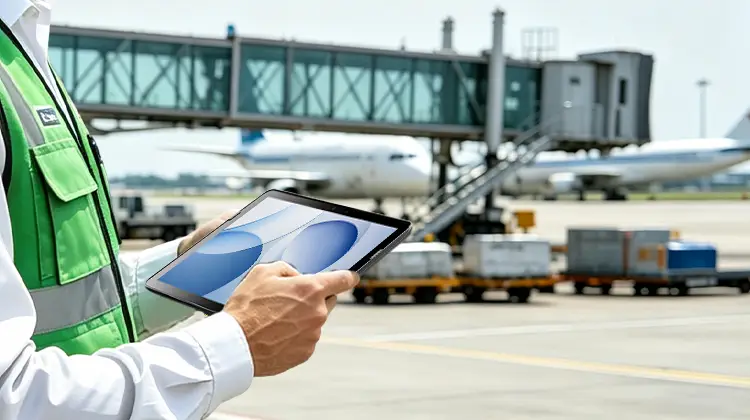
1. The Real Pain Points of Airport Ground Handling
The primary pressure on ground operations comes from the tight turnaround window. A typical aircraft stopover lasts only a few dozen minutes, during which pushback, refueling, baggage transfer, passenger boarding stairs, and mechanical checks must happen in parallel. Any delay in information flow can turn into a flight delay.
Worse still, on-site coordination is fragmented. Special vehicles belong to different teams — ground service, maintenance, cargo, dispatch — and during peak hours, relying on two-way radios for dispatching often leads to misassigned tasks, duplicated arrivals, or resources waiting idly. Tow tractors also have blind spots; judging distances between the fuselage and jet bridges, light poles, personnel, and other vehicles relies heavily on driver experience, making collisions a real risk.
Data management is equally strained. Take fueling as an example: traditionally, fuel volume, vehicle status, and tank levels are recorded manually, with data lagging by hours. Managers lack a real-time view of the entire apron. And when an incident occurs, the absence of continuous movement logs and operation records makes post-event review and accountability difficult.
Add to that the unfriendly environment: extreme temperature swings, rain and snow, airborne dust, unstable vehicle power, and frequent gloved operation. Ordinary consumer devices quickly suffer from touchscreen failure, battery drain, port contamination, and drop damage.
2. Why Choose a Rugged Android Tablet Over a Phone, PDA, or Consumer Tablet
Phone + PDA scanning: The advantage is one-handed operation and portability, but the screen is too small. Ground staff often need to view flight service sheets, gate maps, baggage sorting tasks, inspection forms, and photo comparisons. A 5–6 inch screen forces constant zooming, increasing both error rates and operation time.
Consumer tablet: The screen is large enough, but it's not designed for the tarmac. Consumer tablets typically operate in 0–35°C, suffer from touch drift in cold weather, become unreadable in direct sunlight, and their IP ratings are often based on static tests. A single 1.2-meter drop can destroy them.
Industrial PDA: Strong scanning performance, great for picking, but limited screen size and input area make them unsuitable for composite tasks like viewing drawings, filling forms, taking photos, and dispatching.
The rugged Android tablet sits right in the middle:
Larger screen than a PDA — displays more fields and charts
Tougher than a consumer tablet — IP68, drop resistance, wide temperature range, and swappable battery are baseline requirements
More flexible than a vehicle-mounted terminal — can be carried off-vehicle for walk-around inspections, mounted on tow trucks or shuttle buses
For ground crews, it's not just a "tablet" — it's a mobile workstation: receive tasks, scan baggage/asset tags, capture on-site photos, collect electronic signatures, and transmit everything back to the dispatch platform in real time.
3. A Rugged Android Tablet for Airport Ground Handling: The Pad Air 11
If your operation involves ramp dispatch, baggage transport, cargo loading/unloading, aircraft maintenance rounds, or runway/apron maintenance, the selection criteria go beyond "does the Android tablet boot up?" — it's about whether it can survive consecutive flight waves.
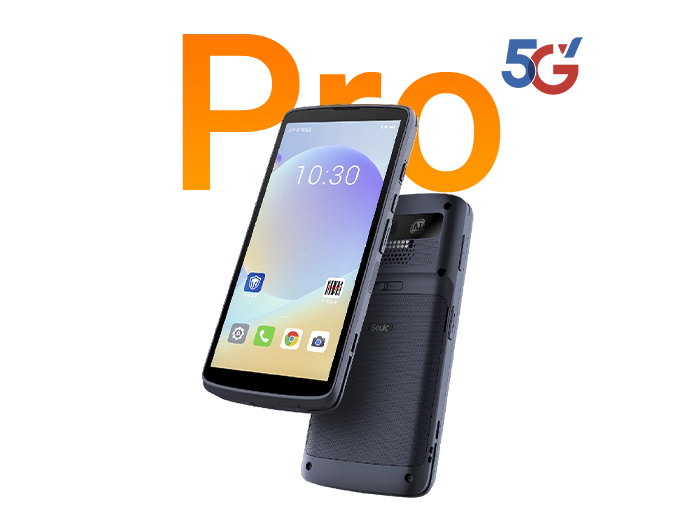
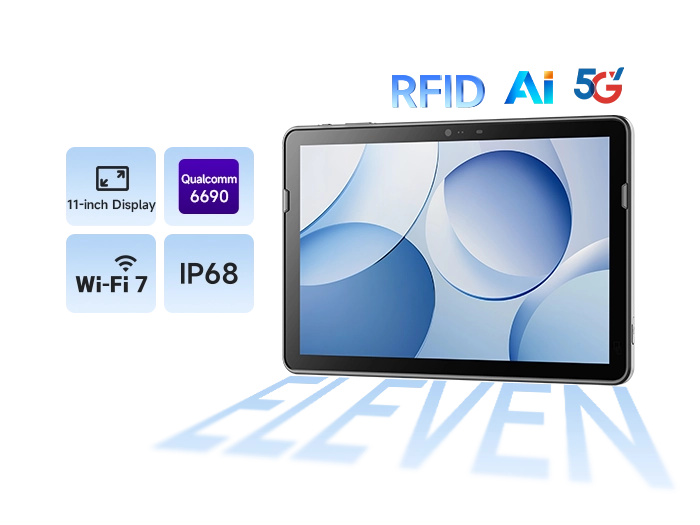
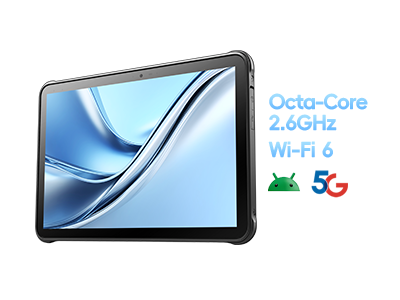
Following the scenarios above, a device that closely matches these needs is the SEUIC AUTOID Pad Air 11, an 11-inch industrial tablet.
Large screen for on-site documents
The 11-inch full HD display offers a larger usable area than 10-inch models. Engineering drawings, gate maps, and full-page inventory sheets no longer require constant zooming. Corning Gorilla Glass 5 with anti-fingerprint and anti-glare coating ensures better readability under direct tarmac sunlight.
Built for the tarmac environment
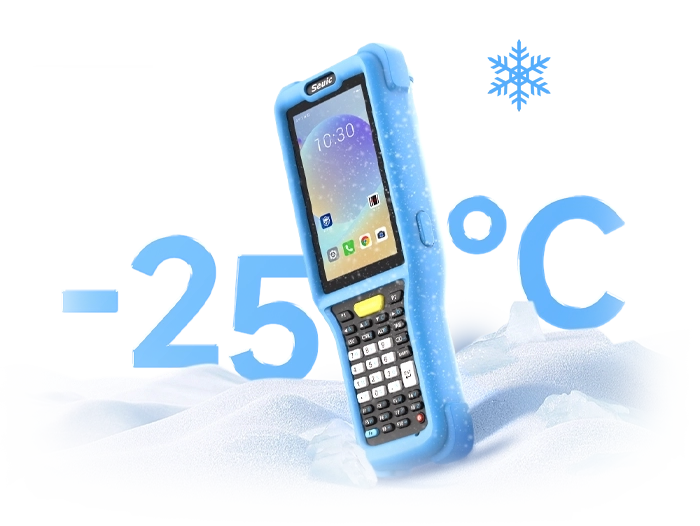
IP68 protection, 1.2 m drop resistance, and an operating temperature range of -20°C to 50°C — designed for rain, snow, dust, cargo hold operations, and nighttime cold.
Non-stop power across shifts
10,000 mAh removable battery with hot-swap support, ideal for uninterrupted use from morning peak through late-night flight waves.
Data capture capabilities
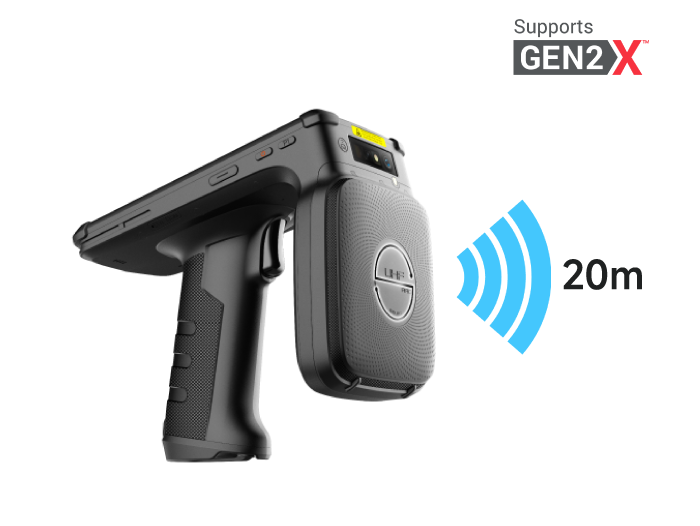
Integrated UHF RFID, barcode scanning, and image capture cover baggage labels, asset tags, tooling equipment, and inspection photography.
Connectivity and positioning
Wi-Fi 7 + 5G for seamless AP roaming on the apron and real-time transmission to the dispatch system. iBeacon offline positioning allows device recovery if lost or left behind in a vehicle.
Scenario matching suggestions:
Pushback/shuttle/fueling dispatch → Large-screen task orders + 5G backhaul + vehicle mount
Baggage sorting and cargo handling → Barcode/RFID + glove-compatible touchscreen
Aircraft maintenance inspection → Photo documentation + offline positioning + drop resistance
Apron/runway maintenance → Wide-temperature battery + anti-glare outdoor display
4. Pre-Purchase Checklist (Airport Ground Handling Edition)
Before selecting a rugged Android tablet, run through this checklist. Don't just look at the "IP68" label:
Is the protection truly industrial-grade? IP68, 1.2 m drop, wide temperature range — ideally backed by test conditions, not just spec sheet claims.
Is the screen suitable for outdoor use? ≥10 inches, anti-glare, supports glove/wet touch operation.
Does the battery support hot swapping? Long tarmac shifts favor hot-swappable batteries. Confirm availability of spare batteries and charging cradle accessories.
Is the scan engine industrial-grade? Can it read dirty, wrinkled, or reflective labels? Does it support 1D/2D barcodes and UHF RFID?
Is the network connection stable? Wi-Fi roaming, 5G, dual/tri-band connectivity — avoid disconnections during AP handoffs on the apron.
Is the system lifecycle long enough? Airport deployments typically last 3–5 years. Verify Android security update commitments and MDM compatibility.
Accessory ecosystem: Vehicle mounts, hand straps, charging docks, scan trigger buttons, warranty, and spare unit options.
Field trial: Don't test only in the office — take it to the tarmac. Run trials under morning/evening temperature differences, rain, cargo hold conditions, and tow truck vibration.
The core of terminal selection for airport ground handling isn't about "buying a more expensive tablet" — it's about buying lower-risk field operation capability: a screen you can read, a device that survives drops on the tarmac, battery that lasts entire shifts, data that reaches the back end, and equipment you can actually manage. If you're currently evaluating terminals for ramp dispatch or baggage handling, start by listing your requirements against the checklist above, then request a demo unit from SEUIC for a one-week on-site trial.
Related News
-
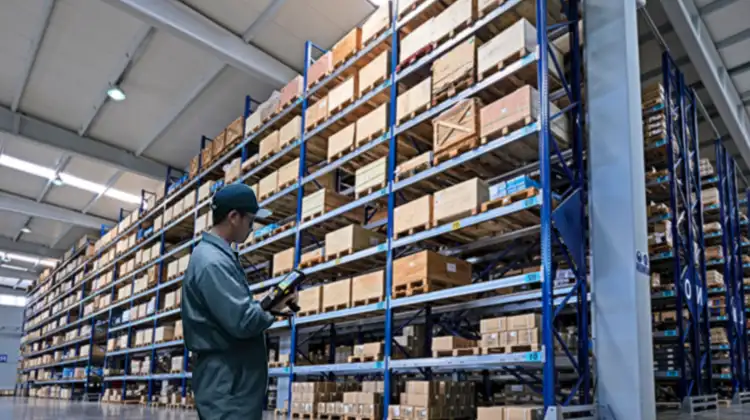
2D Barcode Scanner Selection Guide for Warehouse: Receiving & Cycle Count
Product Updates | 2026.10.22Learn More
-
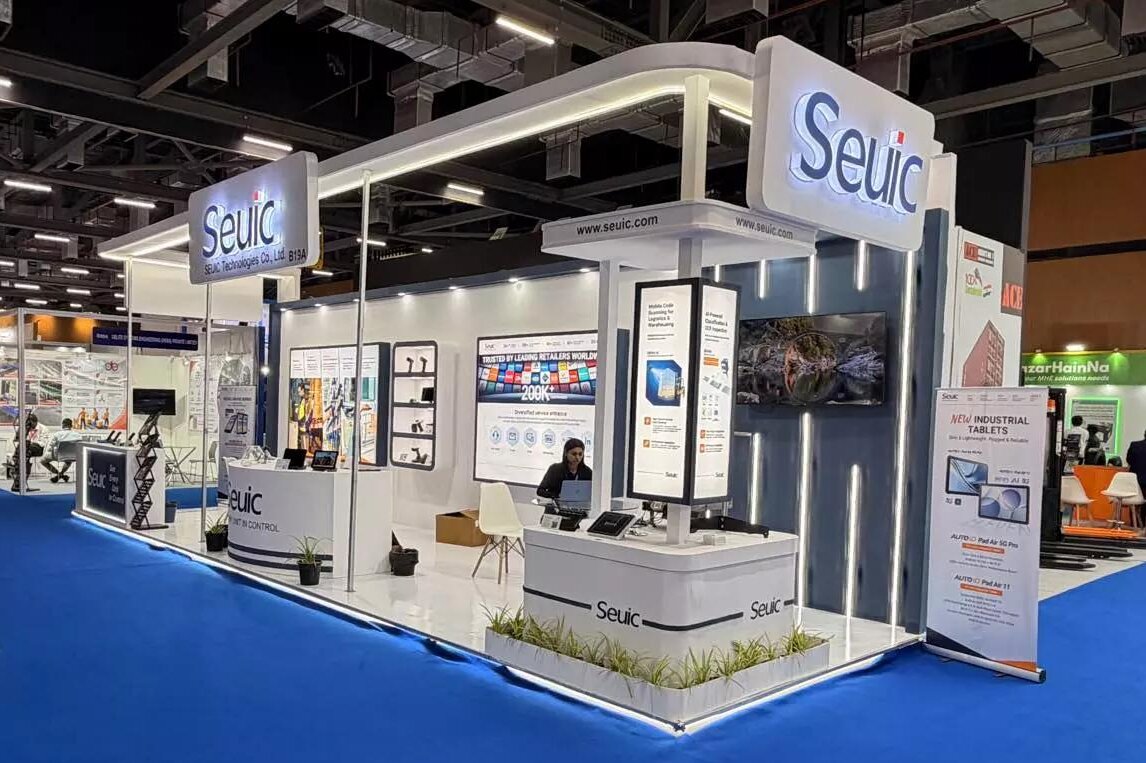
IWE Chennai 2026 Recap: Connecting Data to Smarter Operations
News & Events | 2026.10.22Learn More
-
Rugged Android Tablet vs PDA: Field Worker Selection Guide
Product Updates | 2026.10.21Learn More
-
Industrial PDA Protection Rating Guide: IP67 & MIL-STD-810 Explained
Product Updates | 2026.10.21Learn More