




What is a Barcode Scanner? Working Principle, Types & Industry Applications
In retail checkout, warehouse picking, production line traceability, hospital medication administration, and utility meter reading, the barcode scanner is no longer just an accessory — it is the first gateway for data capture. Whether it scans accurately directly determines whether inventory matches, orders are correct, and production lines keep running. This article is written for factory managers, warehouse supervisors, retail operations teams, healthcare professionals, and field inspectors — explaining what a barcode scanner is in a way that helps you make the right purchasing decision.
1. What is a Barcode Scanner?
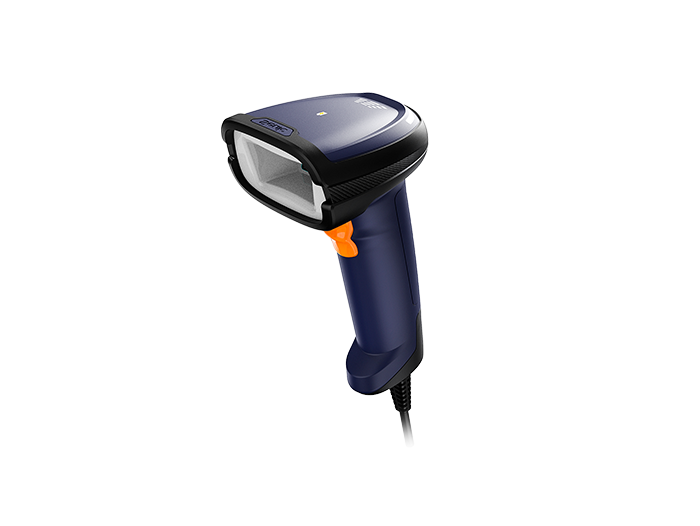
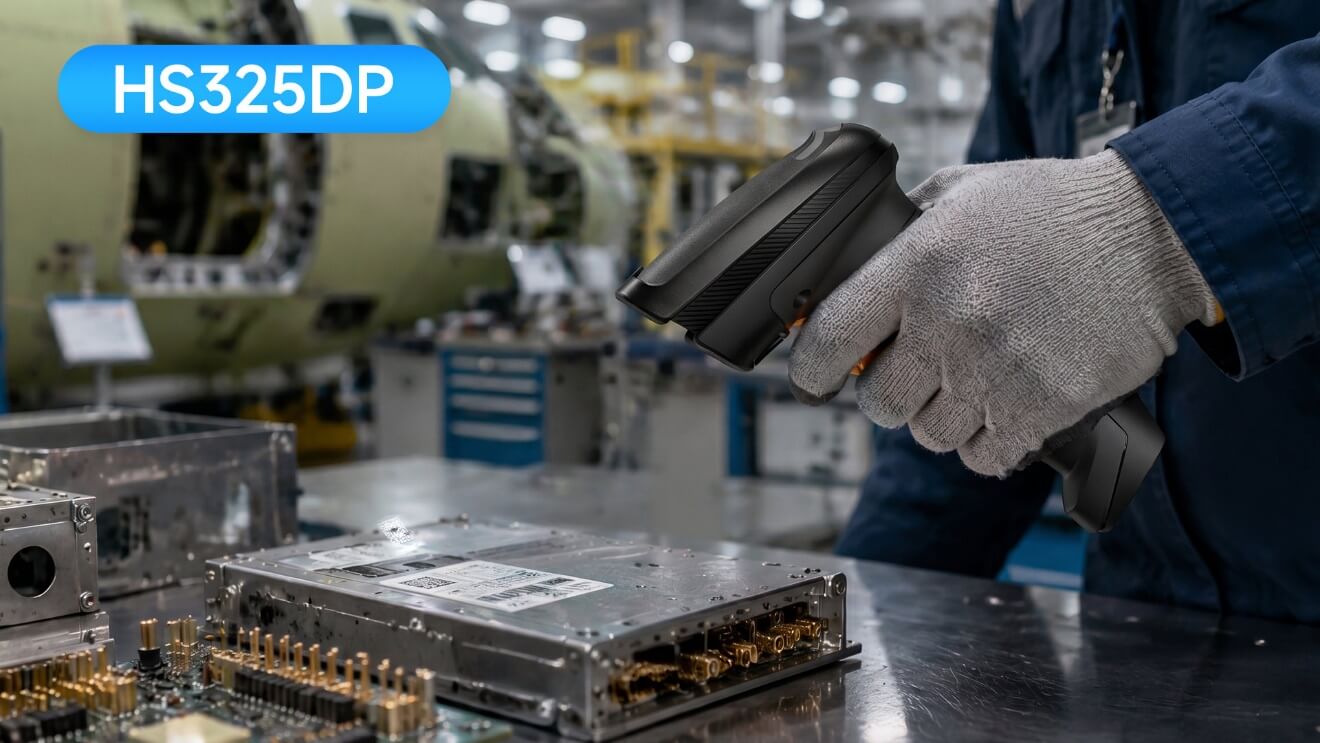
A barcode scanner is an automatic identification device that optically reads barcode information and decodes it. It does not "recognize" the product itself — instead, it converts the optical contrast of black bars and white spaces (or QR code modules) into character data, which is then sent to a POS, WMS, ERP, or healthcare system.
Commonly scanned items include:
Product SKUs, prices, and batch numbers
Shipping tracking numbers and location codes
Serial numbers and UDI medical device identifiers
Membership codes, payment codes, and e-tickets on mobile screens
Simply put: the barcode is the rulebook, and the scanner is the translator.
2. How a Barcode Scanner Works: 4 Steps of Scanning
Whether laser or imager, the core process is the same:
2.1 Illumination
A laser scanner projects a red line; a CCD or imager uses LED floodlighting. Black bars absorb light, white spaces reflect it.
2.2 Sensor Receives Reflected Light
Laser: A photodiode measures reflection intensity along a single line
CCD: A linear array of sensors detects bar/space patterns
Imager (Area Imager): A CMOS sensor captures a full image
2.3 Decoding
The decoder interprets the data according to symbology rules:
1D codes: measured by bar width ratios (UPC, EAN, Code 128)
2D codes: located via finder patterns and module matrices (QR, Data Matrix, PDF417)
Start/stop characters, check digits, and error correction blocks are also validated
2.4 Output to System
Data is transmitted via USB, Bluetooth, Wi-Fi, RS-232, or Ethernet. Most handheld scanners default to HID keyboard wedge mode — typing the data wherever the cursor is. Fixed industrial readers typically communicate via serial/Ethernet to a PLC or MES.
Common reasons for scan failures (not necessarily a faulty scanner):
Quiet zone eaten up by logo or artwork
Too low contrast (light gray on white background)
Creased, dirty, reflective, or curved barcodes
3. Types of Barcode Scanners: Main Categories
3.1 1D Laser Scanner
Uses an oscillating mirror to sweep a single laser line. Best for long-range 1D barcode reading.
Long read range, intuitive red line aiming
Cannot read QR codes or Data Matrix
Cannot read mobile phone screens
Poor tolerance for damaged codes
Best for: Pure 1D paper labels, long-range scanning on high shelves.
3.2 CCD / Linear Imager
No moving parts, longer lifespan, stable at short to medium distances.
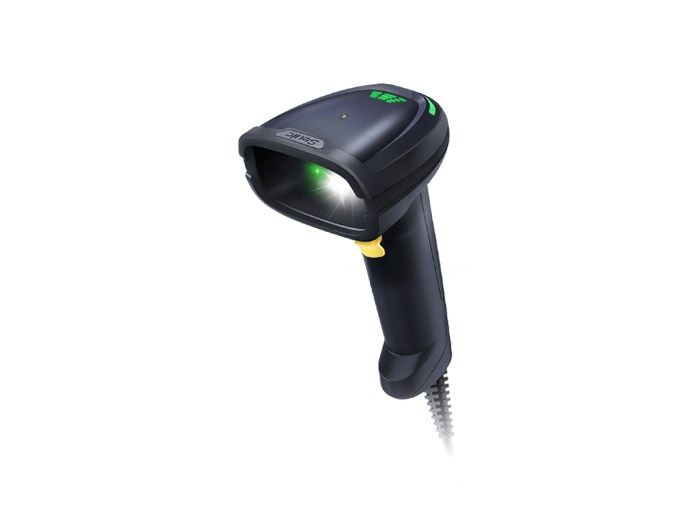
3.3 2D Barcode Scanner (Imager Scanner)
Essentially a miniature camera with decoding algorithms.
Reads both 1D and 2D codes
Works at any angle, no alignment needed
Can scan codes from phone screens
Capable of error correction on dirty, creased, or low-contrast codes
Today, most retail POS, pharmaceutical traceability, and factory DPM applications are migrating to imagers.
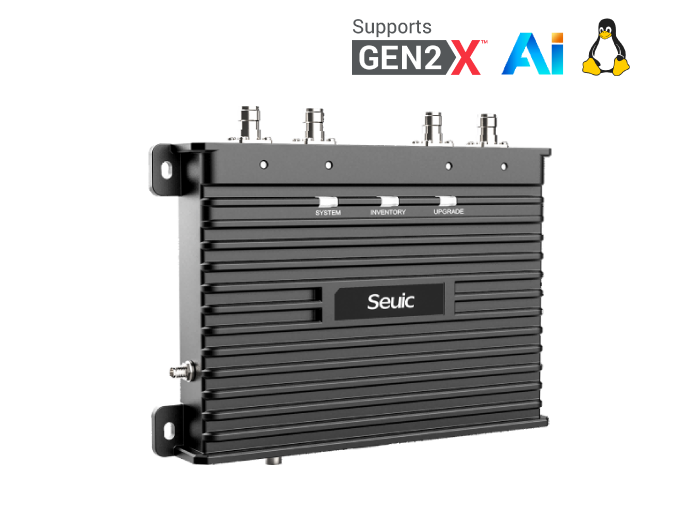
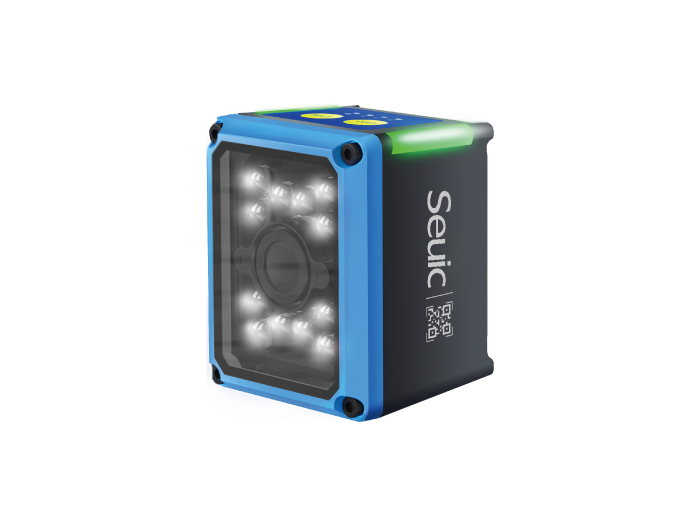
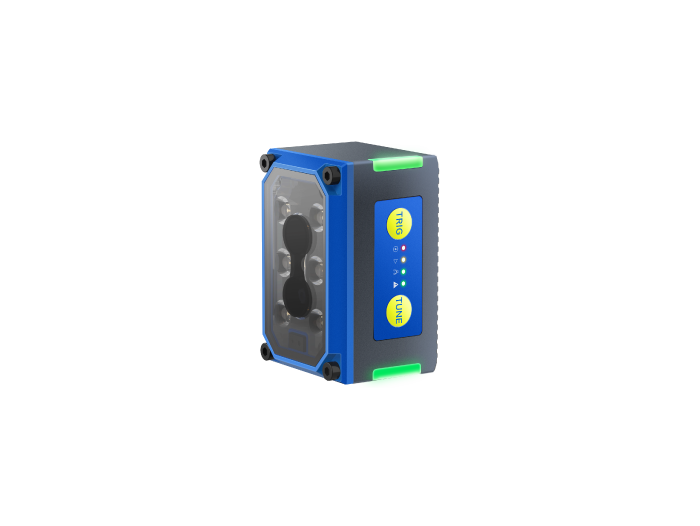
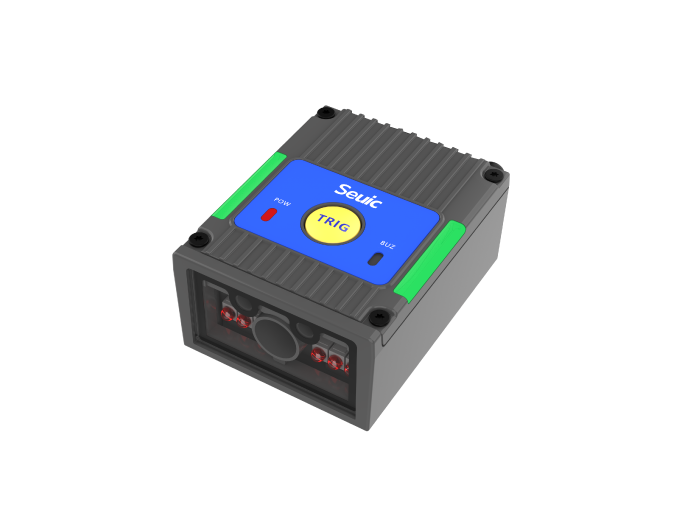
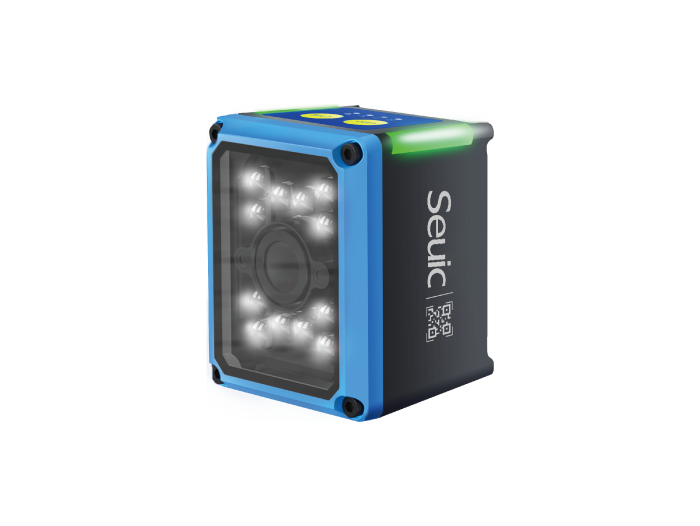
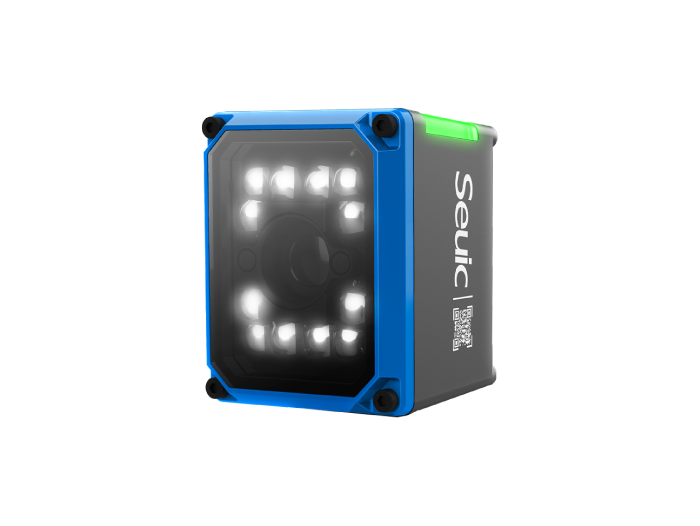
3.4 Fixed Mount Barcode Scanner
Installed on production lines, conveyors, self-service kiosks, or gates — no handheld operation required.
Triggered by sensor or continuous reading
Connects to PLC / MES / ERP
High-speed lines can capture dozens to hundreds of frames per second
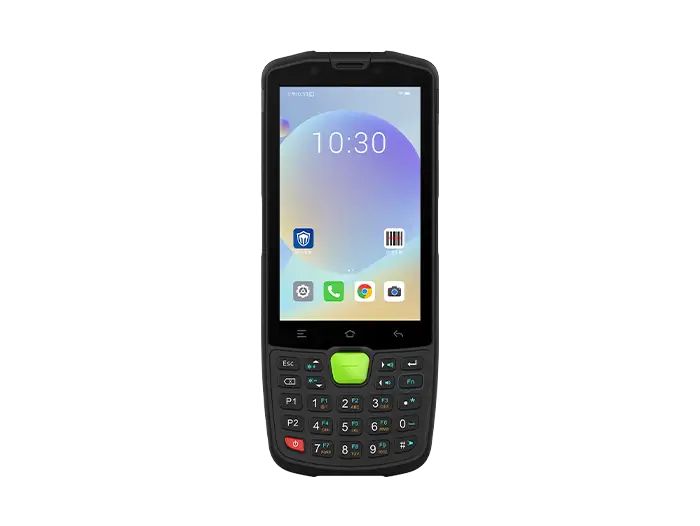
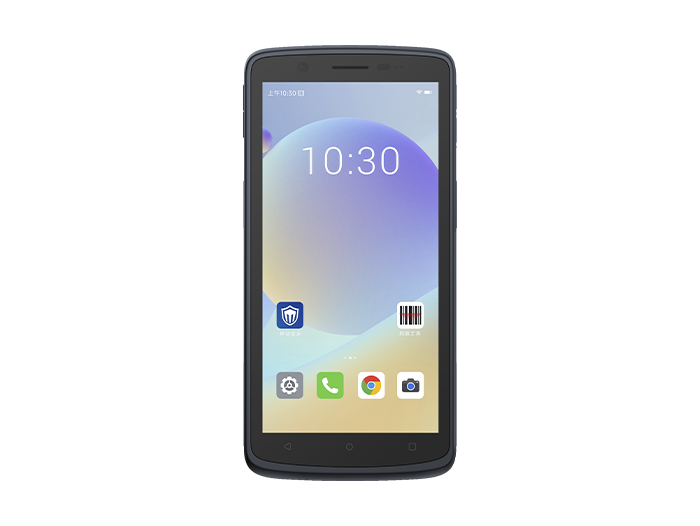
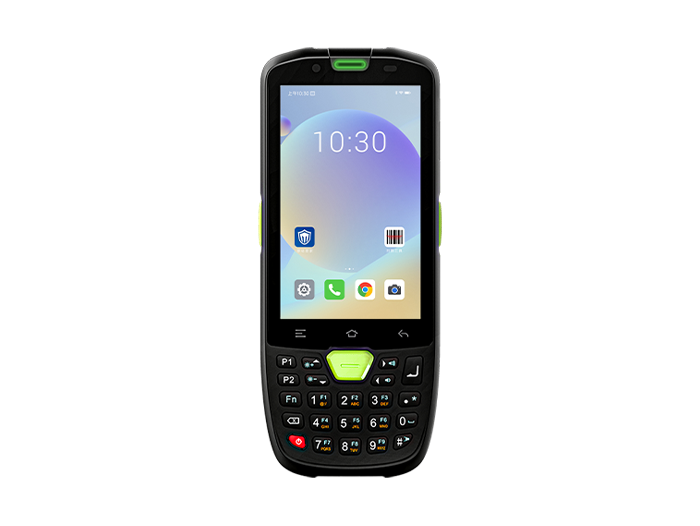
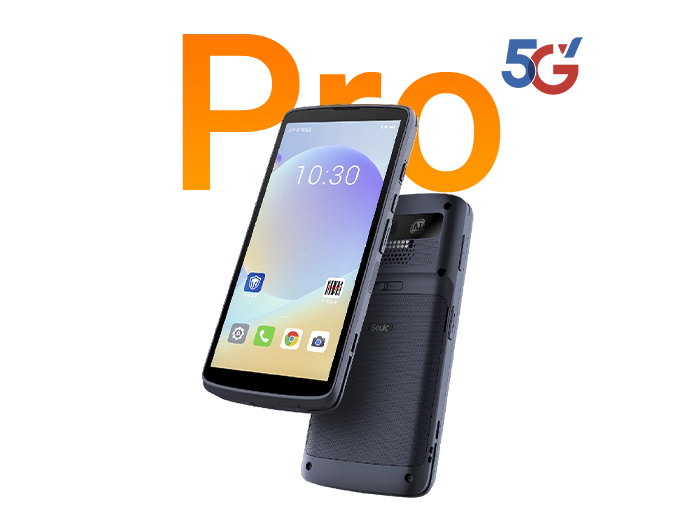
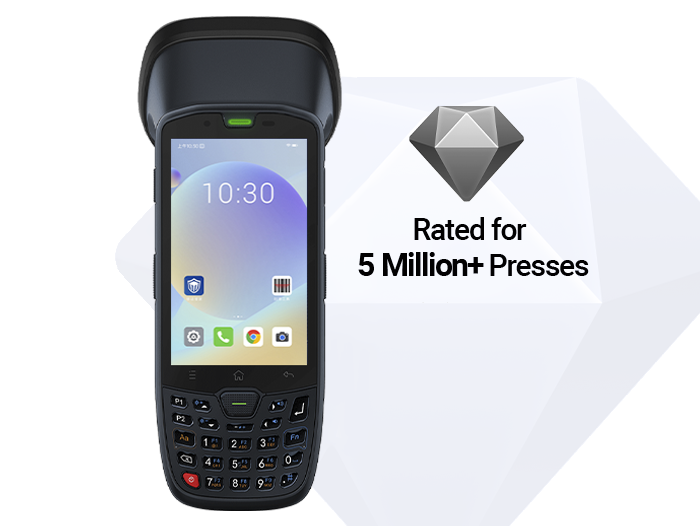
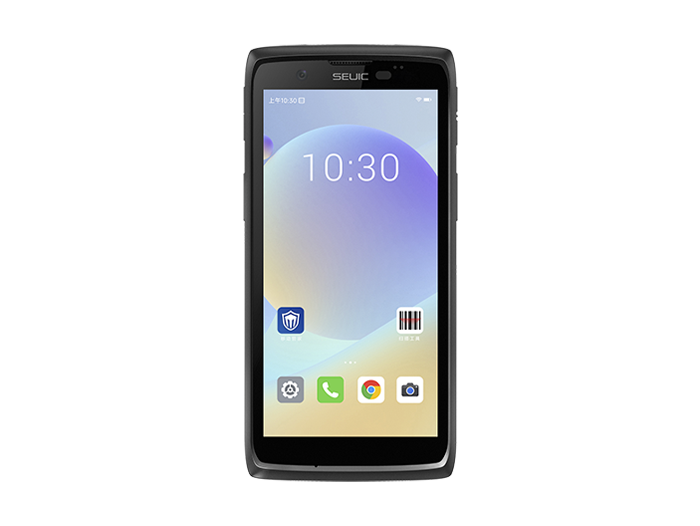
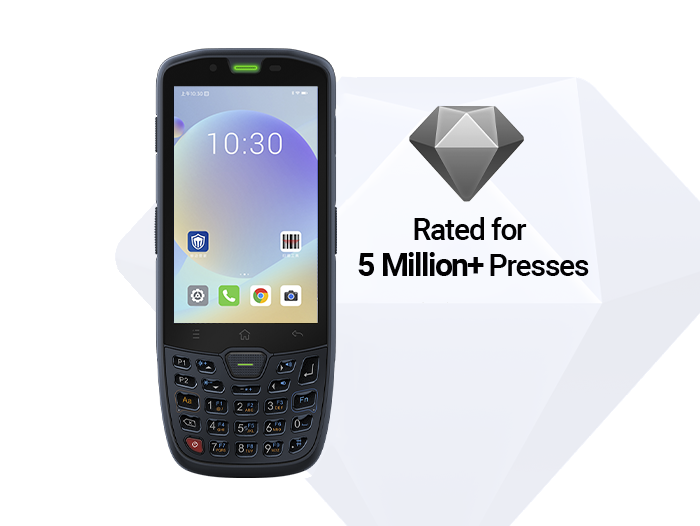
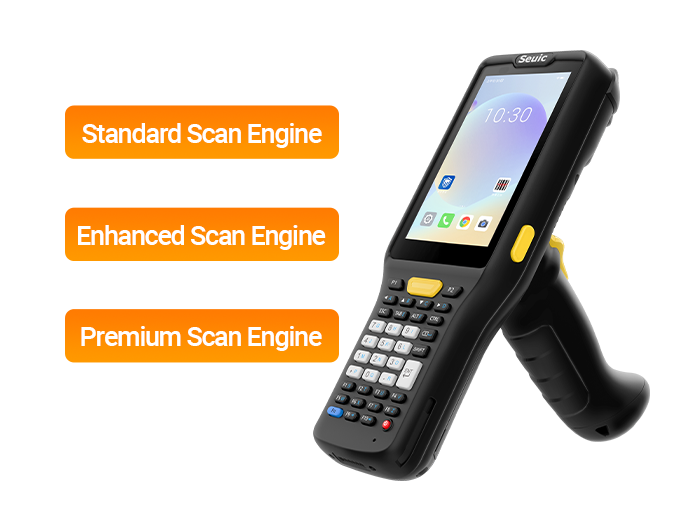
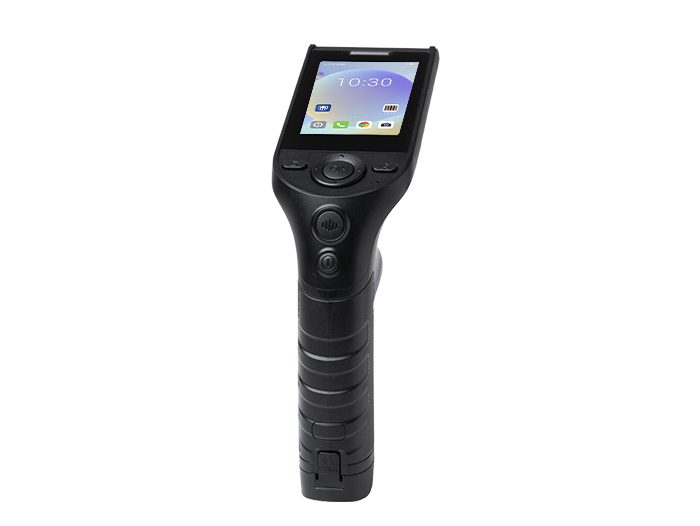
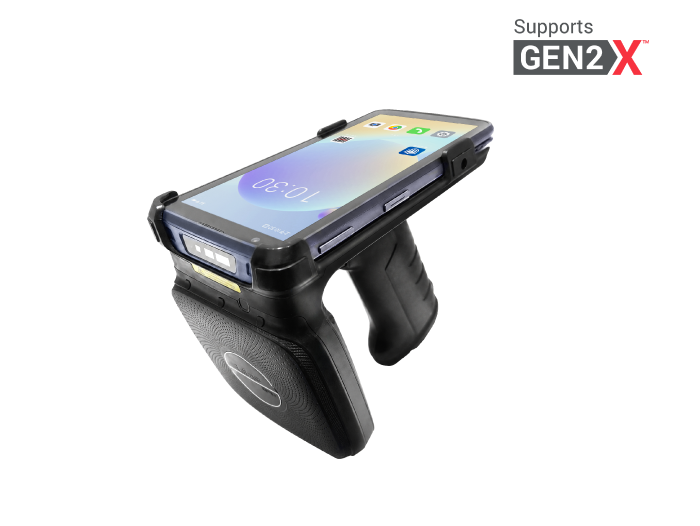
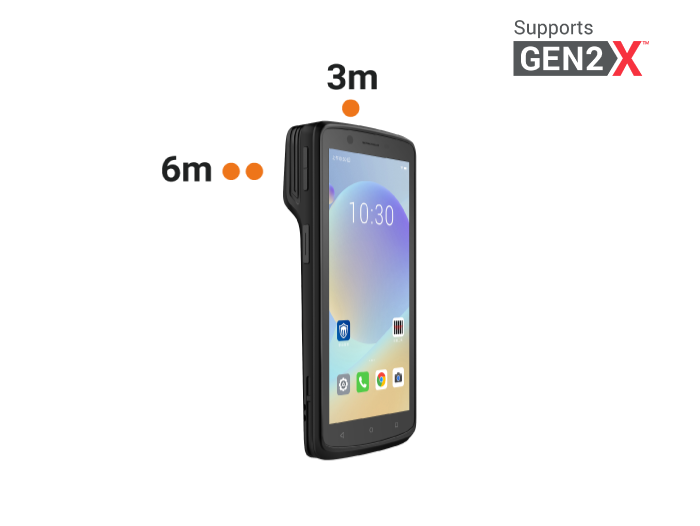
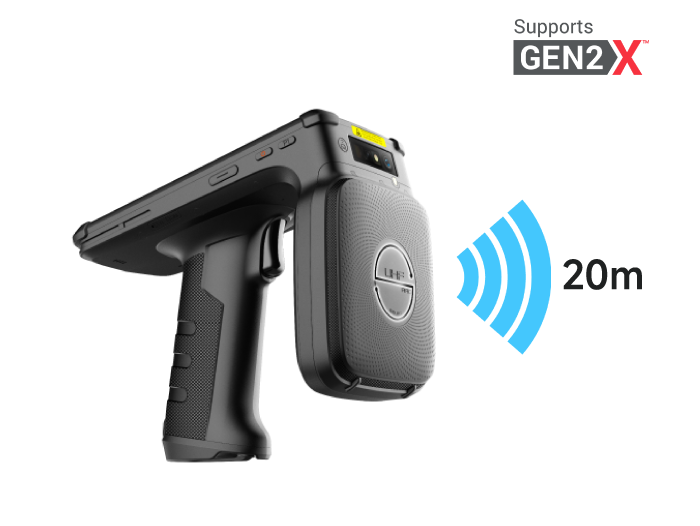
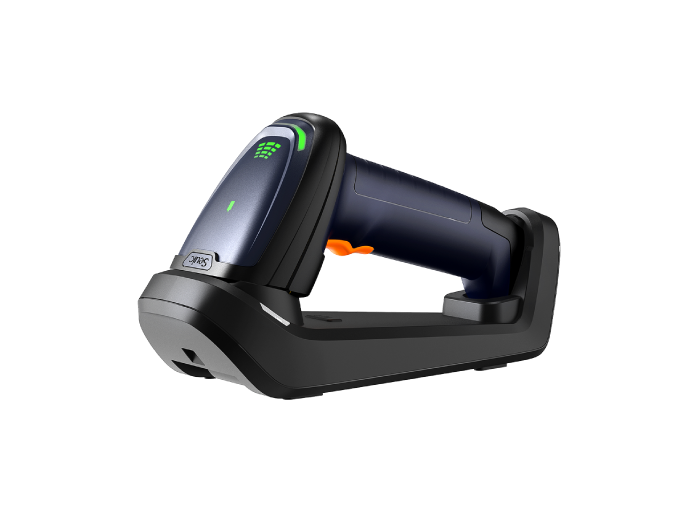
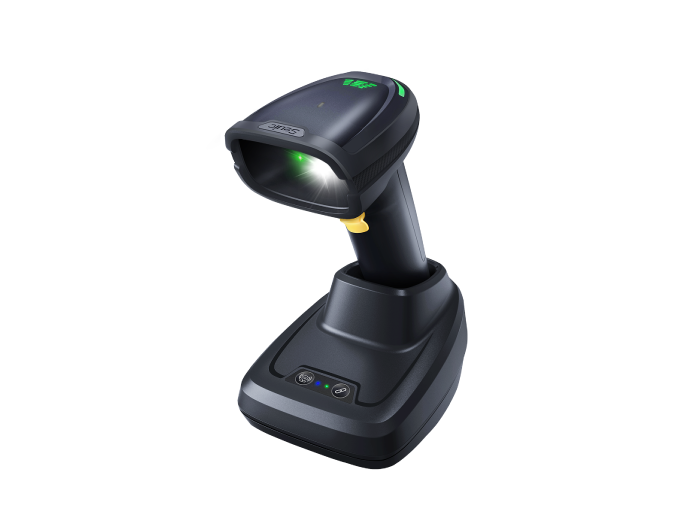
3.5 Handheld / Wireless / Vehicle-Mounted / Industrial PDA
Further classified by mobility: countertop handheld, Bluetooth wireless, forklift-mounted, or rugged outdoor PDA.
4. Laser vs Imager Scanner: Don't Choose by Price Alone
| Dimension | Laser Scanner | Imager Scanner |
| 1D barcodes | Supported | Supported |
| 2D barcodes (QR, DM) | Not supported | Supported |
| Phone screen codes | Not supported | Supported |
| Dirty / creased codes | Weak | Strong |
| Alignment requirement | Must align to line | Any angle |
| Long-range 1D | Often longer range | Standard range sufficient; dedicated long-range models available |
| Cost | Lower | Slightly higher but more versatile |
Conclusion:
If you only scan product EAN/UPC codes → laser is sufficient
If you ever scan QR codes, payment codes, batch/serial numbers, or pharmaceutical traceability codes → you must use an imager
For automated production line reading → fixed mount imager
Common misconception: "Imagers are slower than lasers." Modern imager scanners perform tens of decodes per second — there is no noticeable difference to the user. What really affects speed is depth of field, focus, and label quality.
5. Where They're Used: Industry Applications
Handheld or presentation imager scanners at checkout
One device scans product codes, mobile coupons, and membership cards
Self-checkout uses fixed mount or presentation scanners
Touchpoints: Checkout, shelf inventory, O2O picking
Warehousing / 3PL / E-Commerce Fulfillment
Receiving ASN, putaway, picking, verification, outbound shipping
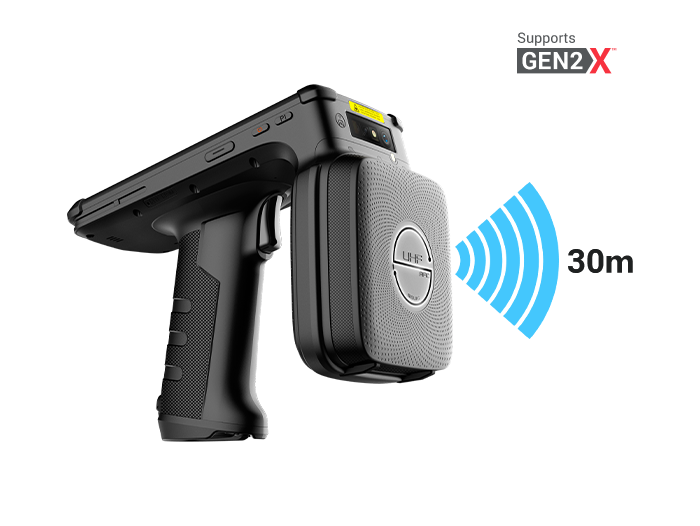
Wireless imager scanners or industrial PDAs
Extended depth-of-field models for high-bay scanning
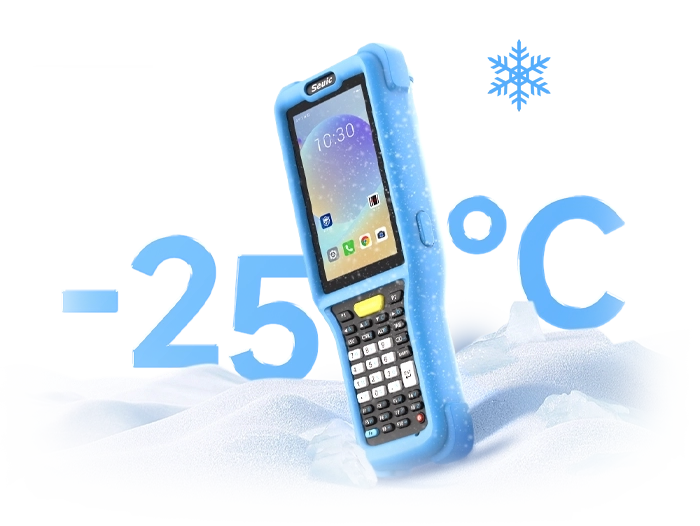
Pain points: Crushed labels, cold storage condensation, batch mis-scans → imagers outperform lasers
Manufacturing / Production Line Traceability
Fixed mount scanners installed at workstations or on conveyors
Reads printed codes or DPM (Direct Part Marking) — laser etched, dot peen
Integrated with MES for error-proof assembly
Used in: SMT electronics, automotive parts, food batch traceability
Healthcare / Pharmacy / Nursing Stations
Wristband codes, medication codes, specimen labels
2D imager is mandatory (UDI, small codes, wrinkled labels)
Device housing must withstand disinfectants
Public Utility Field Inspection
Water, electricity, gas meters; asset tags
Rugged outdoor PDA
With GPS / 4G / NFC
Scanning metal nameplates or weathered asset codes → imager with supplemental lighting
6. How to Choose: Quick Selection Guide
Match your scenario:
Convenience store / supermarket checkout → Presentation imager scanner
Daily warehouse cycle counting → Bluetooth 2D imager gun
Long-range high-bay 1D scanning → Long-range laser or long-range imager
Production line traceability / error-proofing → Fixed mount imager + PLC
Hospital medication administration → 2D imager with medical-grade housing
Outdoor meter reading / inspection → Rugged PDA with imager
If you only scan product codes to save costs, laser can work — but don't expect it to handle 2D codes.
If there's any chance you'll need to scan QR codes, screen codes, or batch/serial numbers in the future, go with an imager now. Don't buy a second laser later.
A barcode scanner may seem like a simple "beep," but behind it lies optical calibration, decoding algorithms, and system integration. Choosing the wrong type means your team will be stuck saying "scan it again" every day.
If you are selecting a retail POS scanner, a wireless warehouse gun, or a fixed-mount production line reading solution, feel free to contact SEUIC. We will arrange one-on-one expert service to customize a solution for you and offer free product trials.
FAQ
1. Can a barcode scanner read QR codes from a phone screen?
Yes, but with limitations.
Only imager-based (2D) scanners can reliably read QR codes or payment codes from mobile phone screens. Laser scanners can only scan paper-based 1D barcodes — they will fail on phone screens due to reflections and refresh rate issues.
So if your scenario involves customers presenting membership codes, payment codes, or e-tickets on their phones, make sure to choose a 2D imager scanner and confirm that it supports screen code mode (usually enabled by default).
2. Which lasts longer — a laser scanner or an imager scanner?
Imager scanners are generally more durable.
Laser scanners contain a high-speed rotating prism or oscillating mirror — mechanical moving parts that can wear out or drift over time, causing the scan line to weaken or fail entirely.
Imager scanners use a CMOS image sensor with no moving parts. They are more resistant to shock and drops, and typically have a longer theoretical lifespan. That said, actual longevity also depends on the operating environment (dust, humidity, number of drops) and build quality.
3. My barcode scanner suddenly stopped scanning. What could be wrong?
Check the following, from most to least likely:
The barcode itself – dirty, damaged, poorly printed, or lacking sufficient quiet zone
Settings changed – accidentally scanned a configuration code that disabled certain symbologies
Connection loose or driver lost – try unplugging and replugging the USB cable, or restarting the computer
Scanning distance wrong – too close or too far outside the depth of field
Ambient light interference – direct bright light or strobe effects can confuse an imager
In most cases, restoring factory defaults (by scanning the corresponding configuration code) resolves the issue. Hardware failure is relatively rare.
4. Do wireless barcode scanners have latency? Are they suitable for warehouse use?
Modern Bluetooth 5.0 / 2.4 GHz wireless scanners have extremely low latency (<50 ms) — imperceptible to the user.
For warehouse environments, we recommend Bluetooth Class 1 devices (100 m range) or 2.4 GHz models with a dedicated receiver and charging cradle. A few things to keep in mind:
Metal shelving in warehouses can block signals. Position the base station in the center of the area.
For high-volume continuous scanning, battery life and charging management matter more than latency.
If you need zero latency and don't mind cables, a wired scanner is still the safest choice.
5. Can a fixed-mount barcode scanner read moving barcodes on a conveyor belt?
Yes, but you need to choose the right model and configure the parameters correctly.
Fixed-mount scanners are specifically designed for automated production lines. Key specifications to look for:
Frame rate (FPS) – at least 30 fps; 60 fps or higher recommended for high-speed lines
Trigger mode – external photoelectric sensor trigger or continuous auto-read
Decoding algorithm – must support motion tolerance and quickly decode blurry or skewed barcodes
Also pay attention to barcode orientation: barcodes on the conveyor should ideally face the scanner window uniformly. Otherwise, a multi-sided reading setup (e.g., top + side dual fixed scanners) may be needed.
Related News
-
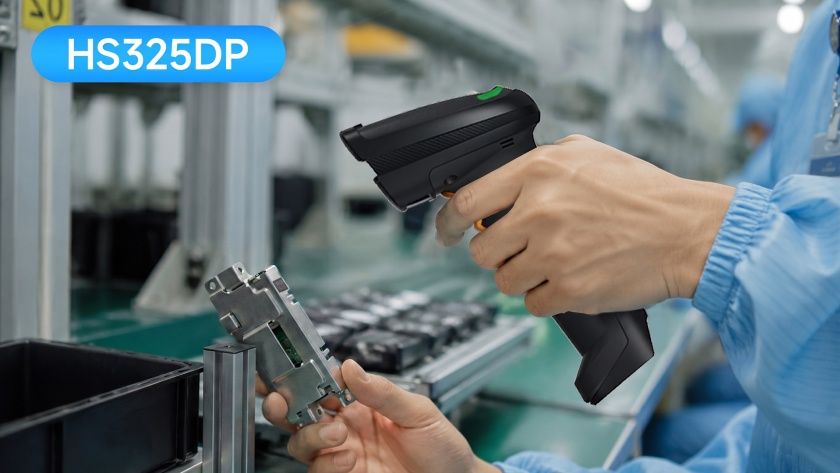
DPM Scanner Selection: Handheld vs Fixed Industrial Reader Comparison Guide
Product Updates | 2026.10.22Learn More
-
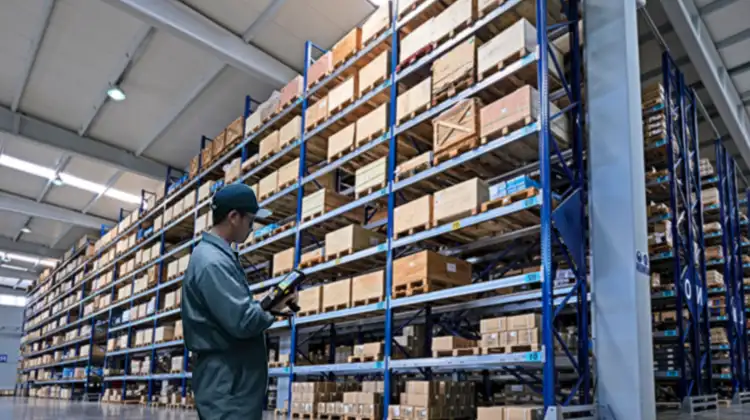
2D Barcode Scanner Selection Guide for Warehouse: Receiving & Cycle Count
Product Updates | 2026.10.22Learn More
-
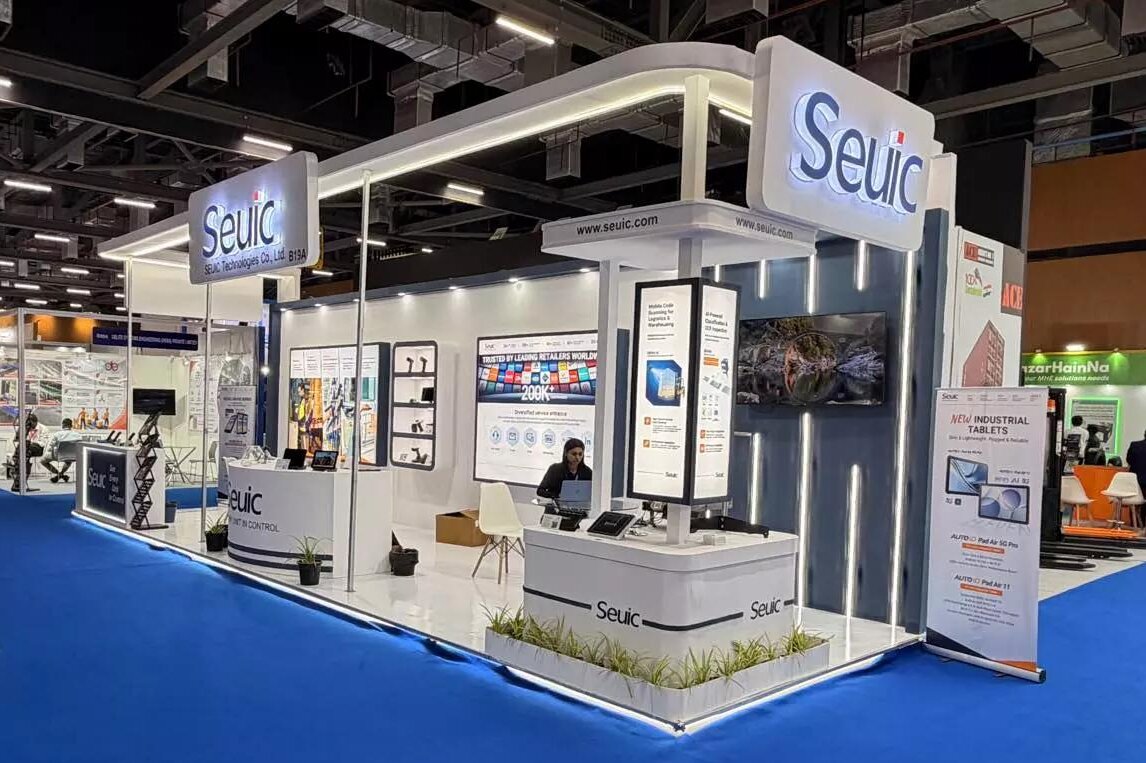
IWE Chennai 2026 Recap: Connecting Data to Smarter Operations
News & Events | 2026.10.22Learn More
-
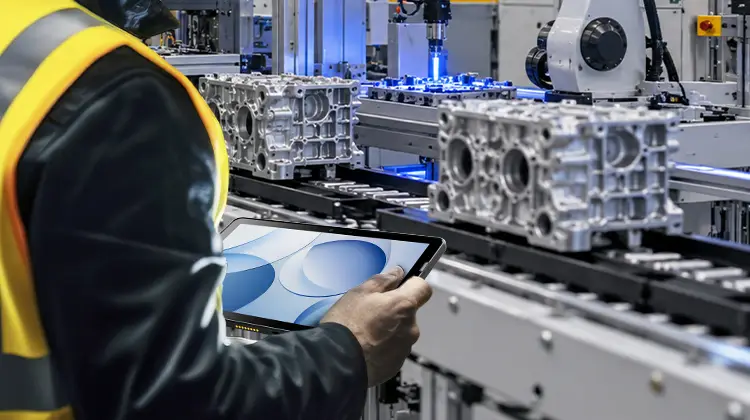
Rugged Android Tablet vs PDA: Field Worker Selection Guide
Product Updates | 2026.10.21Learn More