


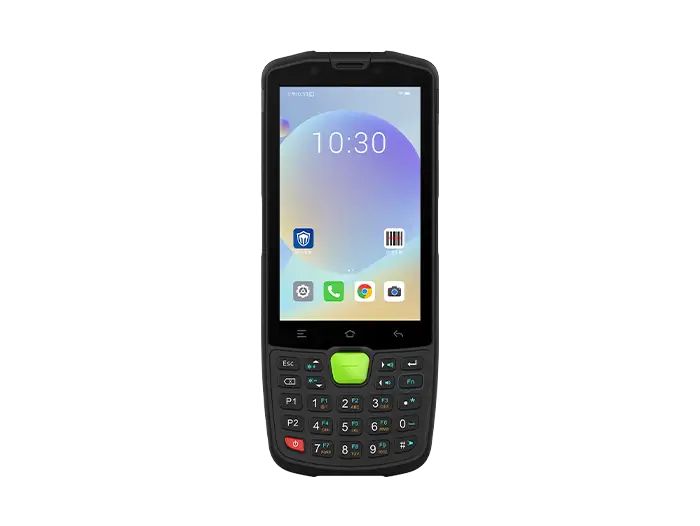
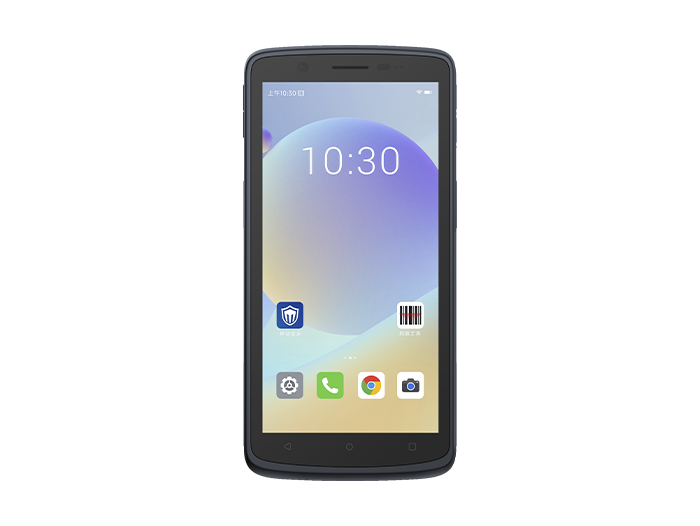
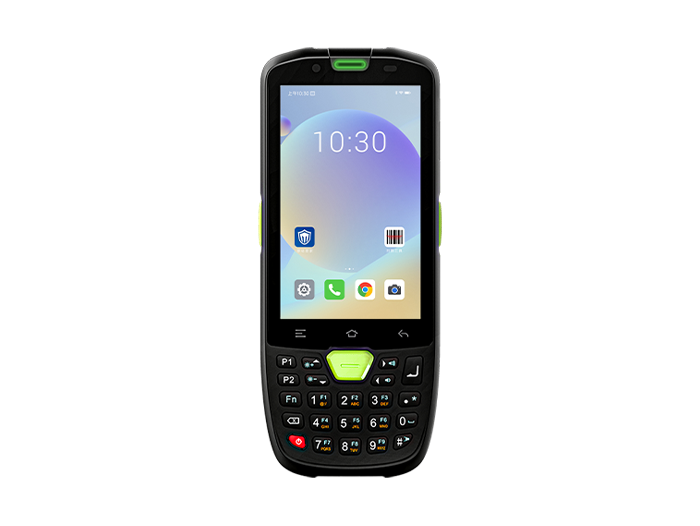
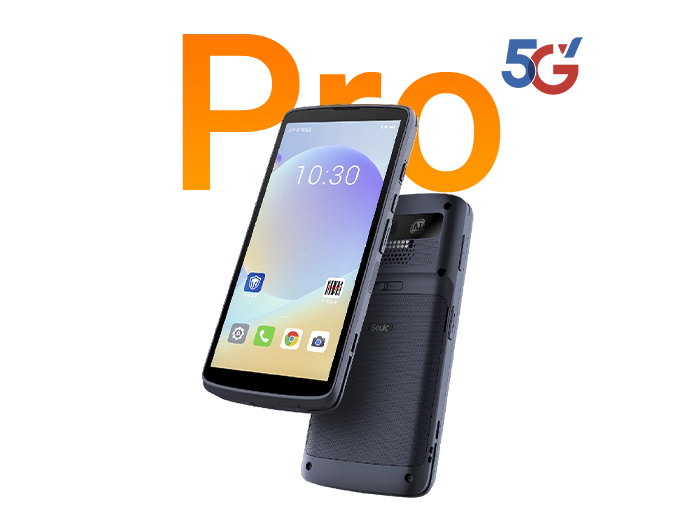


What Is a Rugged Tablet? IP68, MIL-STD-810H & Scenario Matching
Many businesses ask: "An iPad is also dustproof and waterproof — why buy a rugged tablet?"
The answer isn't about surviving one drop. It's about whether the device can operate continuously for years in environments filled with dust, rain, freezing cold storage, forklift vibration, gloved hands, and high-frequency scanning — without failing. A rugged tablet is not a "thickened consumer tablet." It is a mobile terminal redesigned from the ground up — structurally, environmentally, in display technology, connectivity, and system lifecycle — for industrial field use.
1. What Is a Rugged Tablet: Definition
A rugged tablet is a tablet computer purpose-built for harsh environments, designed and tested to pass clearly defined protection and reliability standards.
It is not intended for living rooms or conference rooms. It is built for factory floors, warehouse loading docks, construction sites, power utility inspection routes, hospital wards, retail distribution centers, and law enforcement scenes.
Core differences from a consumer tablet:
Structural layer: Reinforced frame / magnesium alloy chassis, bumpers, sealed gaskets
Protection layer: IP65/IP67/IP68 dust and water ingress protection, port covers or sealed connectors
Reliability layer: MIL-STD-810H drop, vibration, and temperature cycling tests
Usability layer: Sunlight-readable display, glove touch mode, hot-swappable battery, vehicle dock support
System layer: Long-term Android or Windows support, MDM manageable
Simply put:
A consumer tablet assumes "people will handle it carefully."
An industrial rugged tablet assumes "the environment will drop it, soak it, and shake it."
2. Rugged Tablet vs Consumer Tablet: Core Comparison
This is the section most likely to mislead buyers who focus only on price.
| Dimension | Consumer Tablet | Rugged Tablet |
| Ingress protection | None, or splash-resistant only | IP65–IP68 sealed |
| Drop resistance | Case-dependent, no standard test | Typically 1.2–1.8 m onto concrete |
| Operating temperature | Approx. 0–35°C | Typically -20 to 60°C |
| Display | 300–500 nits indoor screen | 800–1000+ nits sunlight-readable |
| Touch input | Bare finger primarily | Glove / wet finger mode |
| Battery | Sealed, non-removable | Removable / hot-swappable |
| I/O ports | USB-C, WiFi only | RS232/RS485, RJ45, CAN bus, aviation connectors |
| System lifecycle | 1–2 years | 5+ years enterprise support |
| Total Cost of Ownership | Frequent failure and replacement | Higher upfront, less downtime |
Can you actually use a consumer tablet?
Yes, but only in controlled environments:
Office meetings
Back-office retail
Indoor training
Light tasks with no dust, water, or drop risk
As soon as any of these appear, a consumer tablet starts burning money quietly:
Dropped from a forklift
Sorting under an awning in the rain
Moving in and out of cold storage
Operating with work gloves
Connecting to a scanner, PLC, or printer
Running 8–12 hours per shift continuously
Why TCO is actually lower with rugged tablets
The consumer route looks cheap: 10 units × low price. But you may lose several within a year — and then deal with data reloads, order corrections, and idle workers.
A rugged tablet costs more upfront, but its service life often reaches 4–5 years or more, with far fewer breakdowns and replacements.
Rule of thumb: If a device failure would directly stop a workstation, a forklift, or an inspection round, you should buy rugged.
3. Key Features That Define a Rugged Tablet
3.1 IP68 Dust & Water Protection: Don't Just Look at the Number
IP stands for Ingress Protection:
First digit 6 = fully dust-tight
Second digit 8 = immersible at the depth and duration declared by the manufacturer
IP68 is typically tested in static water at 1 m or deeper. Exact depth and time are defined by the manufacturer. It does not equal high-pressure water jet resistance — that requires IP69K.
Common tiers:
IP65: Dust-tight + water jet protection — suitable for factories and warehouses
IP67: Dust-tight + 1 m / 30 min immersion
IP68: Deeper immersion — more robust for outdoor and wastewater environments
3.2 MIL-STD-810H: Not a Certificate, but a Test Methods Library
MIL-STD-810H is the latest widely used U.S. military environmental test standard. It covers:
Drop shock
Vibration (vehicle / forklift)
High/low temperature cycling
Humidity, sand & dust, rain
High altitude
Important reminder:
"MIL-STD-810H tested" does not mean every test was performed. Reputable manufacturers specify the exact method numbers, e.g., Method 516.6 for drop, Method 514.6 for vibration.
Ask before buying: "Can you share the test report?" — If they can't provide it, walk away.
3.3 Sunlight-Readable Display
Outdoor warehouses, docks, and power utility inspections suffer most from "washed-out screens."
A truly sunlight-readable rugged tablet is not just about brightness:
Brightness: 600–800 nits for semi-outdoor; 1000+ nits for direct sunlight
Anti-glare coating: Reduces glass reflection
Optical bonding: Eliminates air gap reflection, improves contrast
Glove / wet touch: Works with work gloves
Sustained brightness: True outdoor screens do not dim under heat
3.4 Battery & Runtime
Industrial scenarios typically require:
10000 mAh-class battery
Removable
Hot-swappable (replace without powering off)
Vehicle power supply support
Multi-shift continuous operation
Consumer tablet batteries are soldered in. If there's no outlet on site, work stops.
3.5 Industrial I/O & Modules
Half the value of a rugged tablet lies in what it can connect to:
RS232 / RS485 → PLC, sensors
RJ45 → Intranet equipment
CAN Bus → Vehicles / forklifts
Pogo Pin → Vehicle dock
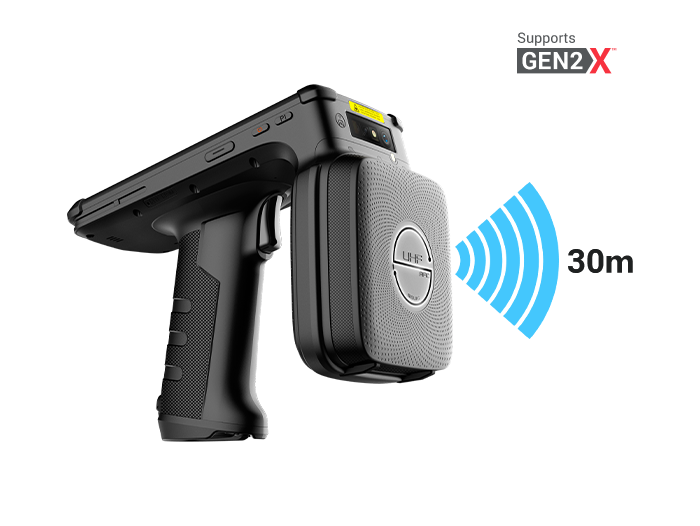
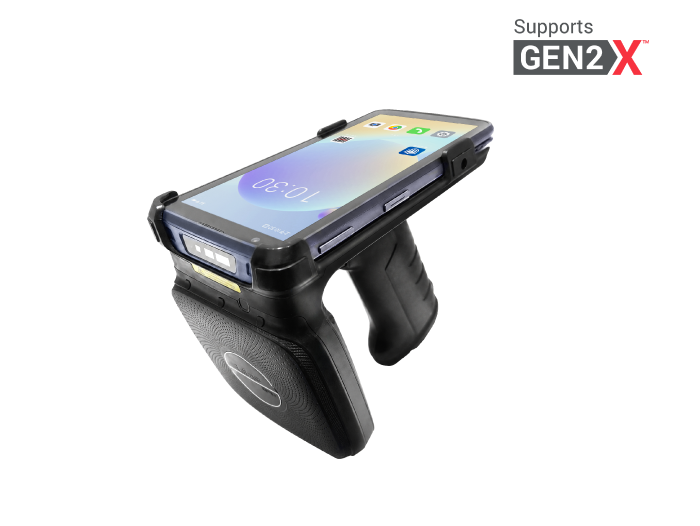
Built-in barcode / NFC / UHF RFID → Warehouse cycle counting
3.6 OS & Lifecycle
Android rugged tablet: Lightweight, scanning, WMS, MDM, kiosk mode
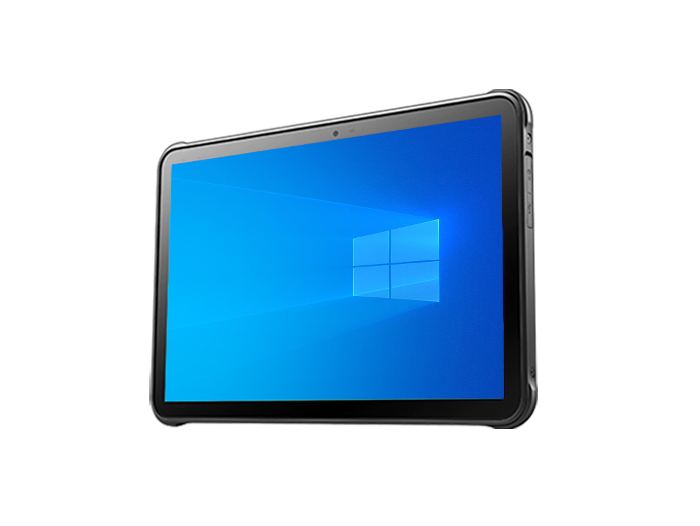
Windows rugged tablet: Runs legacy ERP, MES, .NET industrial software
When purchasing, don't just look at whether the Android version is new — check how many years of system maintenance are provided.
4. Where Rugged Tablets Are Used: Typical Scenarios
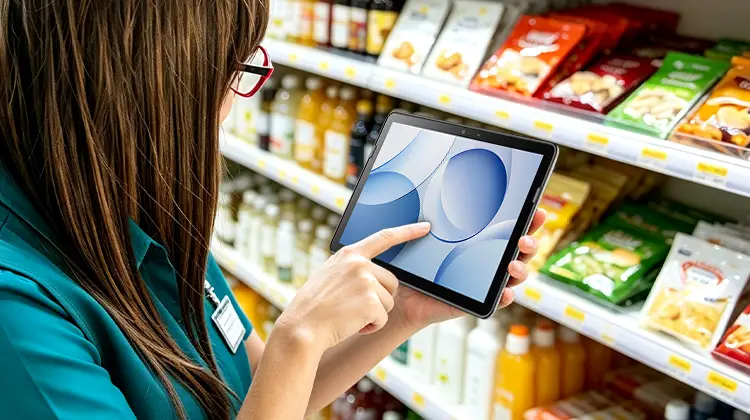
Inbound/outbound scanning
Shelf cycle counting
Forklift-mounted
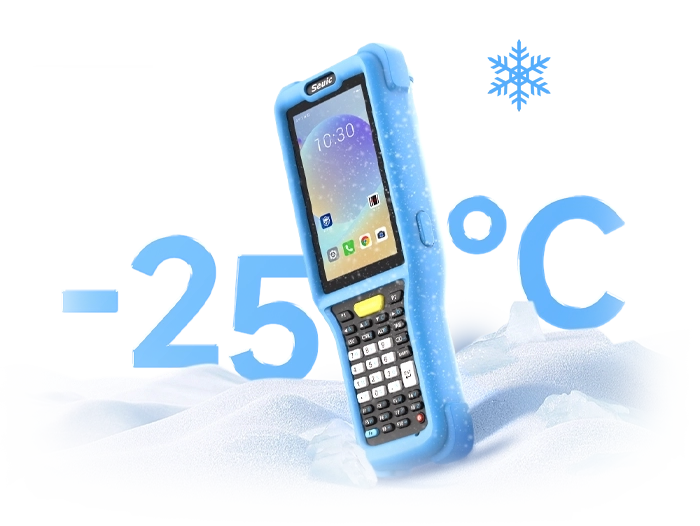
Cold chain at -20°C
E-commerce fulfillment sorting lines
Fit points: IP65+, barcode module, glove touch, hot-swappable battery, 8" one-handed or 10" vehicle-mounted
Manufacturing & Quality Inspection
Electronic work instructions at stations
QC photo documentation
MES data entry
Equipment inspection
Fit points: Vibration resistance, RS485/CAN, chemical-resistant surface, stable WiFi/5G
Field Utilities (Power / Water / Gas)
Meter reading
Field inspection
GIS positioning
Outdoor photo upload
Fit points: 1000 nits, GPS/GNSS, IP68, drop certified
Bedside charting
Medication barcode verification
Emergency transport
Frequent disinfection
Fit points: Sealed chassis, antimicrobial housing, disinfectant-ready, hot-swappable battery, data encryption
Retail Chains & Supermarkets
Store cycle counting
Stock transfer
Fresh produce distribution
Shelf display audit
Fit points: Lightweight Android, NFC, stable WiFi, MDM managed
Government Law Enforcement & Field Inspection
Evidence collection
Mobile forms
Offline upload
Outdoor glare readability
Fit points: IP68, MIL-STD-810H, GPS, camera, security chip
5. How to Know If You Need One
Use these 6 self-check questions. If you hit 2 or more, don't buy a consumer tablet:
5.1 Will the device leave the office or checkout counter?
5.2 Is there dust, wood chips, cement dust, fibers, or sand?
5.3 Will it encounter rain, water mist, washdown, or cold storage condensation?
5.4 Is there a possibility of drops from 1 m or higher (hand, forklift, ladder)?
5.5 Will operators wear gloves or work with wet hands?
5.6 Does it need to run continuously for 8+ hours per shift, where downtime means lost orders?
Tier recommendations:
Light industrial / retail warehouse → IP65 + basic drop + Android
Logistics sorting / manufacturing floor → IP67 + MIL-STD-810H + barcode + hot-swappable battery
Outdoor inspection / construction / cold storage → IP68 + 1000 nits + wide temperature range
Gas stations / chemical plants / mining → Also requires intrinsic safety (Ex) certification — IP/MIL alone is not sufficient
8" vs 10"?
8": One-handed, vehicle-mounted, scanning, inspection
10–11": Forms, drawings, QC photos, MES interface
Larger: Better suited for fixed workstations or vehicle docks
A rugged tablet treats reliability as a product feature:
IP68 solves water and dust
MIL-STD-810H solves drops and vibration
Sunlight-readable display solves outdoor visibility
Removable battery solves multi-shift runtime
Industrial I/O solves system integration
5-year lifecycle solves TCO
If you operate in a warehouse, factory, cold storage, outdoor inspection site, hospital ward, or law enforcement scene, a consumer tablet with a protective case only delays failure by a few months. An industrial rugged tablet is the solution that actually reduces downtime costs.
We recommend starting with a small pilot of 5–10 units for 30–60 days. Measure scan success rate, disconnection rate, whether the battery lasts a full shift, and whether drops cause damage — then scale up.
FAQ
1. Rugged tablets cost several times more than consumer tablets. Is the investment worth it?
Answer: Worthwhile or not depends on total cost of ownership (TCO), not unit price. A consumer tablet used in a warehouse, production line, or outdoor environment typically lasts less than a year on average. During that time, failures cause workstation downtime, data loss, and repair costs. A properly built industrial rugged tablet typically runs stably for 4–5 years or more, with very few unplanned outages from drops, water ingress, or dust. Add in the benefits of replaceable batteries, long-term system support, and reduced management overhead, and most users recover the price difference within two years. If your site has already experienced device failures disrupting operations, a rugged tablet is the cost-saving choice.
2. Should I choose an Android or Windows rugged tablet?
Answer: It depends on your software and management approach. If you run modern WMS, ERP mobile clients, MDM-managed devices, scanning and cycle counting, or kiosk mode, Android rugged tablets are lighter, more power-efficient, have a richer ecosystem, and support enterprise deployment. If you must run legacy Windows desktop software, SQL database clients, .NET-based MES systems, or need full file system access, then a Windows rugged tablet is necessary. We recommend listing all required applications and verifying their OS compatibility before deciding — don't choose based on personal preference alone.
3. Are all tablets labeled "MIL-STD-810H" equally reliable?
Answer: No. MIL-STD-810H is a library of dozens of test methods, not a single test. Some products only perform one or two tests (e.g., room-temperature drop) yet claim "MIL-STD-810H compliant." Reputable manufacturers specify exactly which method numbers were passed — for example, Method 516.8 (drop), Method 514.8 (vibration), Method 501.7 (high temperature), etc. When purchasing, ask the supplier for test report summaries for the relevant methods, and confirm that test conditions (drop height, surface material, temperature range) match your actual work environment. "MIL-STD-810H" claims without specific method numbers should be taken with a grain of salt.
4. Can a rugged tablet work normally in a -20°C cold storage facility?
Answer: Yes, but only if the product explicitly specifies a wide operating temperature range. Consumer tablets typically have a lower limit around 0°C. Industrial rugged tablets designed for cold chain can go as low as -20°C or even -30°C. Note that lithium battery discharge efficiency drops in low temperatures, so these devices typically come with larger capacity batteries (10000 mAh+) or support hot-swappable battery replacement. Screen response may also slow down in cold conditions — look for models with glove touch support and low-temperature display optimization. If you work in cold storage long-term, choose a model explicitly rated for "-20°C to 60°C" and confirm the battery can last a full shift.
5. Can a rugged tablet connect directly to my existing barcode scanner, Bluetooth printer, or PLC?
Answer: Most industrial rugged tablets are designed with peripheral compatibility in mind. First, they typically retain traditional ports such as USB-A, RS232 serial, RJ45 Ethernet, and even Pogo Pin docking connectors — allowing direct connection to wired barcode guns, serial printers, or industrial controllers. Second, Bluetooth versions generally support 5.0 or higher, pairing with Bluetooth handles, printers, and headsets. Additionally, some models include built-in UHF RFID read/write modules or dedicated expansion interfaces. However, we recommend sending your existing peripheral model list to the supplier before purchasing to confirm driver compatibility and whether any additional adapters or docking stations are needed. Testing a small batch in advance is far safer than discovering incompatibilities after a large-scale deployment.
Related News
-
DPM Scanner Selection: Handheld vs Fixed Industrial Reader Comparison Guide
Product Updates | 2026.10.22Learn More
-
2D Barcode Scanner Selection Guide for Warehouse: Receiving & Cycle Count
Product Updates | 2026.10.22Learn More
-
IWE Chennai 2026 Recap: Connecting Data to Smarter Operations
News & Events | 2026.10.22Learn More
-
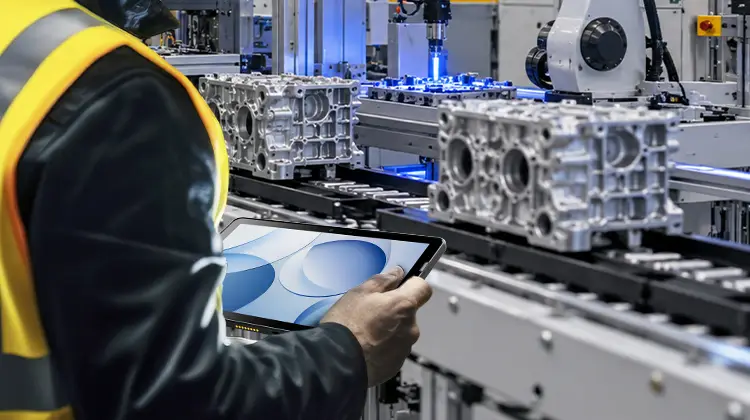
Rugged Android Tablet vs PDA: Field Worker Selection Guide
Product Updates | 2026.10.21Learn More