




What Is a Rugged Android Tablet? Core Features & Scenario Matching
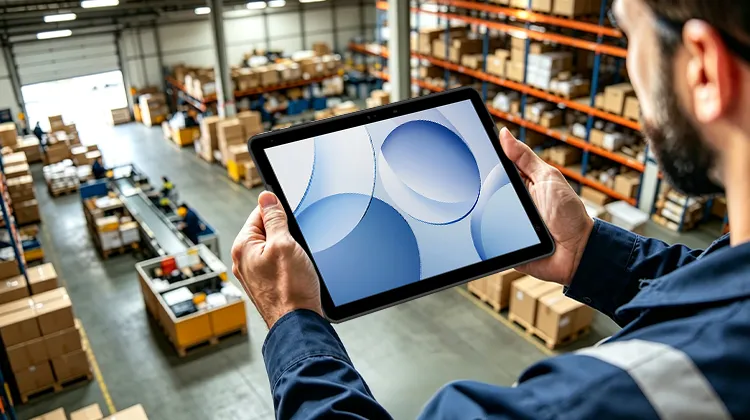
Factory floors, distribution centers, pharmacy medication carts, and power utility inspection routes share one thing in common: consumer-grade tablets retire quickly here. The screen washes out in sunlight. One drop shatters it. Rain and dust creep into ports. It can't connect to scanners or WMS systems. And if the device goes missing, there's no way to remotely wipe it.
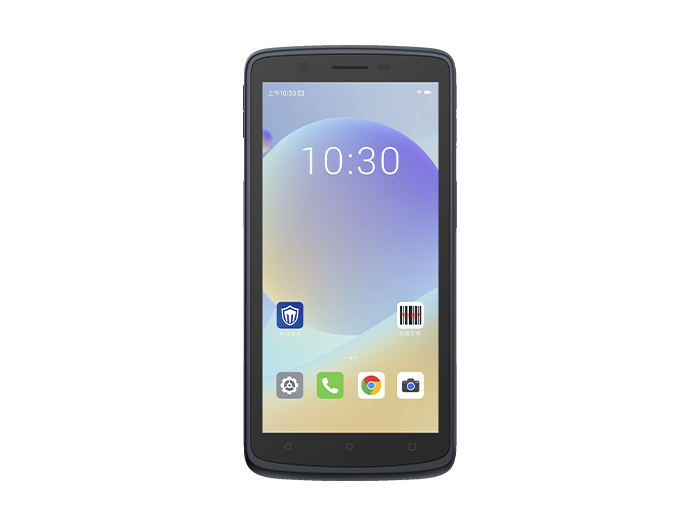
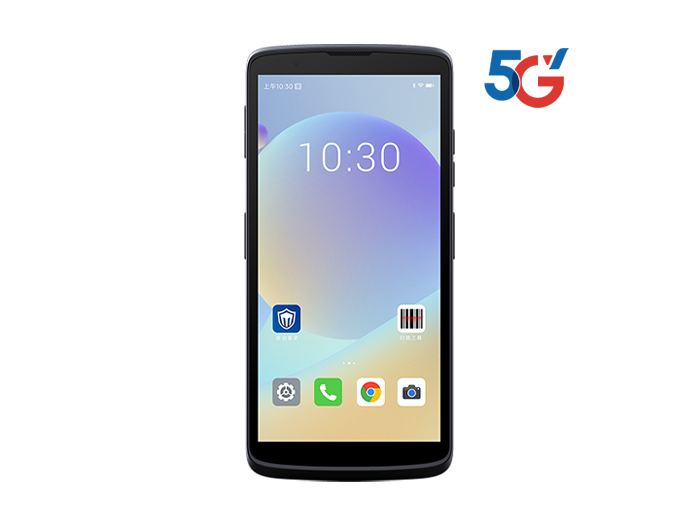
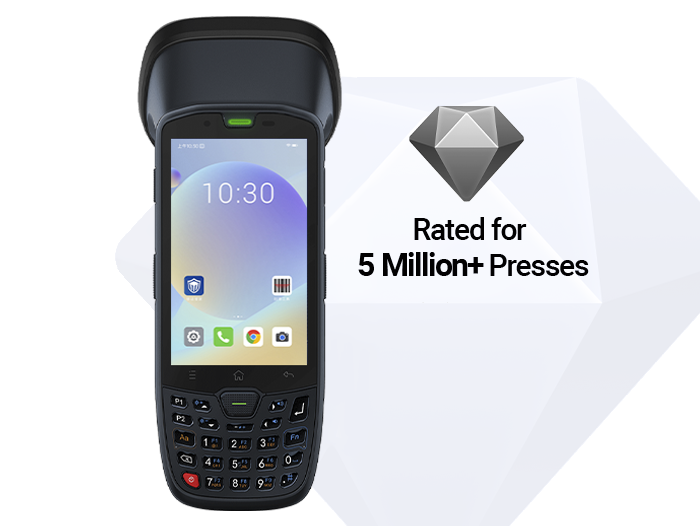
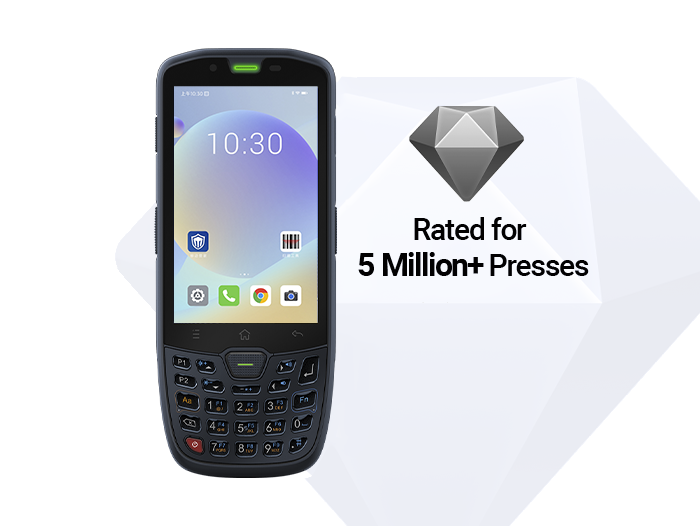
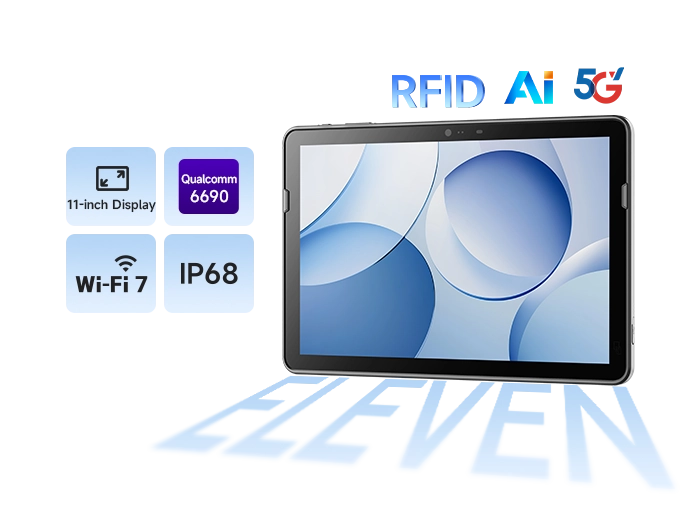
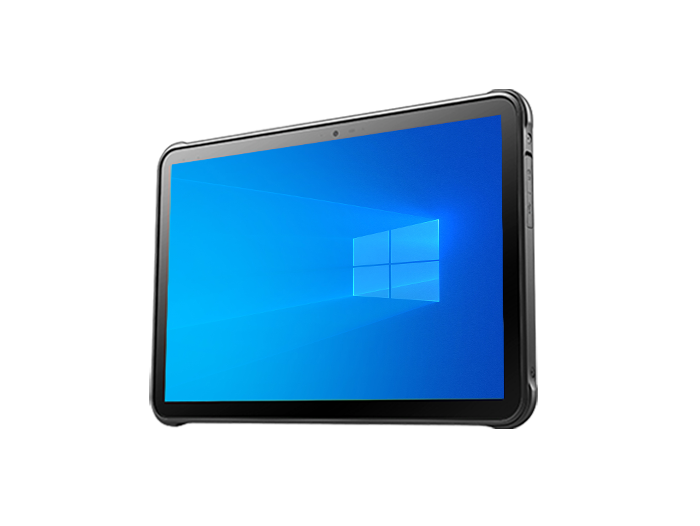
A rugged Android tablet is purpose-built for these environments. It takes the Android OS and packages it into a mobile terminal with reinforced protection, extended battery life, sunlight-readable displays, built-in scanning/NFC/GPS, and enterprise device management — all designed for scalable deployment. For factory managers, warehouse supervisors, field inspectors, and retail operations teams, this isn't just a "tablet" — it's a productivity tool that keeps the operation running.
1. Definition & Key Features: What Exactly Is "Ruggedized"?
1.1 Industrial Android Tablet ≠ Consumer Tablet with a Protective Case
An industrial Android tablet is a ruggedized mobile computing device running Android, designed for enterprise field operations. The core differences from a standard tablet lie in five layers:
Structural layer: Reinforced bezels, shock-absorbing internal frame, Corning Gorilla Glass or industrial touchscreen — built to withstand drops and vibration
Protection layer: IP-rated dust and water ingress protection, optional explosion-proof variants
Display layer: High-nit sunlight-readable screen, glove/wet finger touch support
Power layer: Large-capacity battery with hot-swap capability
Management layer: Native support for MDM and Android Enterprise
Simply put: A standard tablet is an entertainment and office device. An enterprise rugged tablet is a field data terminal.
1.2 IP68 Android Tablet: Dust & Water Protection Depends on Test Conditions
The IP rating comes from IEC 60529, with two digits representing dust and water protection respectively.
IP6X: Fully dust-tight
IPX8: Submersible at the depth and duration declared by the manufacturer
An IP68 Android tablet is dust-tight and protected against continuous immersion — suitable for cleaning and disinfection, rain exposure, outdoor utility work, and agricultural environments. However, note that IP68 does not equal drop protection, nor does it mean the device can withstand high-pressure water jets (that requires IP69K). It also doesn't guarantee permanent sealing as gaskets wear over time. When purchasing, request third-party test reports rather than relying solely on spec sheet claims.
1.3 MIL-STD-810H: Environmental Reliability for Drops and Vibration
MIL-STD-810H is a U.S. Department of Defense environmental test framework covering drop shock, vibration, high/low temperature, humidity, salt fog, and more. For enterprise procurement, the key details to verify are not just whether the device has a "military standard" icon, but:
Drop height (commonly 1.2 m / 1.5 m / 1.8 m)
Drop surface (concrete or carpet?)
Whether corner and edge drops were tested
Whether the vibration profile covers vehicle-mounted scenarios
A truly reliable enterprise rugged tablet typically carries both IP68 and MIL-STD-810H certifications.
1.4 Sunlight-Readable Tablet: Outdoor Screens Aren't About Resolution
Consumer tablets typically offer 300–500 nits of brightness, making them nearly unreadable outdoors due to glare.
For industrial scenarios, we recommend:
Brightness of 800–1000 nits or higher
Anti-reflective coating
Glove mode and wet finger touch support
Adjustable backlight
This is what a sunlight-readable tablet really means: not impressive specs on paper, but the ability for shift workers, outdoor inventory staff, and inspectors to use the device under direct sun without shielding the screen.
1.5 Hot-Swappable Battery Tablet: Replace Batteries Without Shutting Down
Logistics night shifts, continuous inspection rounds, and vehicle-mounted dispatch operations dread one thing: battery failure mid-task.
A hot-swappable battery tablet allows the user to remove the main battery and insert a spare without powering off or losing the WMS/ERP session. With dual batteries or bridge capacitor designs, tasks continue with zero interruption.
Enterprise buyers should also evaluate:
Single battery capacity (8000 mAh or higher is recommended)
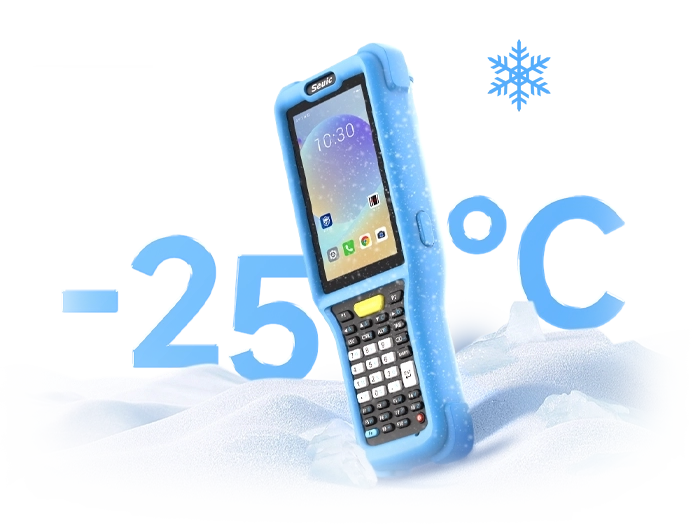
Wide-temperature discharge performance (stable at -20°C)
Whether a backup module prevents RTC/data loss during swap
Whether charging cradles or multi-slot chargers are available
1.6 Data Capture & Interfaces: Can It Connect to Your Business Systems?
Half the value of an industrial Android tablet lies in its external modules and ports:
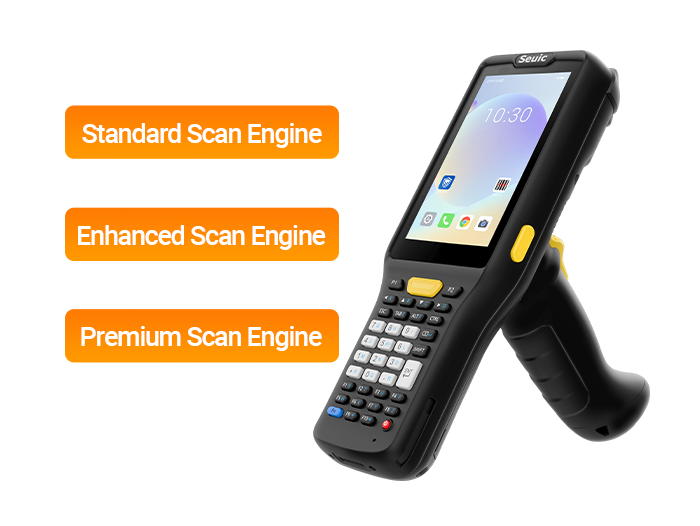
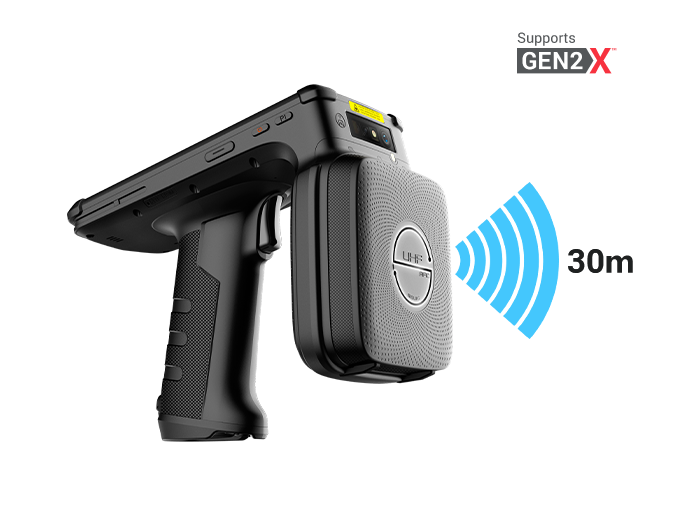
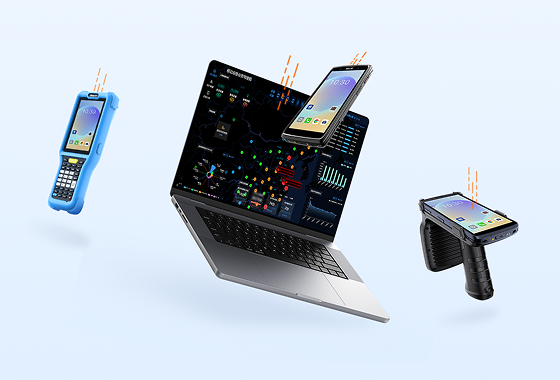
1D/2D barcode scanning, RFID/NFC
RS232/485, CAN bus, RJ45 Ethernet
Locking USB connectors
Fingerprint reader, ID card reader, camera-based OCR
Without these, a tablet is just a screen that runs apps. With them, it becomes a true workstation terminal for production lines, warehouses, and field enforcement scenarios.
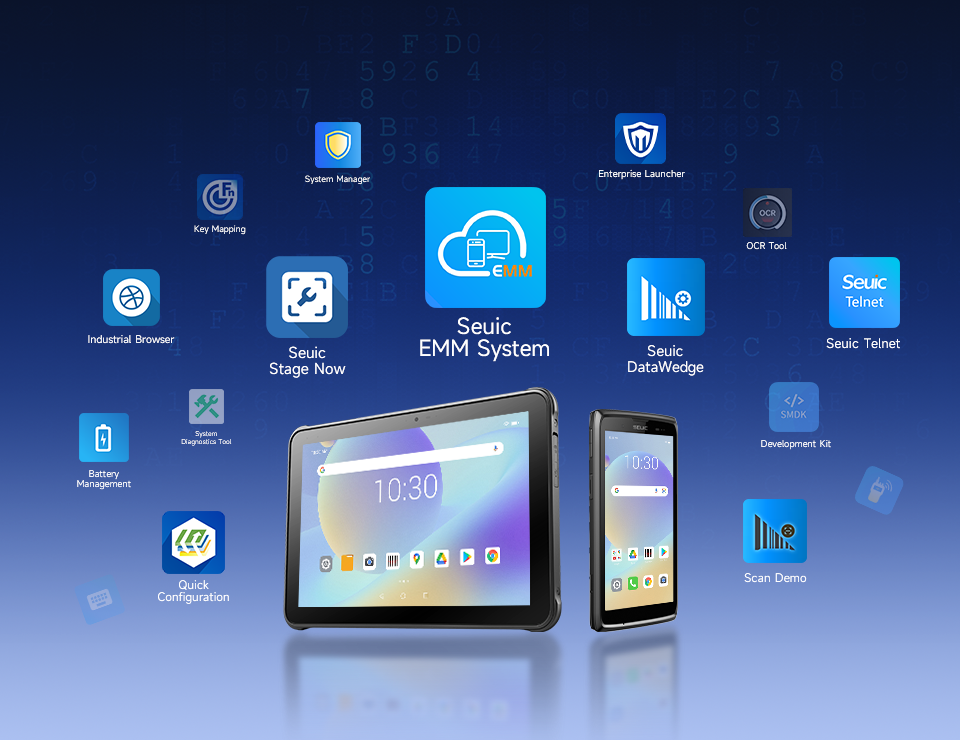
1.7 MDM & Android Enterprise: The Foundation for Scalable Deployment
When device count grows from 10 to 300, manually installing apps, configuring Wi-Fi, and managing permissions becomes unmanageable.
Android Enterprise provides the framework, and MDM platforms implement the policies:
Work Profile: Isolates work data in BYOD scenarios
Fully Managed (COBO): Company-owned, fully managed devices
COPE: Company-owned devices with personal use allowed, but work container isolated
Kiosk / Dedicated Device: Locks the device to a single app — ideal for POS, inspection, and self-service kiosks
Zero-Touch Enrollment: Automatic provisioning at first boot
Managed Google Play: Silent app deployment for enterprise applications
Remote lock, locate, wipe, and compliance reporting
For IT teams, MDM and Android Enterprise are not just "management tools" — they are prerequisites for adding tablets to the corporate asset register.
2. Enterprise Benefits: What Does the Business Actually Gain?
2.1 Reduced Field Failure Rates and Replacement Costs
Consumer tablets have short lifespans in environments involving handling, rain, drops, and frequent port plugging. Rugged devices use structural redundancy to turn "accidental drops" from catastrophic events into routine incidents.
Manufacturer case studies show reduced repair frequency and lower TCO in warehouse and inspection scenarios. However, enterprises should validate these claims through their own pilot programs rather than relying solely on vendor numbers.
2.2 Uninterrupted Operations: Continuous Inventory, Inspection, and Patient Care
Hot-swappable batteries → no disruptions during shift handovers
Sunlight-readable screens → no need to go indoors to record data
Built-in scanning/NFC → write directly to WMS/MES/EMR in real time
4G/5G + Wi-Fi roaming → synchronization even in dead zones
One energy utility inspection team reported nearly 40% improvement in inspection efficiency and a 50% reduction in fault reporting response time after replacing paper forms. However, these results assume the backend systems are already integrated — hardware alone doesn't deliver them.
2.3 Data Accuracy: From "Enter Later" to "Capture Now"
Paper-based records commonly suffer from missing entries, transcription errors, and delays. With rugged tablets and barcode/RFID integration:
Receiving and shipping error rates drop
Inventory accuracy improves to 99%+
QC checkpoints enforce mandatory data entry
Signatures, photos, and timestamps create an auditable trail
In healthcare, nursing cart tablets reading patient wristbands and recording vitals at the bedside are far more reliable than returning to the nurse station to enter data later.
2.4 IT Manageability: Lost Devices Protected, Employee Privacy Respected
MDM and Android Enterprise address several real operational pain points:
Lost device → remote lock + wipe work container
Employee-owned devices → work data isolated, personal photos invisible to IT
Company-owned devices → sideloading disabled, only Managed Google Play apps allowed
Inspection devices → Kiosk mode locks to business apps only
For hospitals, government agencies, and logistics companies, this capability directly affects compliance and audit outcomes.
2.5 Cross-Scenario Reuse: One Terminal for Multiple Roles
The same industrial Android tablet can be configured for different roles:
Warehouse: Barcode scanning + WMS + hot-swappable battery
Production QC: Photo-based quality inspection + forms + glove touch
Inspection: NFC meter reading + GPS + offline cache
Retail store: POS kiosk mode / inventory counting
Healthcare: Wristband reading + EMR access
This approach simplifies IT management compared to buying dedicated handhelds, dedicated POS terminals, and dedicated meter-reading devices separately.
3. How to Choose the Right One: Selection Based on Scenarios, Not Marketing Claims
Step 1: Define Scenario Risks First, Then Choose IP and Military Standards
| Scenario | Recommended Minimum |
| Warehouse / Retail | IP65, 1.2 m drop |
| Outdoor Inspection / Utility | IP68, MIL-STD-810H, wide temperature range |
| Medical / Nursing Cart | IP68, disinfectant-ready housing, NFC |
| Chemical / Gas | Explosion-proof certification (ATEX / IECEx) optional |
| Vehicle-Mounted | Shock resistance + vehicle dock + constant power |
Don't blindly chase IP69K — unless you're in a high-pressure washdown environment, IP68 is usually sufficient.
Step 2: Choose Screen Brightness Based on the Brightest Workstation
Indoor shelving: 600 nits acceptable
Semi-outdoor loading dock: 800 nits
Full-day outdoor / strong sunlight: 1000 nits + anti-glare
Healthcare glove scenarios: Must test glove touch performance
Step 3: Calculate Battery Needs by Shift, Not by mAh Claims
Ask three questions:
How many hours per shift? Can the battery be swapped mid-shift?
Will the device operate in low-temperature environments?
Does it support hot-swappable battery without shutting down?
Night-shift logistics and inspection operations should prioritize hot-swappable battery tablets.
Step 4: Verify Android Enterprise Compatibility
Before purchasing, ask the vendor:
Does it support Fully Managed and/or Work Profile?
Does it support Zero-Touch Enrollment or QR-based bulk enrollment?
Which MDM platforms are compatible (VMware, Microsoft Intune, SOTI, ManageEngine, etc.)?
Can Play Store sideloading be disabled?
Does Kiosk mode lock the device cleanly to a single app?
Step 5: Choose Interfaces and Modules Based on System Integration Needs
When you already have a WMS, MES, or ERP system, don't evaluate the tablet in isolation:
Barcode engine (close-range vs. long-range 10 m high-bay scanning)
NFC / RFID
Serial port for legacy equipment
Fingerprint reader / ID card reader
Camera OCR capability
SDK availability
Step 6: Pilot Small Batches Before Scaling
Run a pilot with 5–20 units for 2–4 weeks, measuring:
Number of drops and resulting damage
Actual battery life under real workload
Sunlight readability (subjective scoring by operators)
Wi-Fi roaming disconnections
MDM policy conflicts
Repair and spare device turnaround time
A rugged Android tablet is not a toughened version of a consumer tablet. It is a purpose-built enterprise terminal that packages IP68 protection, military-standard drop resistance, a sunlight-readable display, hot-swappable battery life, barcode scanning, and MDM Android Enterprise management into a single device.
For factories, warehouses, hospitals, and utilities, the reason to choose one is rarely "we want to buy a tablet." It's about extending data capture from the office to the production line, the shelf, the meter pit, the nursing cart, and the inspection route.
The selection sequence is clear: define scenario risks first → then choose protection and display → then battery and modules → finally verify MDM scalability. Hardware specs are just the entry ticket. Whether it can integrate with your systems, be managed remotely, and survive a 12-hour shift determines whether it's a qualified enterprise rugged tablet.
If your scenario involves warehouse inventory or outdoor inspection, feel free to contact SEUIC. We will arrange one-on-one expert service to customize a solution for you.
Related News
-
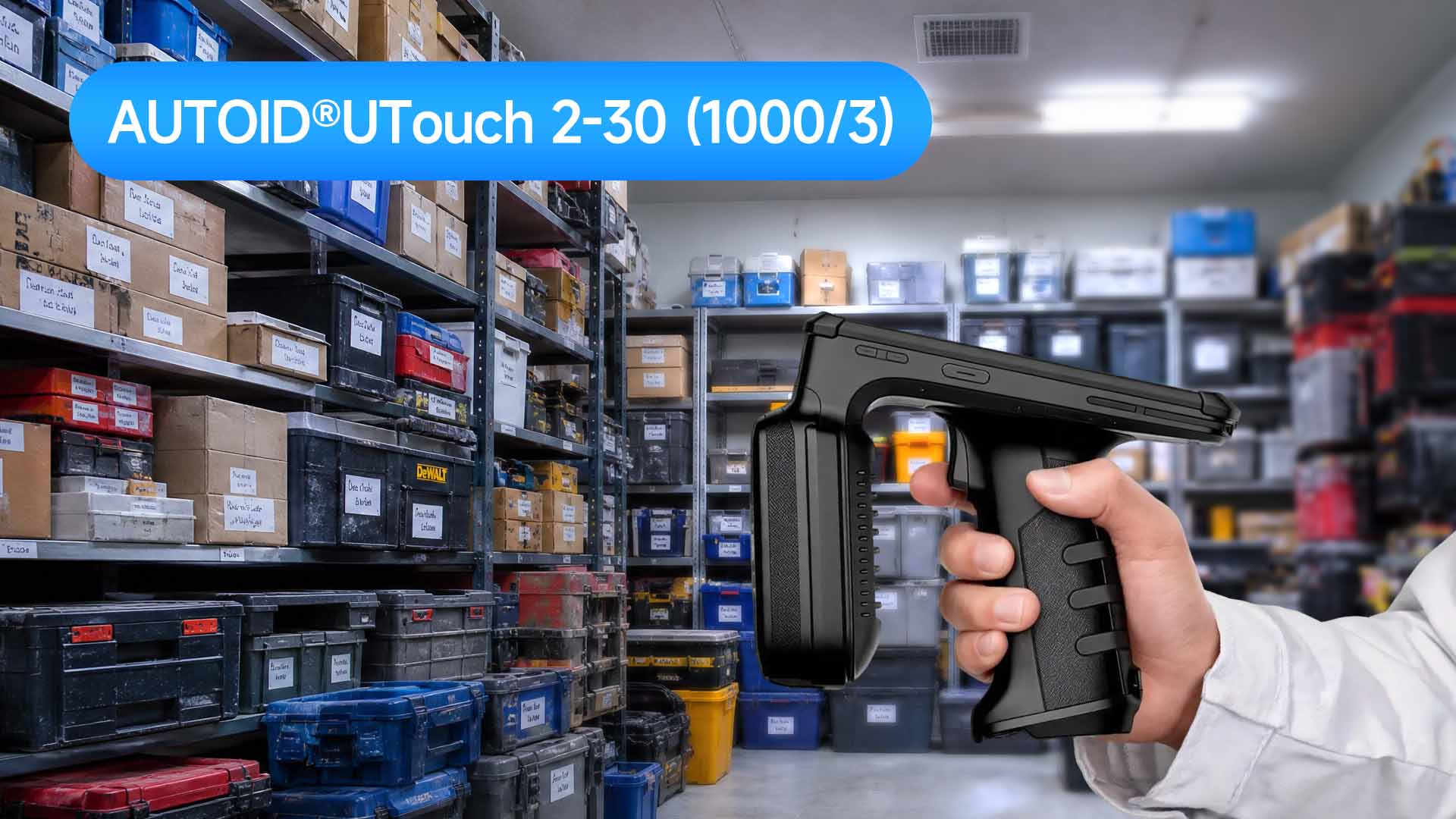
Double Efficiency High-Bay Inventory: Normal vs Ultra-Long Range UHF RFID Handheld
Product Updates | 2026.11.04Learn More
-
India RFID Supplier Selection: Industrial Procurement & Audit Guide
Product Updates | 2026.11.04Learn More
-
RFID Inventory for Beverages & Fresh Food: Handheld Reader Selection Guide
Product Updates | 2026.11.04Learn More
-

RFID Manufacturer Selection: China vs India Sourcing Decision Guide
Product Updates | 2026.11.04Learn More